Migrate from SSRS to Bold Reports®
Overview
This guide is the primary entry point for migrating SQL Server Reporting Services (SSRS) reports to Bold Reports®. It walks you through planning, compatibility assessment, manual and bulk migration, validation, and troubleshooting so you can move your reporting environment with confidence.
Bold Reports® is built on the same Report Definition Language (RDL) architecture as SSRS. You can import existing reports, expressions, parameters, datasets, and layouts with minimal modifications, and most standard SSRS expressions and report definitions require little to no rework. Use this guide whether you are moving a handful of reports or an entire enterprise reporting estate.
Key Concepts
The terms below appear throughout this guide and set the baseline for everything that follows.
Report Definition Language (RDL)
RDL is the XML-based schema that defines a report's structure, data connections, expressions, and layout. Both SSRS and Bold Reports® use RDL, which is why most reports migrate without needing redesign.
SSRS (SQL Server Reporting Services)
Microsoft's on-premises reporting platform. It hosts RDL reports, shared data sources, and shared datasets, and provides rendering, scheduling, and delivery features.
Bold Reports®
A modern, web-based reporting server and embedded reporting platform. It supports the same RDL reports as SSRS and adds capabilities like self-service design, modern framework support, and embedded reporting.
Shared Data Sources and Shared Datasets
Reusable connection definitions (data sources) and reusable queries (datasets) that multiple reports reference. Migrating these first is essential because reports depend on them.
Categories
Folders or organizational structures in SSRS and Bold Reports® used to group reports. Preserving categories during migration keeps your information architecture intact.
Who Should Use This Guide
This guide is written for:
-
Report Server Administrators.
-
SSRS Administrators.
-
System Architects.
-
Developers / Implementation Engineers.
-
Enterprise Reporting Teams.
-
Organizations evaluating SSRS replacement options.
Use Cases
Common reasons teams use this guide include:
-
Modernize your reporting platform while preserving existing RDL report investments.
-
Move off aging infrastructure that is costly to maintain.
-
Standardize on a web-based report server with self-service design and .NET / .NET Core support.
-
Add embedded reporting to your applications without losing SSRS compatibility.
-
Run bulk migrations of dozens or hundreds of reports with shared data sources, datasets, and category structures.
-
Evaluate Bold Reports® as a replacement for SSRS before committing.
Why Migrate to Bold Reports®
Organizations migrate from SSRS to modernize their reporting infrastructure while keeping the report investments they have already made.
Benefits of Bold Reports®:
- Native RDL report support.
- Familiar reporting experience for SSRS users.
- Modern report management capabilities.
- Self-service report design.
- Web-based report server.
- Modern framework support, including .NET and .NET Core.
- Flexible deployment options (on-premises, cloud, or container deployment via Docker, Kubernetes, or Linux).
- Embedded reporting capabilities for web and SaaS applications.
Migration Process at a Glance
At a high level, migrating from SSRS to Bold Reports® involves four steps:
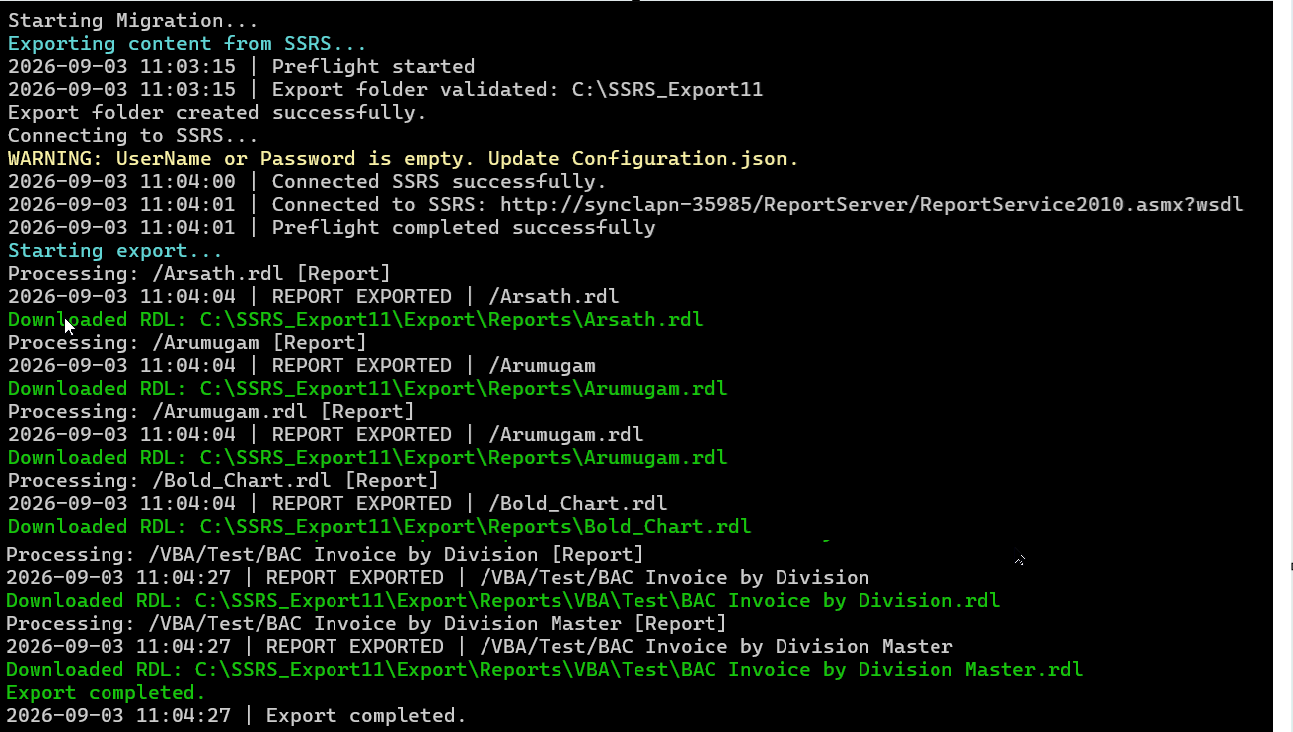
- Exporting reports and resources from SSRS.
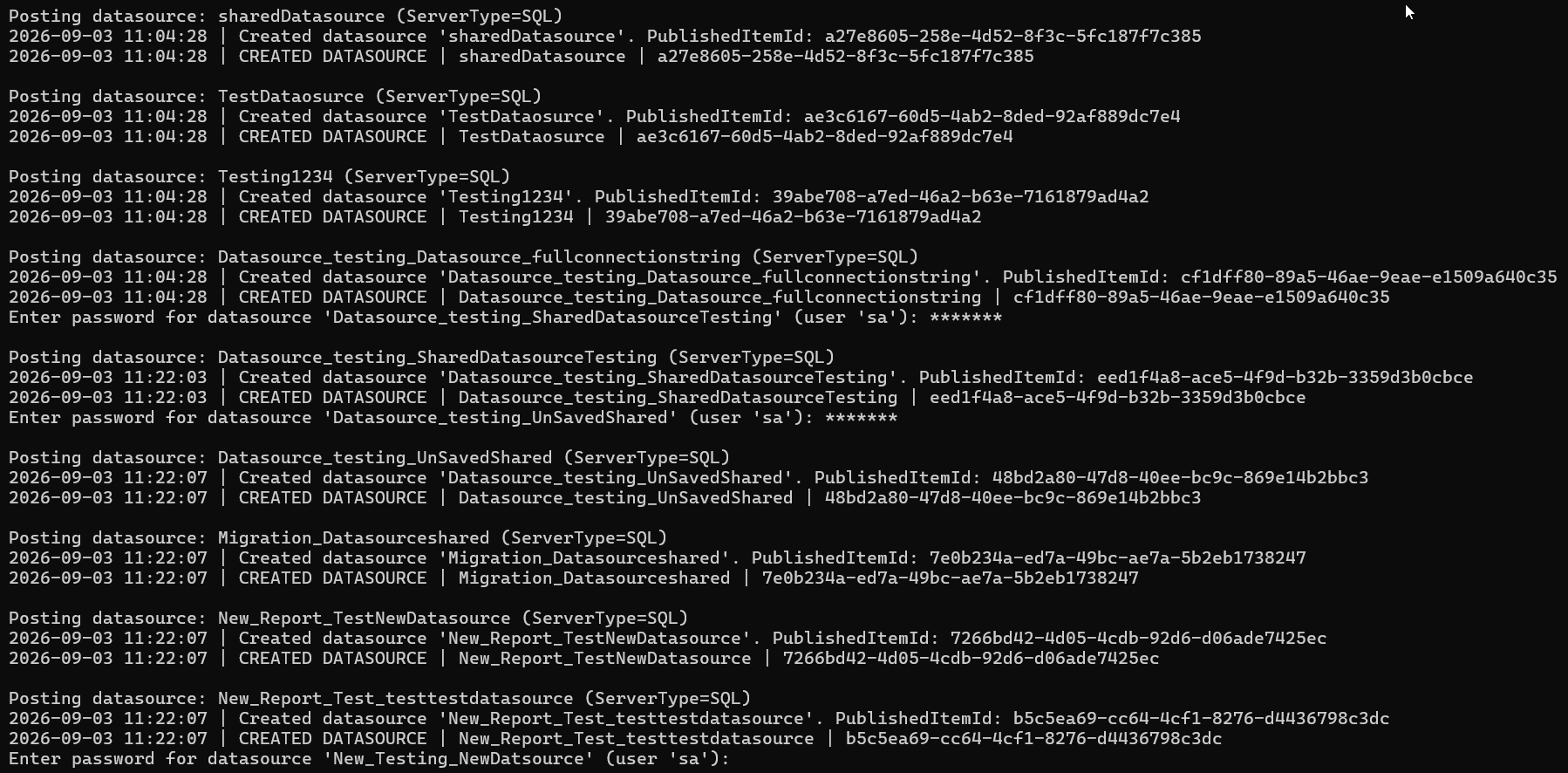
- Creating a data source and configuring the database connection in Bold Reports®.
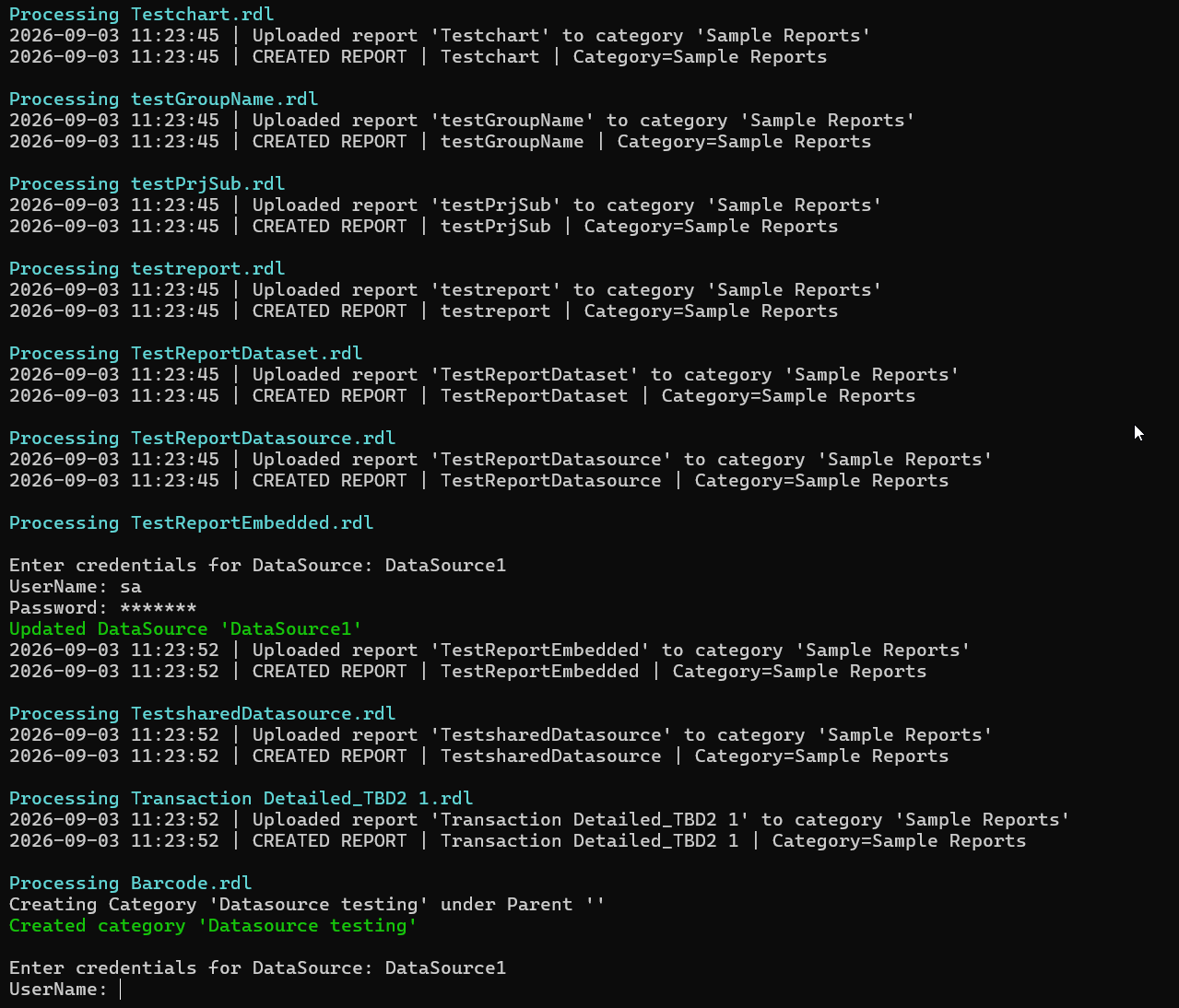
- Uploading RDL reports to Bold Reports®.
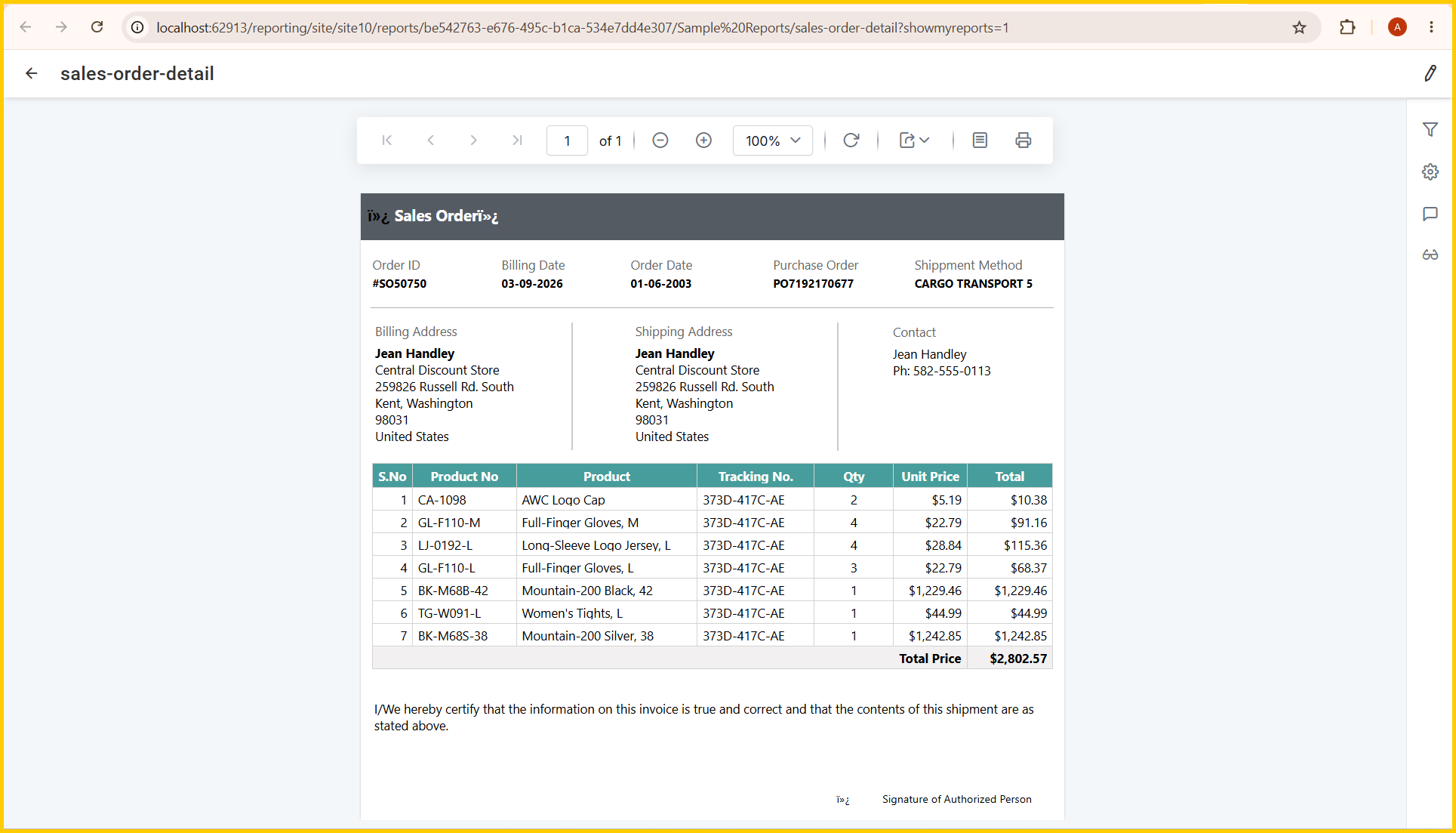
- Validating migrated reports in the Report Viewer.
Where to Go Next
Use the table below to jump straight to the page that matches your current step.
| Steps | Page |
|---|---|
| Confirm access and readiness | Prerequisites & Planning |
| Migrating a small number of reports | Manual Migration |
| Migrating dozens/hundreds of reports | Automated & Bulk Migration |
| Confirm what will and won't need rework | SSRS Compatibility |
| Confirm reports work post-migration | Post-Migration Validation |
| Something didn't work | Troubleshooting |
Related Articles
For additional background on why organizations move away from SSRS, see:
-
SSRS Replacement Guide: Why and How to Transition to Modern Reporting
-
Bold Reports® vs SSRS: A Modern Alternative for Efficient Reporting
This guide is intended to be the central migration hub. Please route future SSRS-migration documentation updates through these pages rather than creating new standalone articles.