Upload file to Report Server
This section explains how to upload file to Bold Reports® On-Premise Report Server, enabling users and administrators to manage various file types efficiently. Below is a step-by-step guide on uploading file in Bold Reports®:
Steps to upload a file
-
Click on the
[+]icon from the left side panel and select theUpload Fileoption from the menu.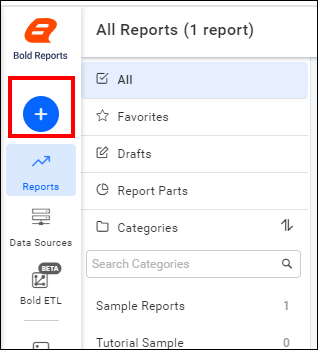

-
In the upload dialog, provide a Name and optional Description for the file.

If the name field is left blank, the system will auto-populate it with the name of the uploaded file.
-
Click the
Browsebutton to choose a file from your device.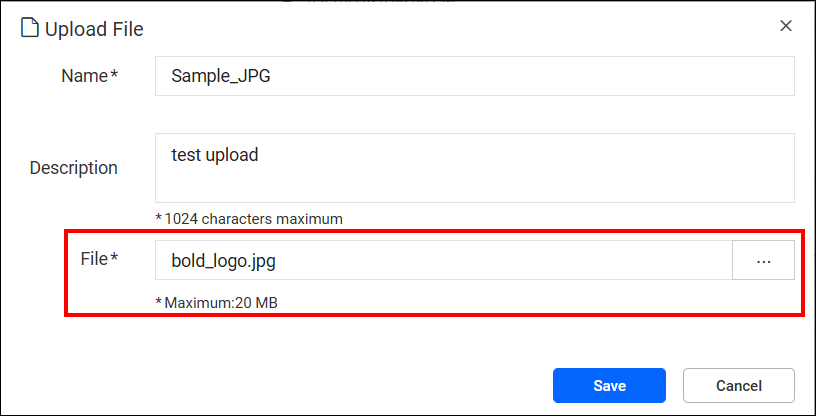
Supported file formats include
.jpg,.jpeg,.png,.html,.pdf,.jsonand.pfx -
Click
Savebutton to add the selected file to the Report Server.