Uninstallation of Standalone Report Designer
To uninstall the Standalone Report Designer from your machine, follow these steps:
-
In the Start menu, search for
Control Paneland select it to open. -
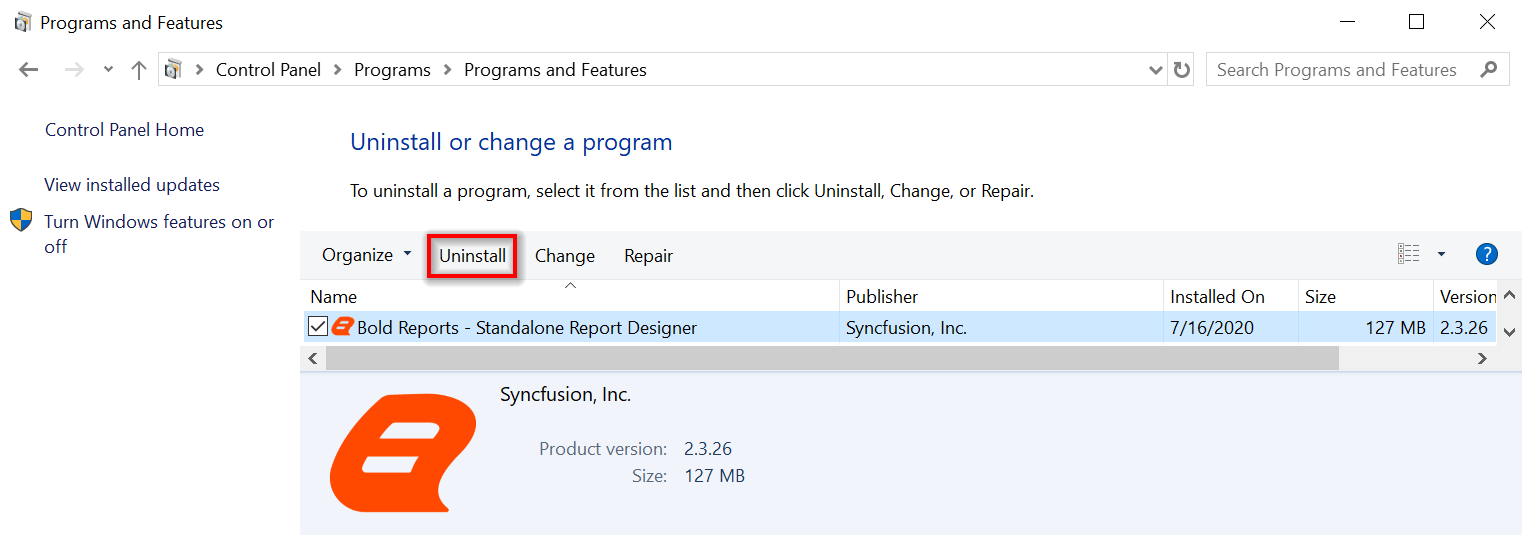
In the Control Panel, click Programs and Features.
-
Search for
Bold Reports Designerin the Programs and Features search bar and press Enter. -
Click Uninstall.
-
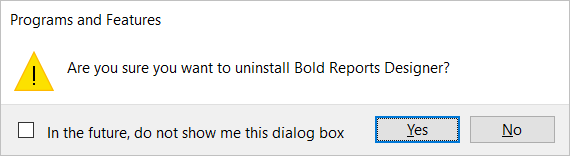
Click Yes to confirm the uninstallation of Bold Reports® Designer.
-
The Standalone Report Designer setup will be uninstalled from your machine.