How to configure the custom fonts in Standalone Report Designer
Configure the custom fonts as shown in the following steps.
-
Place the required font file in the following location.
{Installed Location}\Bold Reports\Report Designer\CustomFonts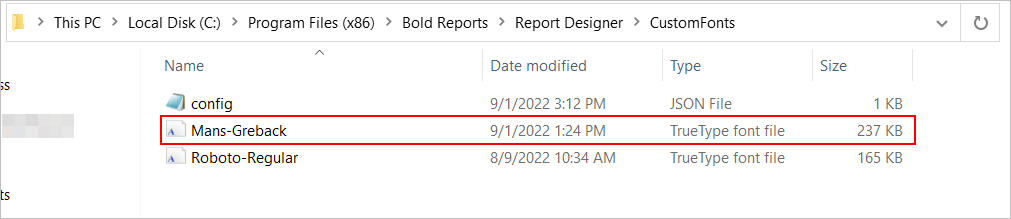
-
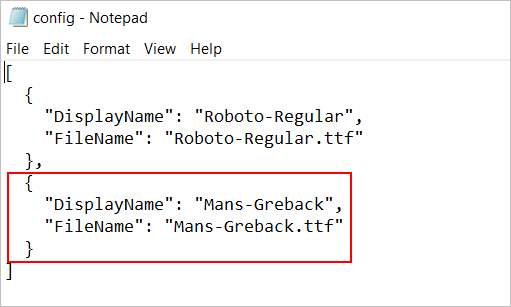
Configure your custom fonts into the config.json file.
-
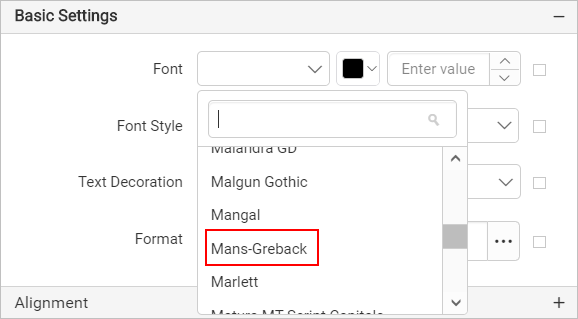
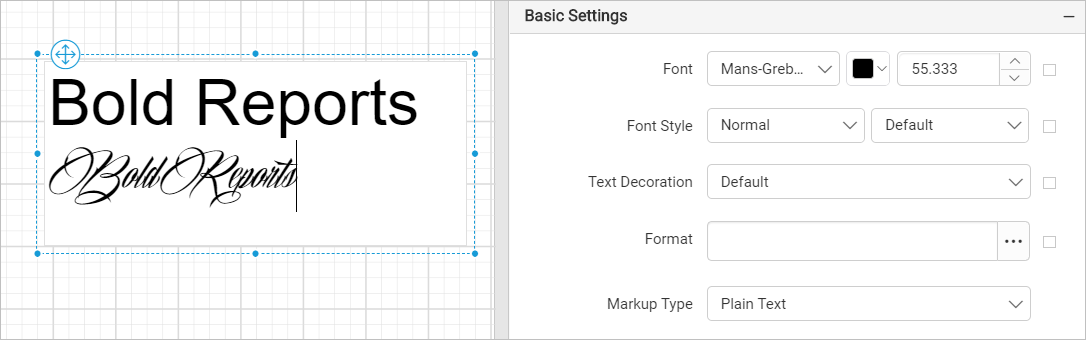
Close the application and reopen it to load your custom fonts in the designer. The newly added font is added in the designer, as shown in the following image.
-
Design the report with newly added custom fonts.
-
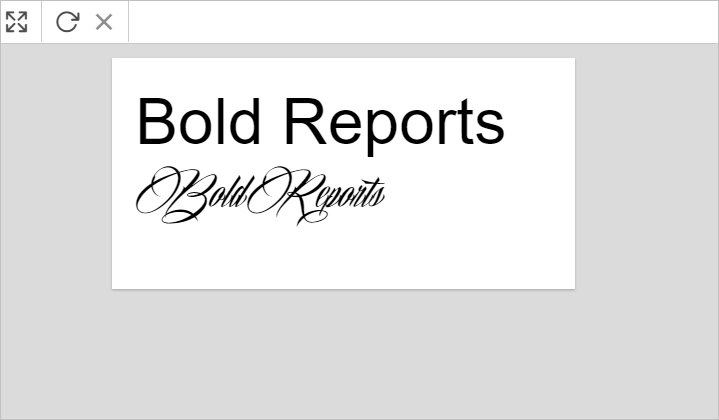
Then, preview the report to see the newly added custom font style.