Admin Utility for Bold Reports® version 2.4 or older
The Bold Reports® admin utility for version 2.4 or older is a command-line tool that you run from the {Deployed Location}\Utilities\AdminUtils folder.
How do I use the admin utility in version 2.4 or older?
You run the Bold Reports® version 2.4 or older admin utility from a command prompt opened in the admin utility location.
-
Switch the admin utility location to
{Deployed Location}\Utilities\AdminUtils. The following screenshot shows the admin utility folder.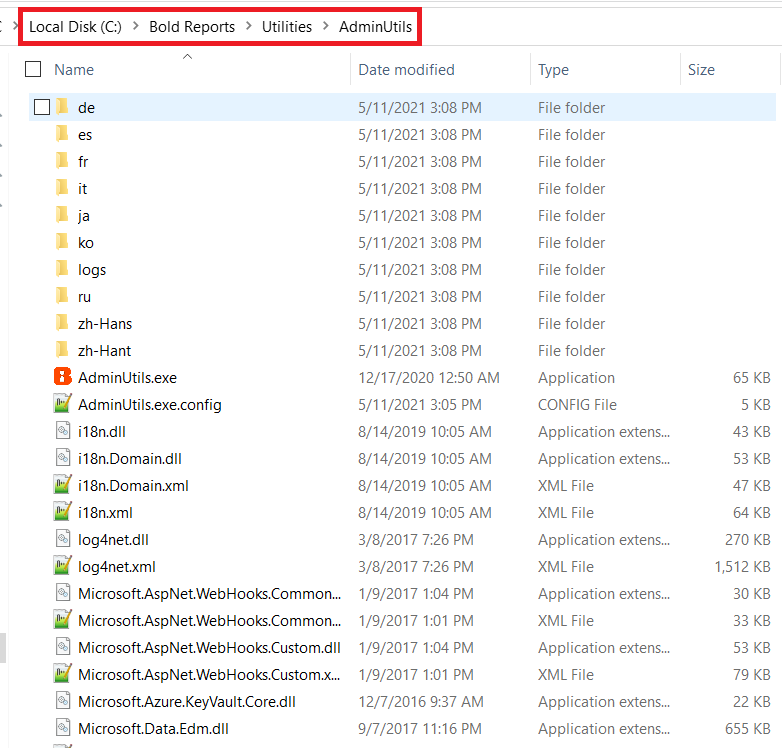
NOTE: By default, Bold Reports® will be deployed on
C:\Bold Reports. -
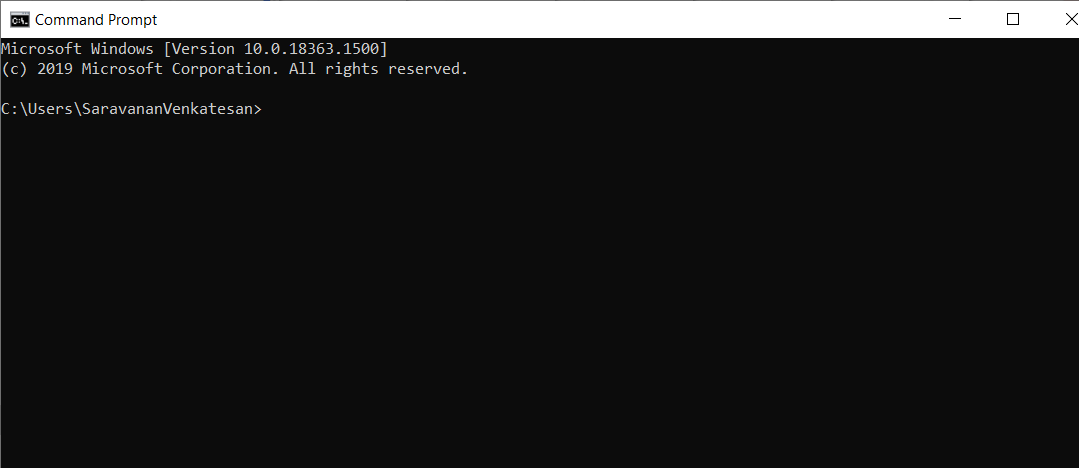
Open the command prompt.
-
Change the command prompt directory to the admin utility location with the following command:
cd C:\Bold Reports\Utilities\AdminUtils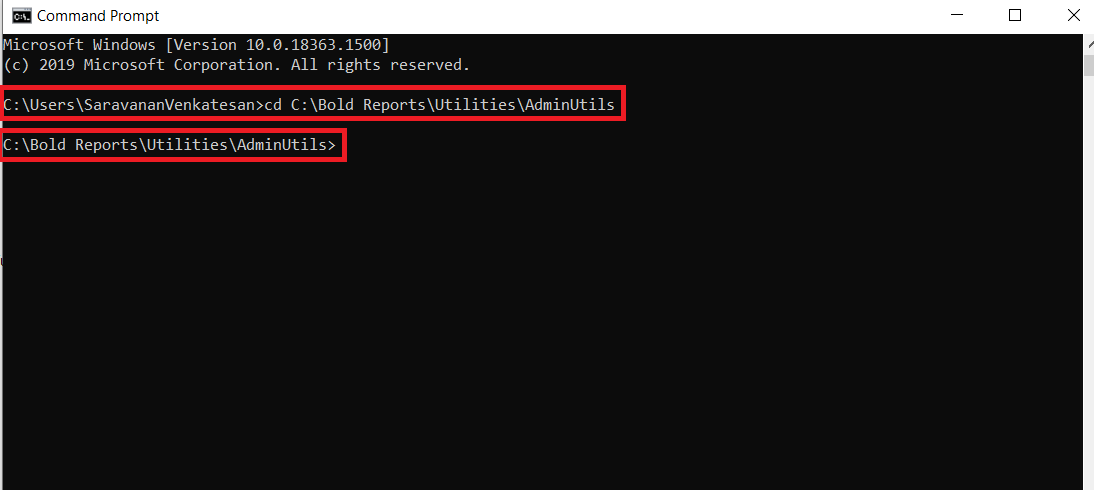
Which commands are available in version 2.4 or older?
The Bold Reports® admin utility for version 2.4 or older supports the following commands: