Reset Password for Bold Reports® version 2.4 or older
You can reset the current password of any Bold Reports® user in version 2.4 or older with the admin utility, using their email address.
How do I reset a user password in version 2.4 or older?
To reset a Bold Reports® version 2.4 or older user password, run the AdminUtils.exe reset command from the admin utility location. Follow these steps:
-
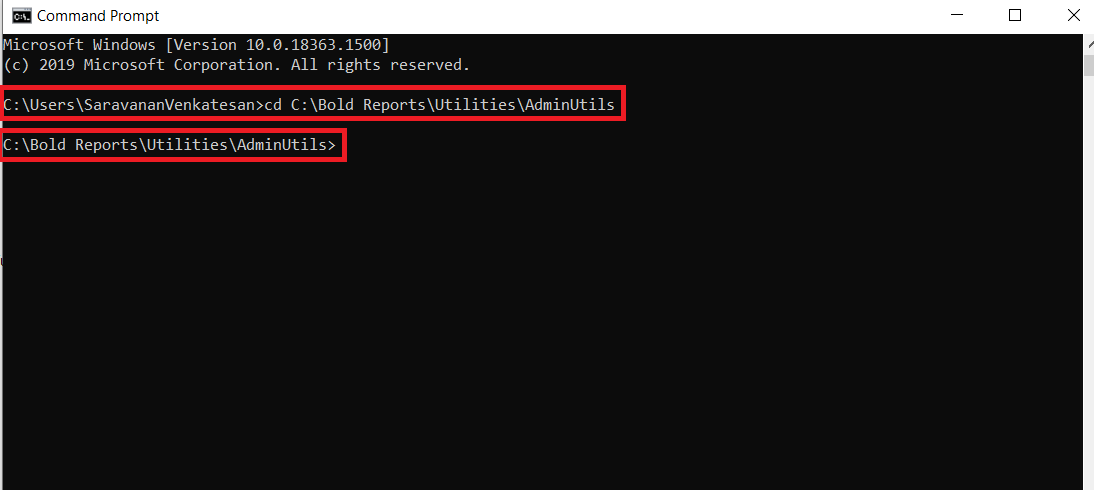
Open the command prompt and change the directory to the admin utility location.
cd C:\Bold Reports\Utilities\AdminUtilsThe following screenshot shows the command prompt in the admin utility location.
-
Run the following command to reset the password:
AdminUtils.exe reset -u 'user email here' -p 'new password here'
-
After the password resets successfully, the user can log in with the new password.