Introduction
This Bold Reports® Free Tier User Guide helps you explore the essential features of Bold Reports® without a subscription. This guide helps users understand and use the platform’s core capabilities, including creating reports, managing data sources and datasets, and scheduling report delivery.
Getting Started: Registration
-
Click Try it for Free on the Bold Reports® page.

-
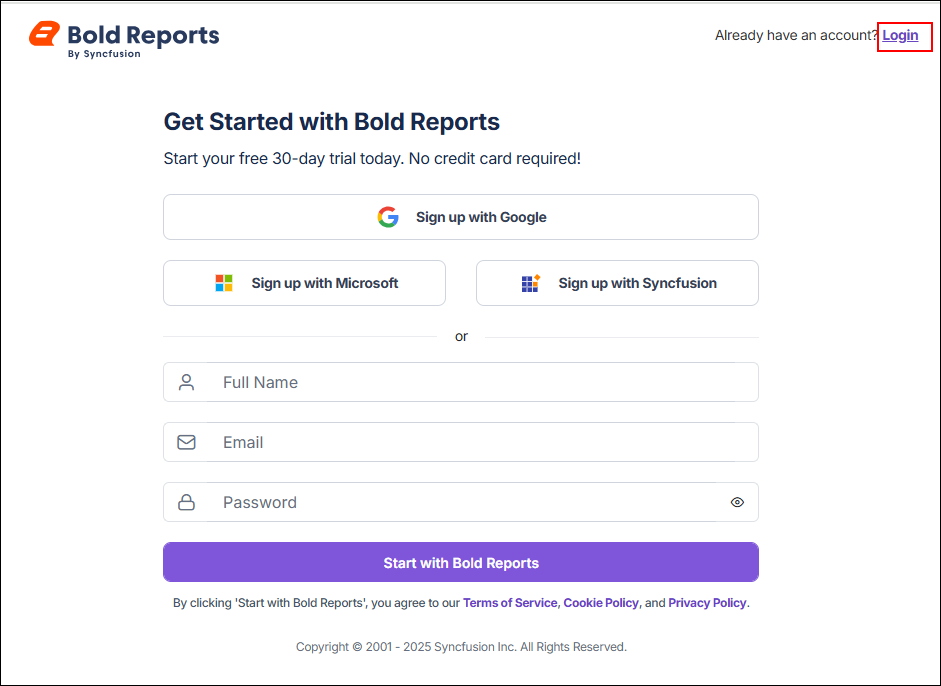
If you already have an account, click the Login link to sign in with your existing credentials.
-
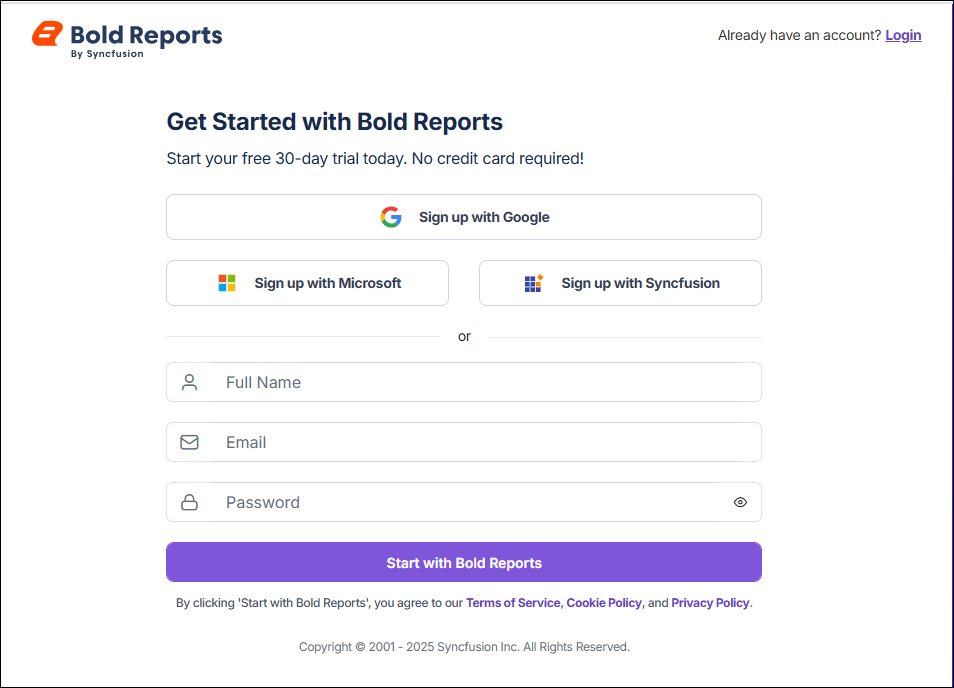
Otherwise, sign up using your Google, Microsoft, or Syncfusion® account, or manually enter your details by providing your full name, work email address, and password. Then, click Start with Bold Reports®.
-
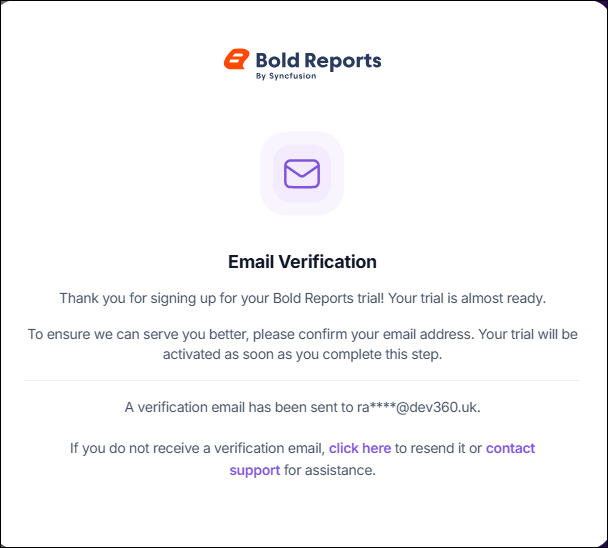
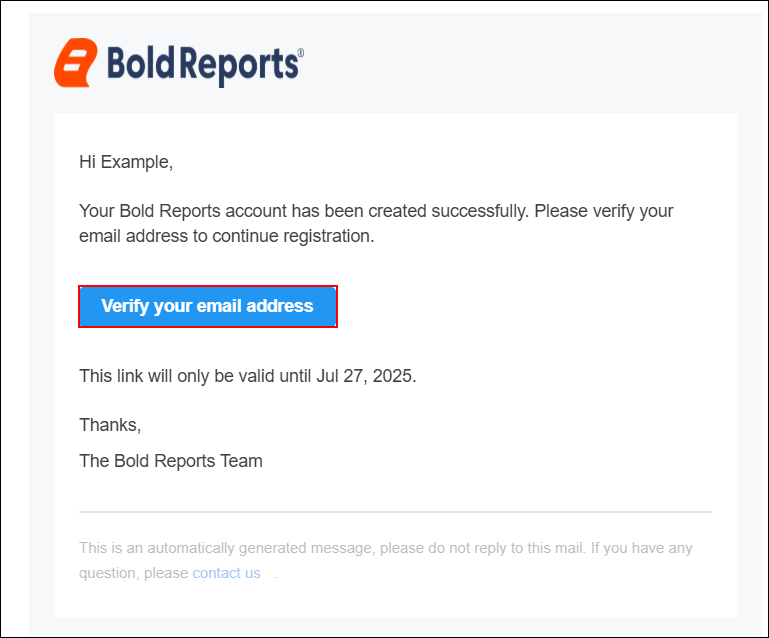
After clicking Start with Bold Reports®, an email verification pop-up appears, and a verification email is sent to the registered email address. Open the email and click the Verify your email address button to complete the registration process. The verification link is valid only until the specified expiration date.
-
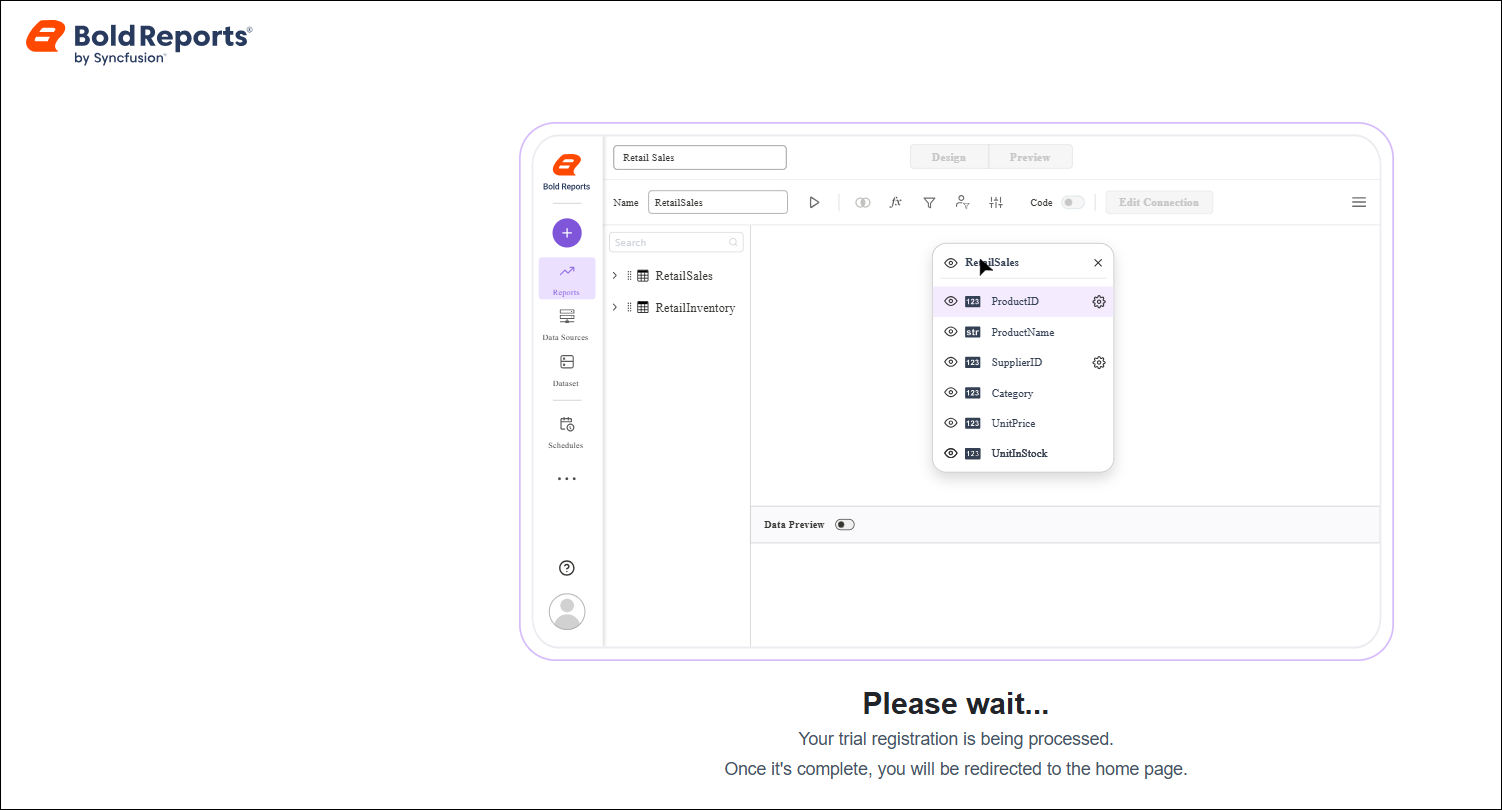
After clicking Verify your email address, a page appears indicating that your trial registration is being processed. When verification is completed successfully, you are redirected to the home page. If a network or other issue occurs during the process, you are redirected to the accounts page instead.
Post-Registration Overview
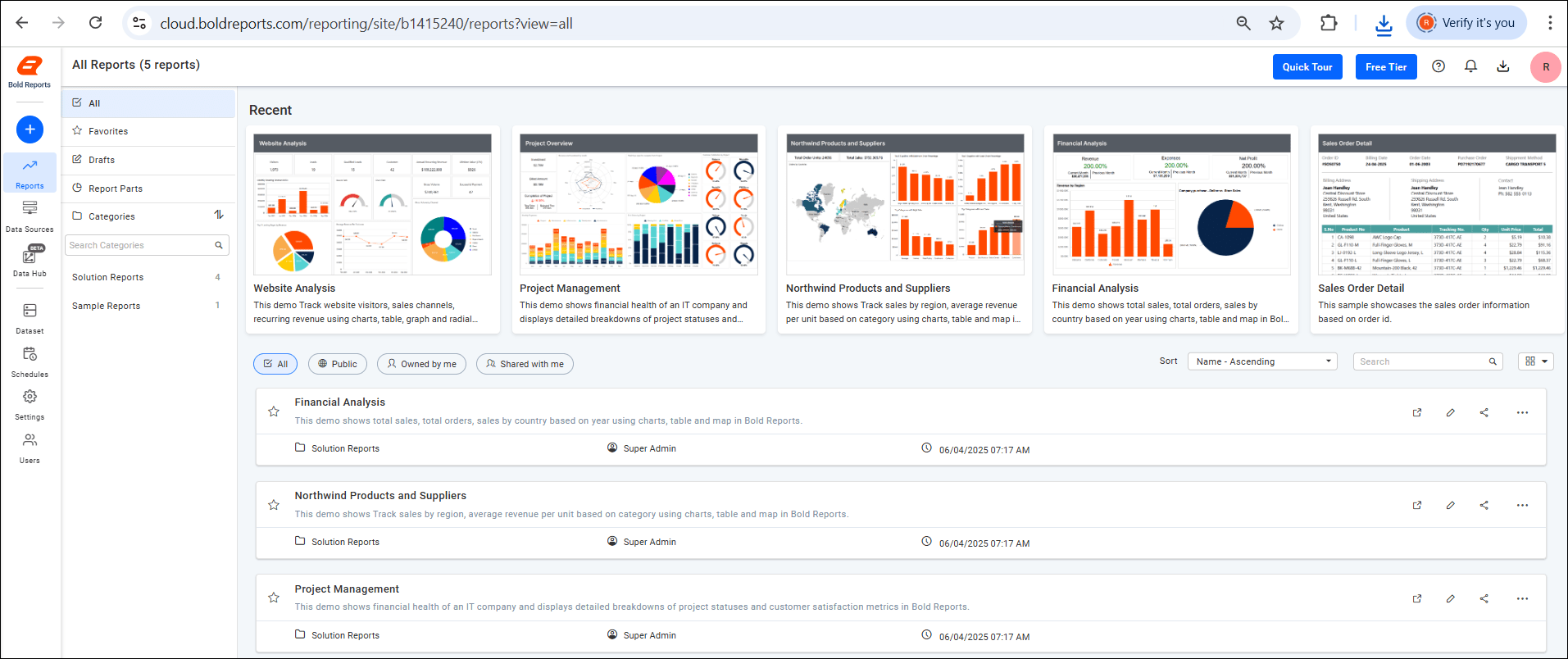
Once registration is complete, users are redirected to the Bold Reports® Free Tier Dashboard, where they can:
- Navigate the main menu to access key sections such as Reports, Data Sources, Data Hub, Datasets, Schedules, Settings, Users, and more.
- Organize reports by categories to maintain a structured and easily navigable workspace.
- Customize the report list using sorting options to tailor the view to their preferences.
- Access recently viewed reports in the Recent section, allowing them to quickly resume where they left off.
- Use the search bar to find reports by name or category.
- Manage their account with administrative access, including updating their profile.
Note: If the site remains inactive for 15 days, it will be automatically deleted, including any content associated with your account name.
Quick Tour
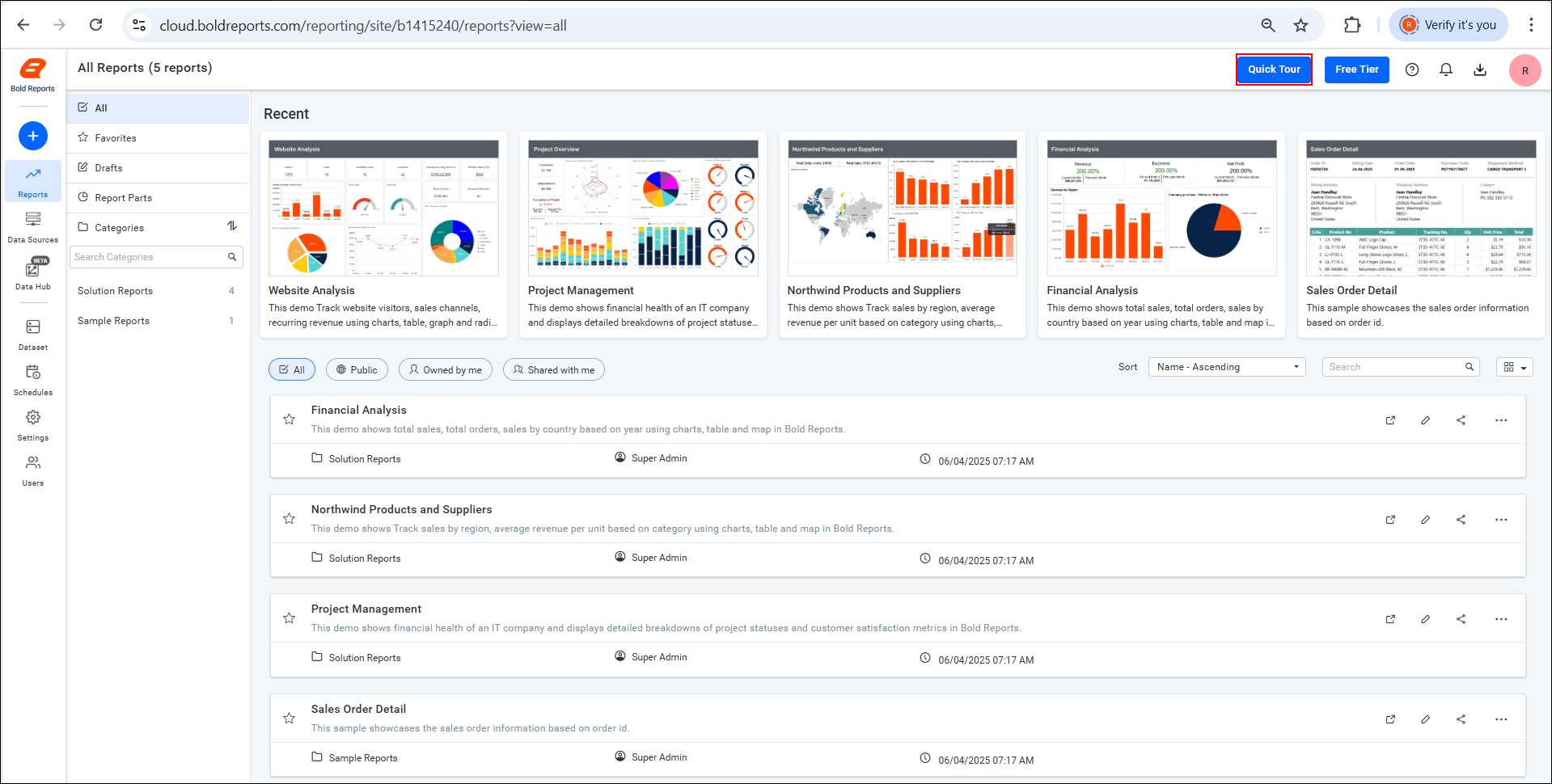
Get familiar with the Bold Reports® Free Tier Dashboard through a quick overview of its key features.
Free Tier
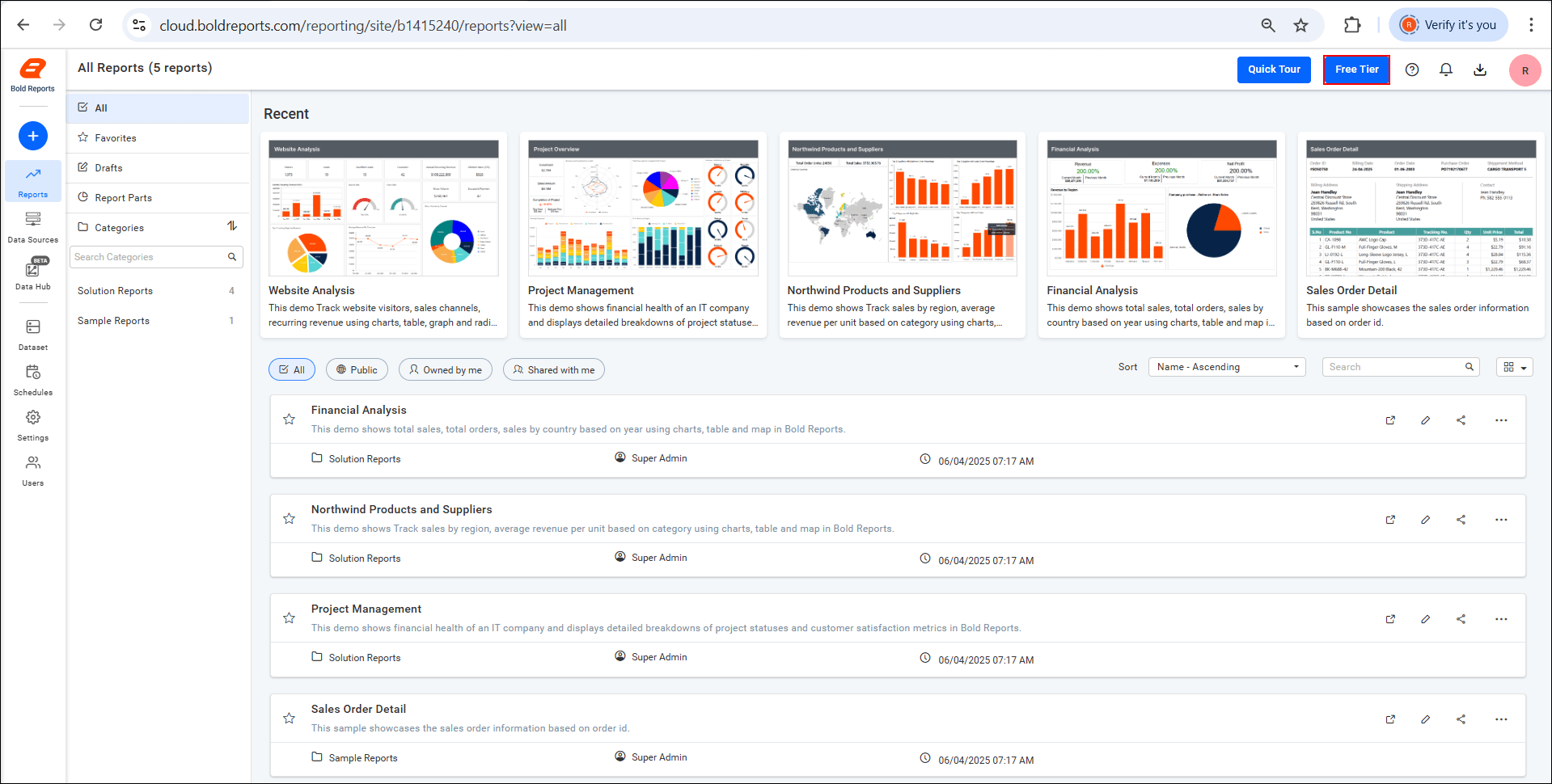
The Free Tier provides access to essential reporting features, enabling users to explore Bold Reports® with limited resources and support.
To access additional capabilities, upgrade to a paid plan to get:
- Backup & Disaster Recovery - Keep your data safe and recover quickly from unexpected issues.
- Live Chat Support - Get real-time assistance from the support team, including support via WhatsApp.
- 24/5 Assistance - Reach the support team during business hours throughout the week.
- Infrastructure options - Choose between shared cloud or managed dedicated deployments based on scale, security, and performance requirements.
- On-premises edition - Install Bold Reports® on your own servers or private cloud for additional data control and customization.
Note: The Free Tier does not include these premium features. To access them, consider upgrading to a paid plan.
Download
- Click the Download icon located at the top-right corner of the dashboard.
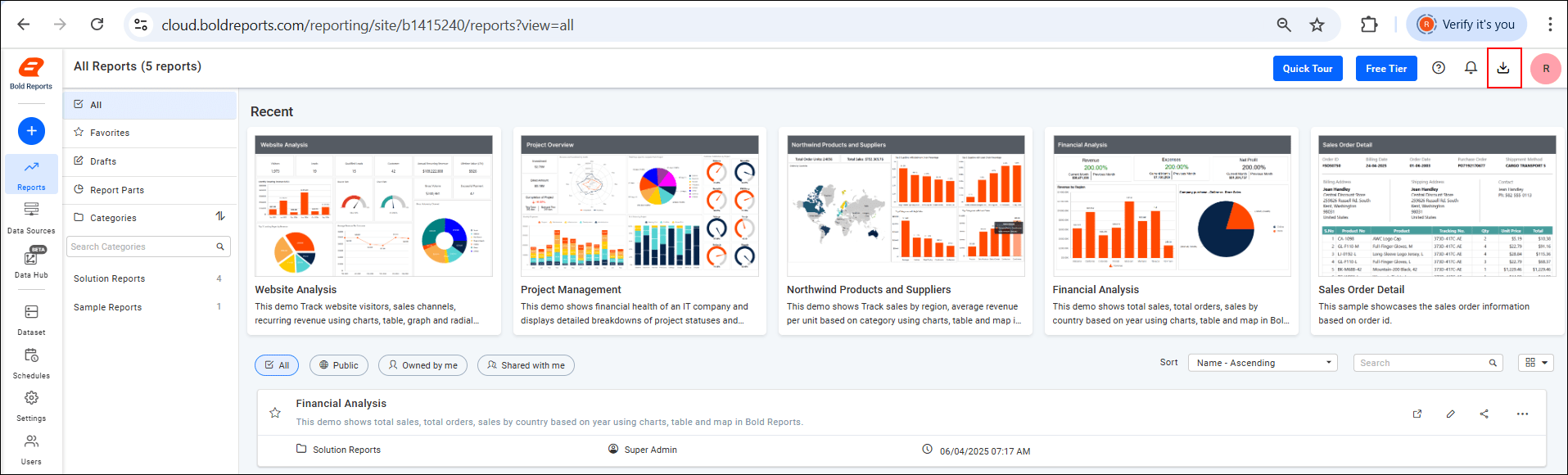
- You will be redirected to the Download page.
- From there, download the application suitable for your operating system.
View Account
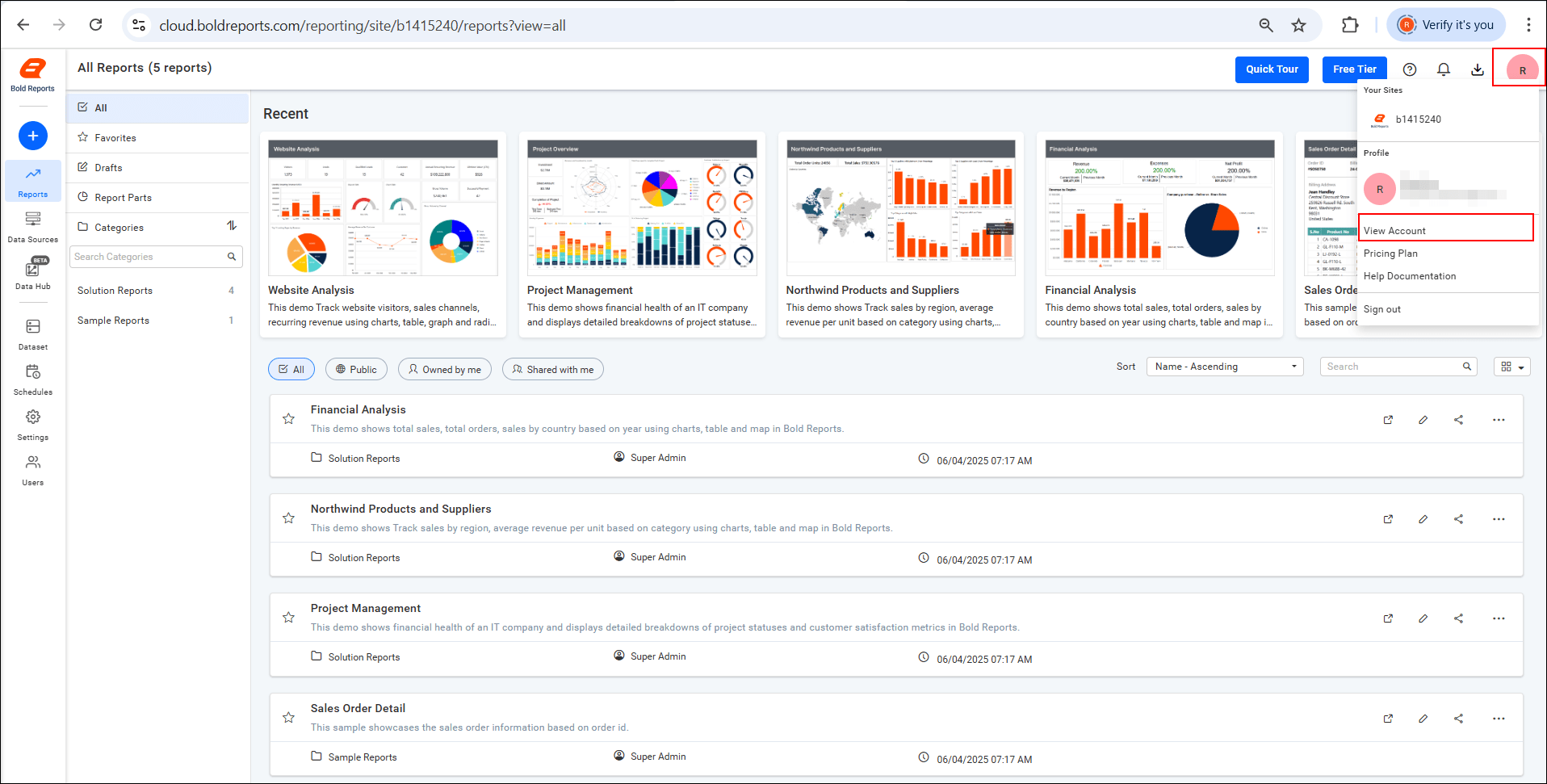
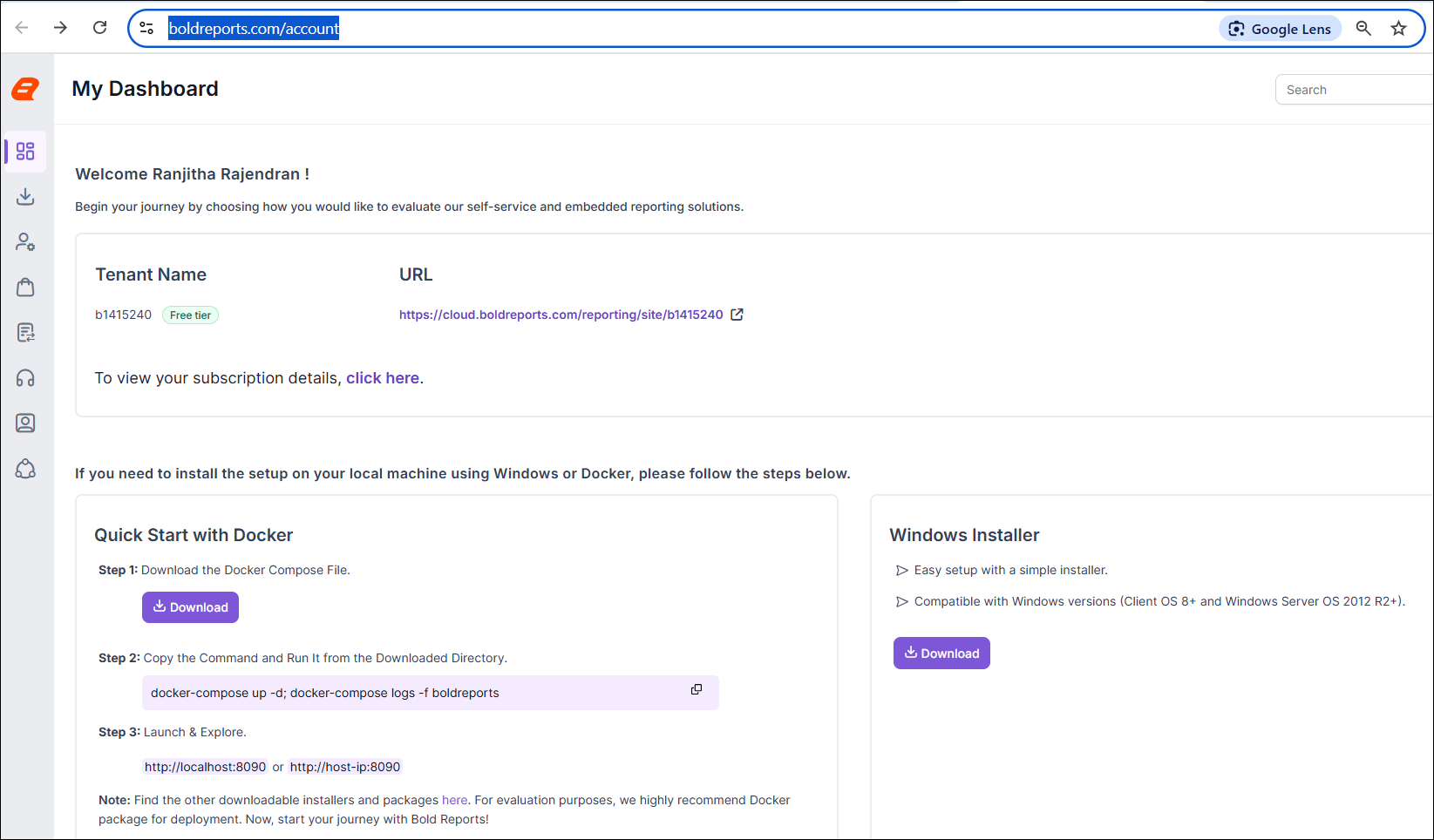
To view your account details, click the View Account option under your profile. This will take you to the Bold Reports® account page.
Pricing Plan
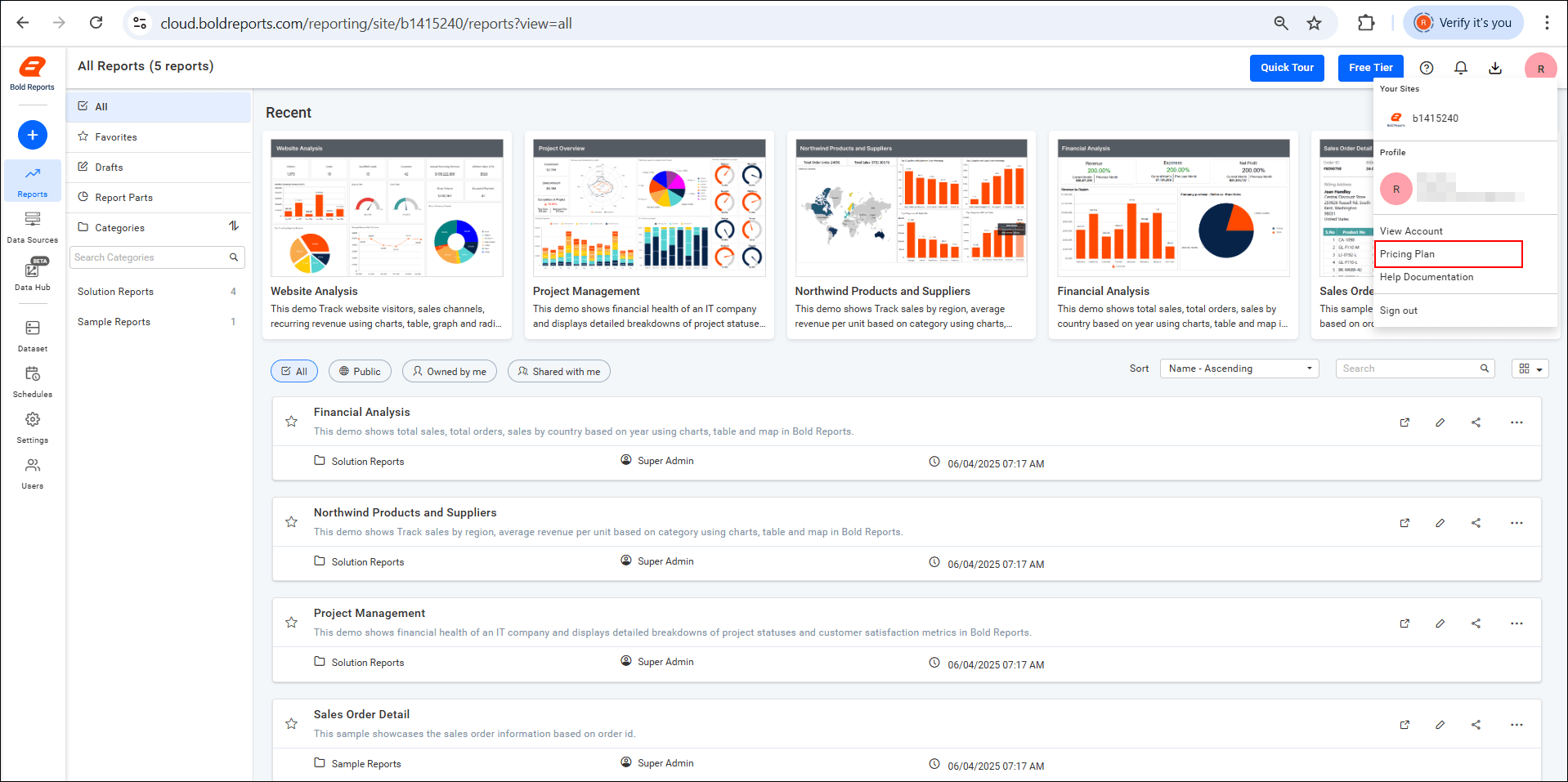
To view or manage your subscription, click the Pricing Plan option under your profile. This will take you to the Bold Reports® Pricing Plan page, where you can:
-
Compare available plans for both on-premises and cloud deployments.
-
Review the features included in each plan to determine which best suits your reporting needs.
-
Upgrade, downgrade, or modify your subscription based on your usage and requirements.
-
Refer to the help documentation under the Profile section for additional guidance and support.