Synchronize Active Directory users
This section explains how to synchronize the details of imported Active Directory users with the Active Directory.
Before synchronizing the Active Directory users, follow the provided steps:
- Configure the Active Directory Settings.
- Import Active Directory Users into Bold Reports® On-Premise.
You can navigate to the user synchronization page from the users page.
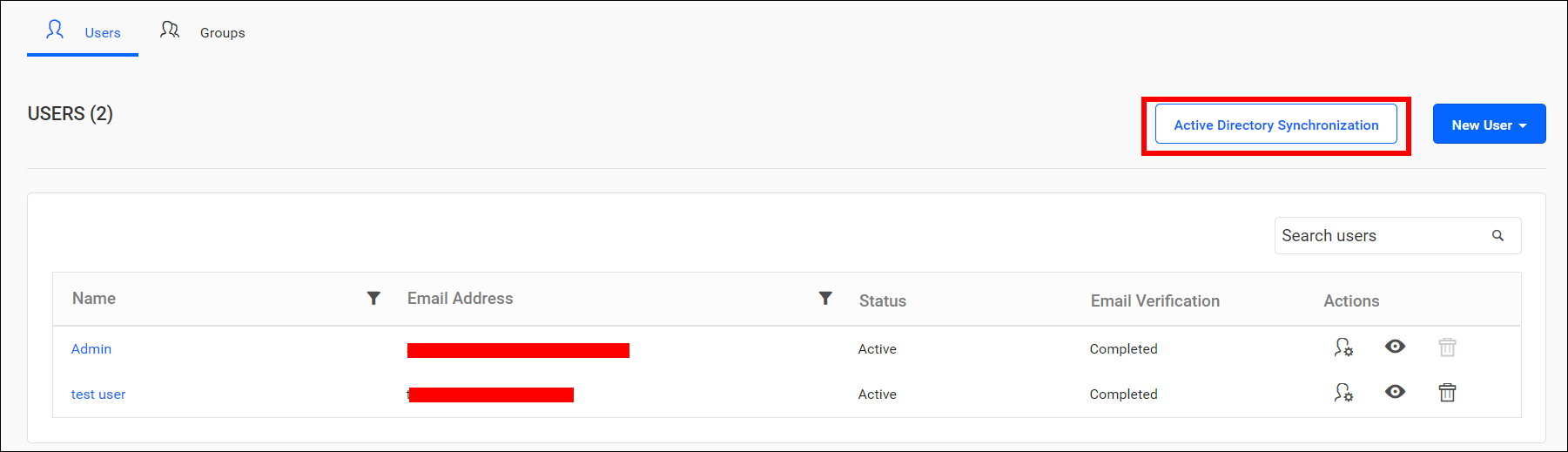
Synchronize users
-
Bold Reports® Server will list the Active Directory users that have already been imported.
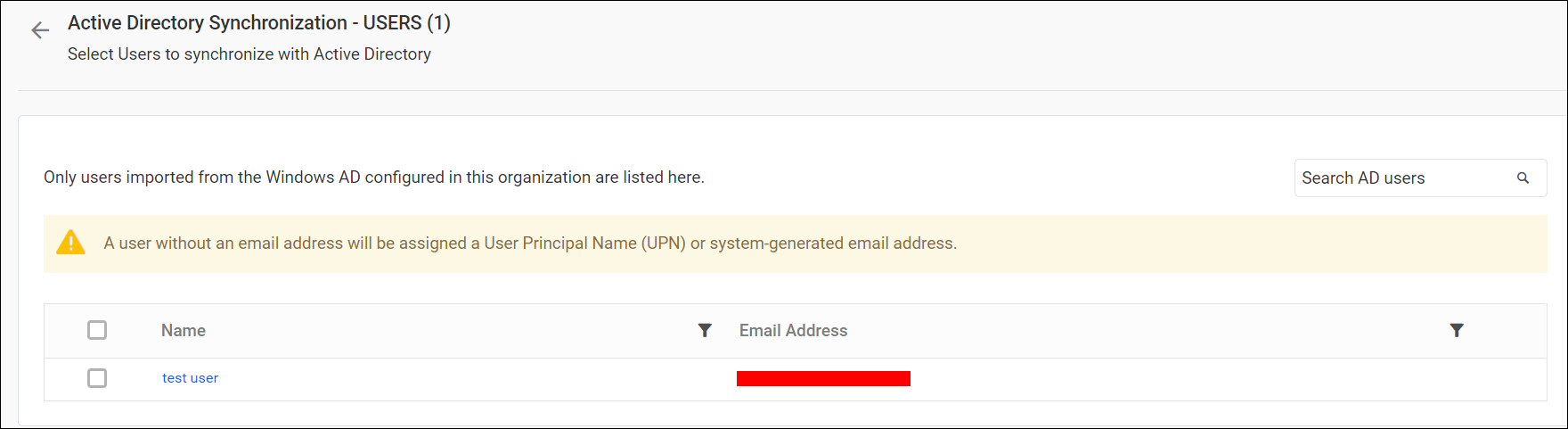
-
Select the users you want to synchronize and click
Synchronizeat the top right corner.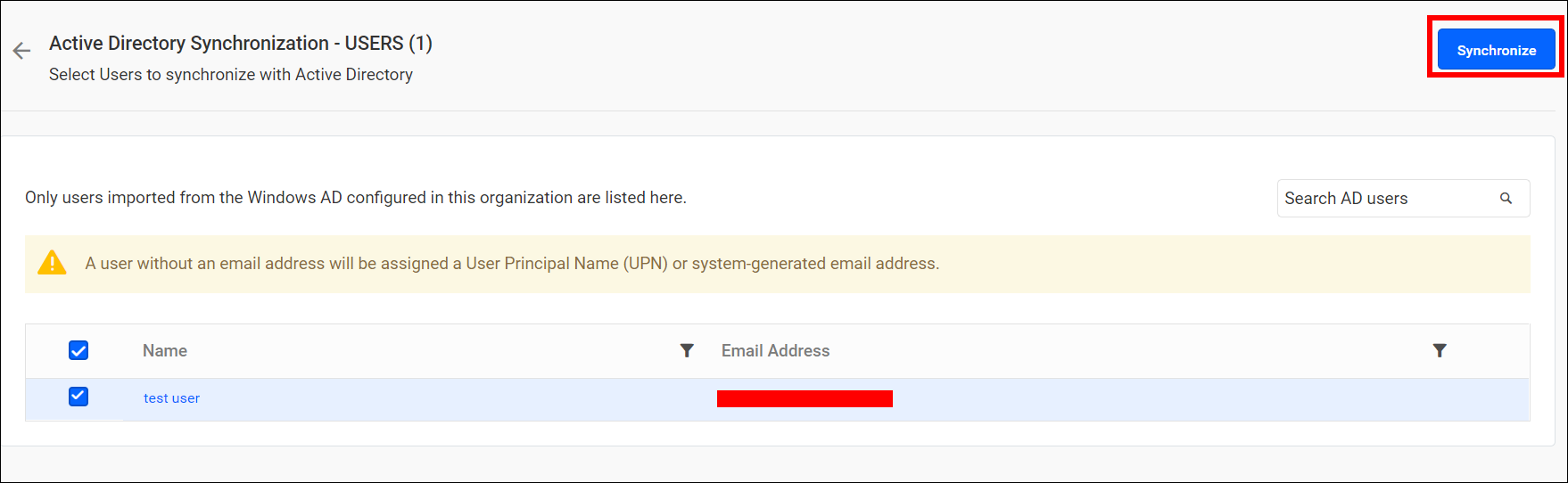
Synchronization procedure
- The user details, including username, first name, last name, email address, and contact number, are synchronized with the Active Directory Server.
- The Report Server will delete a user if the user have been deleted from the Active Directory Server.
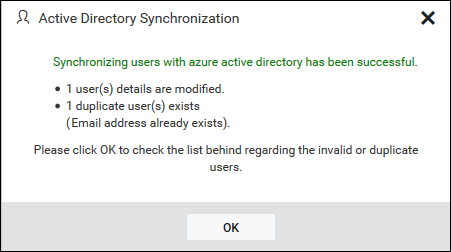
- After synchronization is complete, the number of modified, deleted, and duplicated users will be displayed in the success message box.
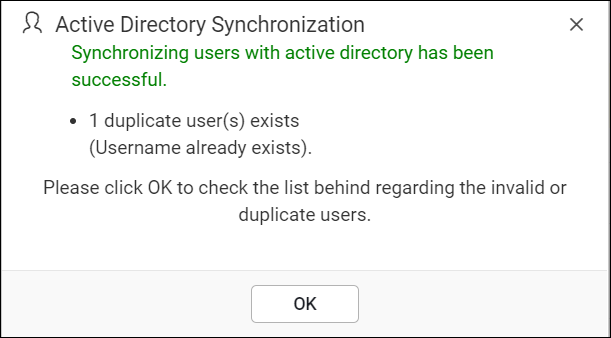
Duplicate users
Users with the same username or email address as existing Report Server users, who are already present, will be marked as duplicate users and will not be synchronized into Active Directory.