Export custom properties
Export custom properties in the Bold Reports® WPF Report Viewer control export behavior at the report level, such as Excel performance, PDF conformance, document passwords, and CSV headers.
How do I improve Excel export performance?
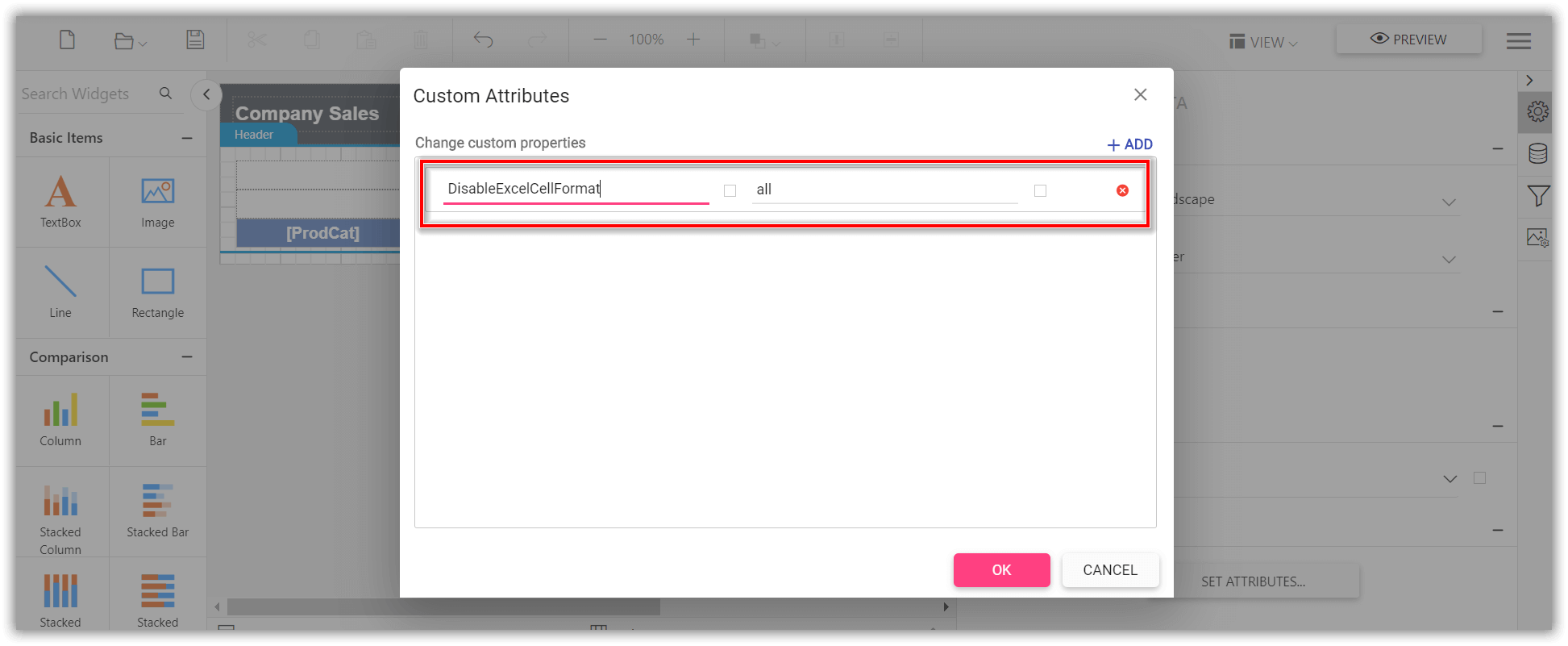
To improve Excel export performance in the WPF Report Viewer, set the DisableExcelCellFormat custom property, which ignores the rendering of report item styles. The property accepts one of the following values.
Style- Disables rendering of the cell styles like padding, background, color, and text style.Border- Disables rendering of the cell border.All- Disables rendering of the cell border, padding, background, color, and text style.
Set the property value as
Allto improve maximum excel export performance.
You can set the DisableExcelCellFormat custom property.
The
DisableExcelCellFormatproperty must be added to report properties.
How do I improve Excel export readability?
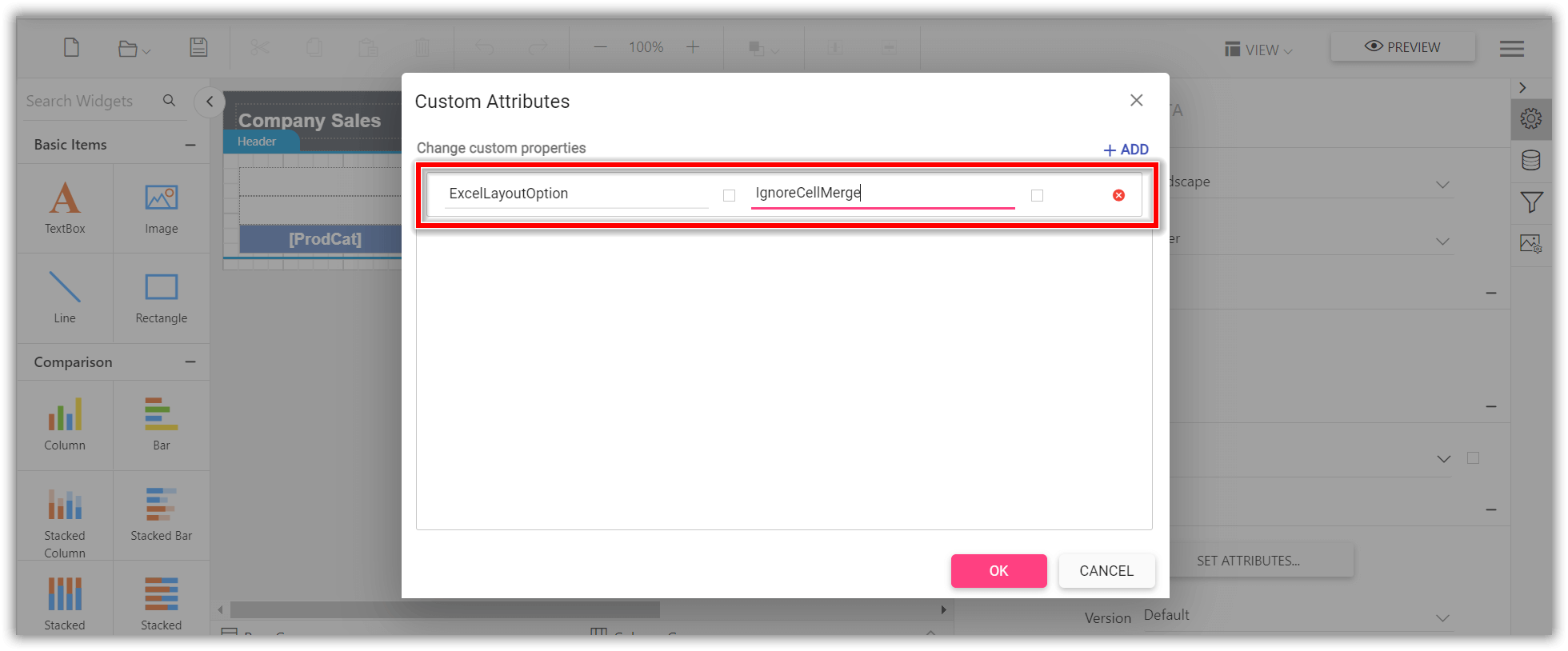
To improve the readability of the Excel document in the WPF Report Viewer, set the ExcelLayoutOption custom property value to IgnoreCellMerge, which eliminates the tiny columns, rows, and merged cells. You can set the property value.
The
ExcelLayoutOptionproperty must be added to report properties.
How do I set the PDF conformance level?
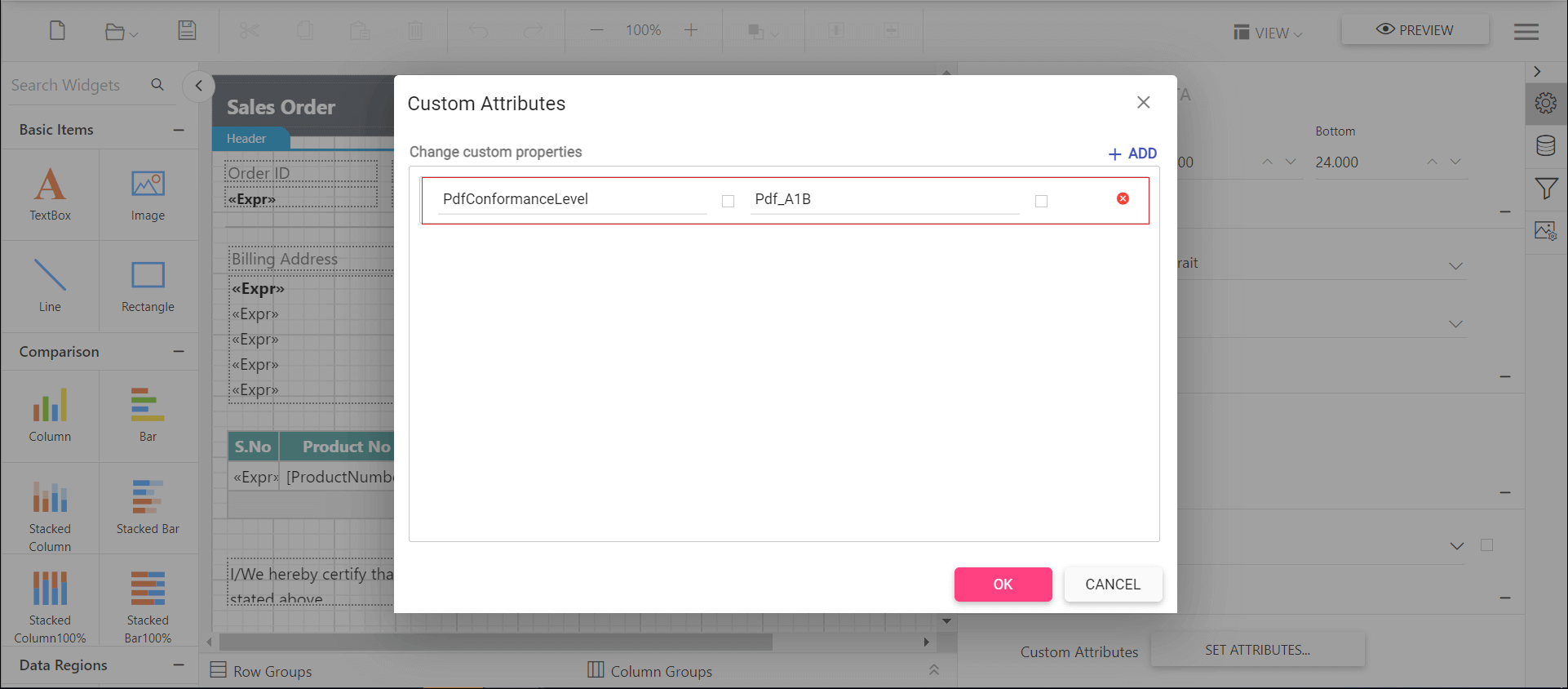
To set the PDF document version in the WPF Report Viewer, use the PdfConformanceLevel custom property.
You can set any one of the following PDF conformance options.
Pdf_A1B- You can create aPdf_A1Bdocument by specifying the conformance level asPdf_A1BthroughPdfConformanceLevelEnum when creating the new PDF document.Pdf_A2B- You can create aPdf_A2Bdocument by specifying the conformance level asPdf_A2BthroughPdfConformanceLevelEnum when creating the new PDF document.Pdf_A3B- ThePDF_A3Bconformance supports the external files as attachment to the PDF document, so you can attach any document format such as Excel, Word, HTML, CAD, or XML files.Pdf_A1A- This conformance includes allPdf_A1Brequirements in addition to the features intended to improve a document’s accessibility.PDF/A-1aconformance additionally have crucial properties of Tagged PDF.Pdf_A2A- This conformance includes allPDF_A2Brequirements in addition to the features intended to improve a document’s accessibility.PDF/A-2aconformance additionally have crucial properties of Tagged PDF.Pdf_A2U- This conformance includes allPdf_A2Urequirements, and additionally Unicode mapping for all text in the document.Pdf_X1A2001- You can create aPDF/X-1adocument by specifying the conformance level asPdf_X1A2001throughPdfConformanceLevelEnum when creating the new PDF document.
You can set the PdfConformanceLevel custom property.
How do I export PDF documents with complex script?
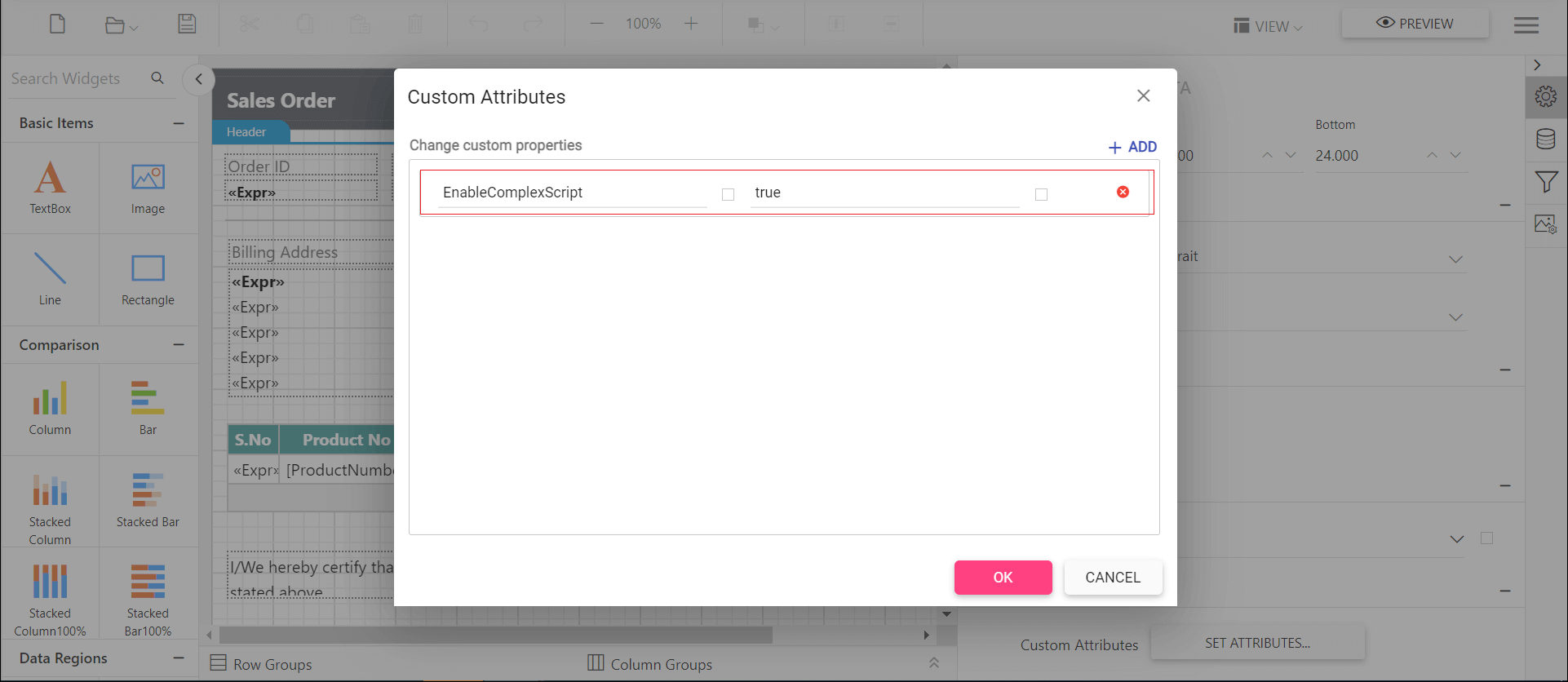
To export PDF documents with complex script language text in the WPF Report Viewer, set the EnableComplexScript custom property.
You can set the property value.
Measure Text Options in PDF Export
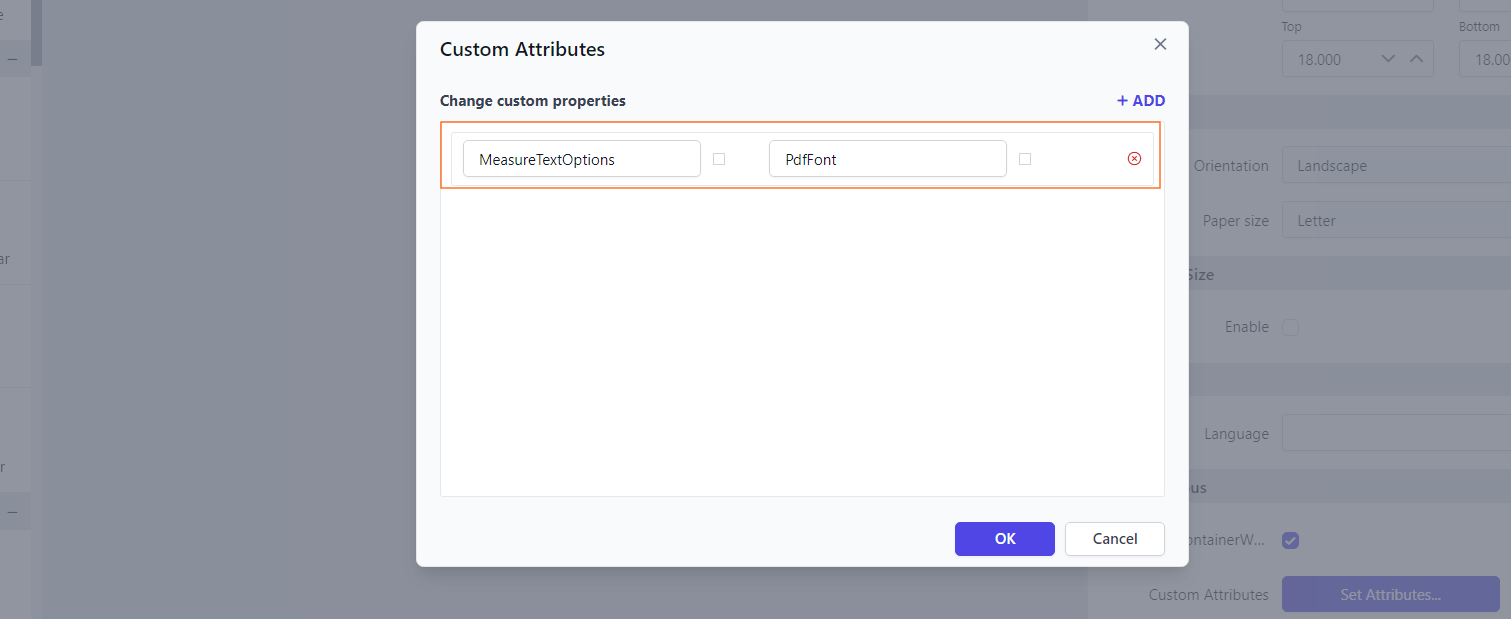
The MeasureTextOptions property specifies how the WPF Report Viewer measures text size during PDF export. This property supports the following options:
PdfFont- Text size is measured using the Pdf Font element, ensuring accurate measurement based on the font used in the document.Default- Text size is measured using a framework element, providing a more general approach to text measurement.
You can configure the Measure Text Options property based on your requirements to ensure proper text rendering in the exported PDF document.
You can set the property value:
How do I export a PDF with a table of contents?
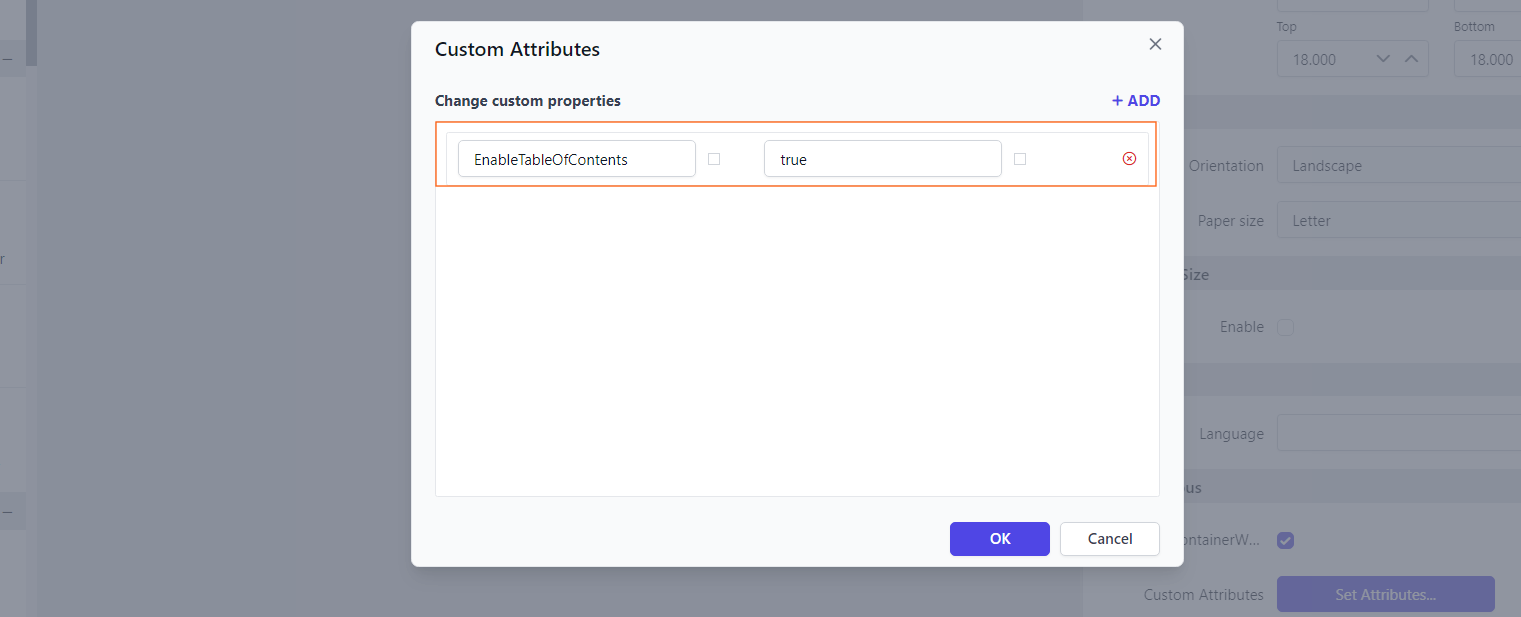
To add a table of contents to the exported PDF in the WPF Report Viewer, set the EnableTableOfContents property. The property uses the document structure defined in the report to generate the table of contents, making it easier to navigate through the content.
Enable this property to include a structured table of contents in your PDF exports.
First, you need to configure the document map for report. Refer to Configure Document Map, then set the property value:
How do I encrypt exported documents with a password?
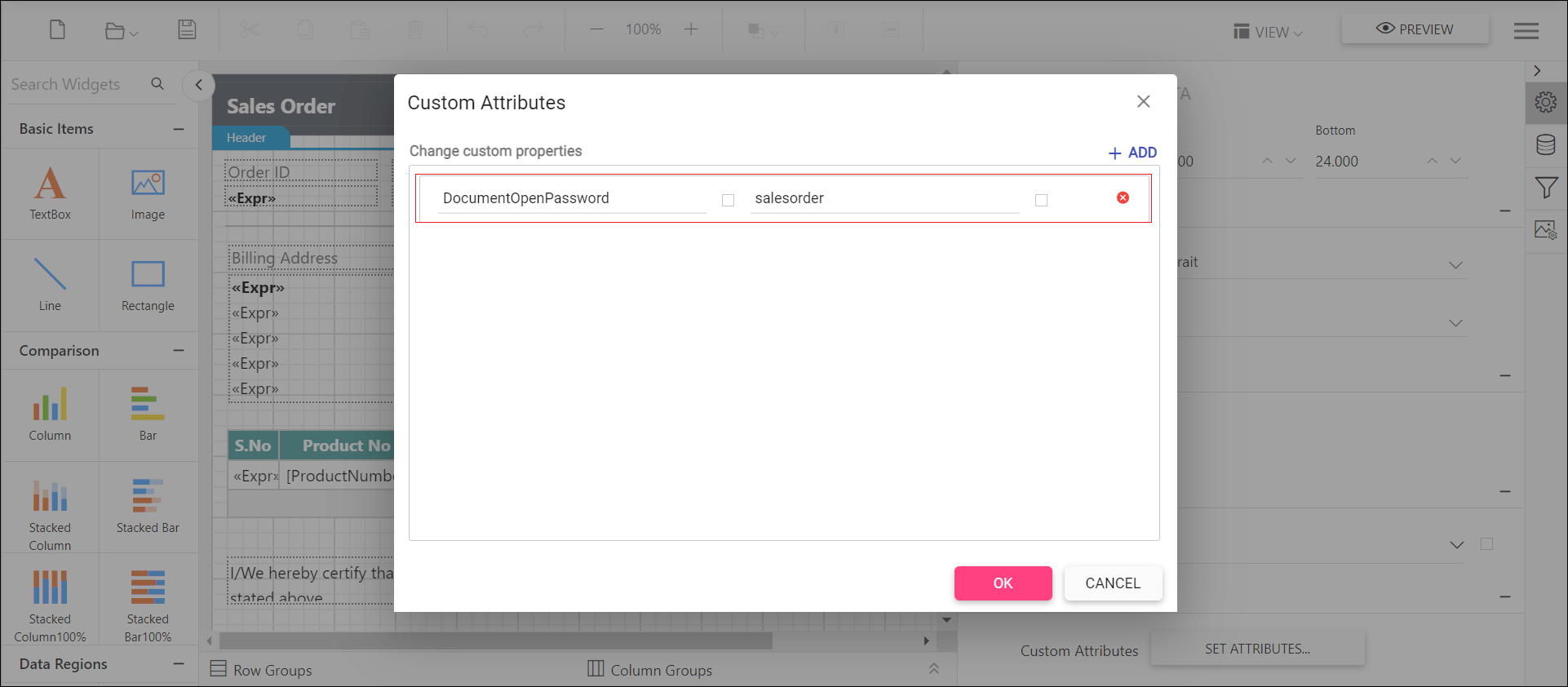
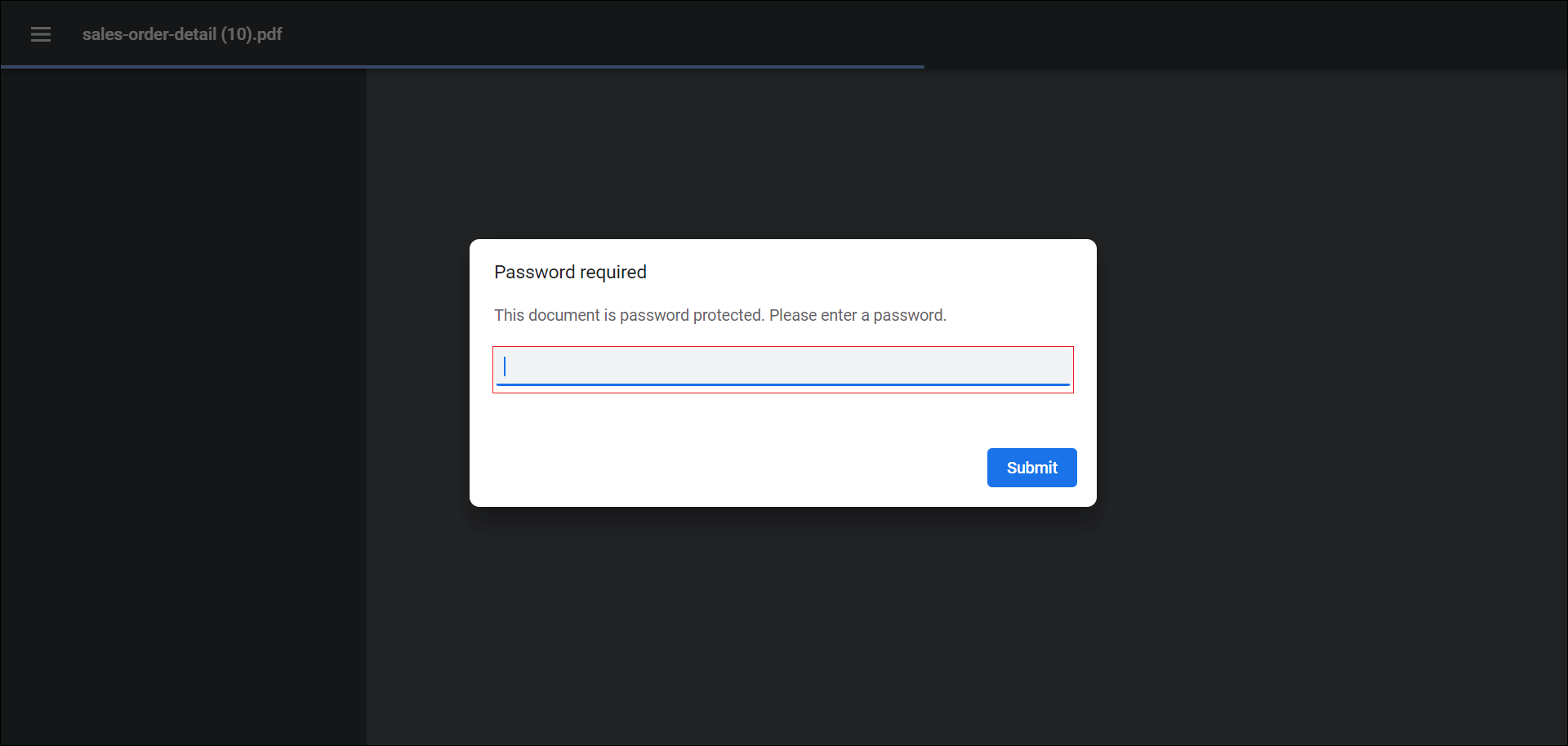
To protect exported PDF, Word, and Excel documents from unauthorized users in the WPF Report Viewer, set the DocumentOpenPassword custom property, which encrypts the document with the password.
You can set the property value.
Open the PDF document to see the output.
How do I protect a Word document from editing?
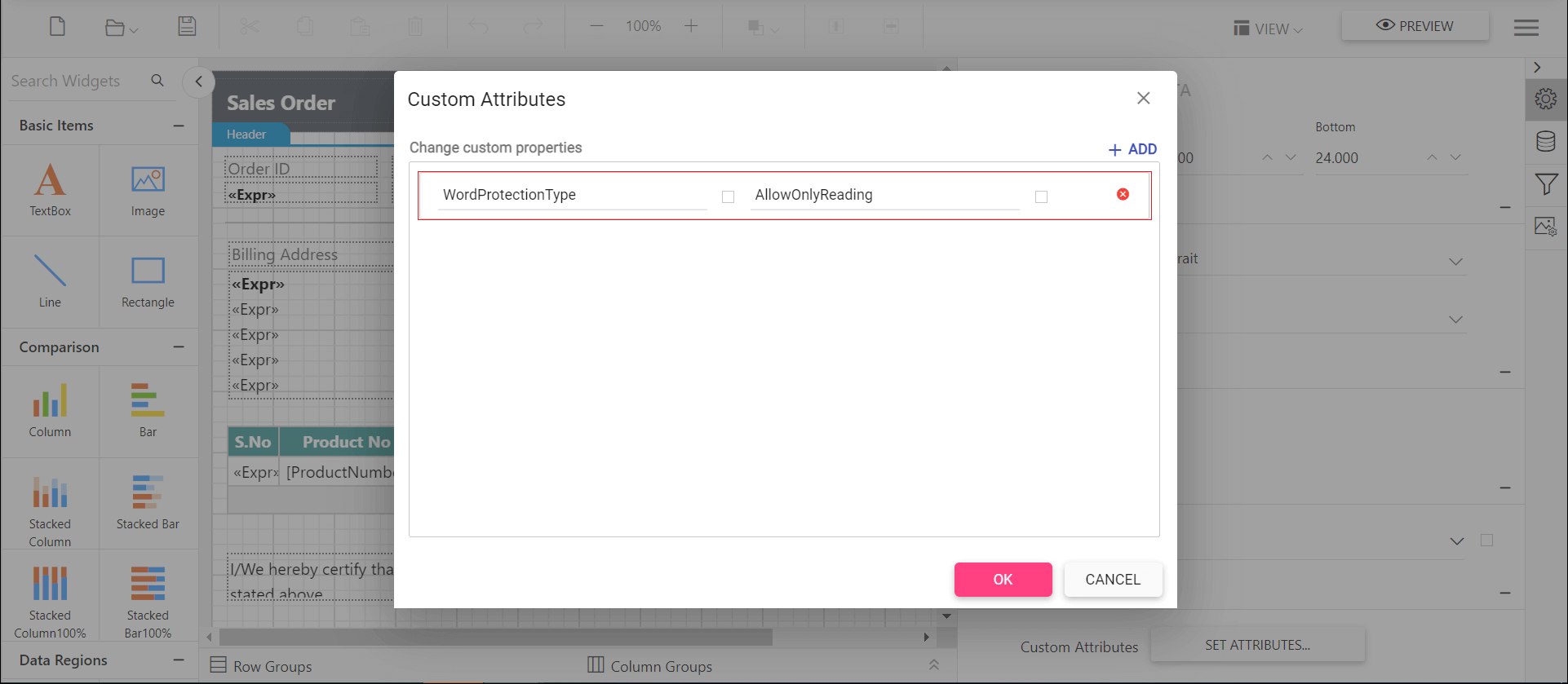
To restrict editing of an exported Word document in the WPF Report Viewer, set the WordProtectionType custom property, with or without a password, to one of the following protection types.
AllowOnlyComments- You can add or modify only the comments in the Word document.AllowOnlyFormFields- You can modify the form field values in the Word document.AllowOnlyRevisions- You can accept or reject the revisions in the Word document.AllowOnlyReading- You can only view the content in the Word document.NoProtection- You can access or edit the Word document contents as normally.
You can set the WordProtectionType custom property.
How do I set an Excel document edit password?
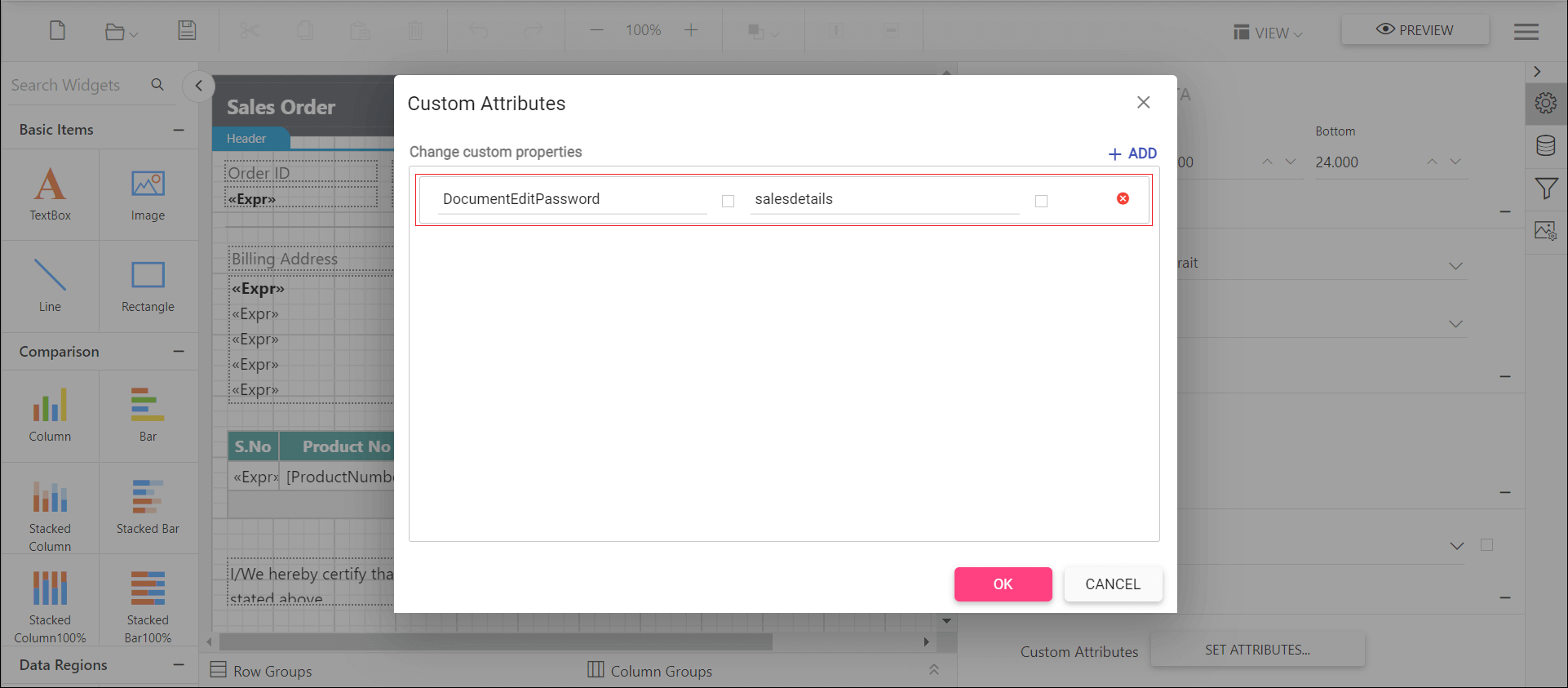
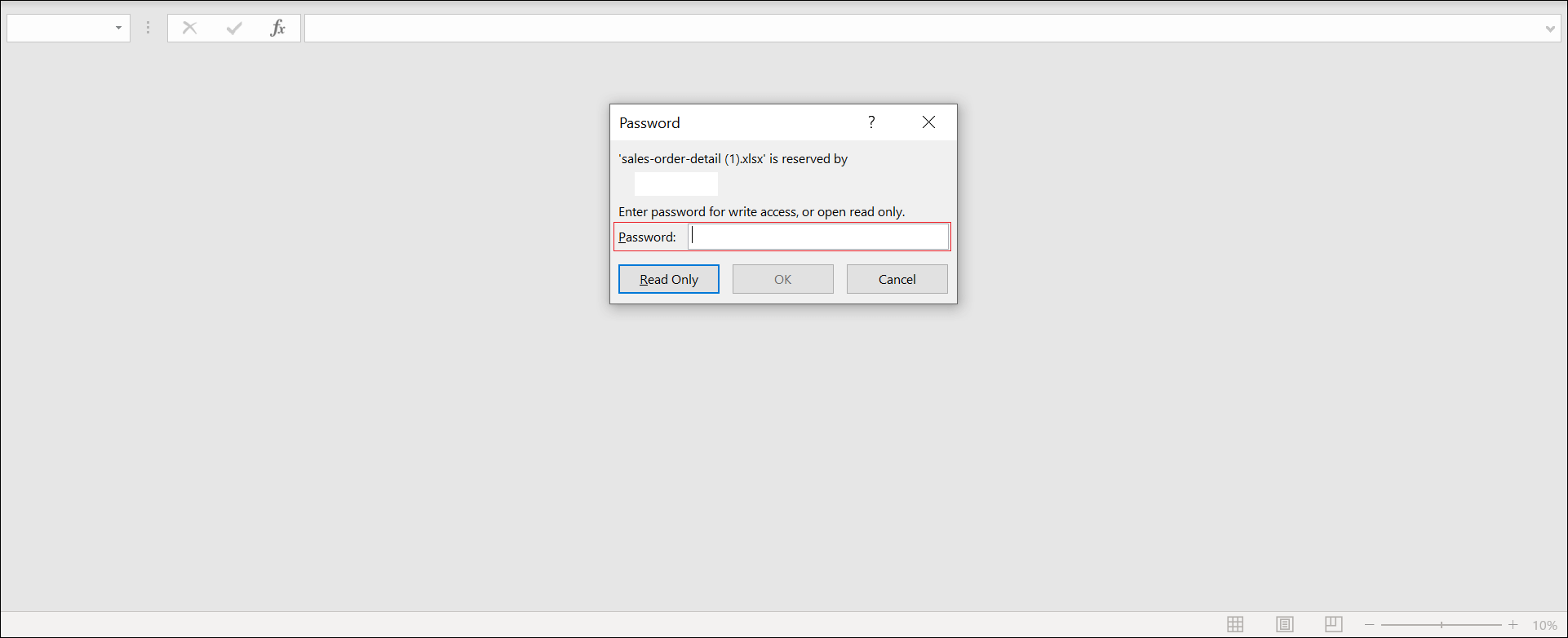
To let specific users modify the workbook data and save changes in an exported Excel document, set the DocumentEditPassword custom property in the WPF Report Viewer.
You can set the property value.
Open the Excel document to see the output.
How do I protect an Excel worksheet?
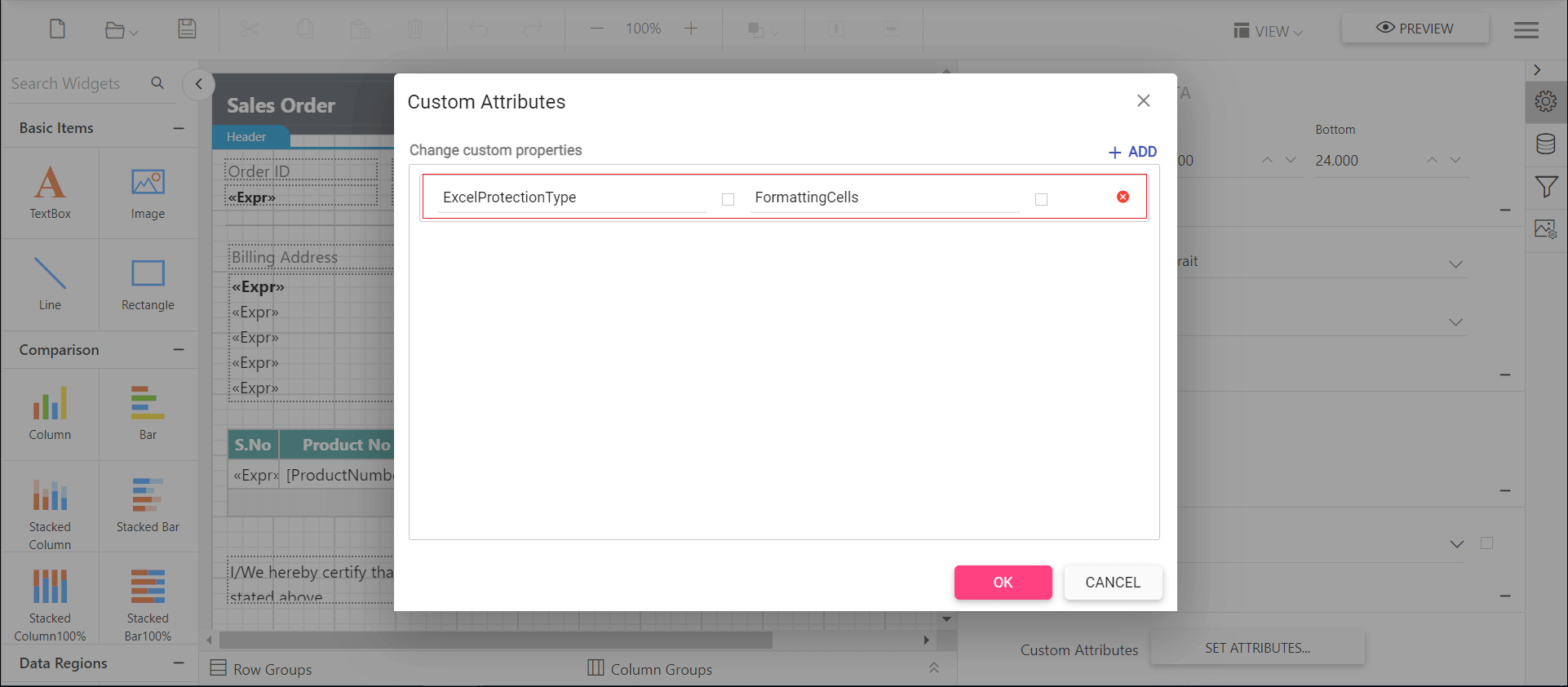
To protect the worksheet of an exported Excel document in the WPF Report Viewer, set the ExcelProtectionType custom property, with or without a password, to one of the following protection types.
None- Represents no protection in excel sheet.Objects- allows to protect shapes in excel sheet.Scenarios- allows to protect scenarios.FormattingCells- allows the user to format any cell on a protected worksheet.FormattingColumns- allows the user to format any column on a protected worksheet.FormattingRows- allows the user to format any rows on a protected worksheet.InsertingColumns- allows the user to insert columns on the protected worksheet.InsertingRows- allows the user to insert rows on the protected worksheet.InsertingHyperlinks- allows the user to insert hyperlinks on the worksheet.DeletingColumns- allows the user to delete columns on the protected worksheet, where every cell in the column to be deleted is unlocked.DeletingRows- allows the user to delete rows on the protected worksheet, where every cell in the row to be deleted is unlocked.LockedCells- allows to protect locked cells.Sorting- allows the user to sort on the protected worksheet.Filtering- allows the user to set filters on the protected worksheet. Users can change filter criteria but can not enable or disable an auto filter.UsingPivotTables- allows the user to use pivot table reports on the protected worksheet.UnLockedCells- allows to protect the user interface, but not macros.Content- allows to protect the contents in the excel sheet.All- allows to protect all type of protection.
You can set the ExcelProtectionType custom property.
How do I hide unused columns in Excel export?
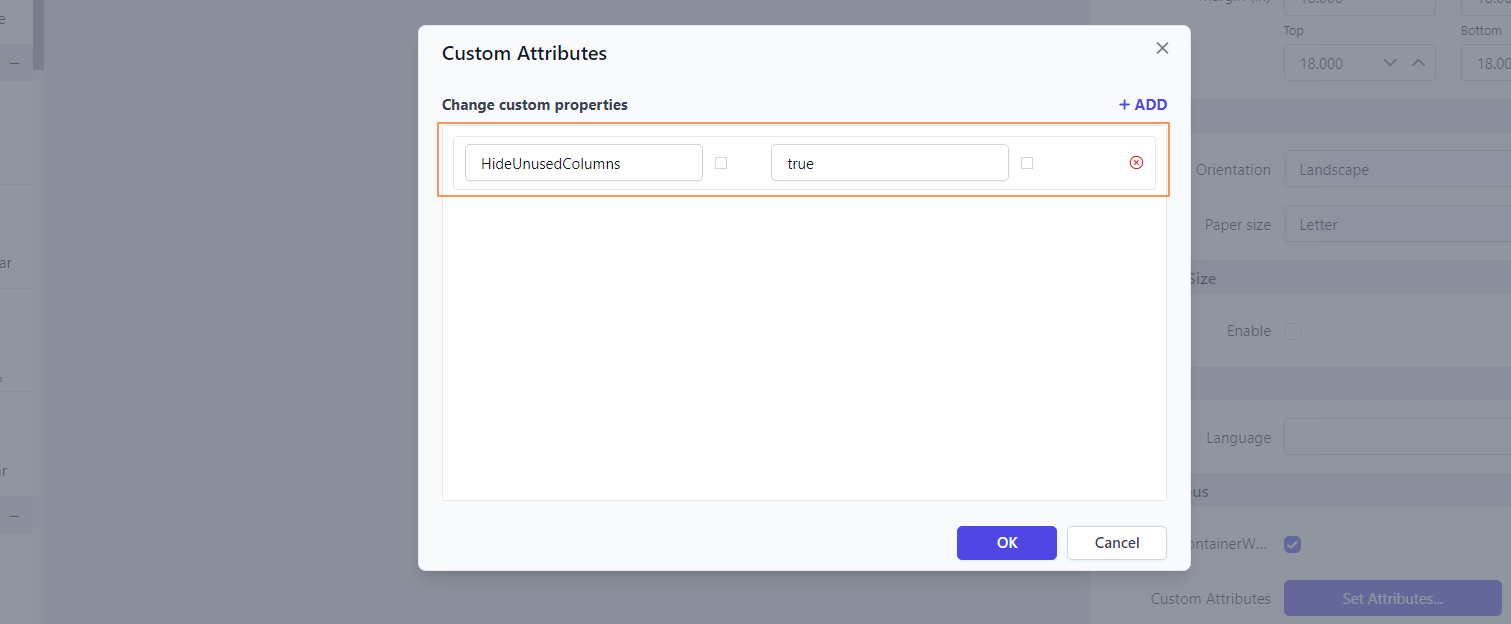
To remove unused or empty columns from the exported Excel file in the WPF Report Viewer, set the HideUnusedColumns property. Hiding unused columns gives a cleaner and more organized output by excluding unnecessary columns.
You can set the property value:
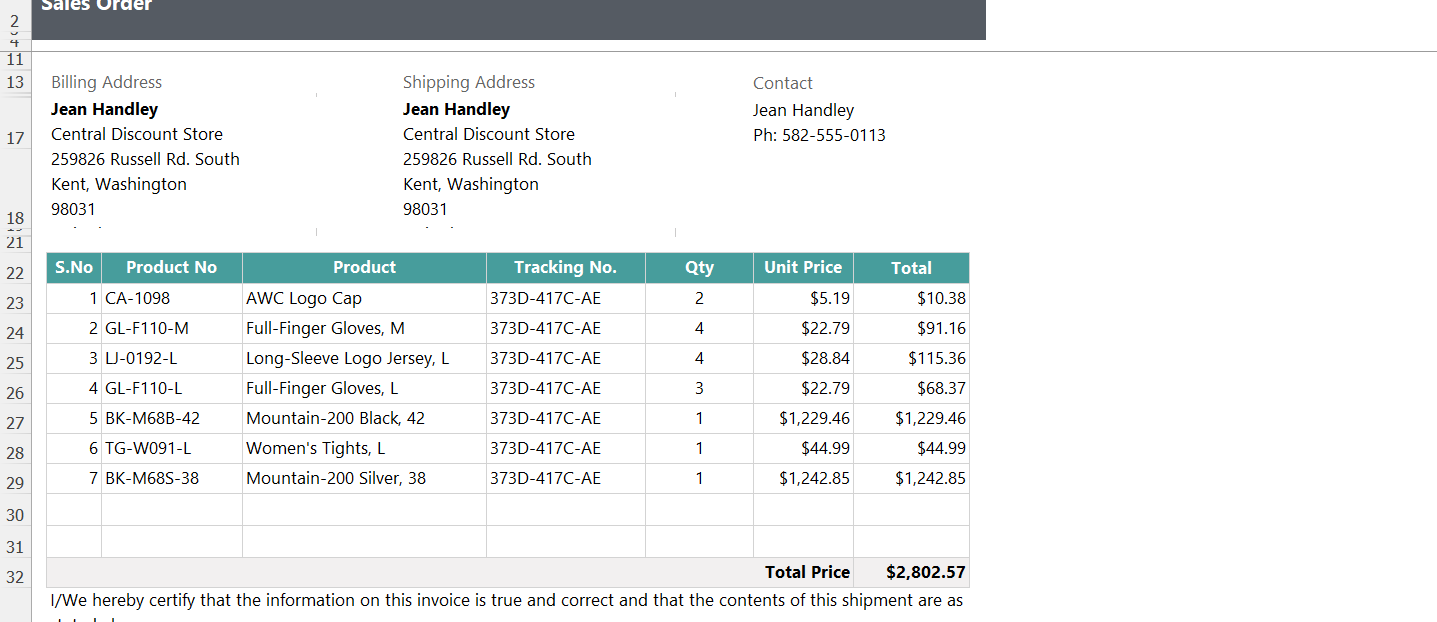
Before enabling the hide unused columns property, the rows will be displayed.
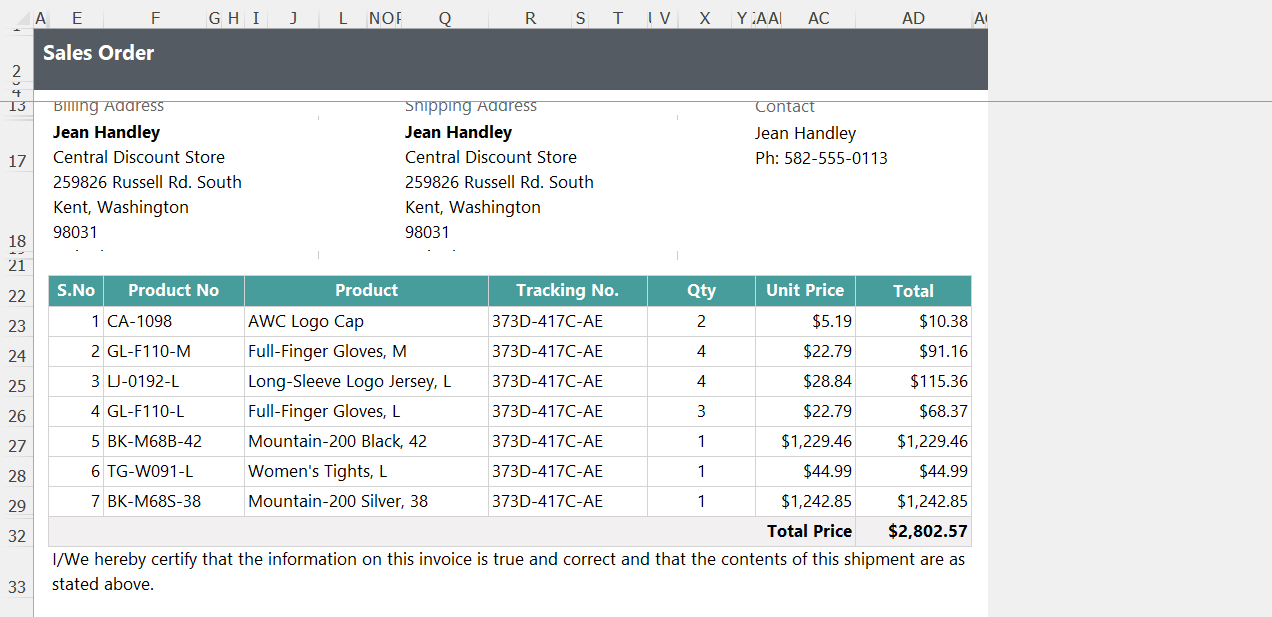
Preview the Excel document and note that unused rows have been hidden.
How do I remove the table header from a CSV export?
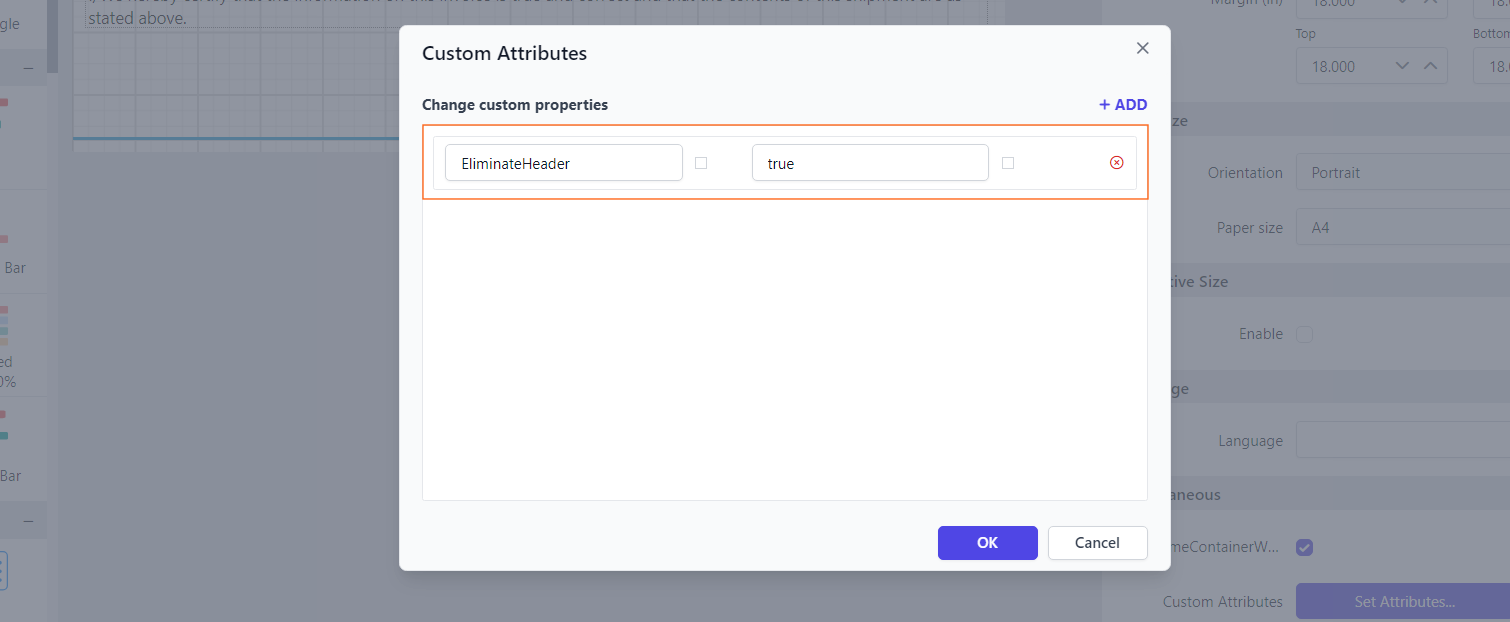
To exclude the tablix header when you export to CSV format in the WPF Report Viewer, enable the EliminateHeader property. By enabling this property, the tablix headers will not appear in the exported CSV file, providing a clean data output.
You can set the property value:
Before enabling the eliminate header property, the row header will be displayed.
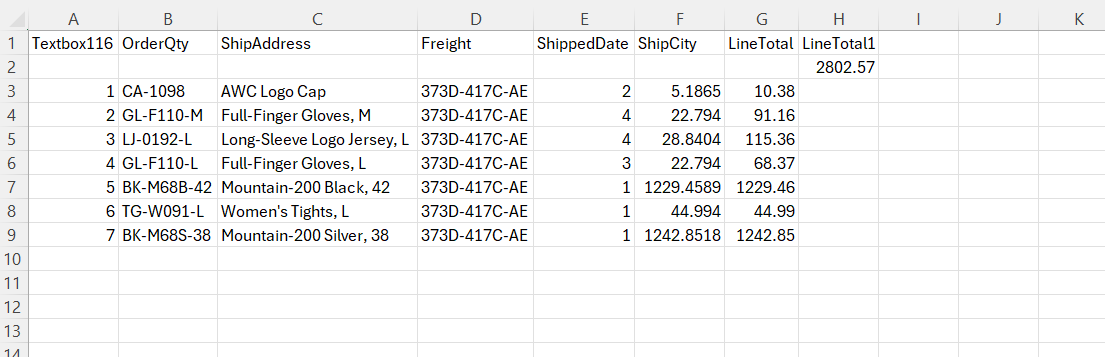
Preview the Excel document, and note that the header has been eliminated.