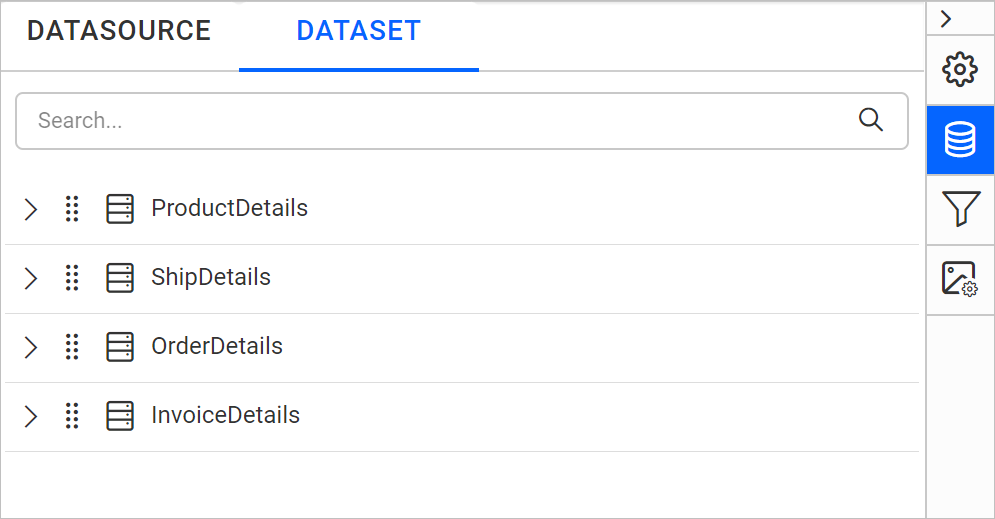
Reordering Datasets
This section guides you to reorder the datasets in the Data panel. It can be done through the following procedure:
- Open the
DATApanel. The datasets in the report will be listed here. - Click and hold the drag indicator icon of the dataset item that you want to reorder.
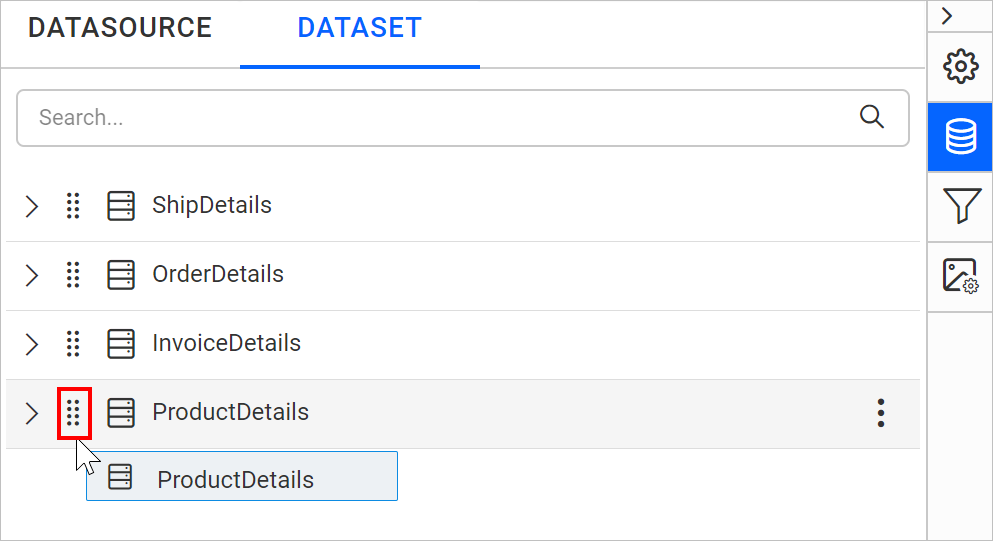
- Drag and drop the selected dataset item to the required position in the datasets list.
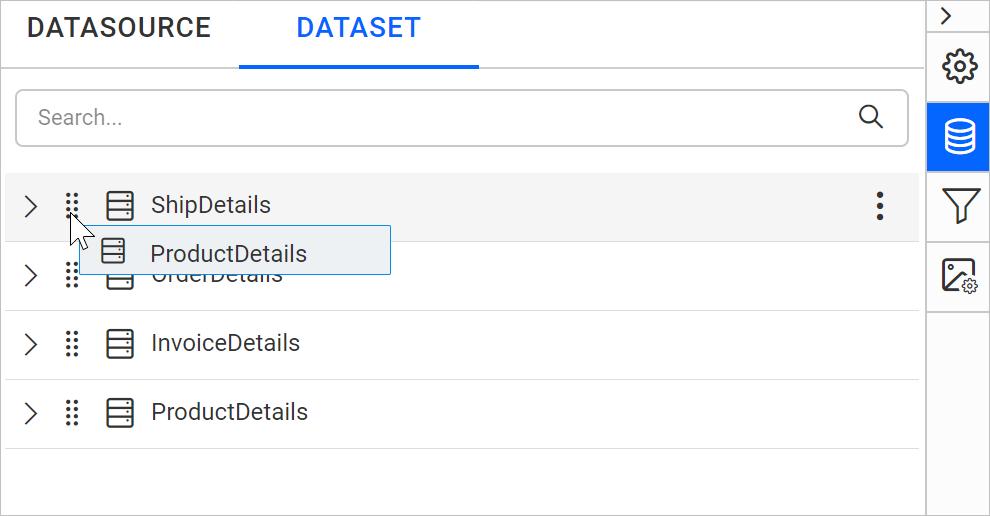
- Now the dataset item will be rearranged to the dropped position.