Duplicate a dataset
This section guides you to duplicate an existing dataset connection in Bold Report Designer. It can be done through the following procedure:
- Select the dataset that you need to duplicate in the
DATApanel.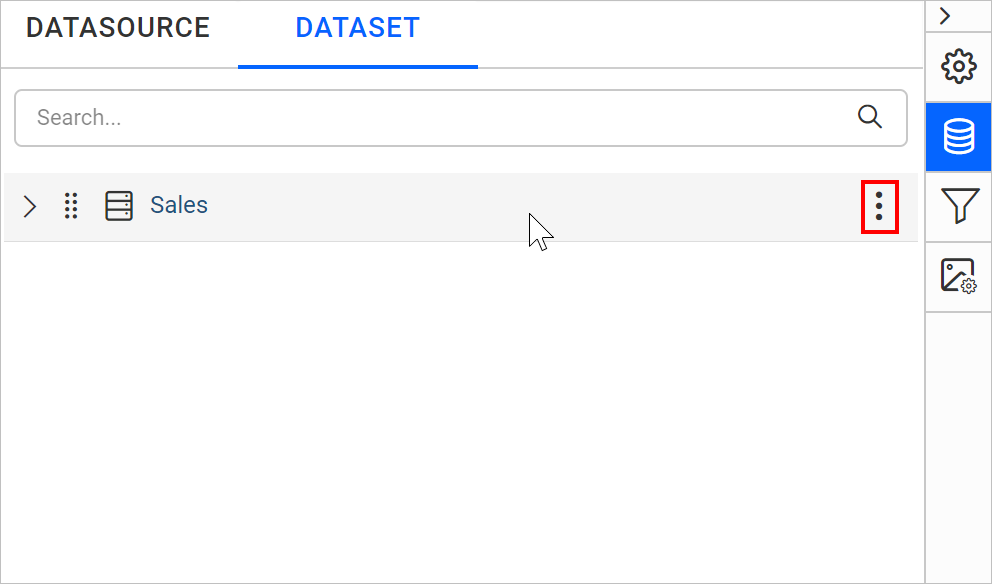
- Click the above highlighted icon to open the context menu.
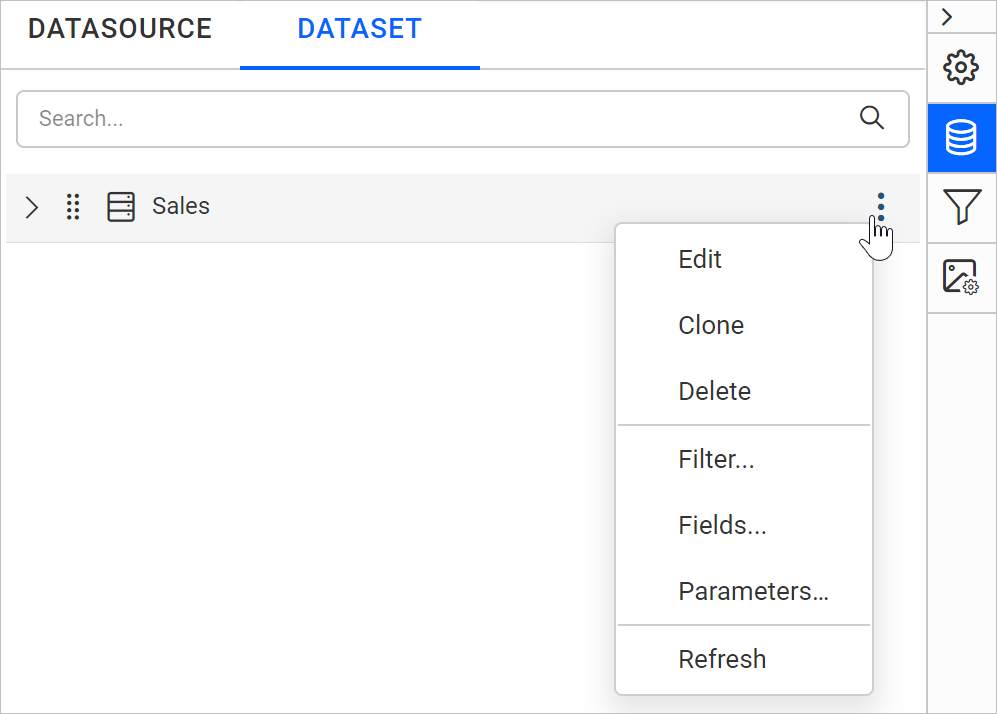
- Choose
Cloneoption from the context menu, to duplicate the selected dataset.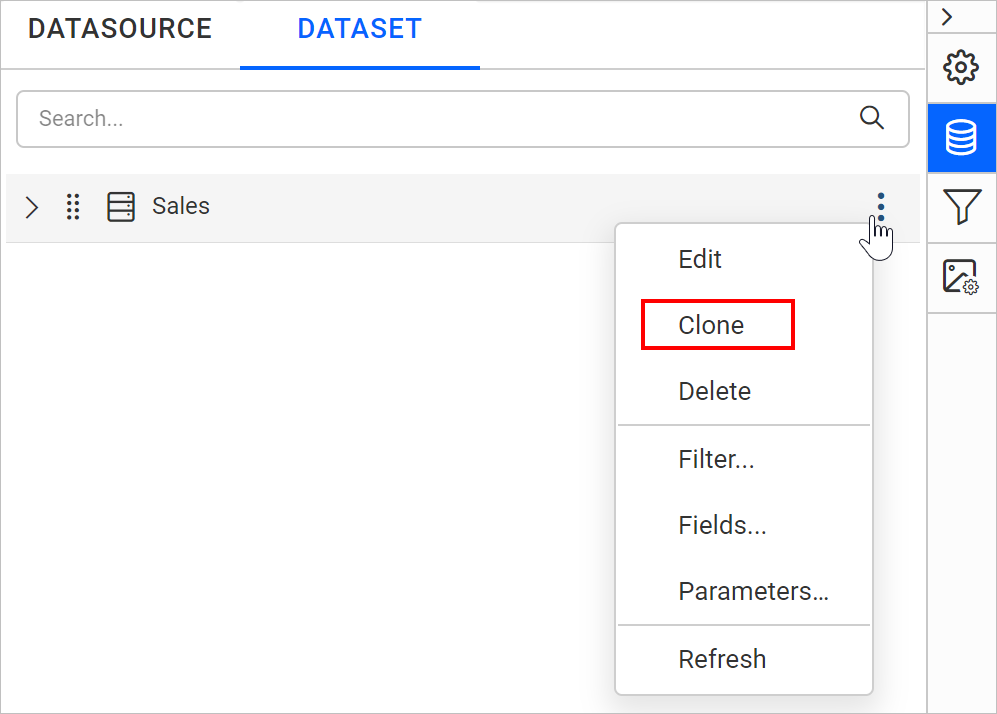
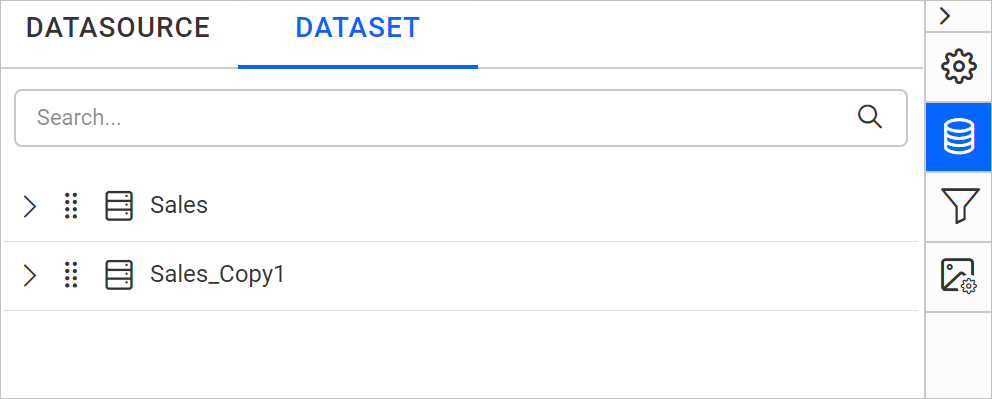
- Now a duplicated data dataset will be created like below.