Table custom properties
Table custom properties in the Bold Reports® ASP.NET Web Forms Report Viewer limit the number of table records on each page and set the maximum number of rows and columns in a table.
How do I limit the number of table records on each page?
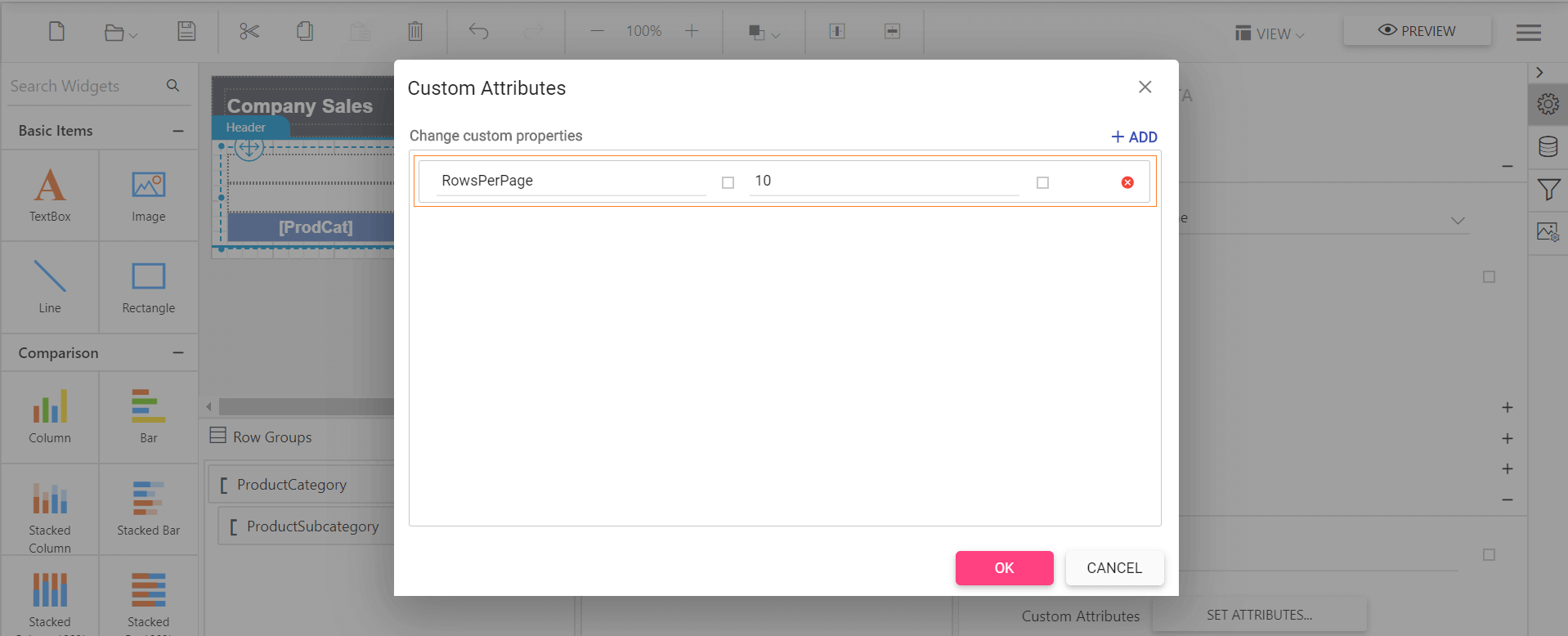
To limit the number of table records displayed on each page in the Report Viewer, set the RowsPerPage custom property. The property supports integer data value greater than zero.
This property is ignored when table rows heights higher than current page size. Increase the report page height or reduce
RowsPerPagecount that fits within the page.
You can set the RowsPerPage property value.
How do I set the maximum column count for a table?
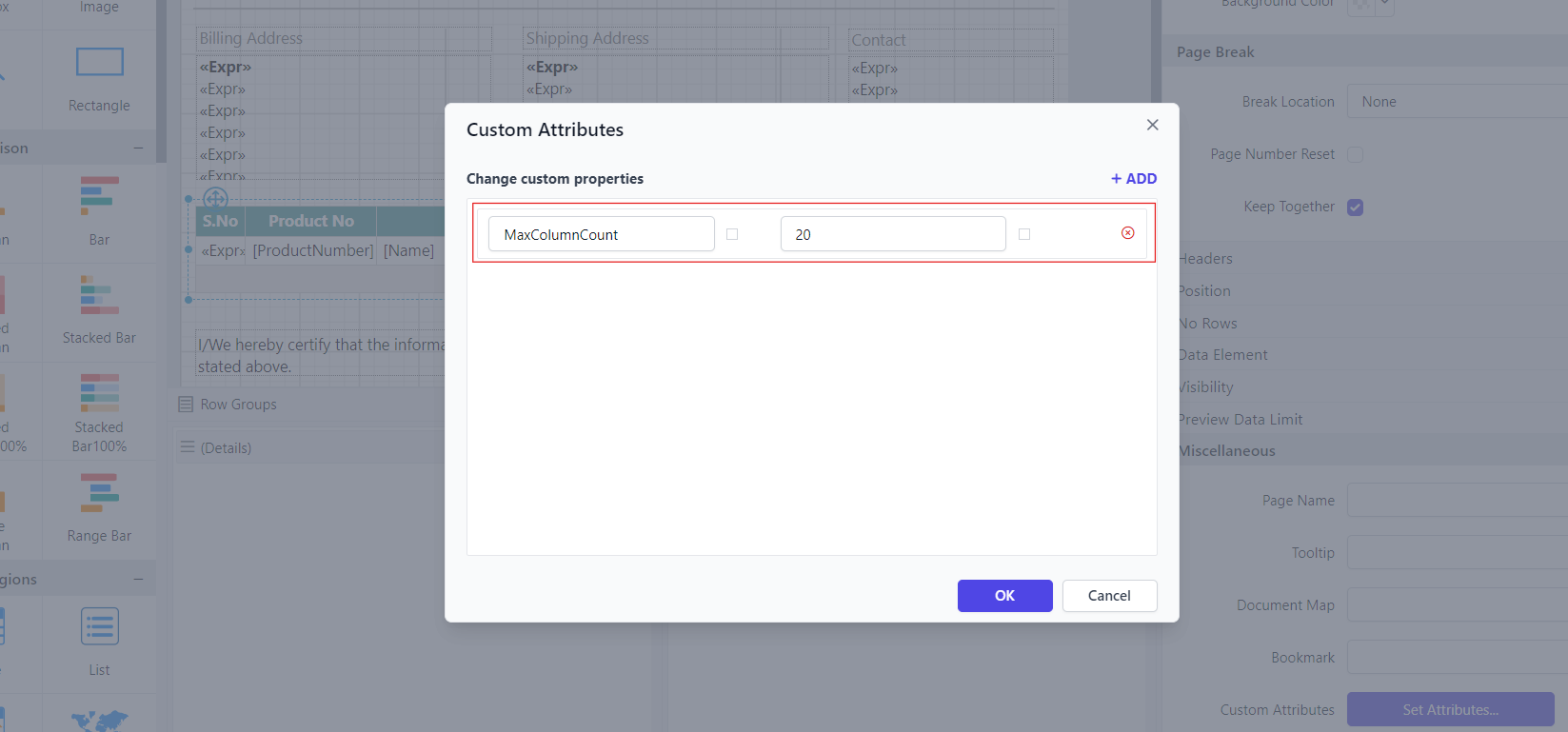
To set the maximum number of columns for a table in the Report Viewer, use the MaxColumnCount custom property. It supports integer data value greater than zero. An exception is thrown if it exceeds the count.
You can set the MaxColumnCount property value.
How do I set the maximum row count for a table?
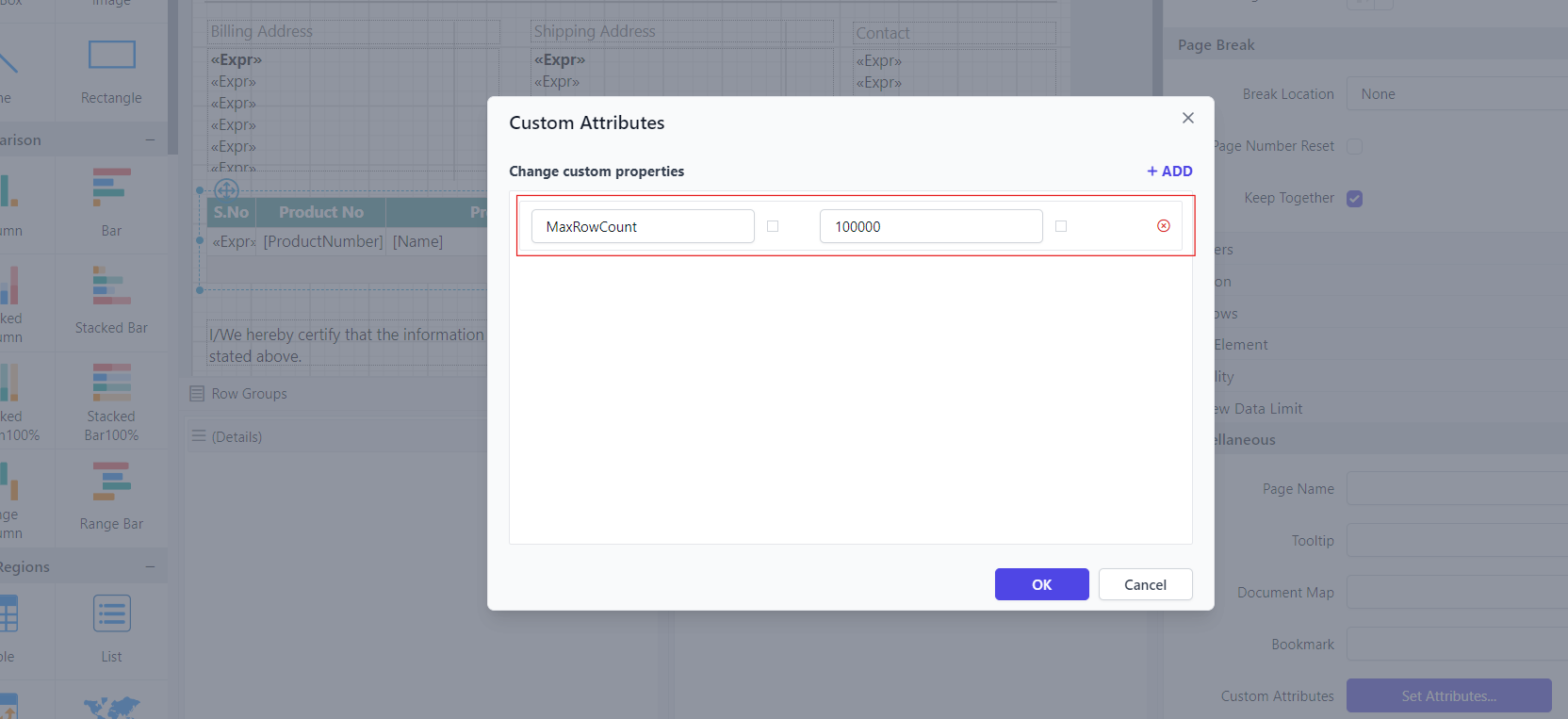
To set the maximum number of rows for a table in the Report Viewer, use the MaxRowCount custom property. It supports integer data value greater than zero. An exception is thrown if it exceeds the count.
You can set the MaxRowCount property value.