Textbox custom properties
Textbox custom properties in the Bold Reports® ASP.NET Web Forms Report Viewer show or hide toggle icons, justify text, make content editable in preview and add rounded borders to text box report items.
How do I show or hide the toggle icon in a text box?
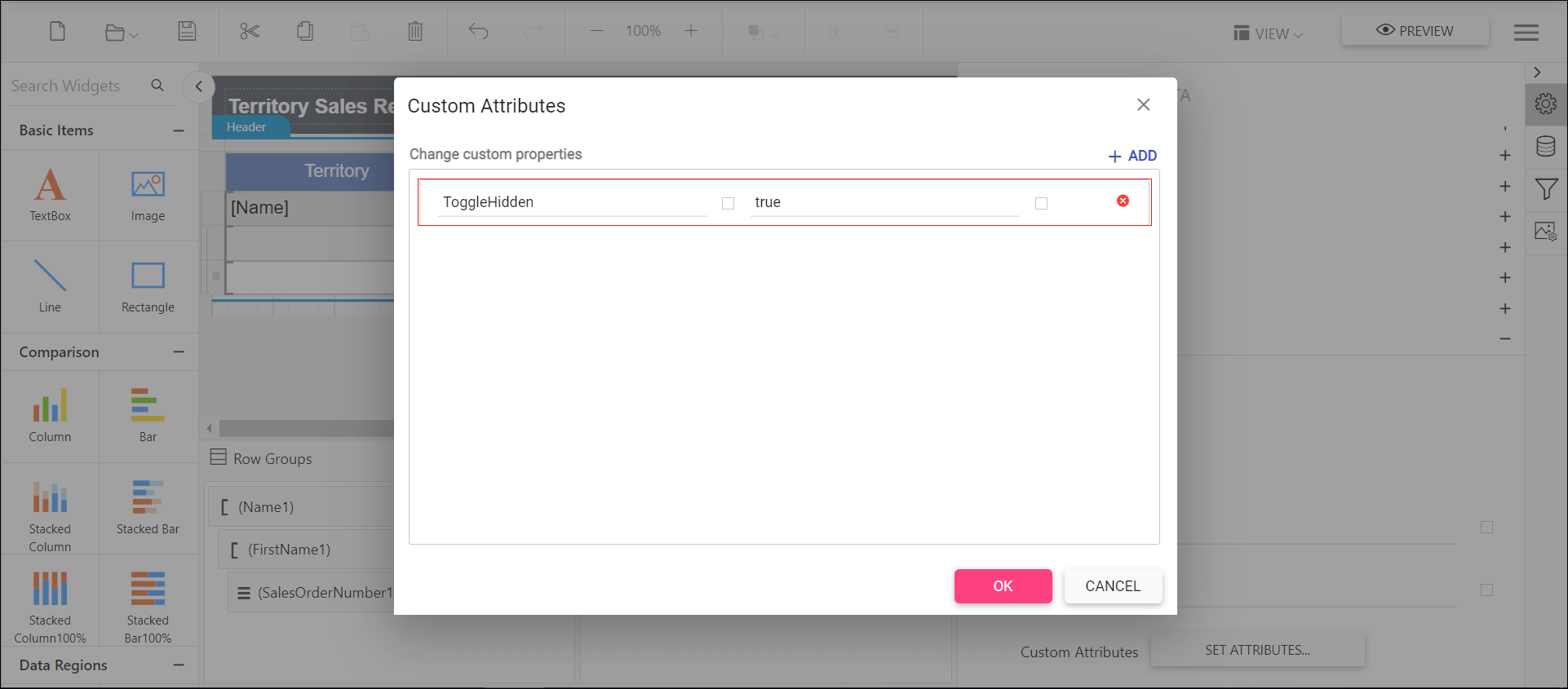
To show or hide the toggle icon in a textbox in the Report Viewer, set the ToggleHidden custom property.
You can set the ToggleHidden property value.
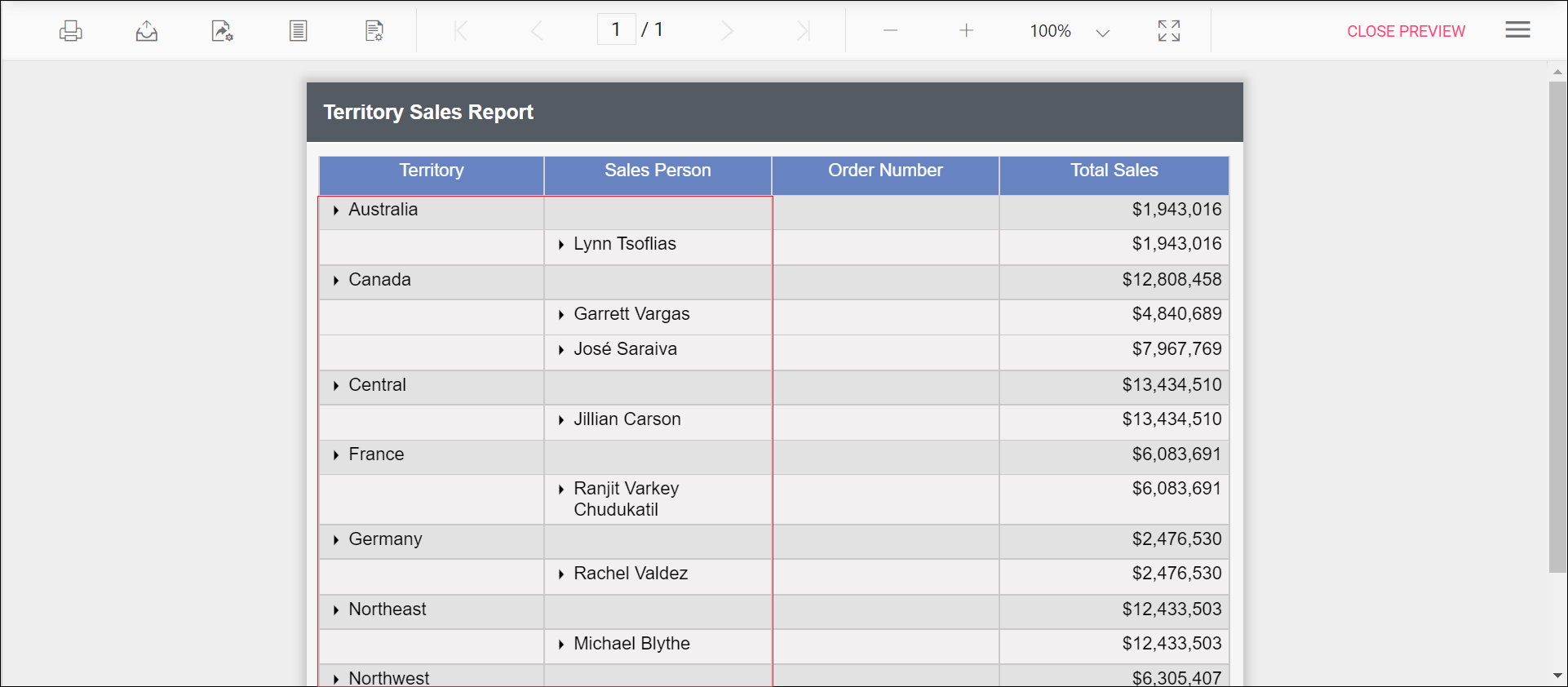
Before you set the toggle hidden property, the textbox uses the default value.
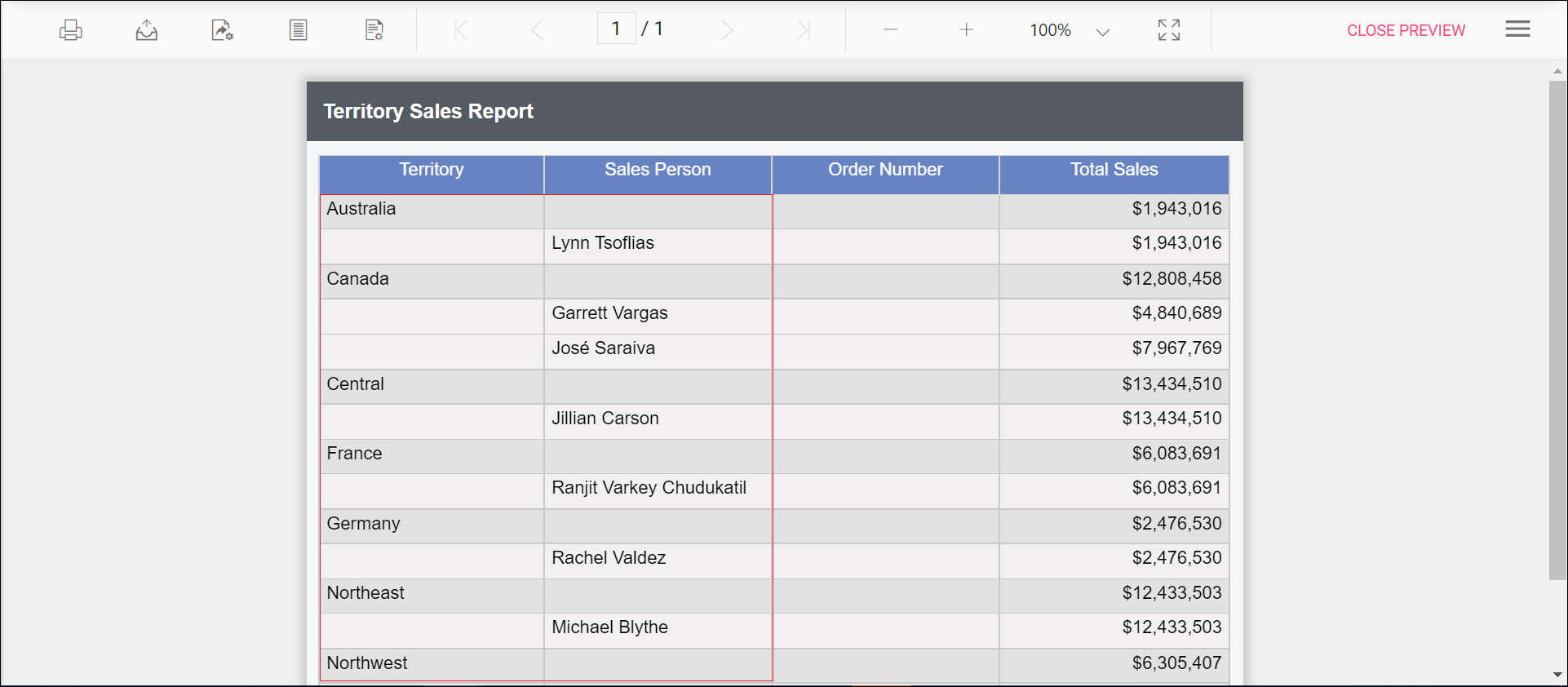
Preview the report to see that the toggle icon is hidden in the report.
How do I justify text in a text box?
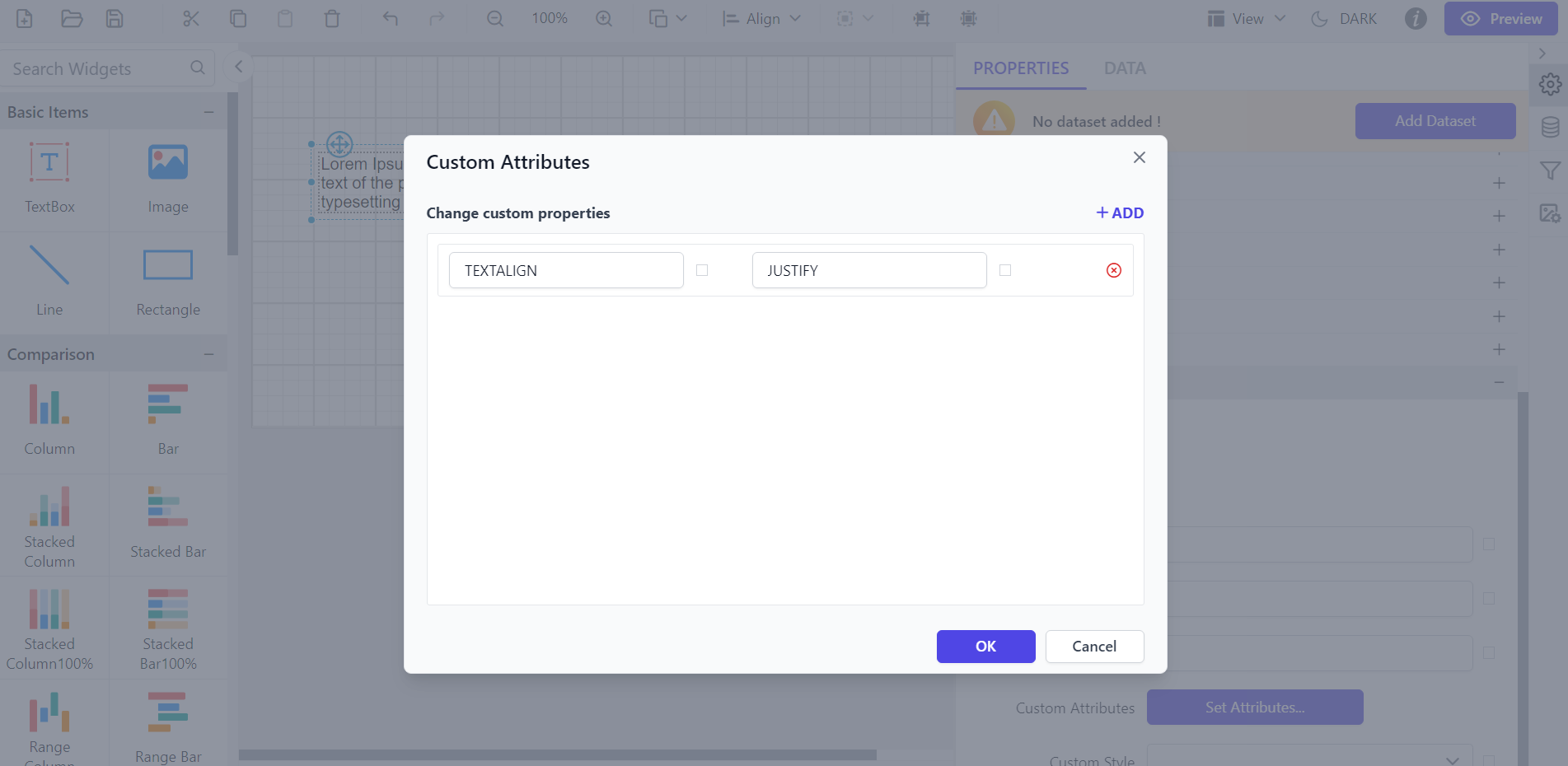
To set the text alignment of a textbox to JUSTIFY in the Report Viewer, use the TEXTALIGN custom property. You can set the TEXTALIGN property value:
How do I make textbox content editable in preview?
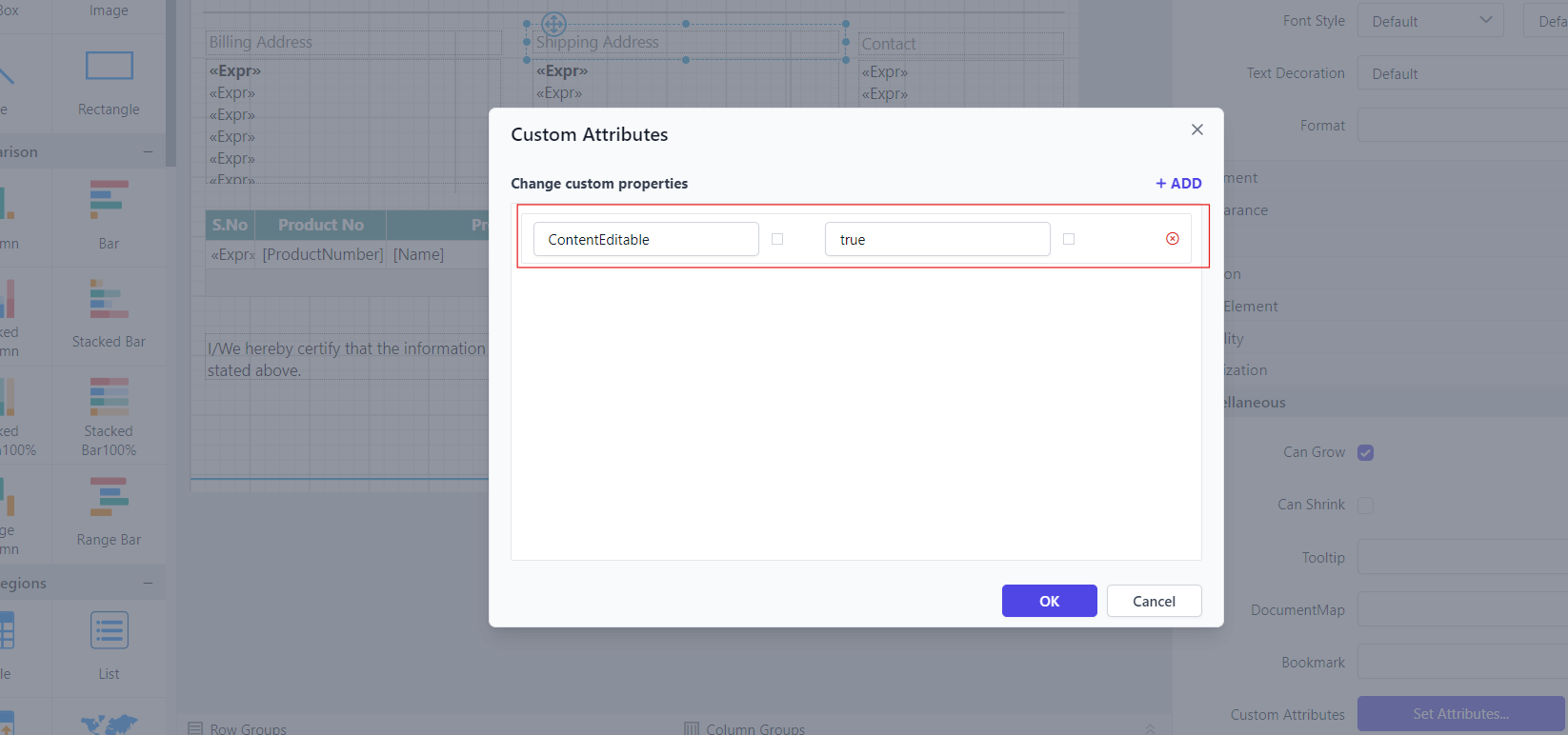
To let users edit textbox content in the Report Viewer preview, set the ContentEditable custom property.
You can set the ContentEditable property value:
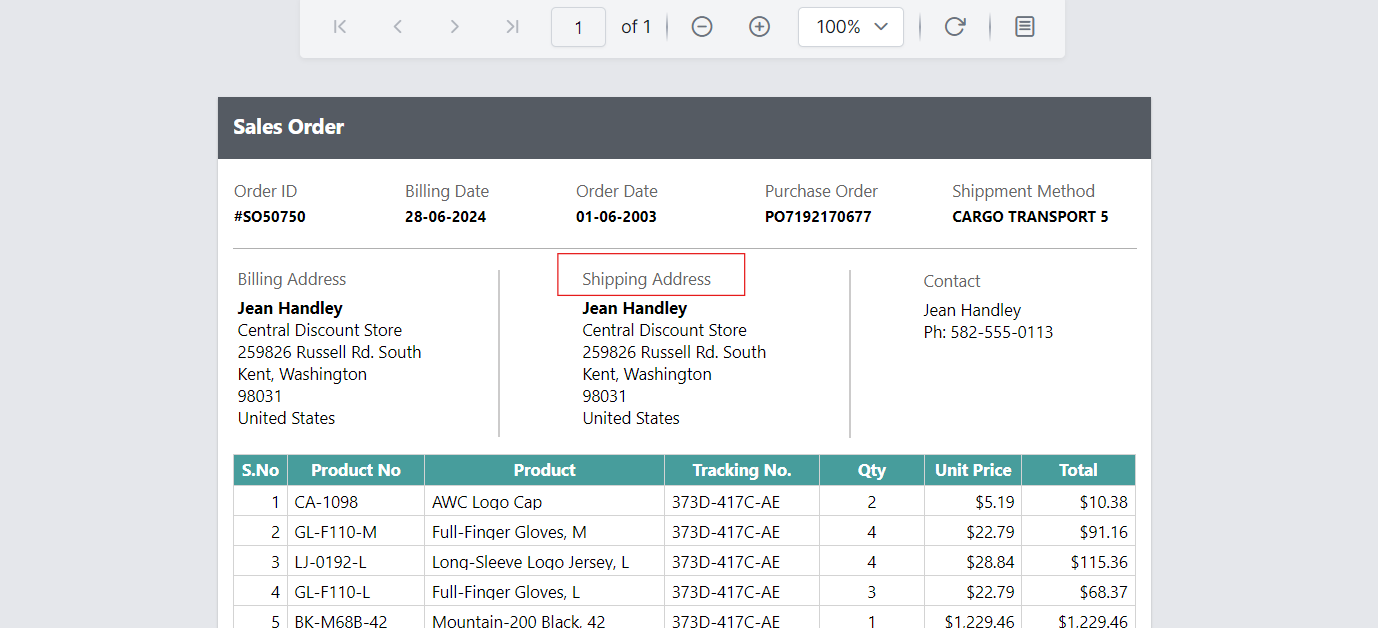
Before setting the content editable property, the textbox appears non-editable.
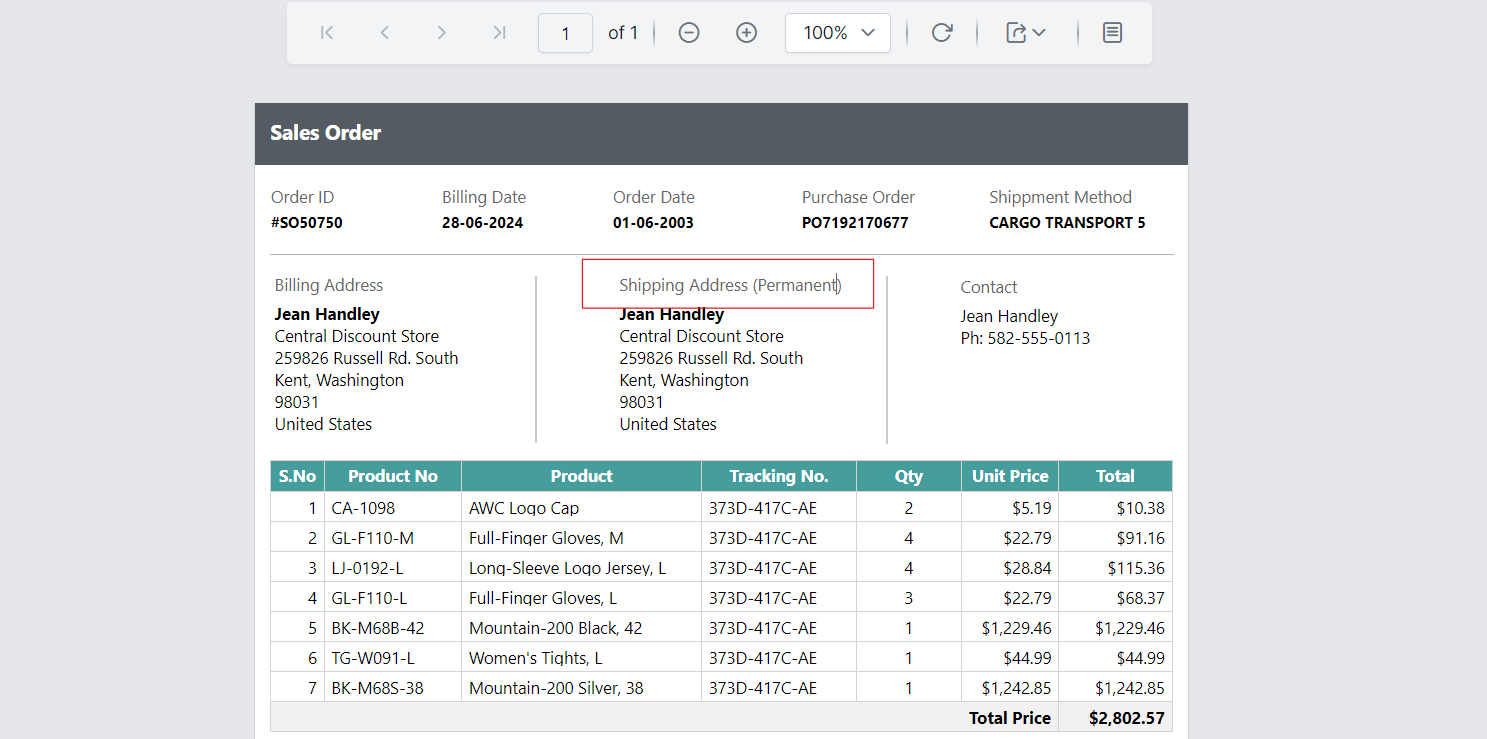
Preview the report to see that the textbox within the report is editable.
How do I add a rounded border to a text box?
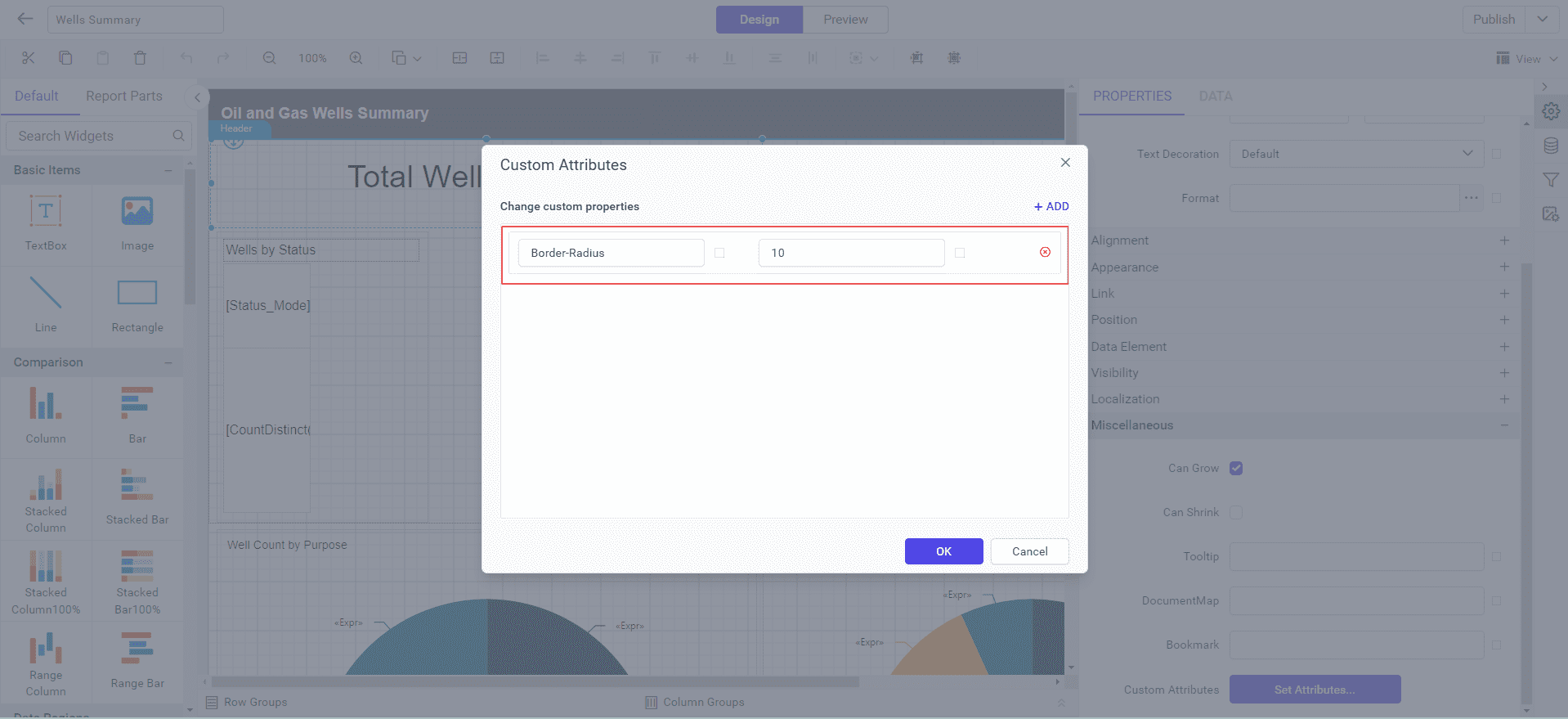
To add rounded corners to a textbox in the Report Viewer, set the Border-Radius custom property. The property takes a value in pixels.
You can set the Border-Radius property value:
Before you set the border radius property, the text box border displays with solid corners:
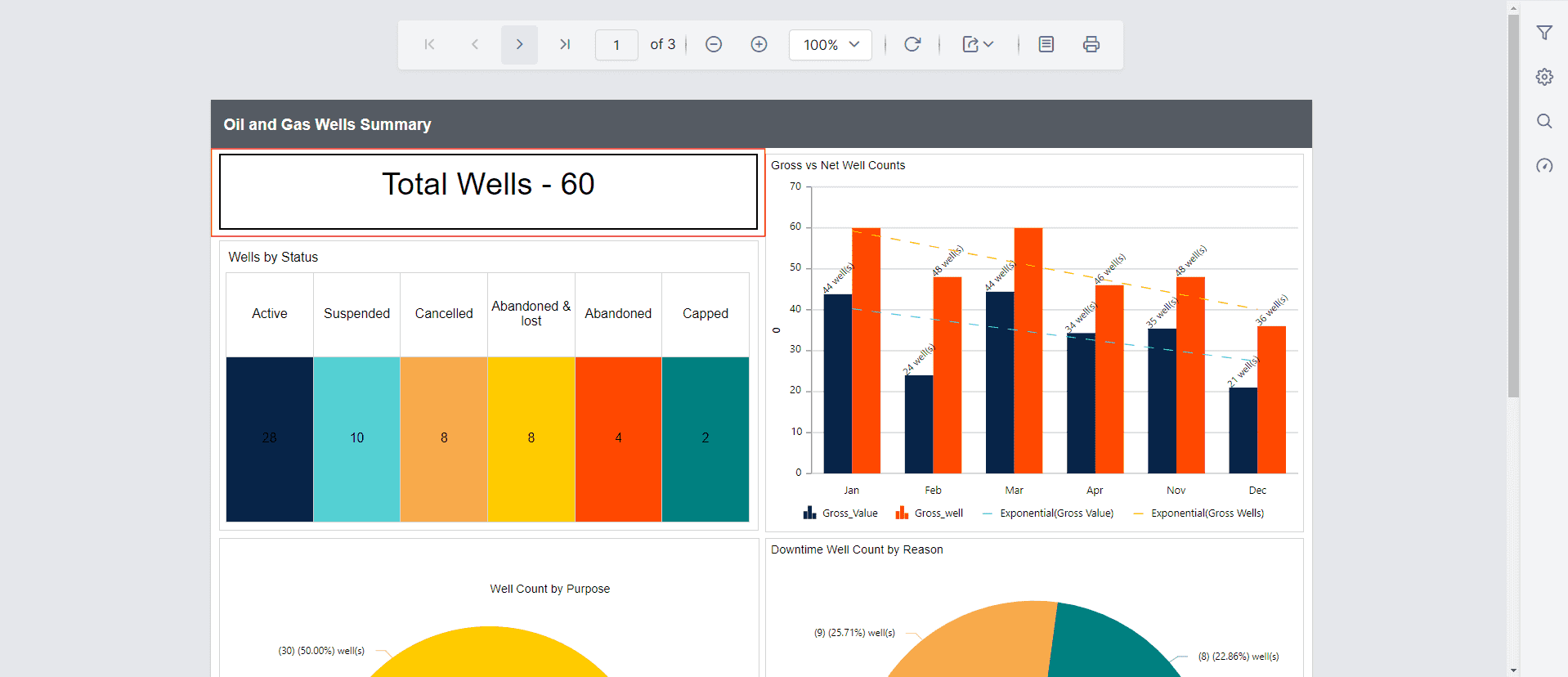
After you set the border radius property, the rounded border applies to the textbox.
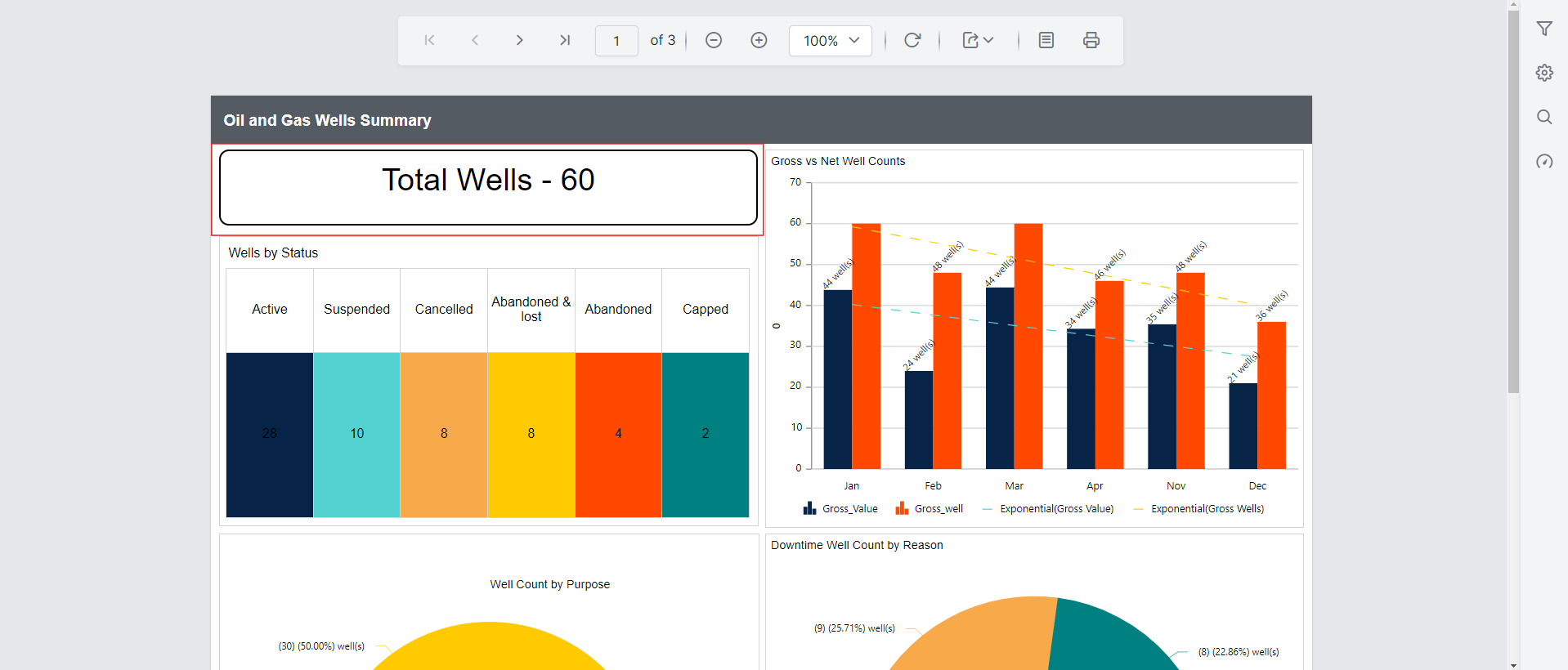
The Border-Radius property is also applicable to other report items such as table, chart, map, image, rectangle, sub report and gauges.
The Border-Radius property has the following limitations:
- The line report item does not support this behavior.
- Rounded borders are not supported in the Word, Excel, PPT, XML and CSV Export.
- Rounded borders for the table report item are supported only in the Report viewer preview and HTML export.
- The border-radius property is applied to all four edges. Individual border radius values for each edge are not supported.