Report custom properties
This topic explains about the list of report custom properties that are supported to render in ASP.NET Web Forms Report Viewer.
Improve performance and handle large amount of data
Set the EnableVirtualEvaluation and DisablePageSplitting custom properties in a report to improve performance and handle the larger amount of data with less memory footprint.
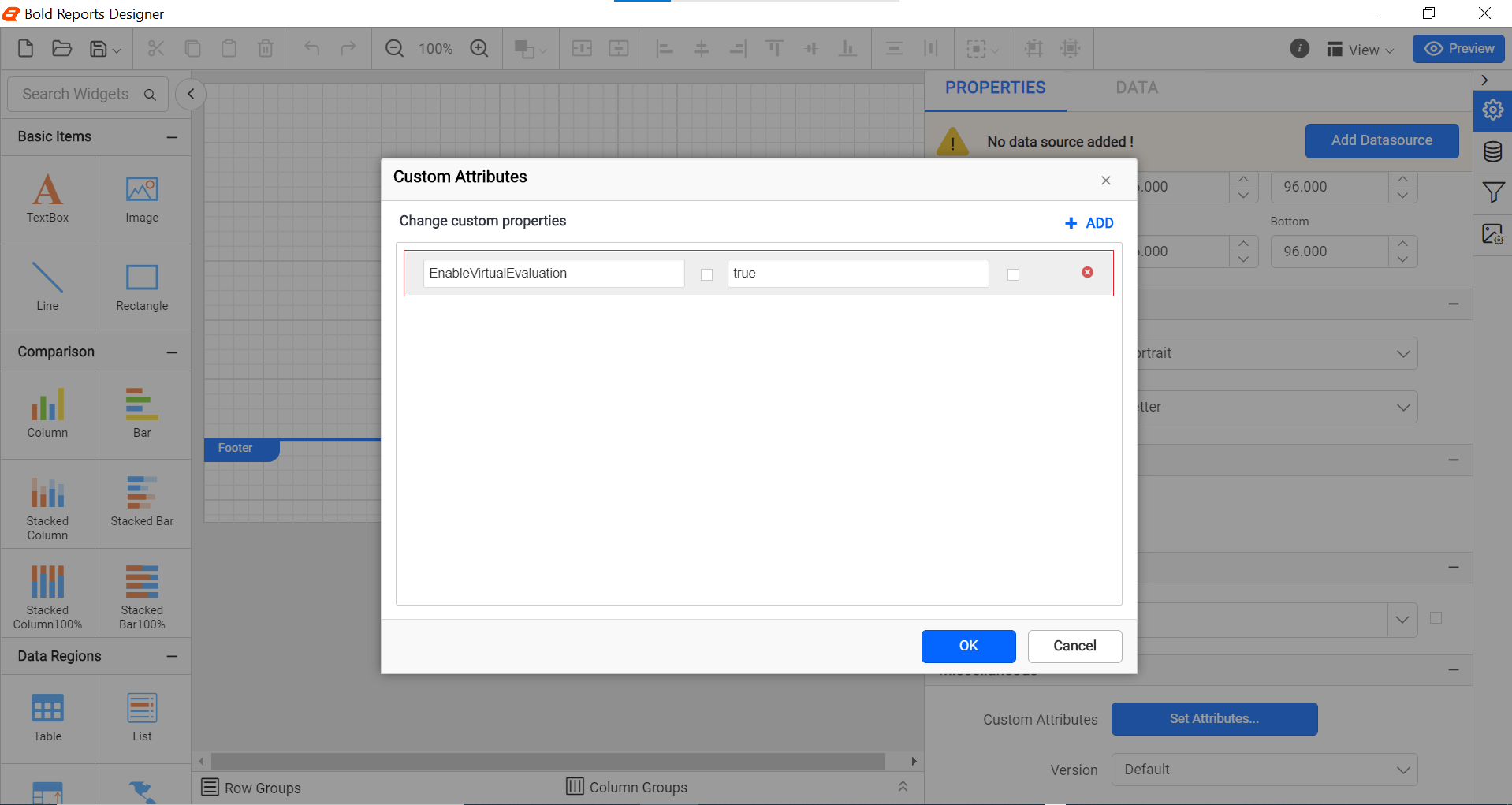
Render large data report faster
The EnableVirtualEvaluation custom property is used to render the large data report faster. The property value should be static or an expression that returns a boolean value. You can set the property value, as shown in the below.
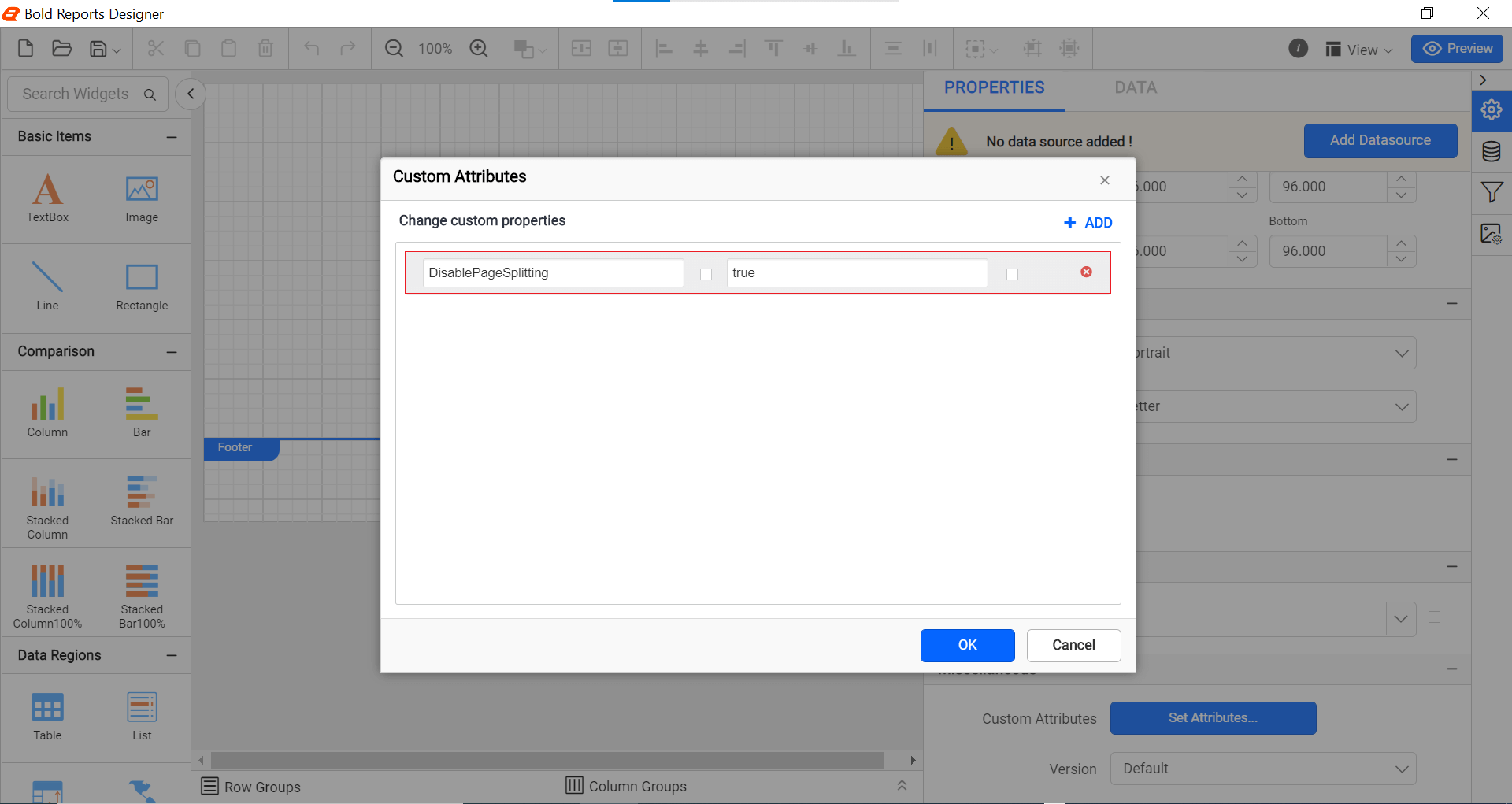
Reduce memory footprint for large data report
The DisablePageSplitting custom property is used to reduce the memory footprint for large data report. The property value should be static or an expression that returns a boolean value. You can set the property value, as shown in the below.
Improve report items layout and avoid extra blank pages
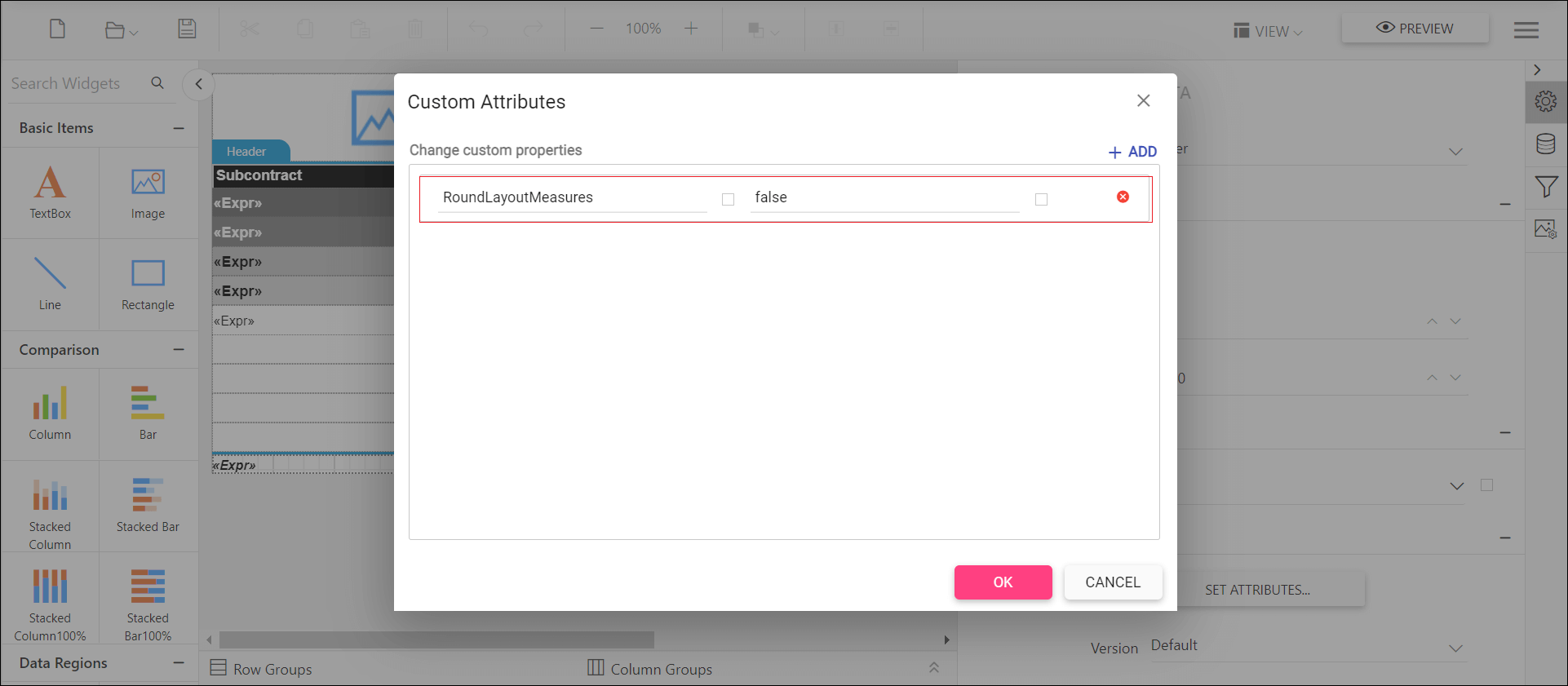
When the RoundLayoutMeasures property is false, all non-integral values that are calculated during the report processing are rounded to whole pixel values. It provides following improvements,
- Report text rendered without cuts.
- Eliminates extra blank pages.
- Removes item and text overlaps.
- Eliminates the blur semi-transparent edges that are produced by anti-aliasing.
- Produces identical look in report view and export output.
You can set the property value, as shown in the below.
Handling failure in long-running HTTP requests, report processes, and timeouts
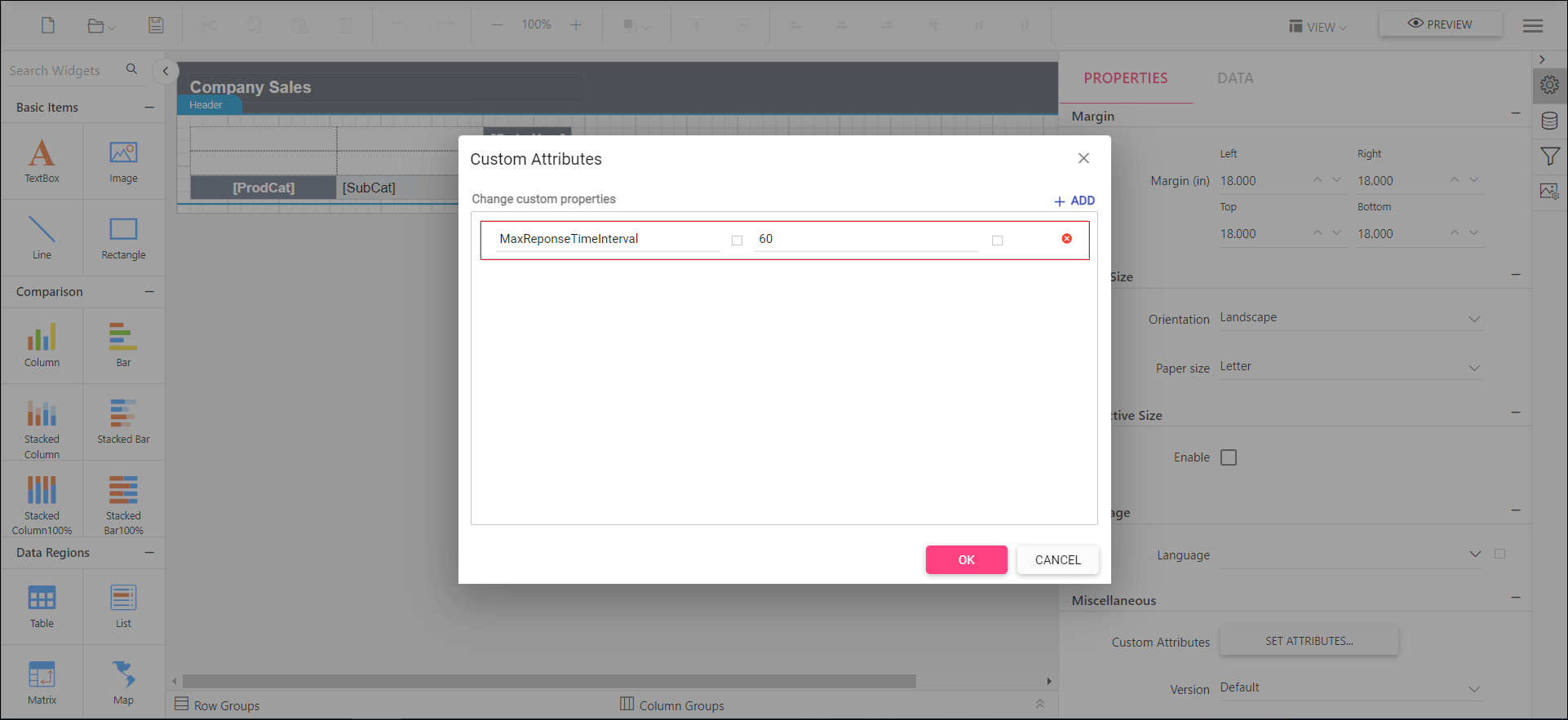
When a report process for a long time due to huge records or a HTTP request takes too long to respond then it results in Gateway Timeout or report rendering errors. The MaxResponseTimeInterval allows to specify the seconds to process an HTTP request and respond back. It helps to keep the client and server connection live by avoiding the timeout.
You can set the property value as shown in the below.
Set the zoom factor for the report viewer
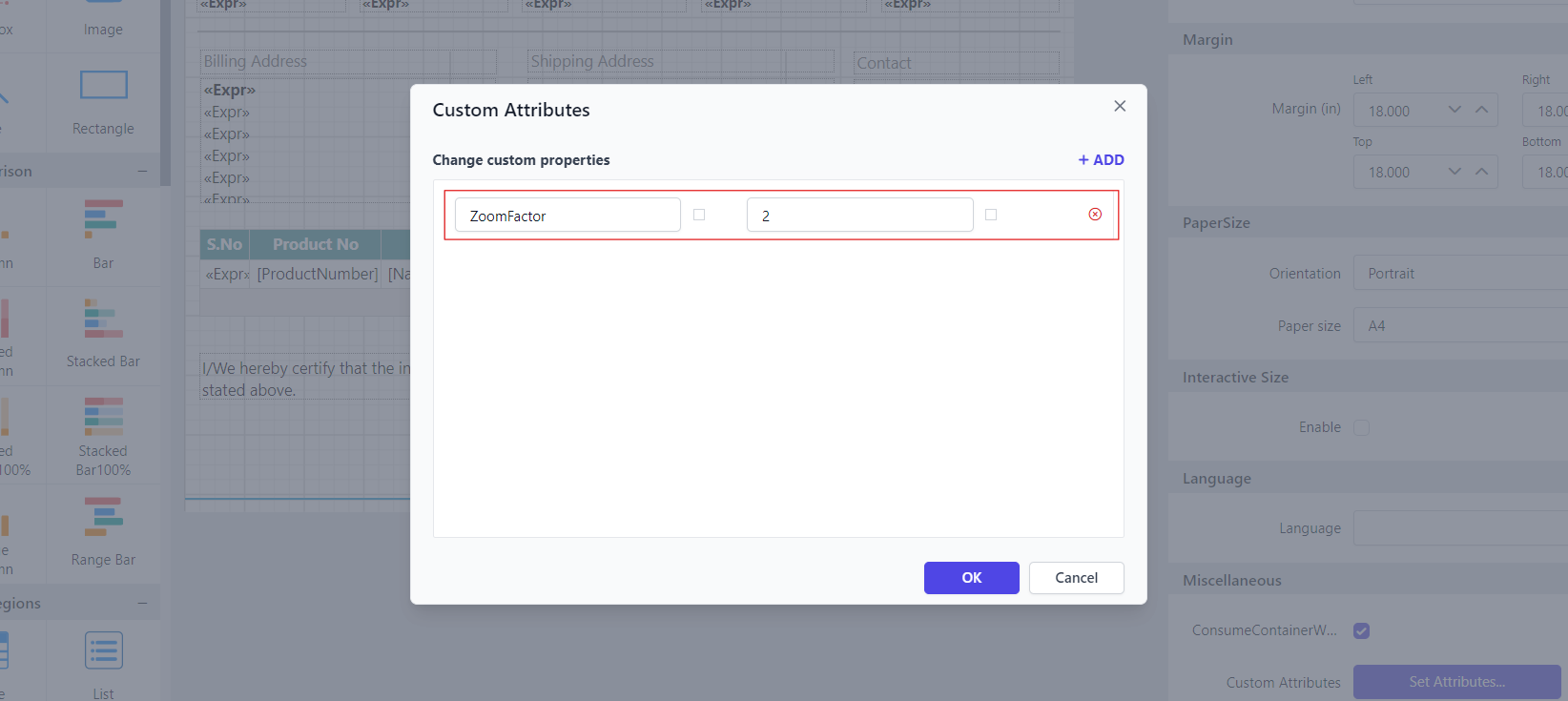
The ZoomFactor allows to set the zoom factor for the report viewer as required. The default value is set to 1.
You can set the property value as shown below.
Avoid multiple request calls from client side
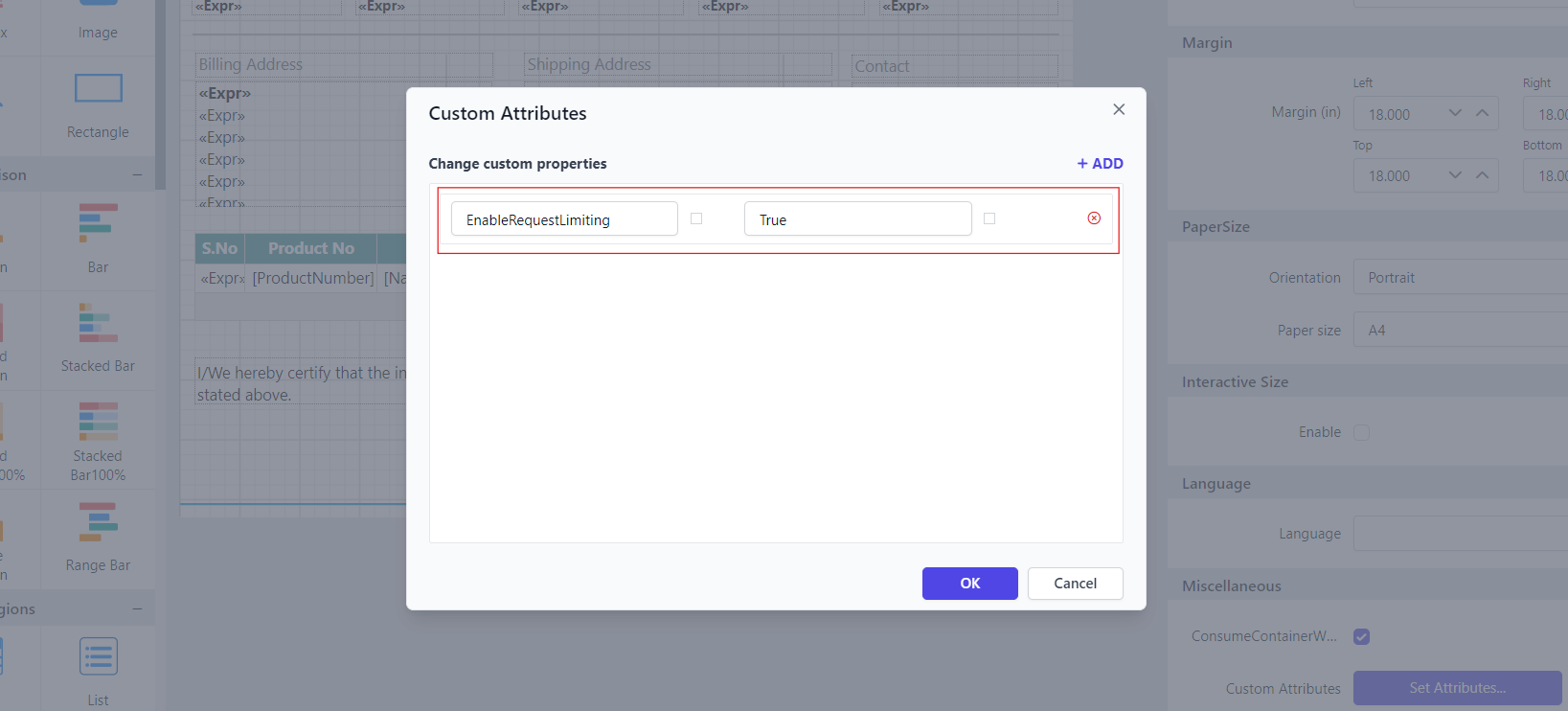
When you need to avoid multiple calls or simultaneous requests from clients, enabling request limiting can be beneficial. The EnableRequestLimiting property prevents multiple request calls from the client side, ensuring that only one request is processed at a time.
You can set the property value as shown below.
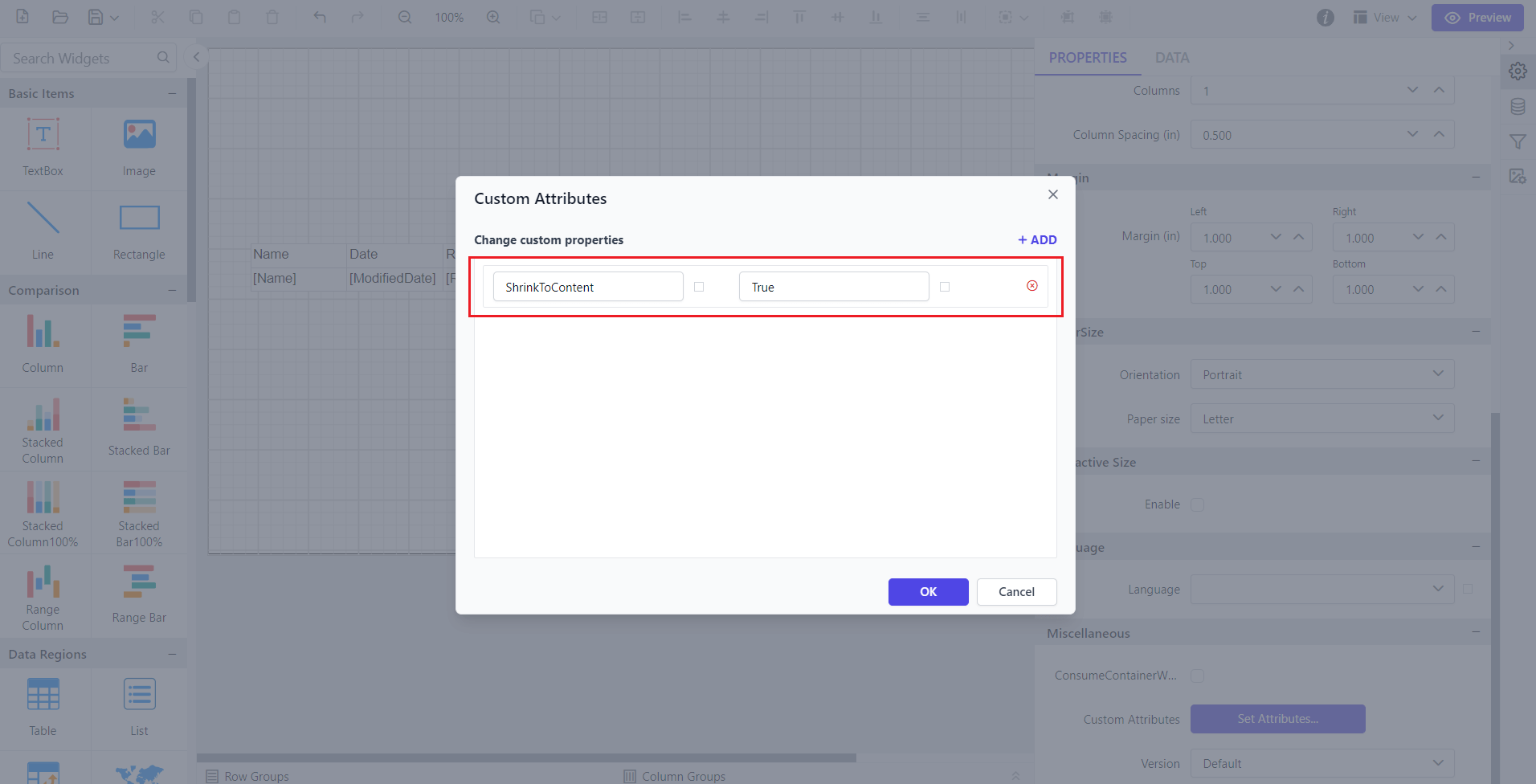
Shrink the report based on the visibility of report items
The report items can be configured to be visible or hidden. When an item is set to hidden, it typically retains its white space in the report layout, leading to unwanted gaps. The ShrinkToContent custom property allows you to dynamically adjust the report layout by eliminating unnecessary white space caused by hidden report items.
You can set the property value as shown below.