How to generate the authentication token using API from the postman
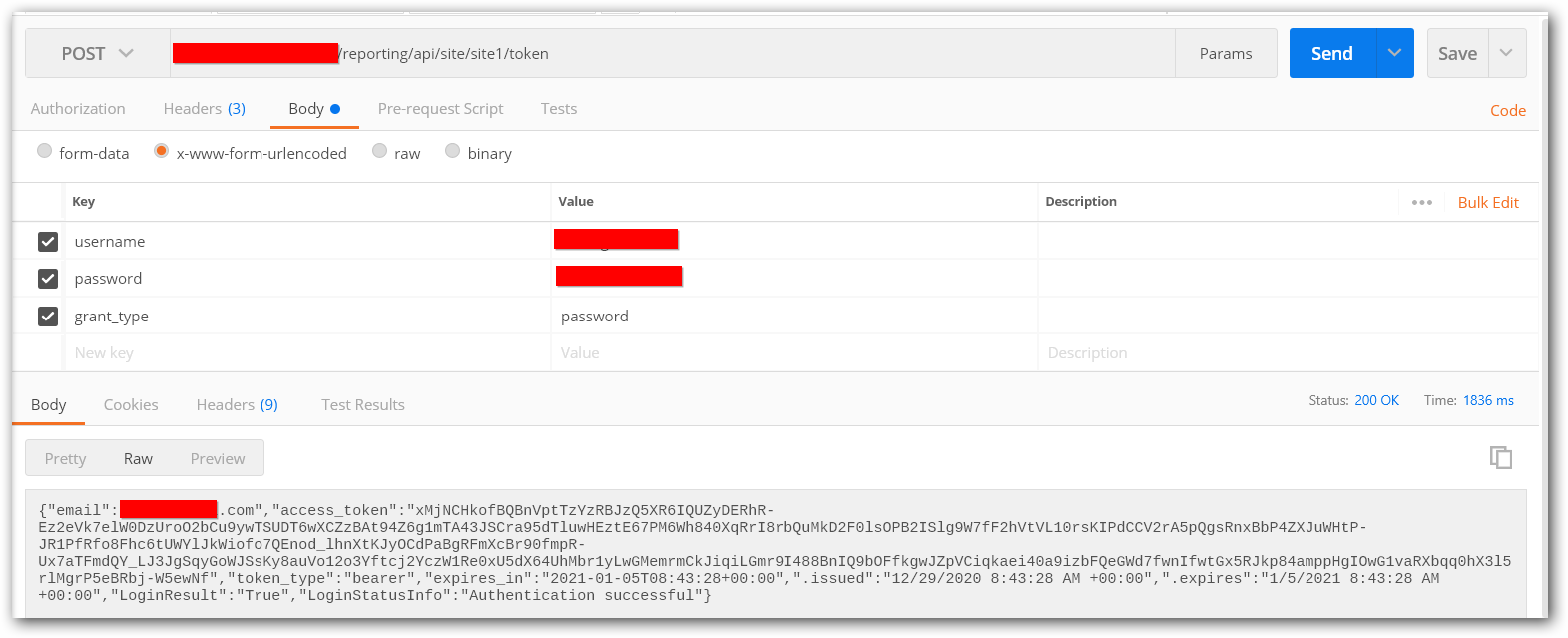
You can generate the authentication token for a user in Bold Reports® by using the using API. To do this, pass the following parameters in request body.
-
Open the
Postmanapplication and create a newPOSTHttp request. -
In request URL, provide your Report Server URL and append
reporting/api/site/{tenant-name}/tokento generate the authentication token. -
In body section, you need to add
username,password, andgrant_type. Provide these values as user login details, withgrant_typeset aspassword.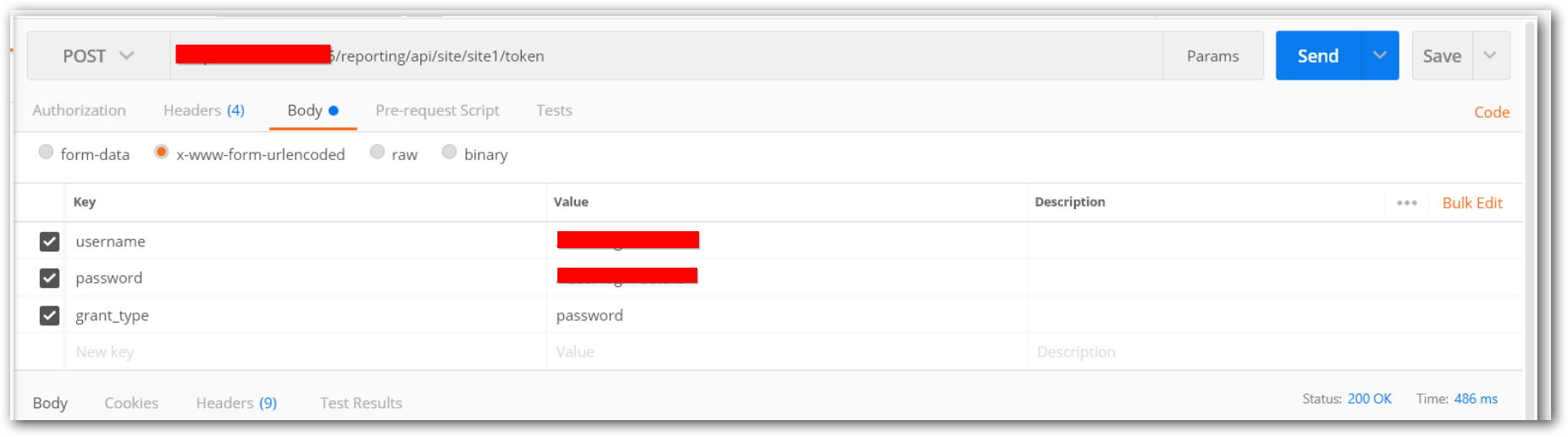
-
Click
Send. The authentication token will be generated in the response.