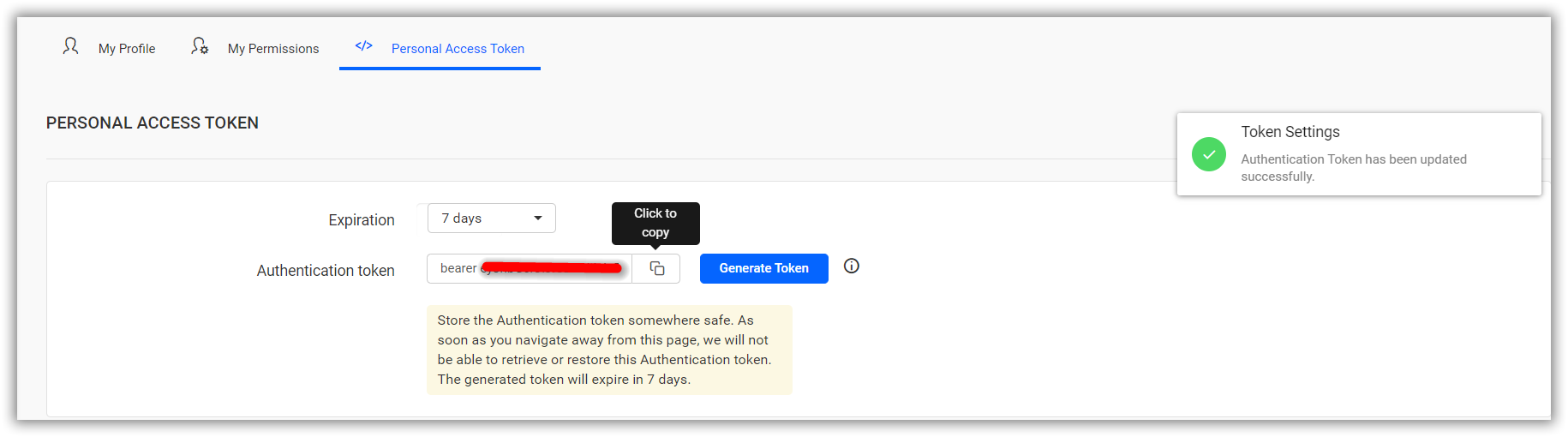
How to generate the authentication token from Report Server UI
You can generate the authentication token for a user in the Bold Reports® Server UI by following these steps.
-
Click the
Profileicon in report server.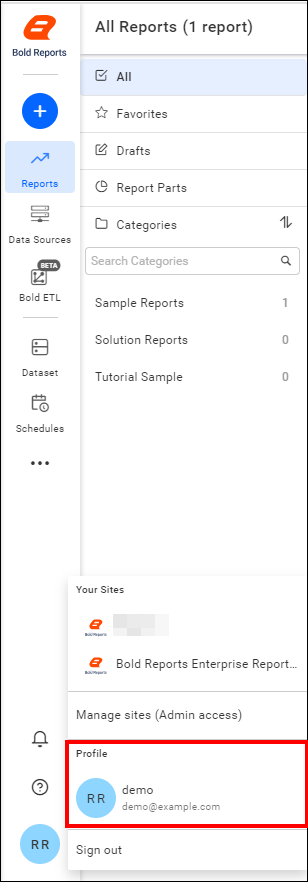
-
On the Profile page, Click the
Personal Access Tokentab.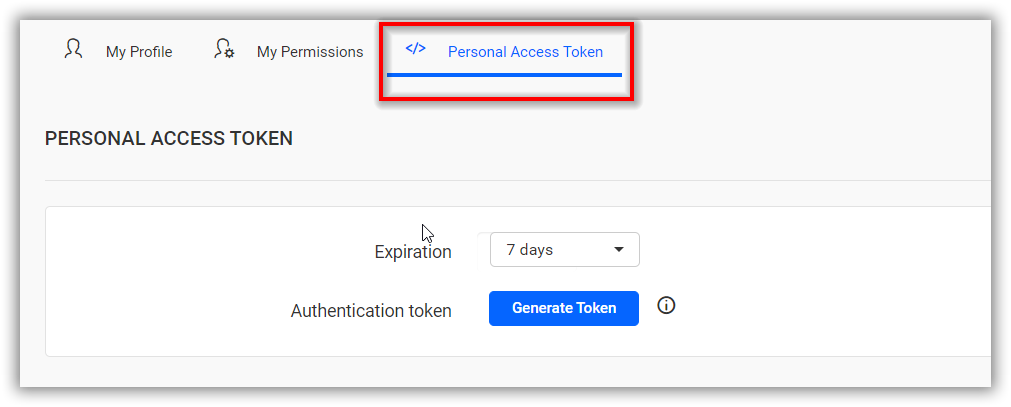
-
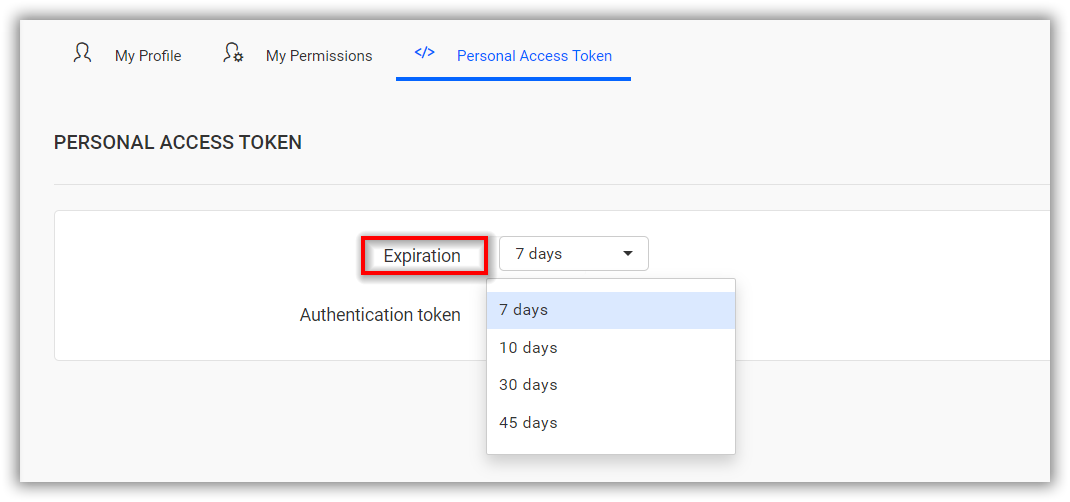
Select the required duration from the dropdown for token expiration.
-
Click the
Generate Tokenbutton, and in the confirmation dialog, chooseYes.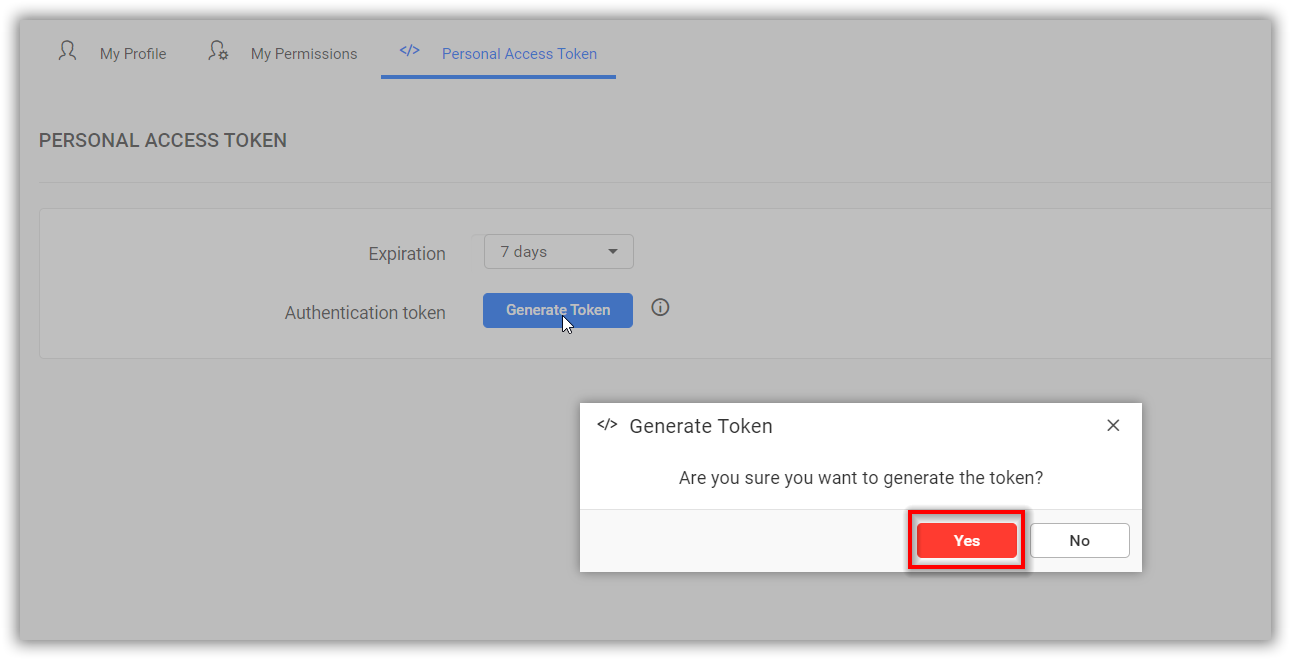
-
An authentication token will be generated. You can copy and use this token for embedding.