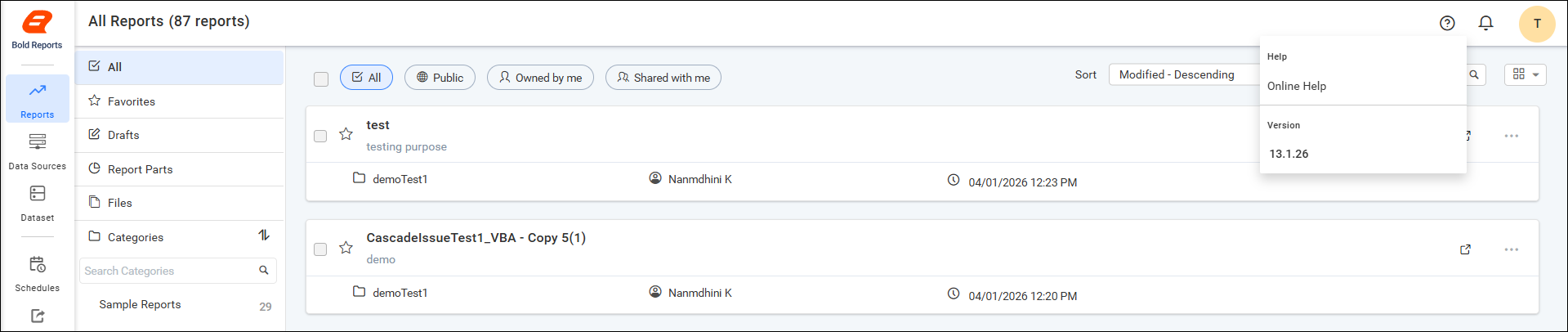
How to access the Health Check option for Admin users
The Health Check option in the Report Server is available only for users with Admin privileges. Non-admin users will not see this option in the application UI.
Steps to access the Health Check option
-
Log in to the Report Server using an Admin account.
-
Click the
Helpicon in the top-right corner of the application. -
Select the
Health Checkoption from the Help menu.The Health Check page will be displayed with the system health details.

Access behavior for non-admin users
When a non-admin user logs in:
-
The
Health Checkoption is not displayed in the Help menu. -
Only general options such as
Online HelpandVersionare available.