Query filters in the Web Report Designer
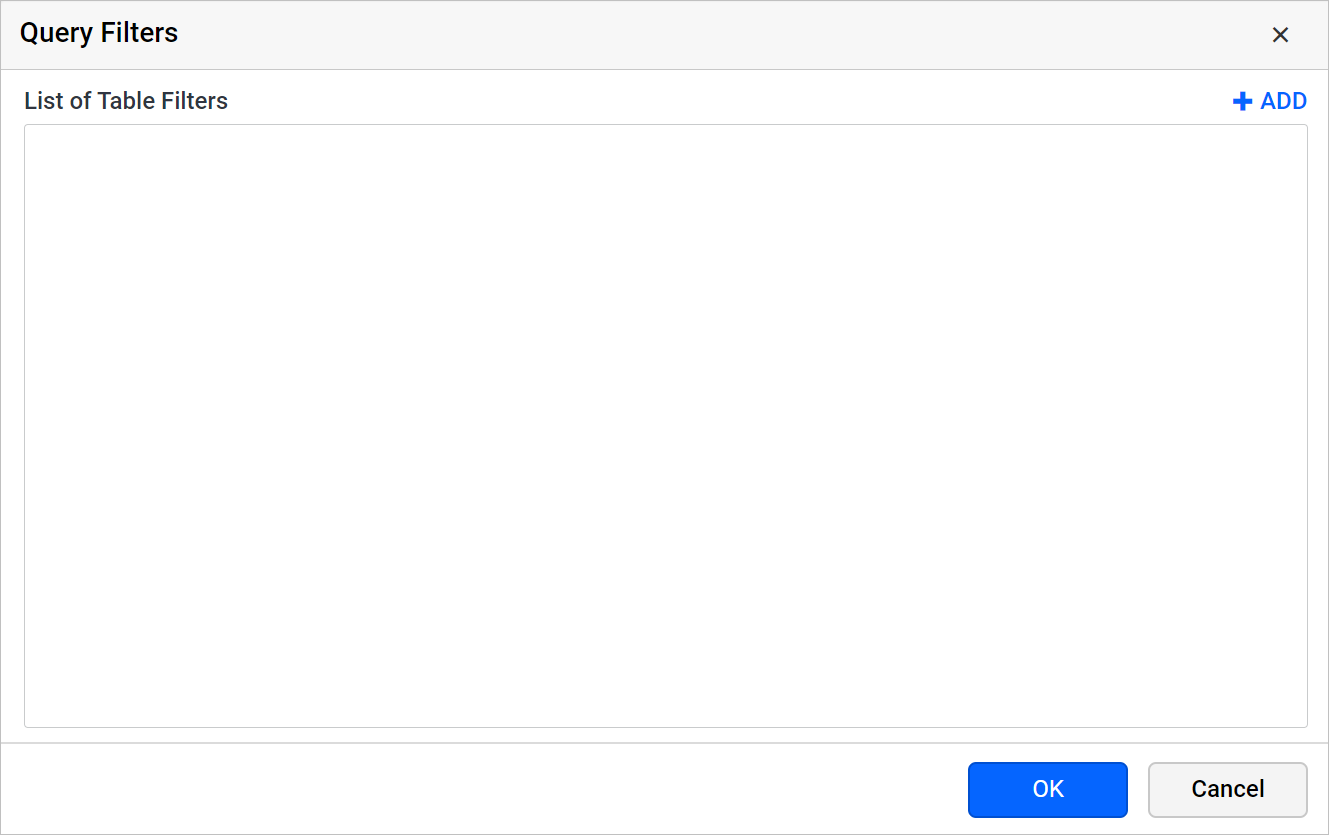
In the Bold Reports® Web Report Designer, query filters limit a dataset to the specific data you need from a database. You filter the data by adding and deleting filters.
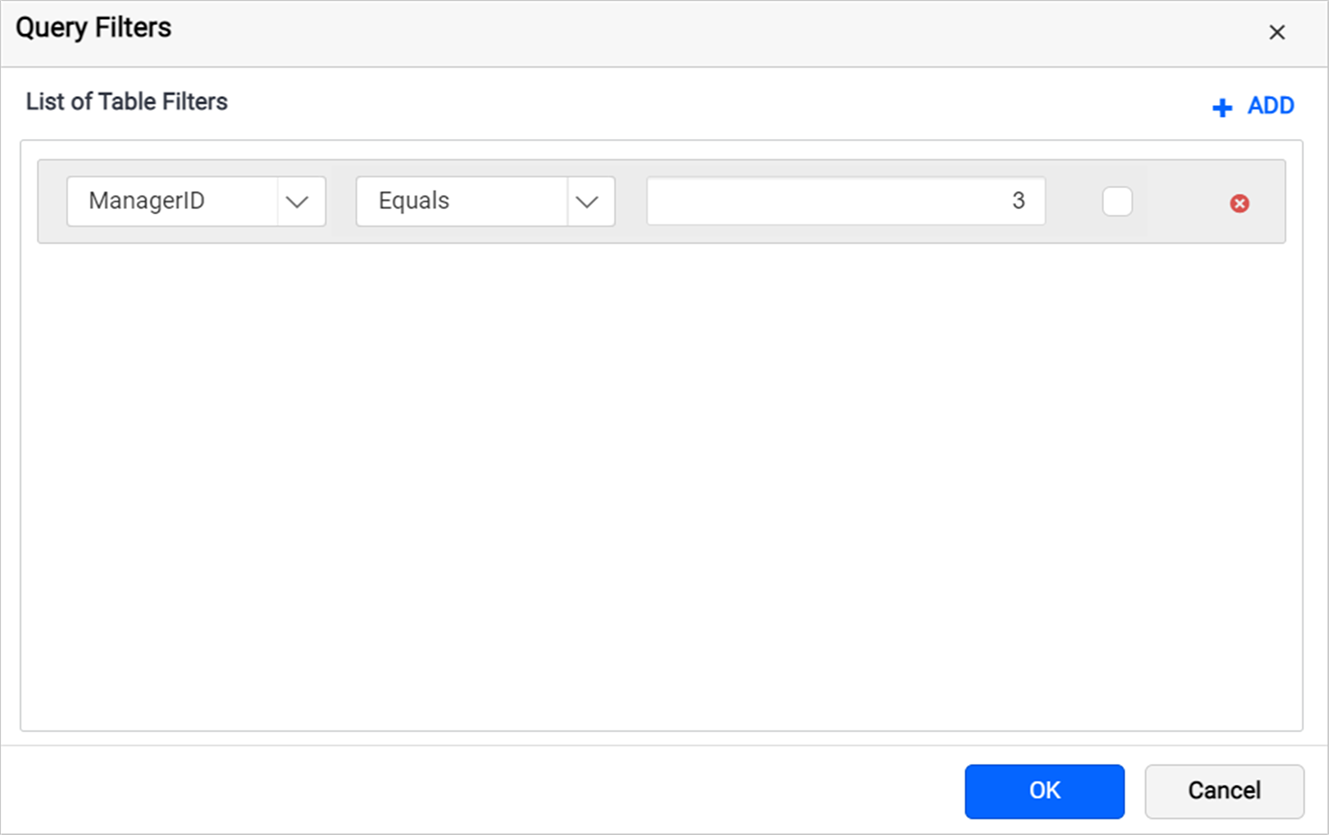
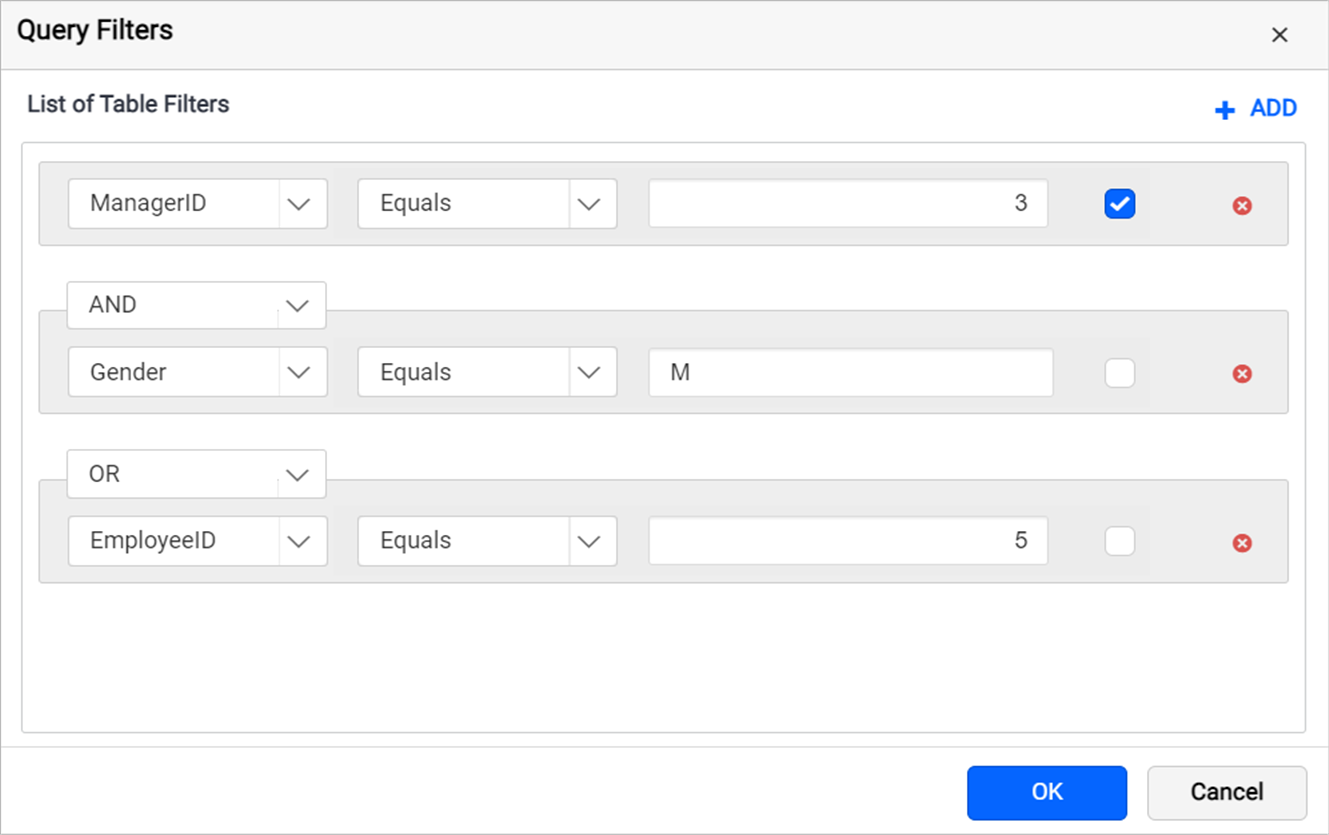
The following image shows the query filters dialog.
Prefer watching over reading? Watch this video on adding query filters to a dataset:
How do I add query filters?
You add query filters in the Web Report Designer query filters dialog. Follow these steps:
-
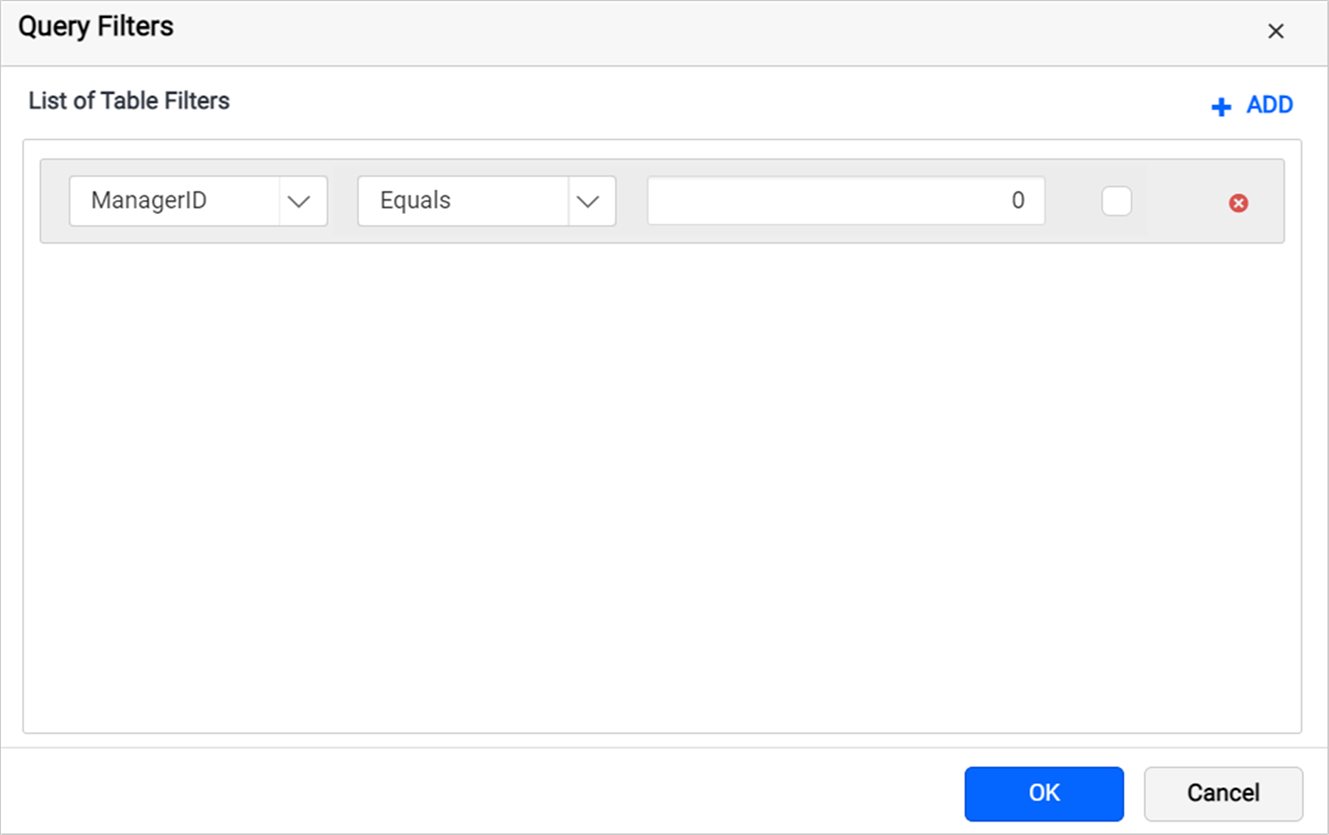
Click the Add icon to add a filter.
-
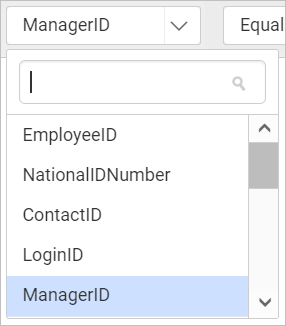
The first drop-down list shows the dataset fields. Choose the field you need.
-
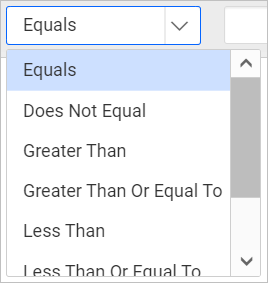
The second drop-down list shows the Operator types. Choose an operator.
-
In Value, enter the value to filter in the dataset fields.
-
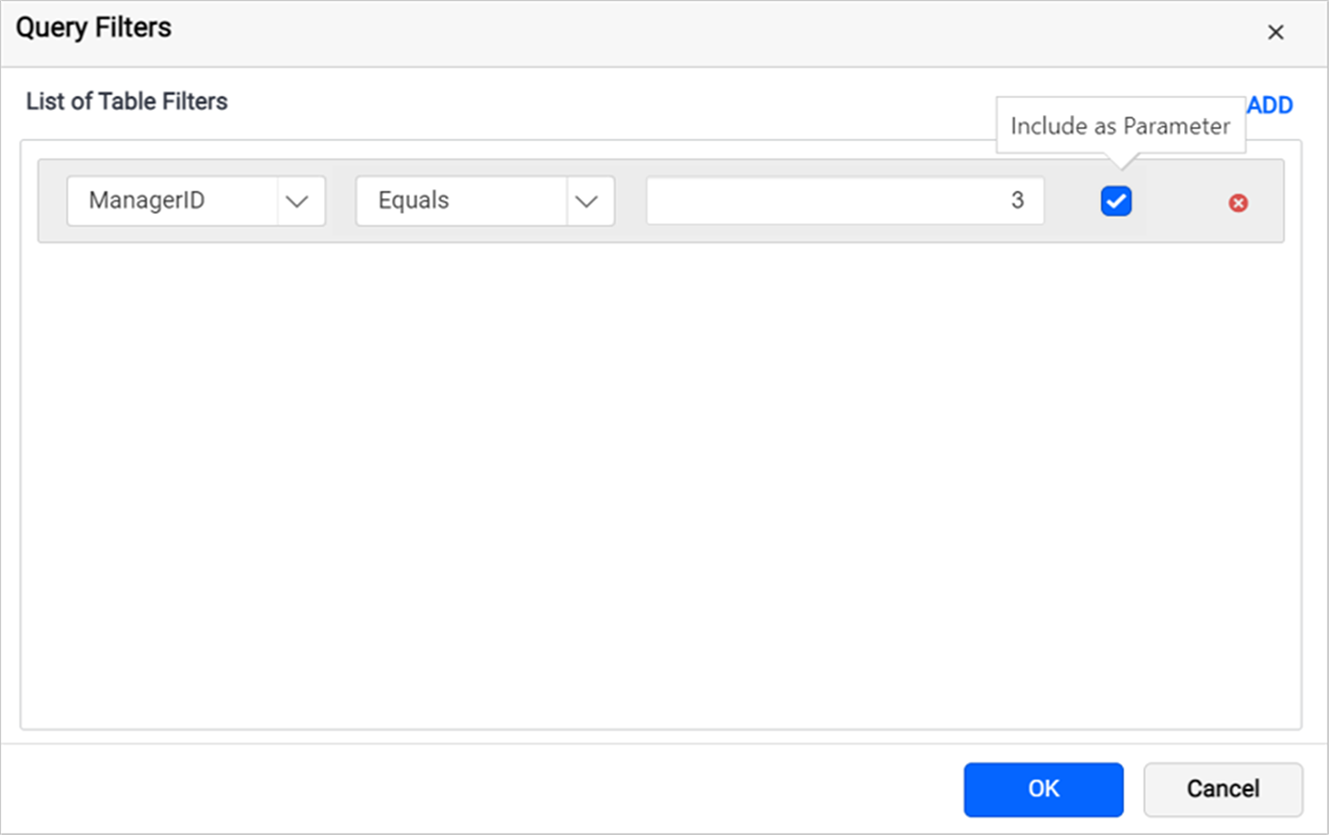
Select the Include as parameter checkbox to include the query parameters.
-
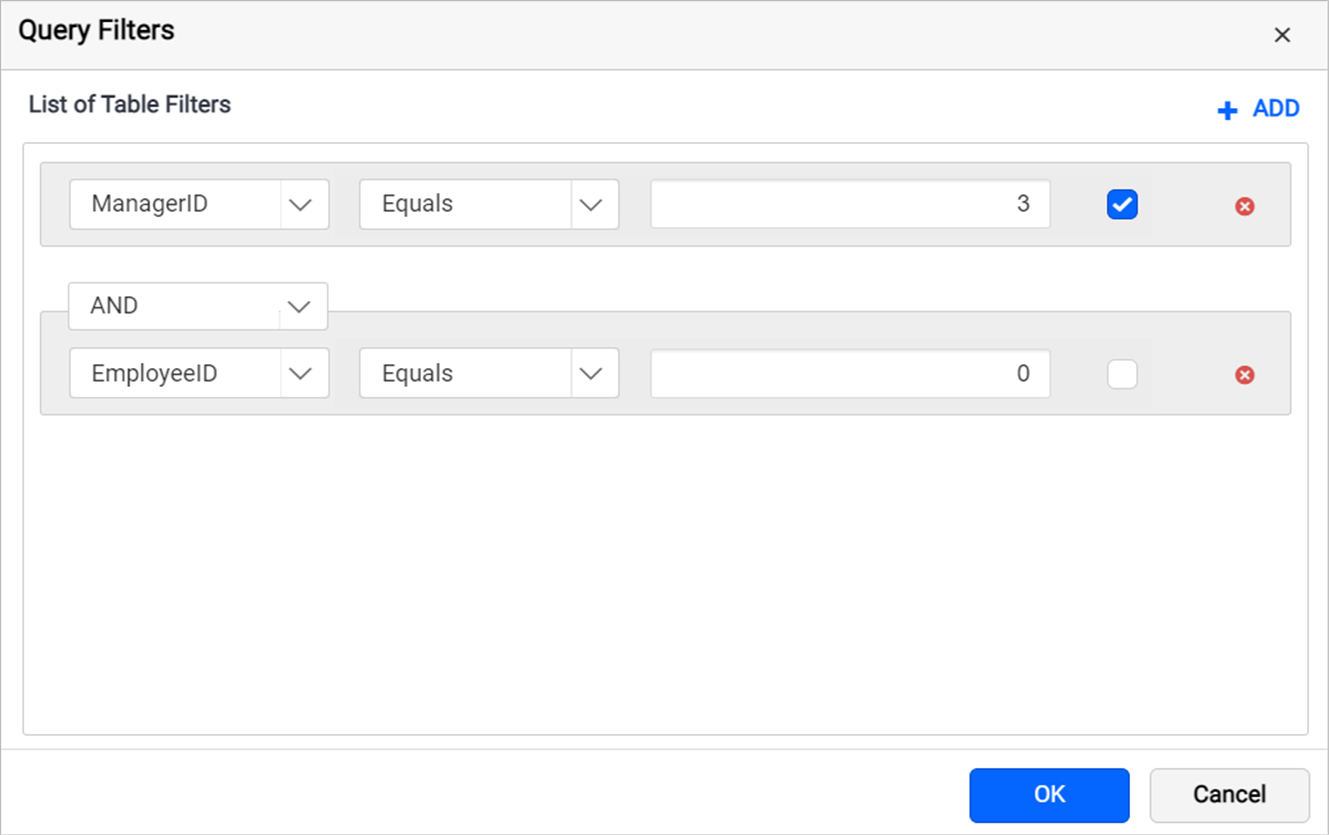
Click the Add icon again to add a second row. A drop-down appears at the top of the second row.
-
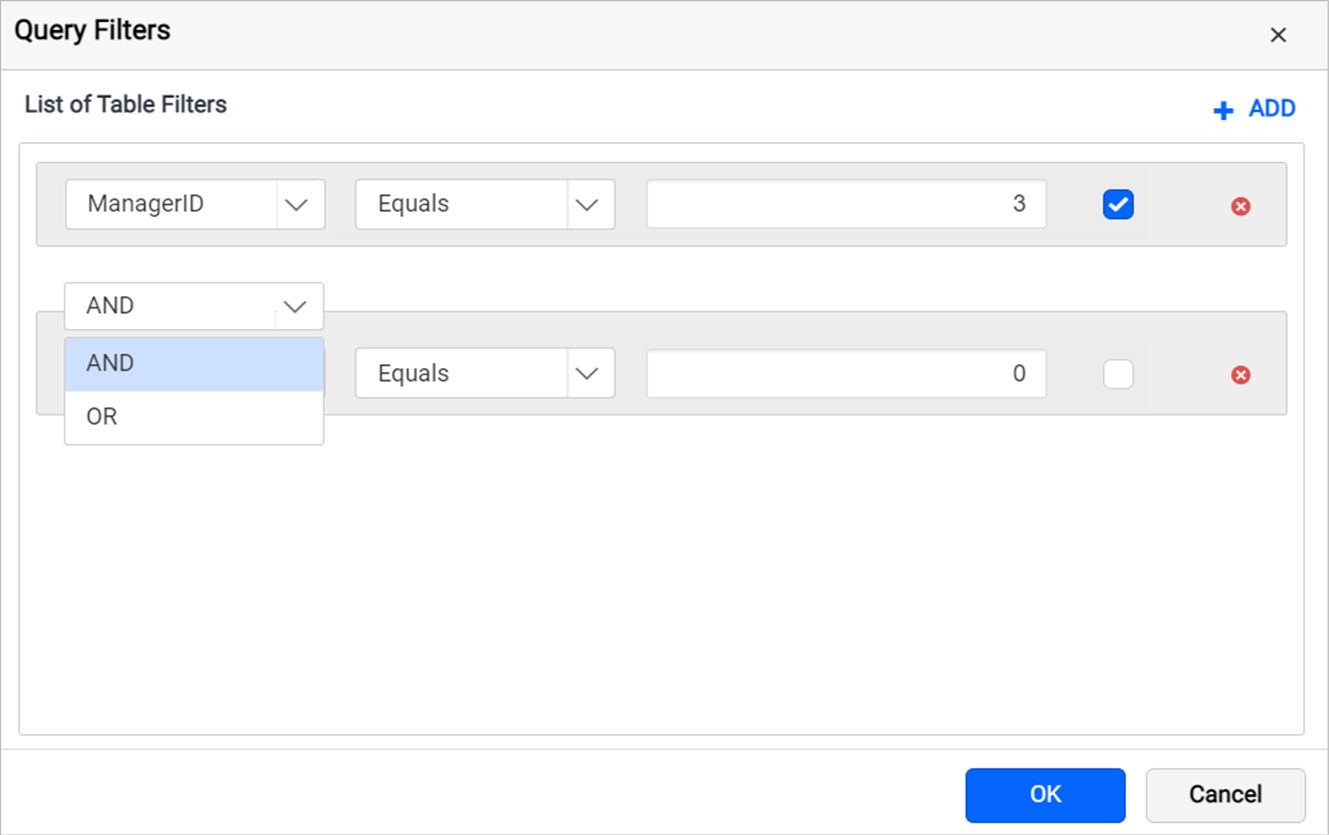
Choose the AND or OR condition from the drop-down to filter data based on the query condition.
-
To add multiple filters, follow steps 1 to 5.
-
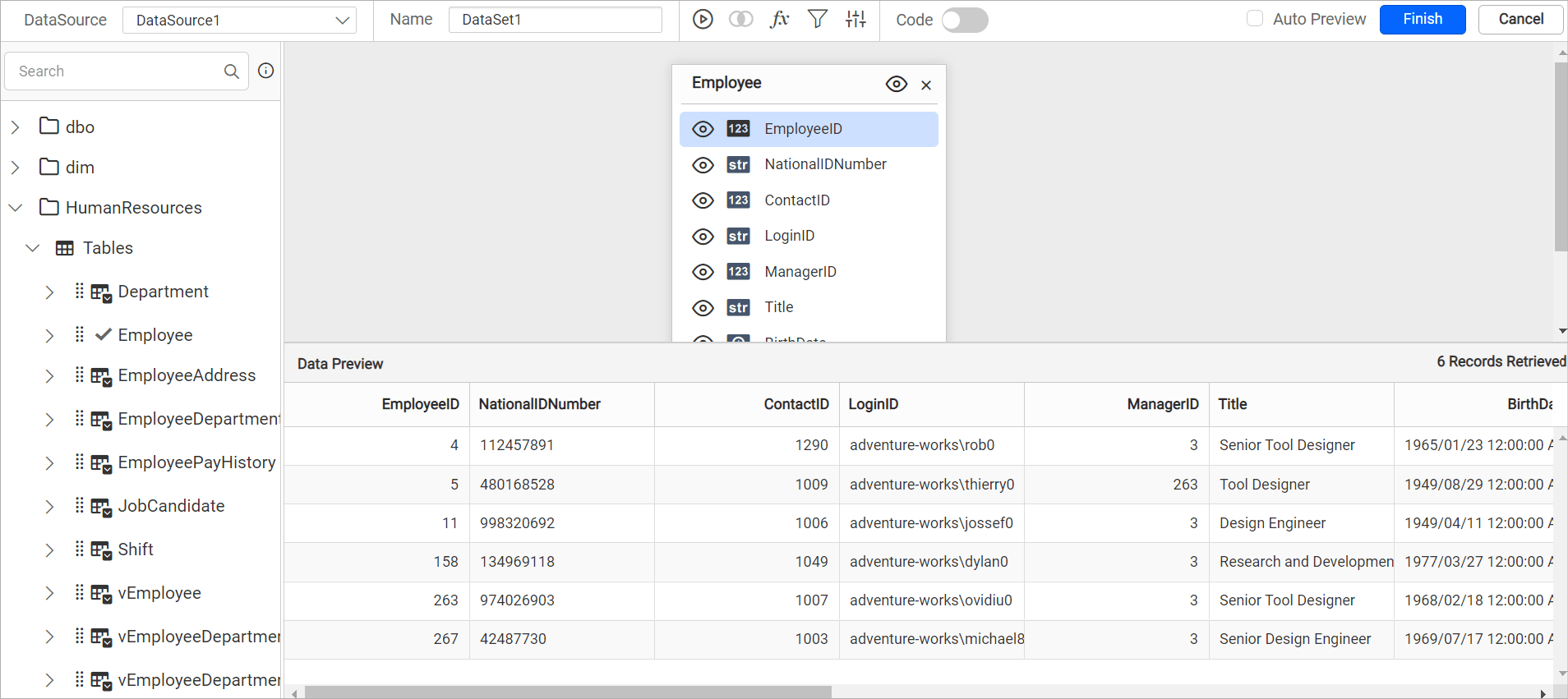
Click OK and select the Execute icon to view the filtered data in the data preview.
-
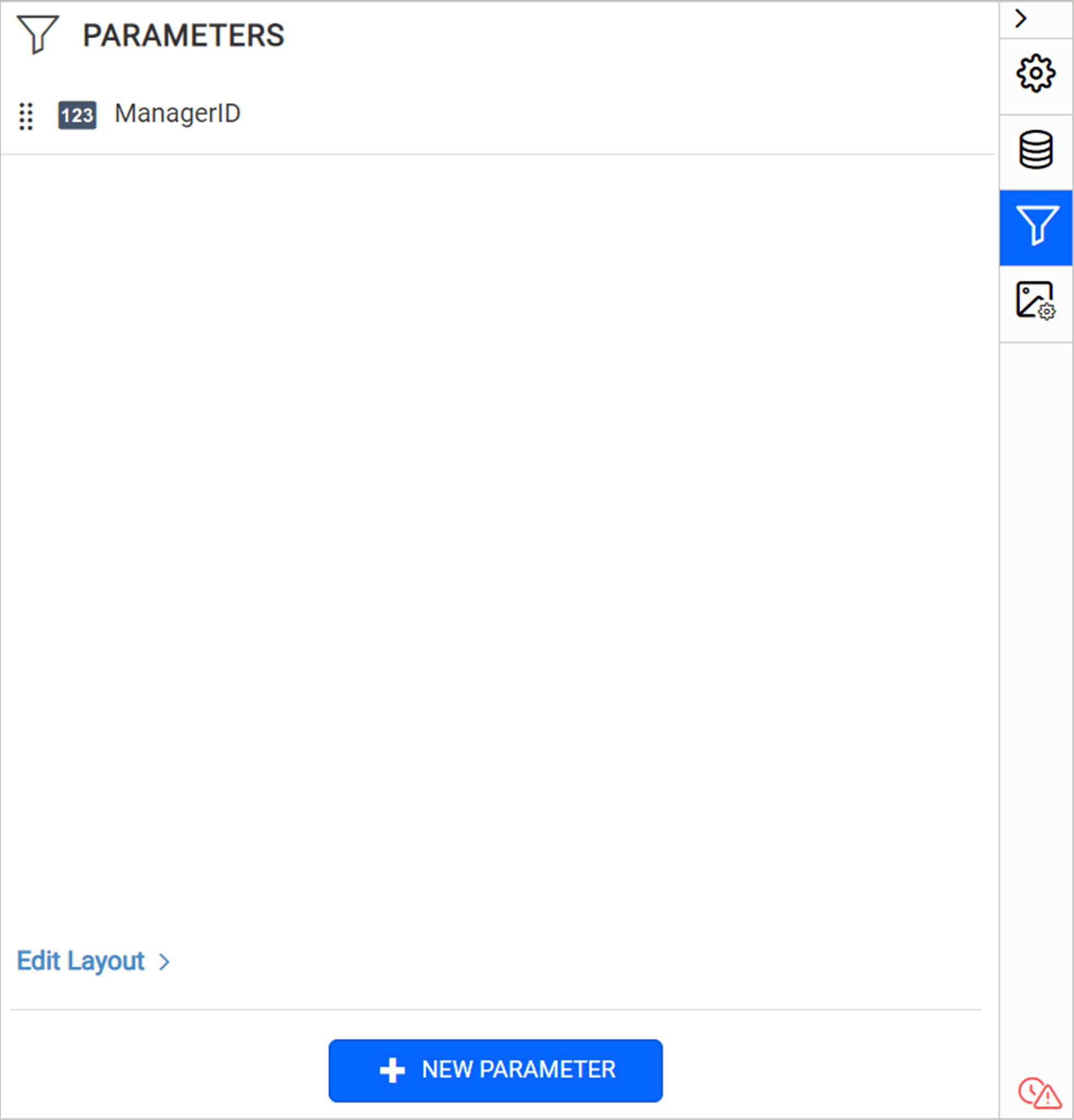
When you save the dataset, the query parameter is automatically included as a report parameter.
How do I remove query filters?
To remove a query filter in the Web Report Designer, click the Delete icon in the right corner of that filter.

Frequently asked questions
How do I combine several query filters?
Add a second filter row and choose the AND or OR condition from the drop-down at the top of that row.
Does a query filter create a report parameter?
Yes, if you select Include as parameter. When you save the dataset, the query parameter is automatically included as a report parameter.