Custom distribution for map markers in Bold Reports®
In the Bold Reports® Web Report Designer, the custom distribution type lets you set your own number of data ranges to decide the distribution of values for map markers.
How do I set a custom distribution for map markers?
You set a custom distribution for map markers in the Bold Reports® Web Report Designer from the marker color rule category.
-
Select the data value. The properties required to configure the distribution type appear under the marker color rule category.
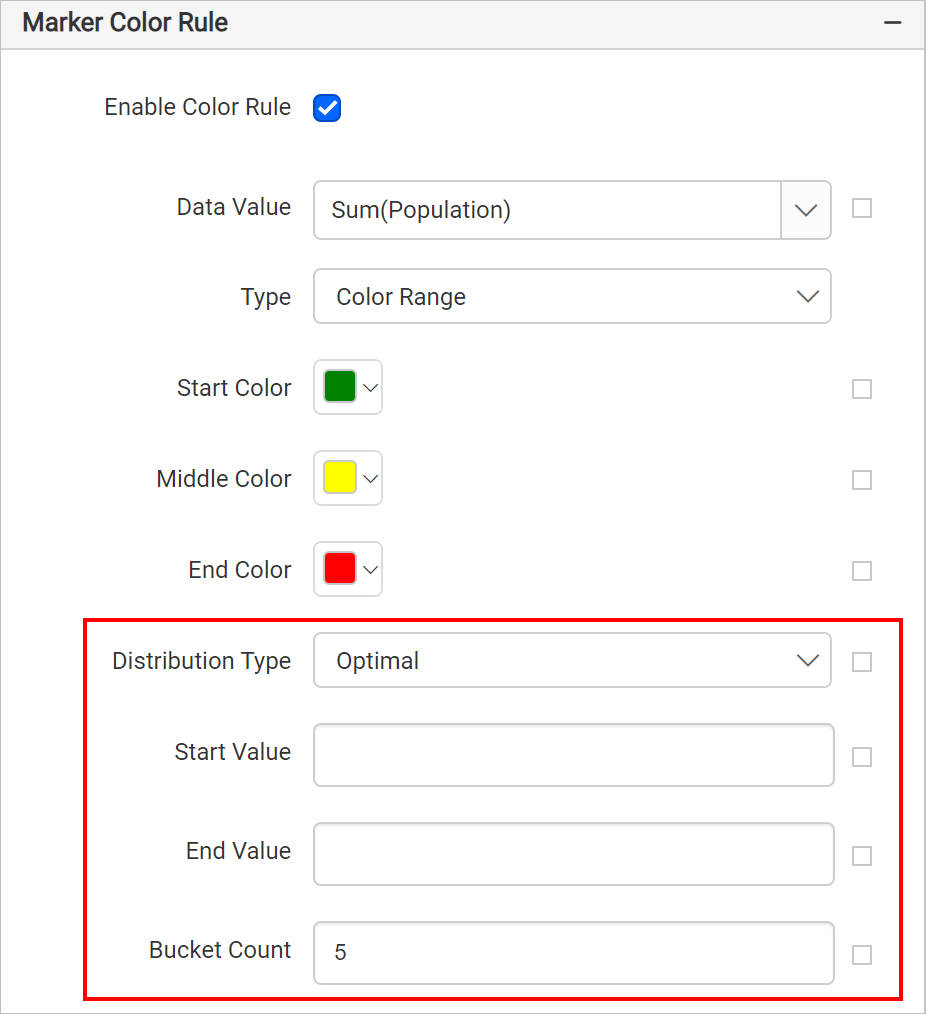
-
Choose
Customin theDistribution Typedropdown. -
Click the edit icon of the Buckets option that appears.
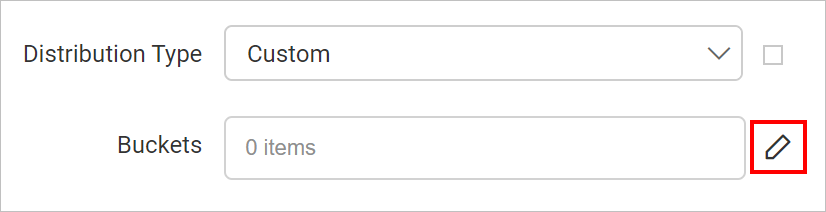
-
Use the Map Bucket panel that opens to define your ranges.
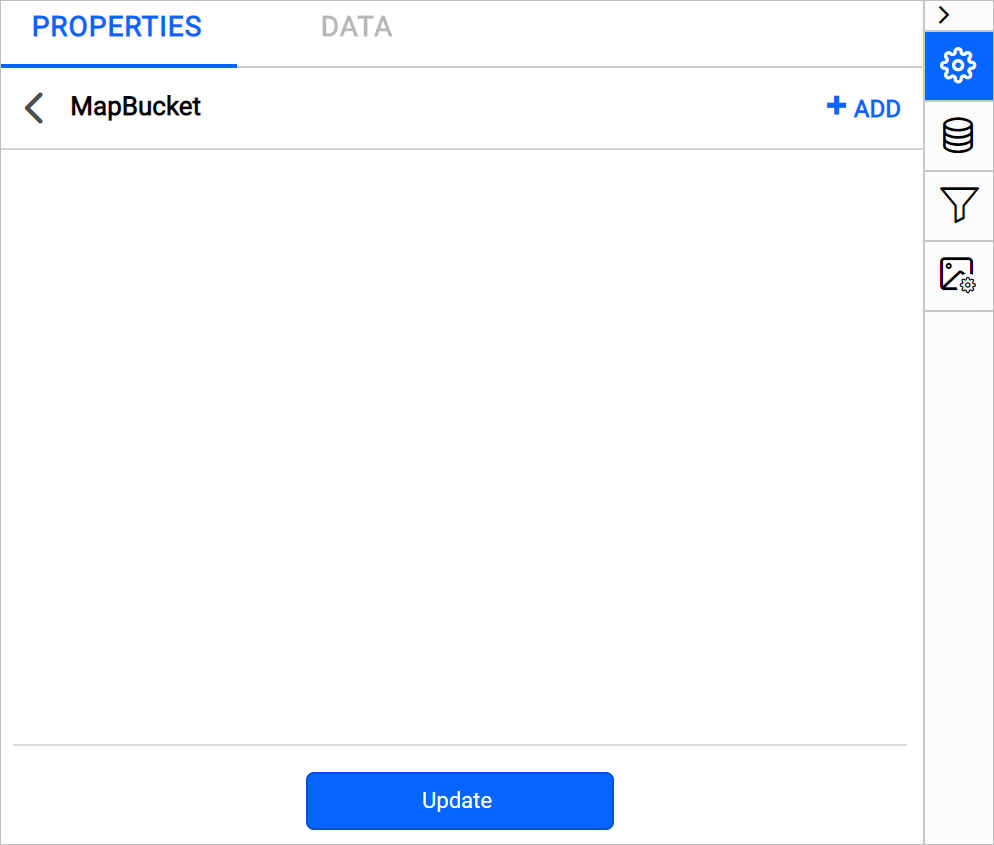
Buckets
To define the data ranges explicitly in the Bold Reports® Buckets property, see the Custom Buckets section.
On report preview, the fill color is applied to marker icons on the map surface based on the specified data ranges.