Password Policy Configuration
- In Bold Reports® v5.4, we have provided the option to customize the password rules for user accounts.
- Using this option, organizations can customize the password policy to match their IT policies.
Follow these steps to customize the password
-
In the settings page, click the
Securitytab and selectUser Account.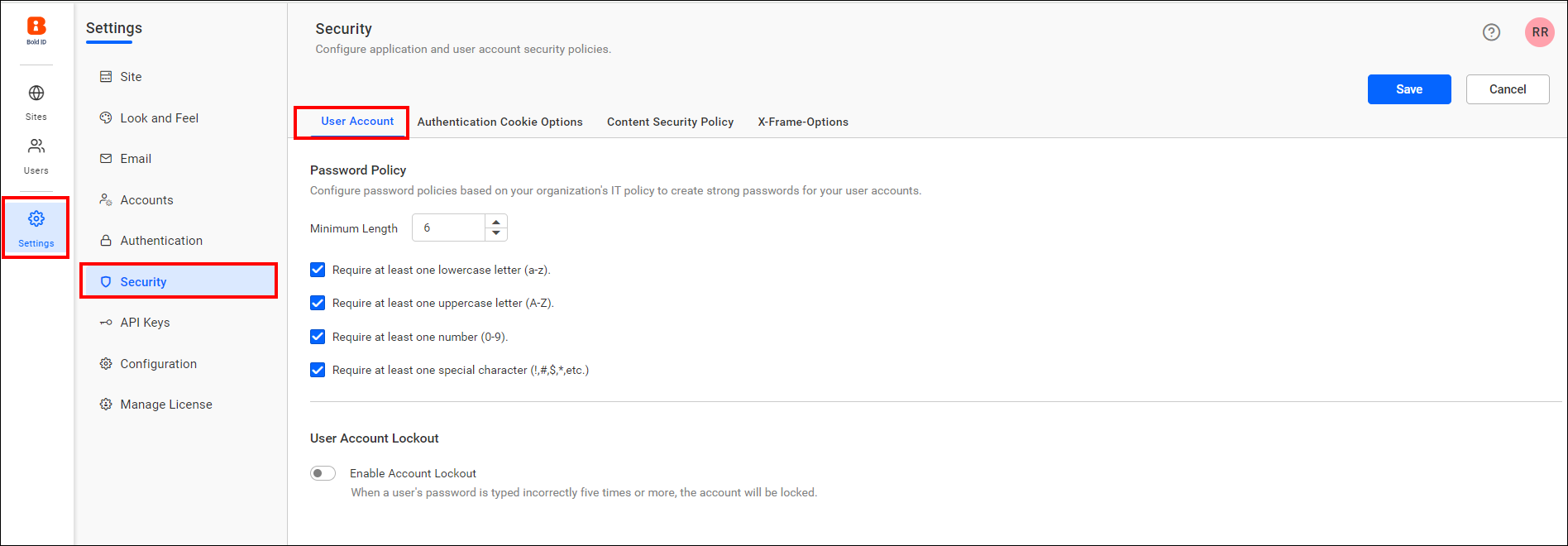
-
Users can set a maximum length and enable or disable requirements like at least one lowercase letter, an uppercase letter, a number, and a special character, and click the save button to save the changes.
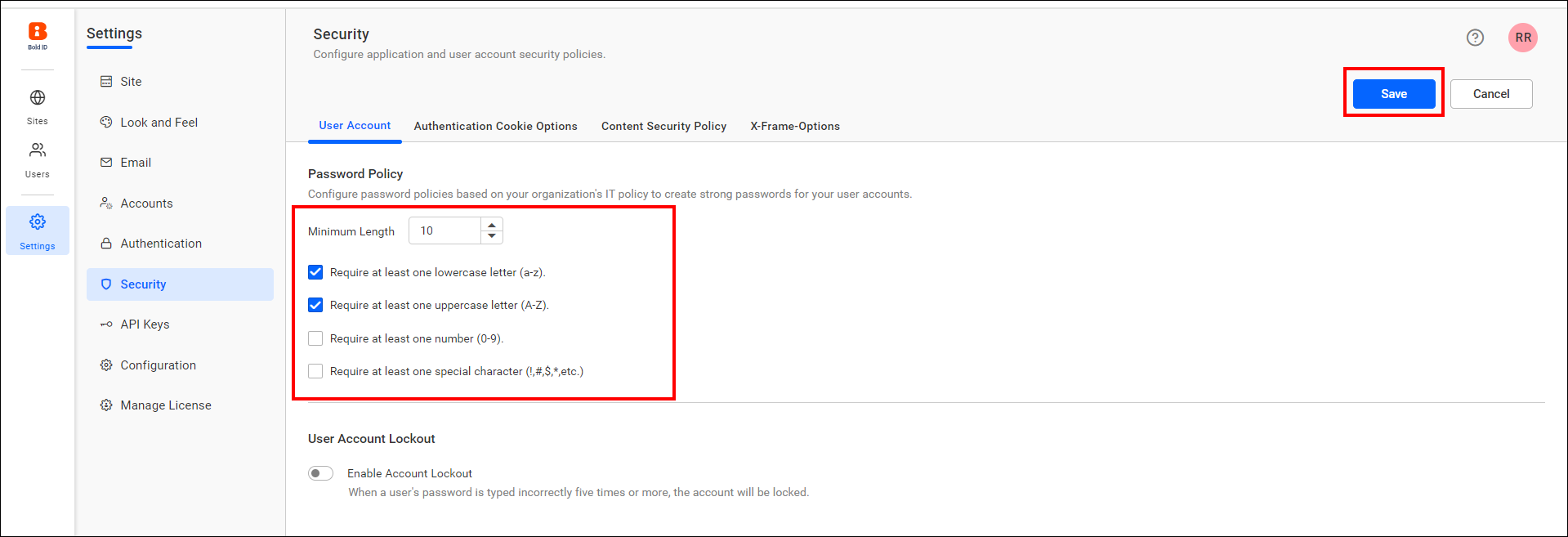
Note: Users can set a minimum of 6 and a maximum of 64 characters for the length policy.
-
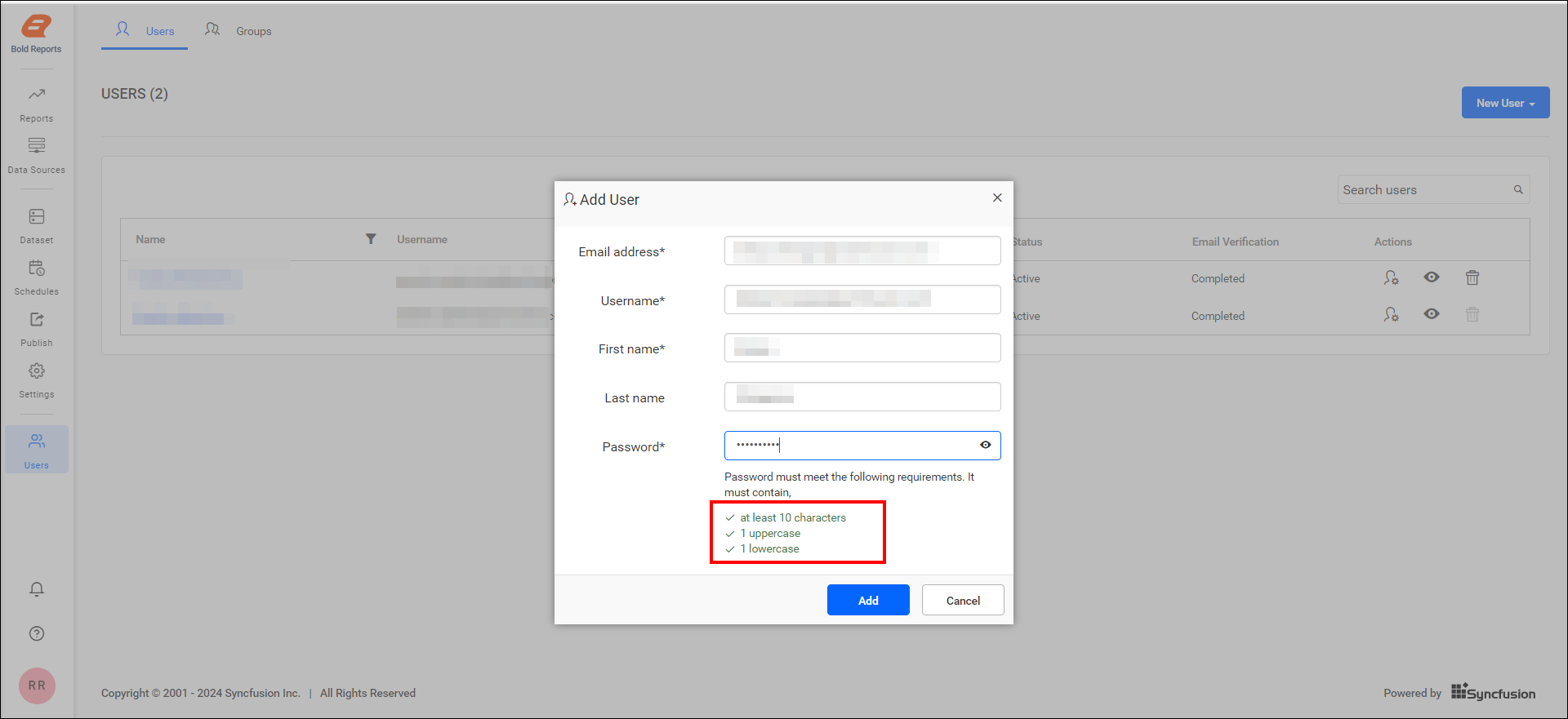
This password policy will work wherever passwords are required on the site. These rules will be applied to the following user password creation places.
- When adding users
- When resetting a user’s password.
- When activating a user account.