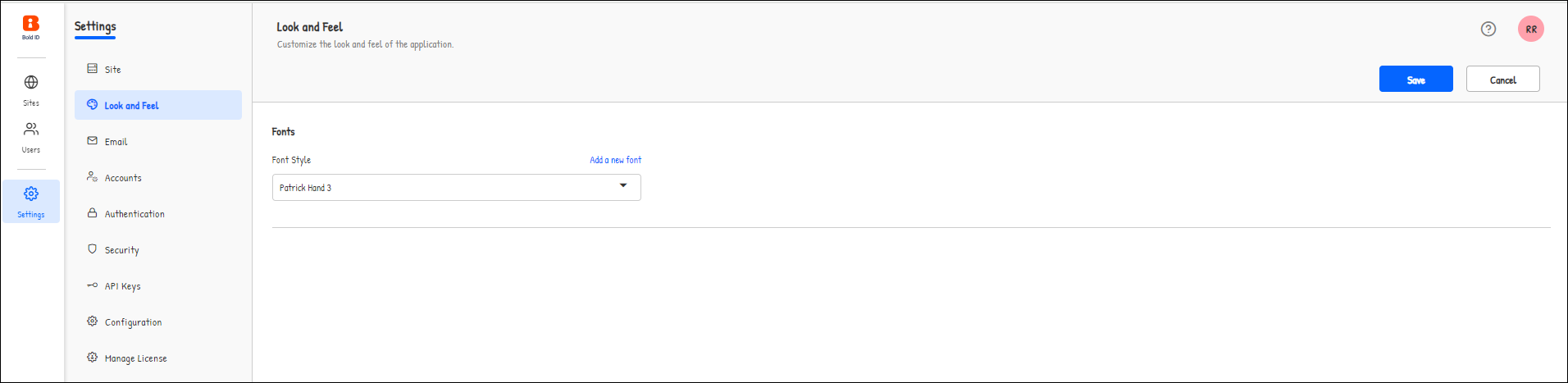
Font Style
The default font style in the Bold Reports® application is Robotoregular. However, users have the option to customize the font style.
Add font
To add a new font, please follow the steps below:
-
Navigate to the Look and Feel settings page and click on the
Add a new fontoption.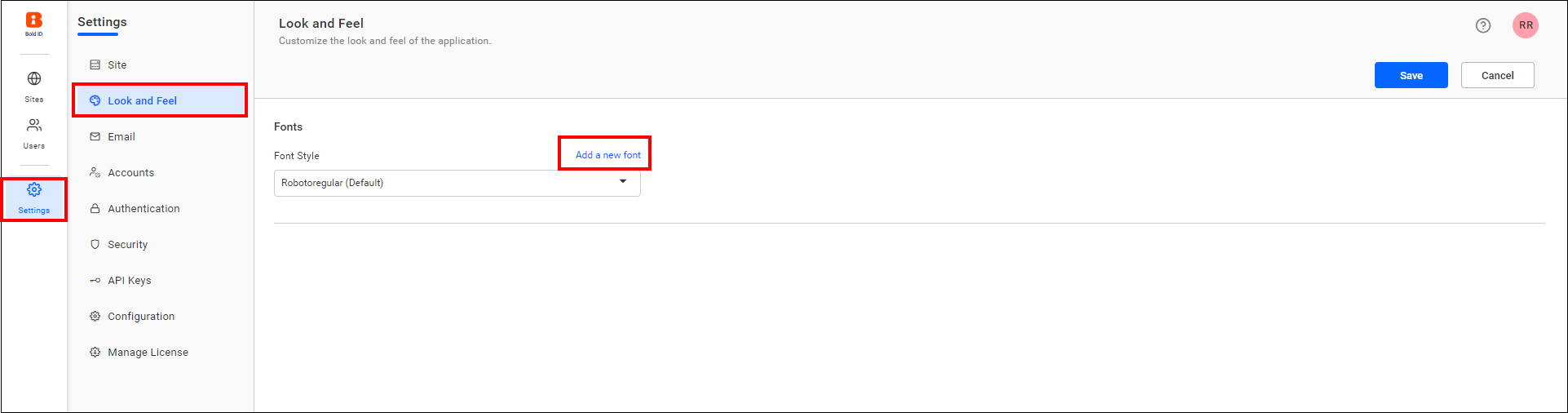
-
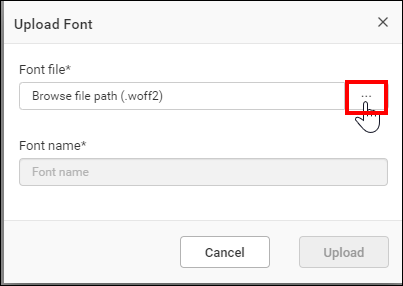
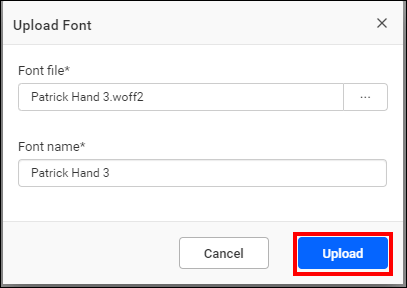
Browse the font file and click Upload in the dialog.
-
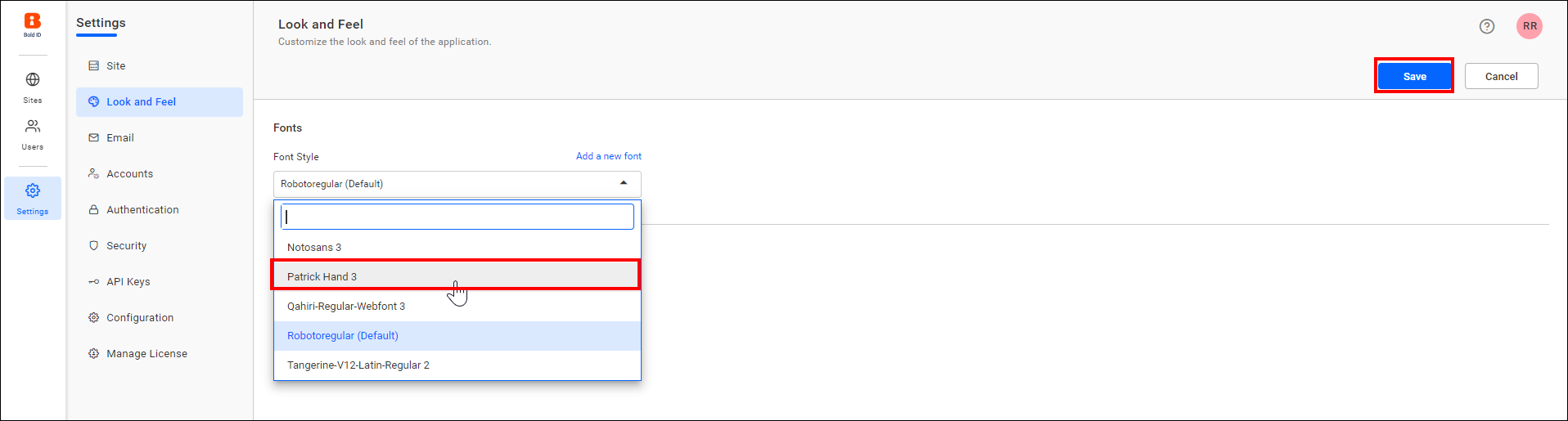
The uploaded font file will be listed in the Font Style drop-down. Select the uploaded font and save the settings.
-
Here is a sample image after applying the font.