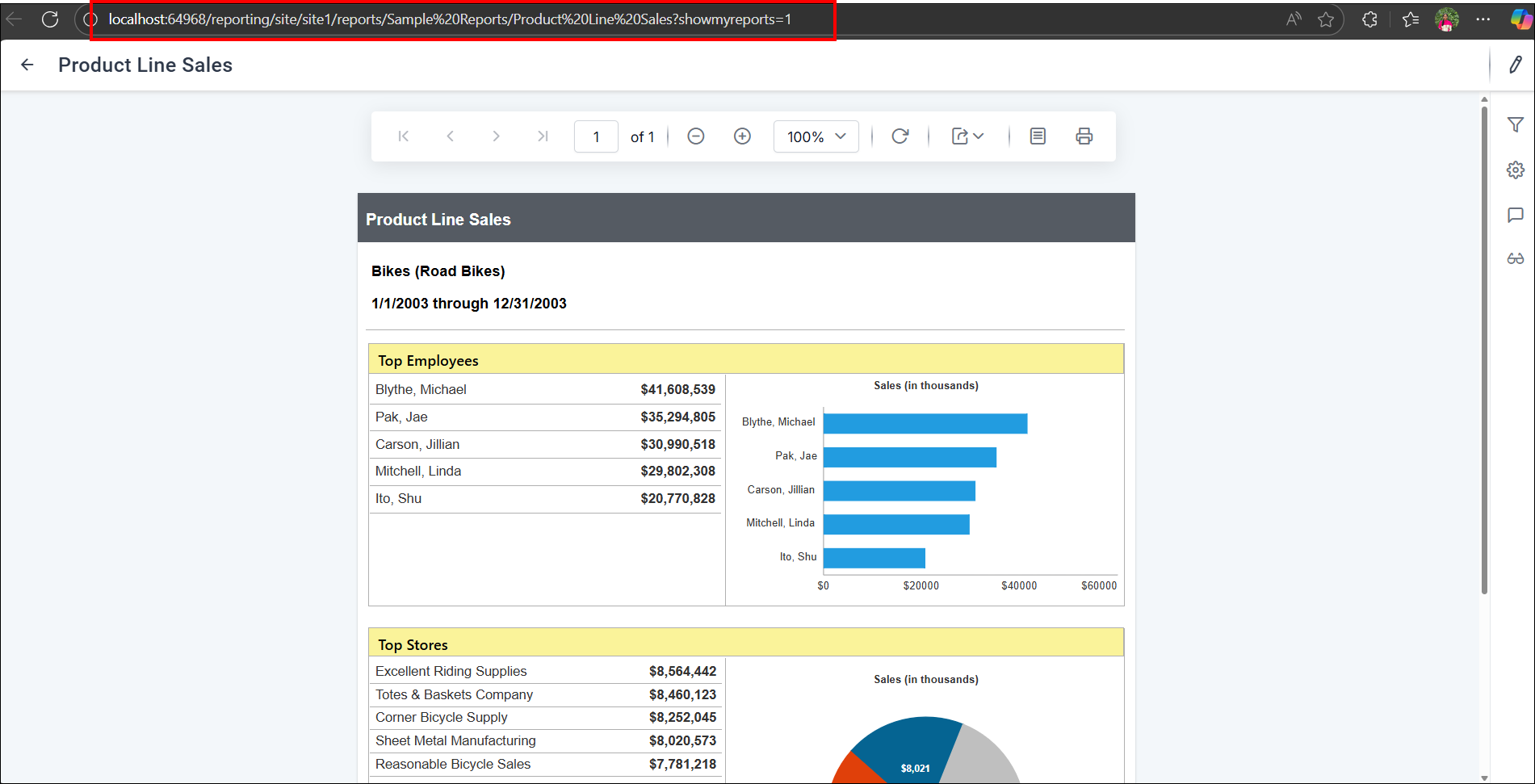
Remove GUID from Report URLs in Bold Reports® On-Premise
This enhancement allows embedding reports using just the category and report name, without requiring the GUID-based item-id in the URL. It simplifies the embedding process and results in cleaner, more readable URLs.
-
Go to the UMS Settings page -> Configuration -> reporting/config.xml
-
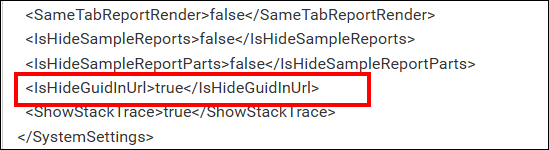
Set true to the
IsHideGuidInUrlnode, if the node is not available, then add the node as shown below and then save the file.<IsHideGuidInUrl>true</IsHideGuidInUrl>
- Once enabled, when a report is rendered, the GUID will no longer appear in the URL.