Can we limit the user/group synchronization
We cannot limit the Azure AD, Windows AD, and Database Users synchronization based on count (like synchronizing 100 users). But, we can control whose details should be synchronized.
Using Azure AD, Windows AD, and Database Users synchronization, we can control the synchronization of specific users. During synchronization, Bold Reports® will list the imported users. From here you can choose the needed users and synchronize them by clicking the Synchronize button at the top.
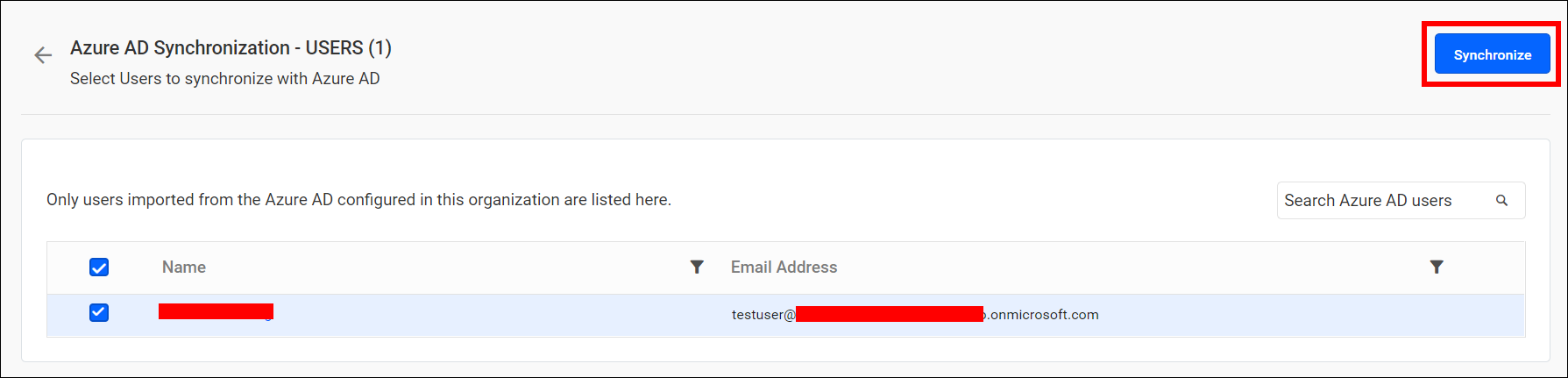
To learn more about synchronize users, refer here.
Using Azure AD and Windows AD group synchronization, we can control the synchronization of specific groups. During synchronization, Bold Reports® will list the imported groups. From here you can choose the needed groups and synchronize them by clicking the Synchronize button at the top.
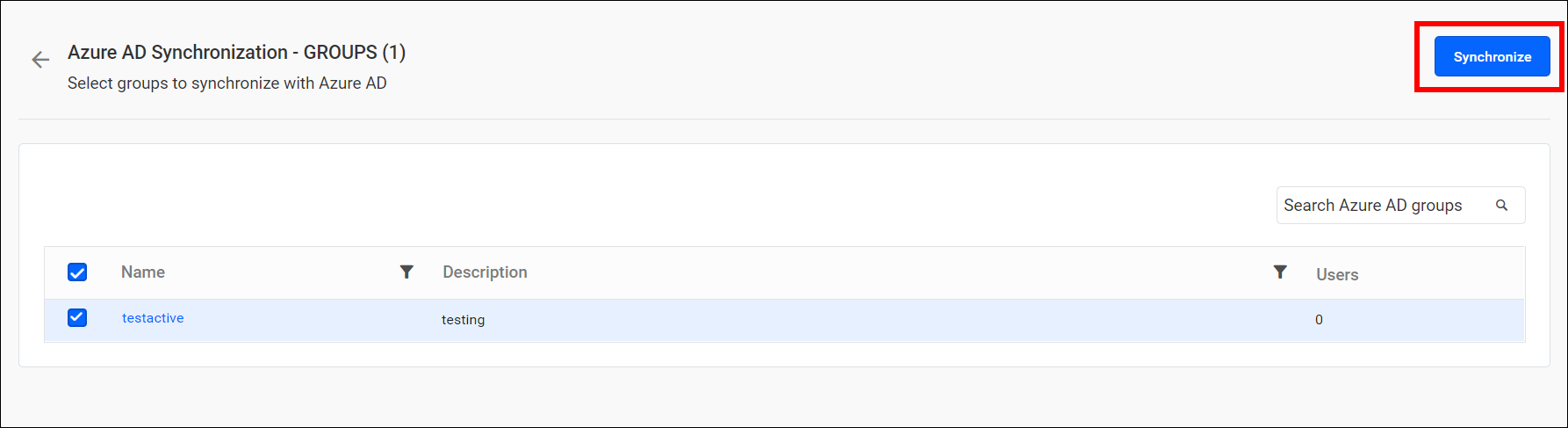
To learn more about synchronize groups, refer here.
With this group synchronization option, the Bold Reports® server will not synchronize the users those who are added to the group.
But, the server will import the fresh users from the Azure AD group to the Reports server only when that user is not present on the report server, And removes the user from report server group when if the user is removed in Azure AD group.
After synchronization completes, the number of groups modified, deleted, and duplicated will be shown in the success message box below.
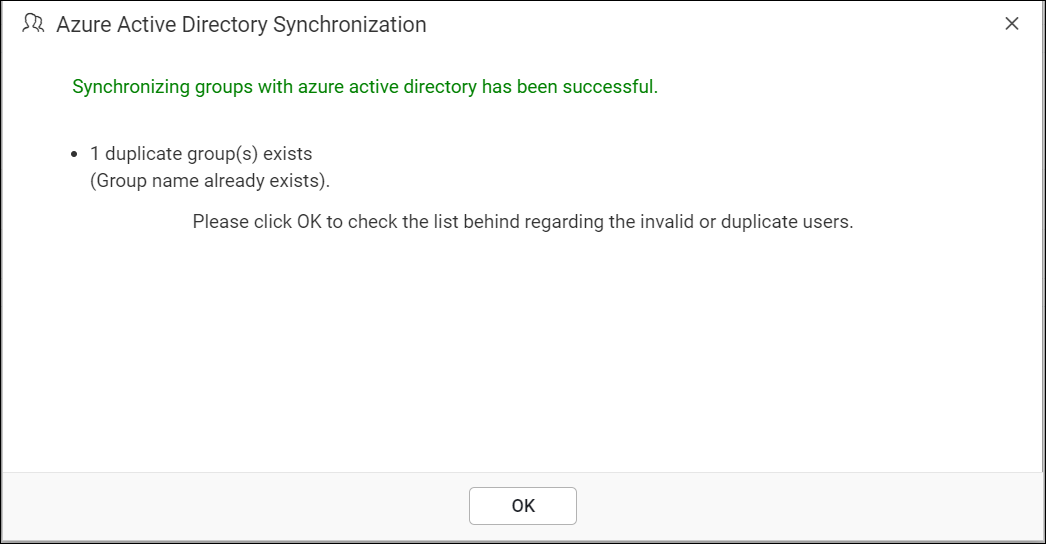
To learn more about the procedure of synchronization, refer here.