Parameter custom properties
Parameter custom properties in the Bold Reports® WPF Report Viewer customize how report parameters appear in the report preview, such as showing only distinct values and enabling virtual scrolling.
How do I show only distinct values in a parameter?
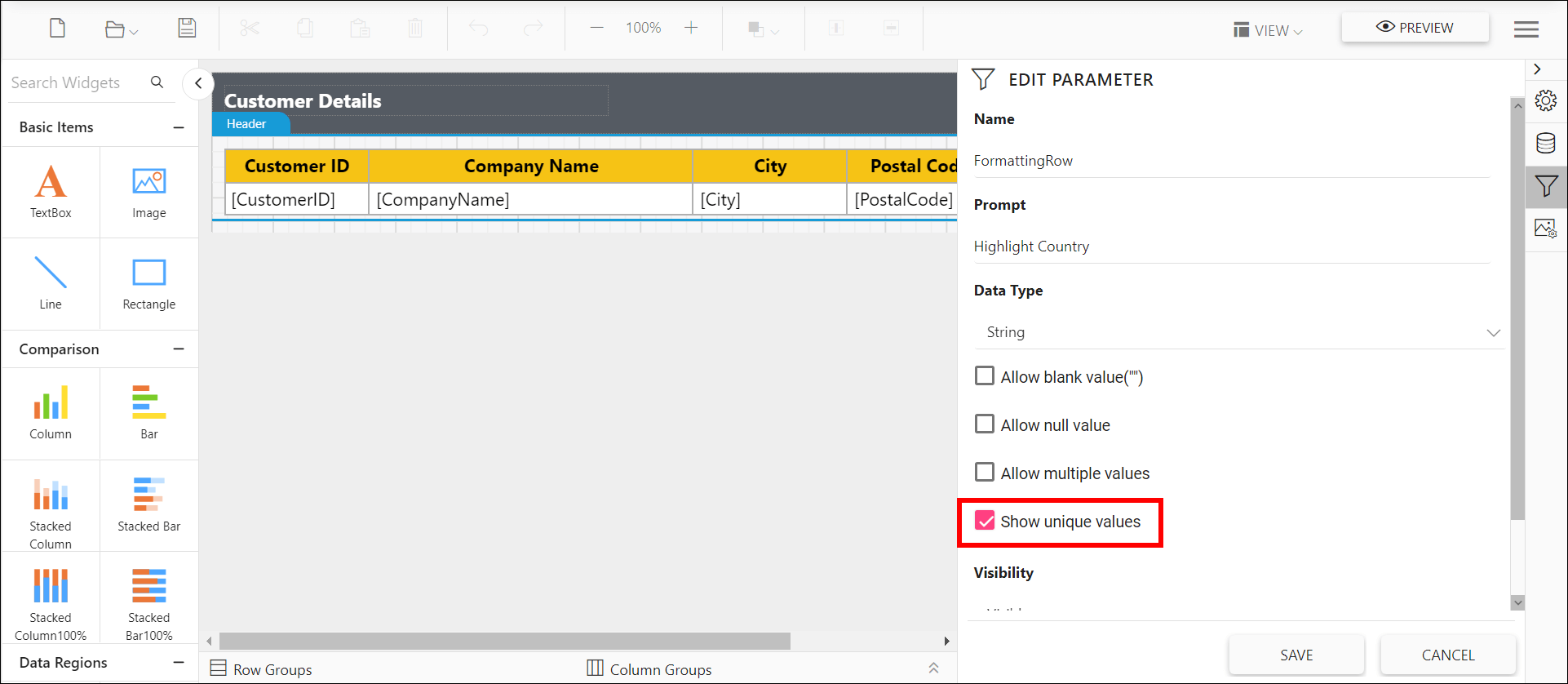
To show only unique values in a parameter drop-down while viewing the report in the WPF Report Viewer, set the UniqueValueParameters custom property. A parameter created with data set query values may contain duplicate values, and this property removes them without creating a new data set. The following image shows the property setting option.
You can also provide the parameter names with comma (,) separator to set for multiple parameters.
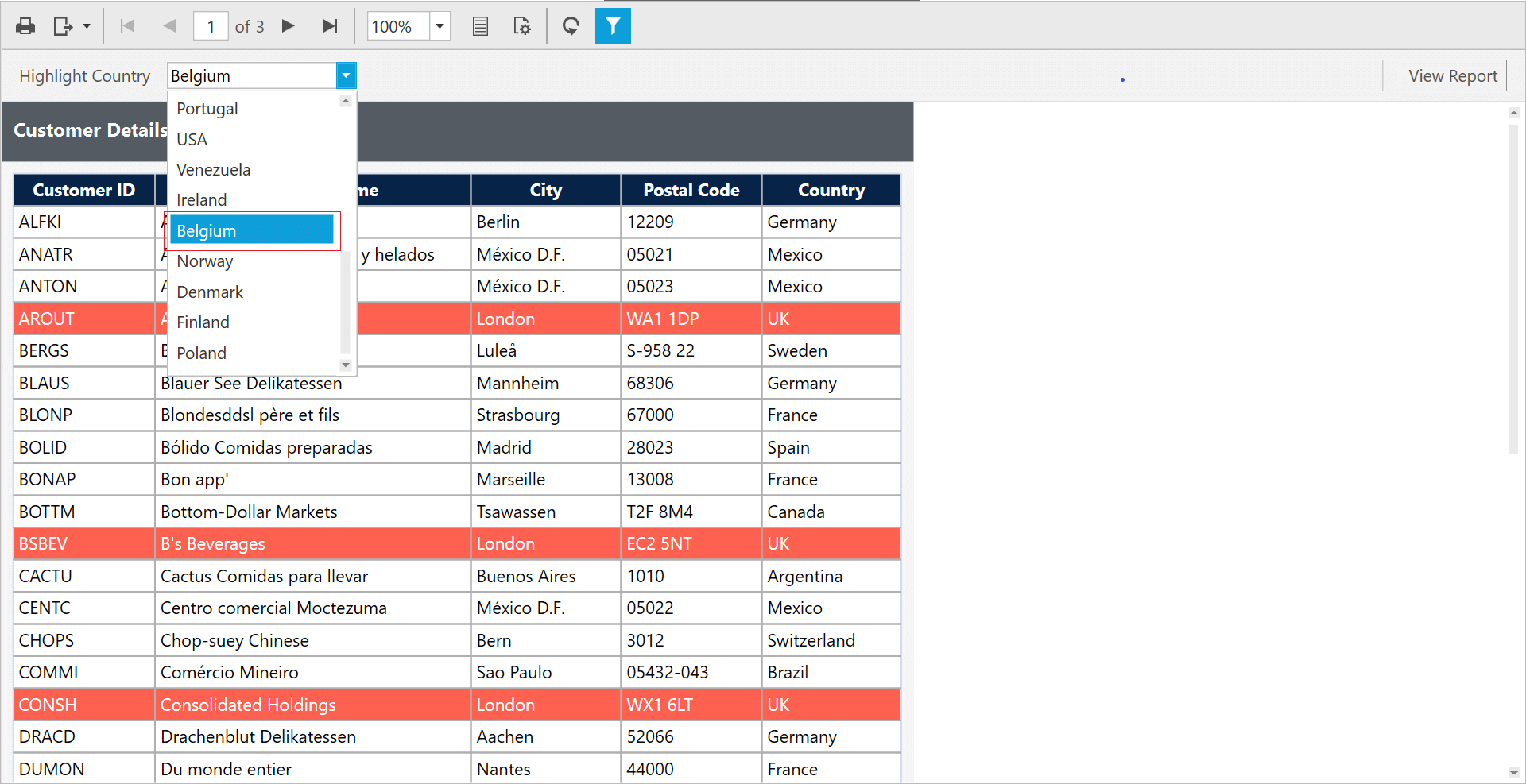
Preview the report to see the unique values in the parameter drop-down.
How do I enable virtual scrolling for drop-down and multi-select parameters?
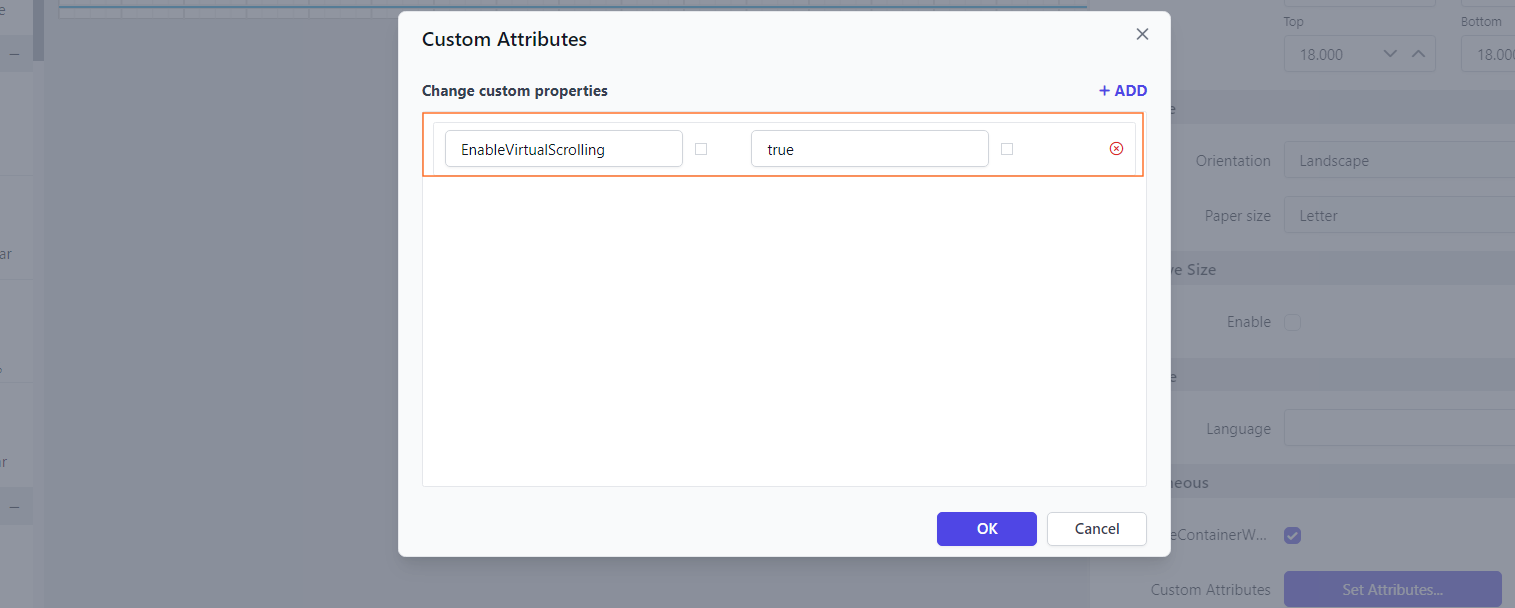
To load values dynamically while scrolling in drop-down lists and multi-select parameters, set the EnableVirtualScrolling property in the WPF Report Viewer. This improves performance and speeds up the rendering of the parameter popup, especially for large datasets.
You can set the EnableVirtualScrolling property’s value.