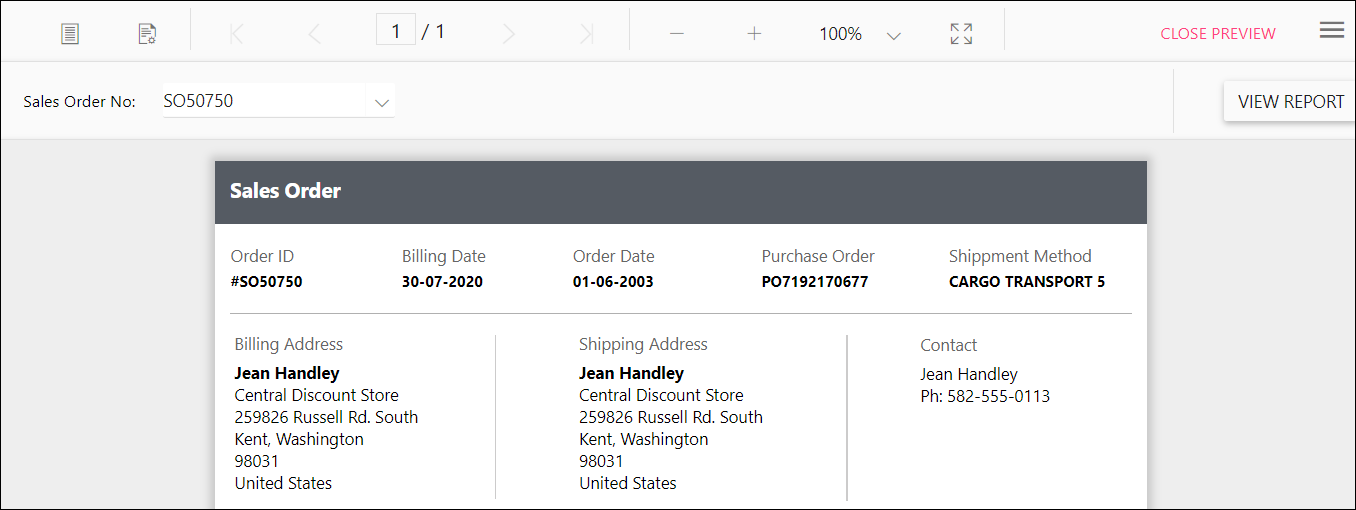
How to hide the export and print options in the toolbar of Report Designer
To hide the export and print options in the Bold Reports® JavaScript Report Designer toolbar, set the toolbar items in the previewOptions API, as in the following code sample.
   <script>
   $('#' + reportControlId).boldReportDesigner(
      {
      previewOptions: {
         toolbarSettings: {
             items: ~ej.ReportViewer.ToolbarItems.Export & ~ej.ReportViewer.ToolbarItems.Print
                          }
                     }
      }
   });
   </script>