Define default values for a parameter
In the Bold Reports® Web Report Designer, you can specify a list of default values for a report parameter. If the parameters in the report have default values, the report runs automatically when you preview it.
How do I open the Default Value tab?
The Web Report Designer sets default values in the parameter assign dialog. To follow the steps below, first read the Create Parameter section.
The following image shows the new parameter panel.
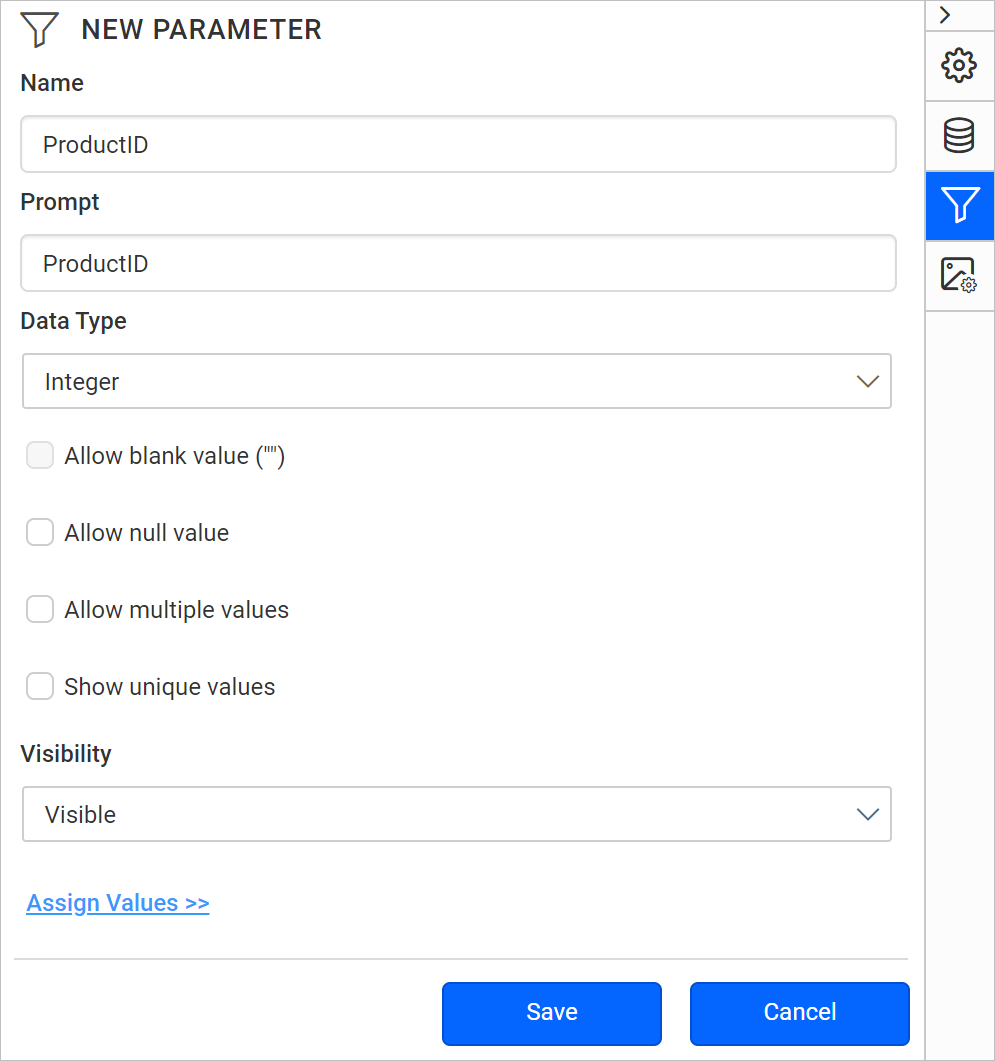
Click Assign Value >> to open the parameter assign dialog.
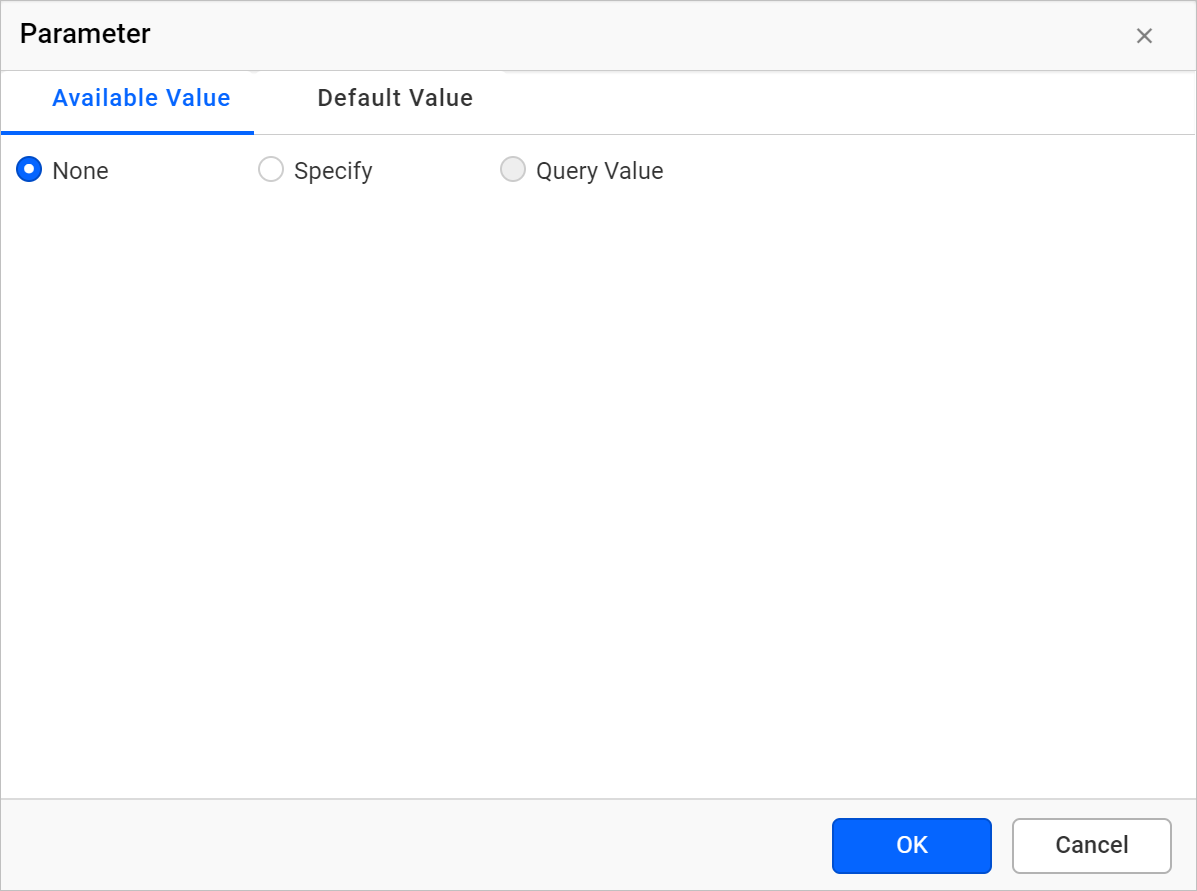
By default, the parameter dialog opens on the Available Value tab. To switch to the Default Value tab, click Default Value. The following image shows its options.
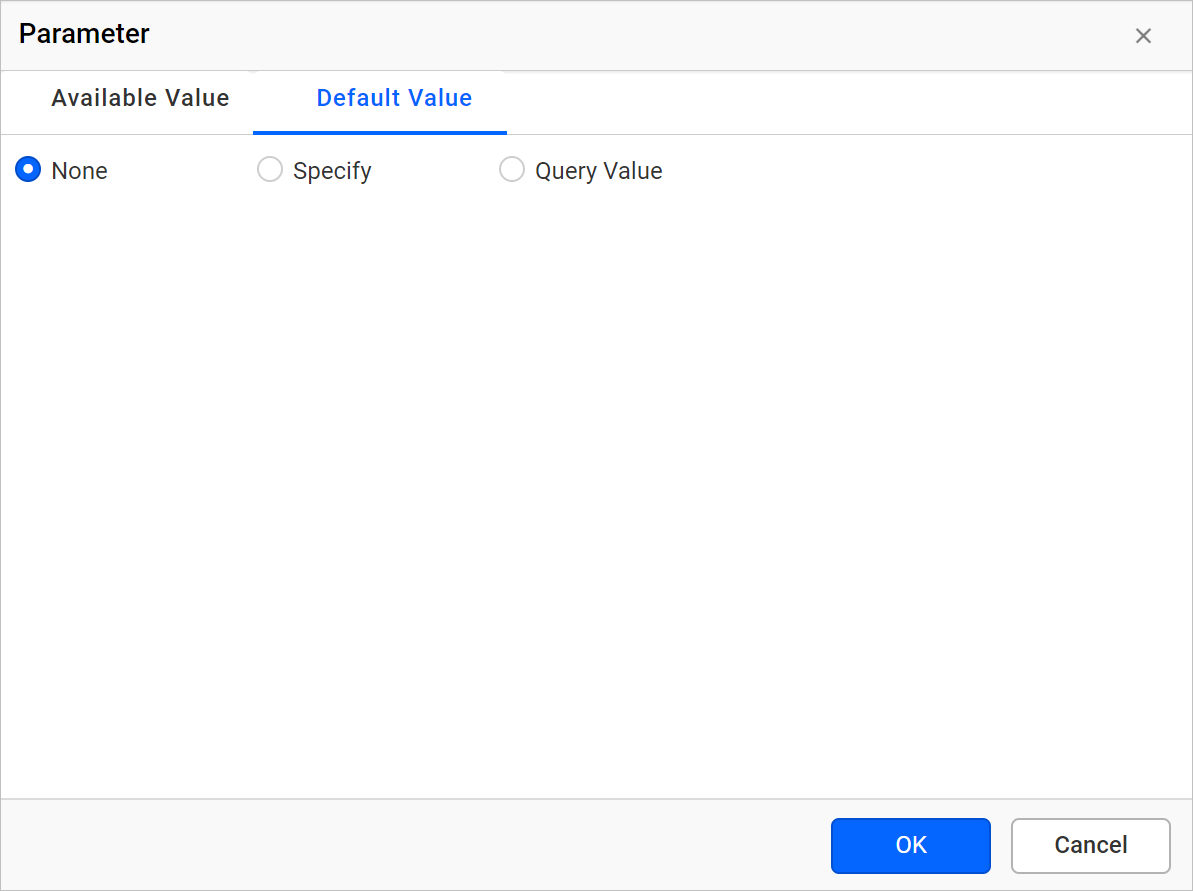
Manual values
Manual default values in the Web Report Designer are values you type yourself. Follow these steps:
- Select the
Specifyoption under theDefault Valuetab.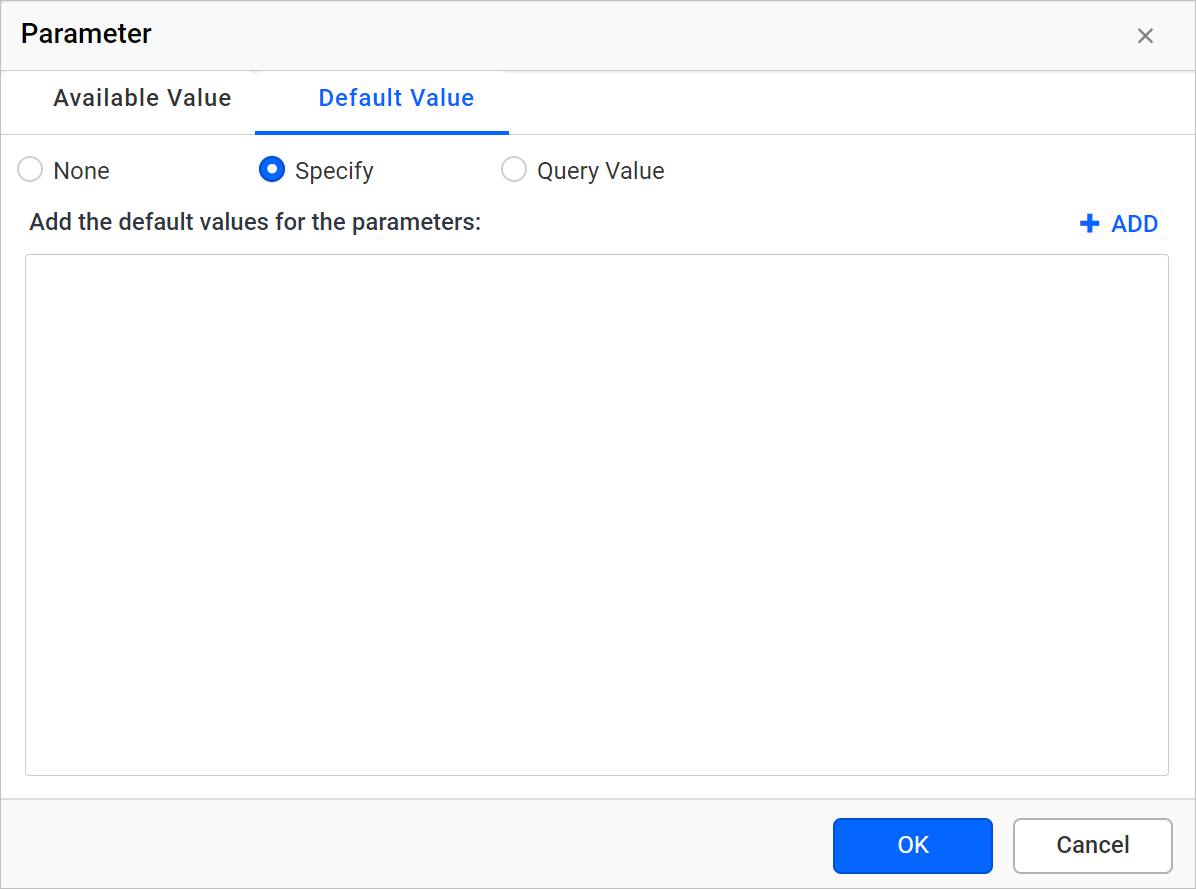
- Click the Add icon. A list appears in which you can type values.
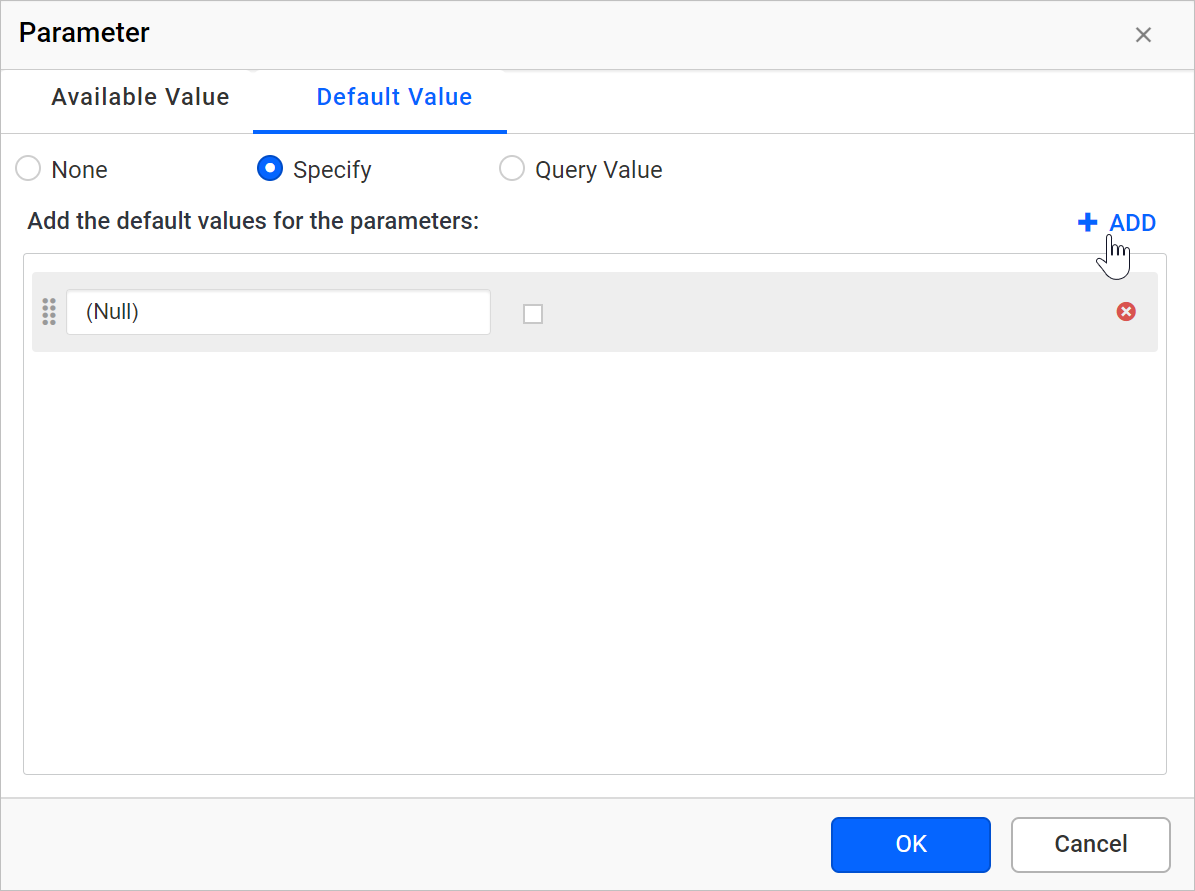
- Enter the value in the Value text box and click
OK.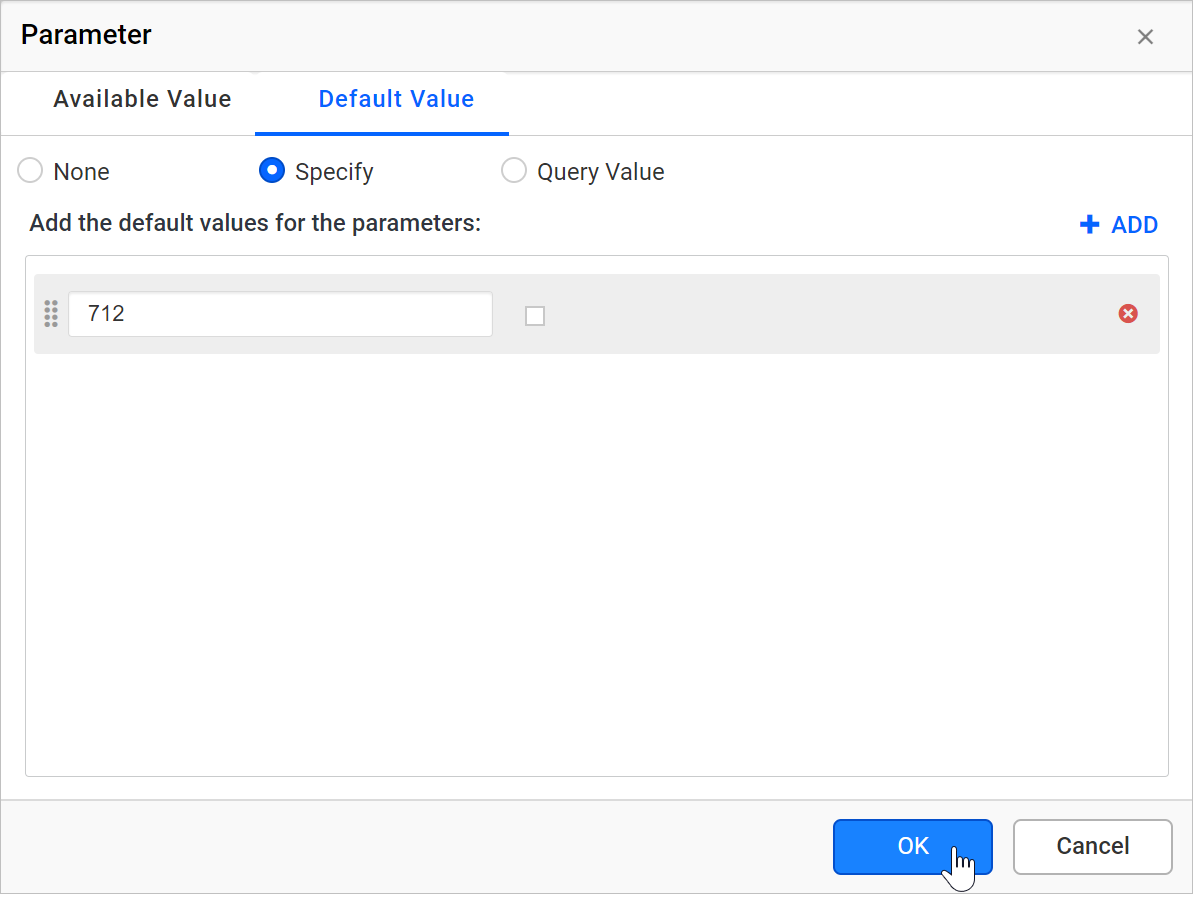
- Save the parameter.
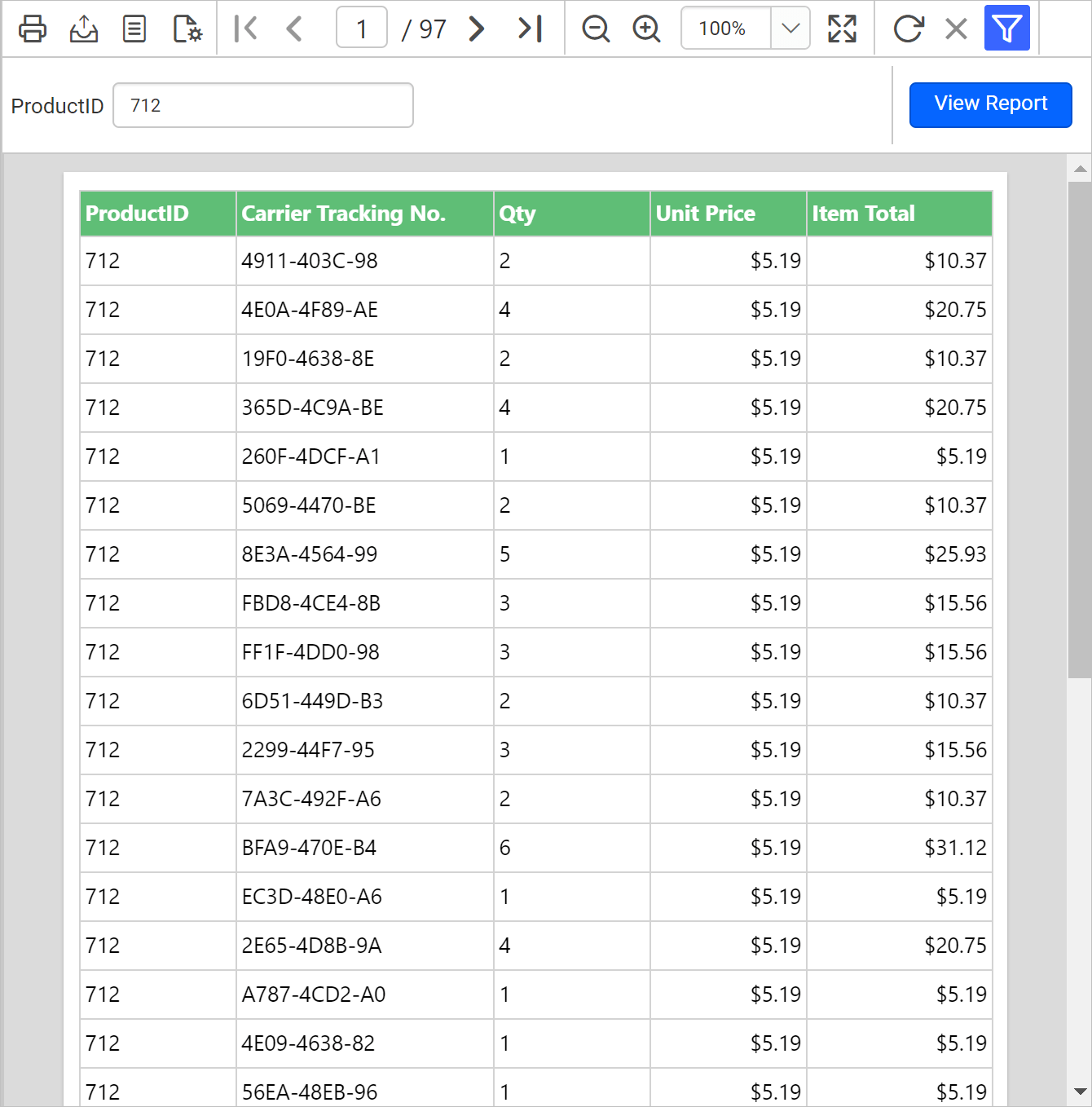
On report preview, the report runs automatically and displays all the records whose ProductID is 712.
Query values
Query default values in the Web Report Designer come from a dataset field. Follow these steps:
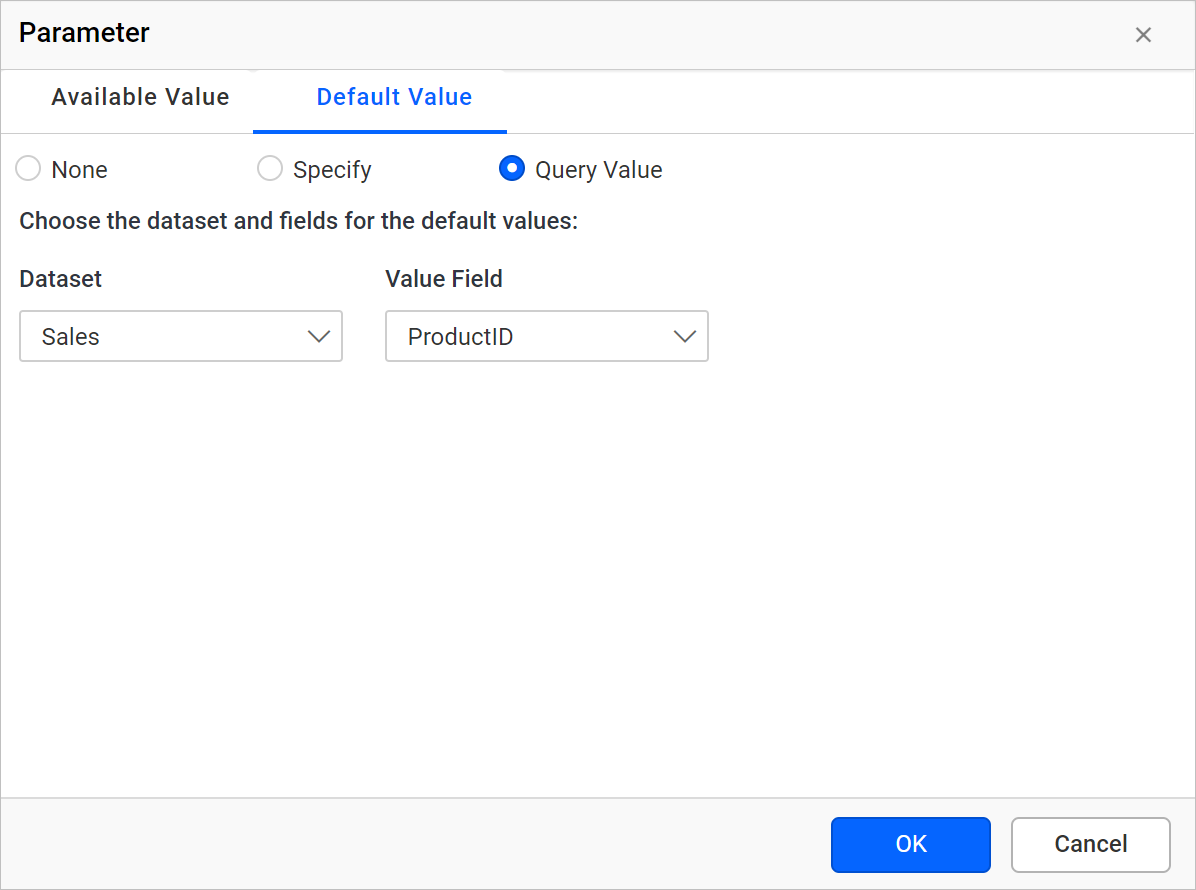
- Select the Query Value option under the Default Value tab.
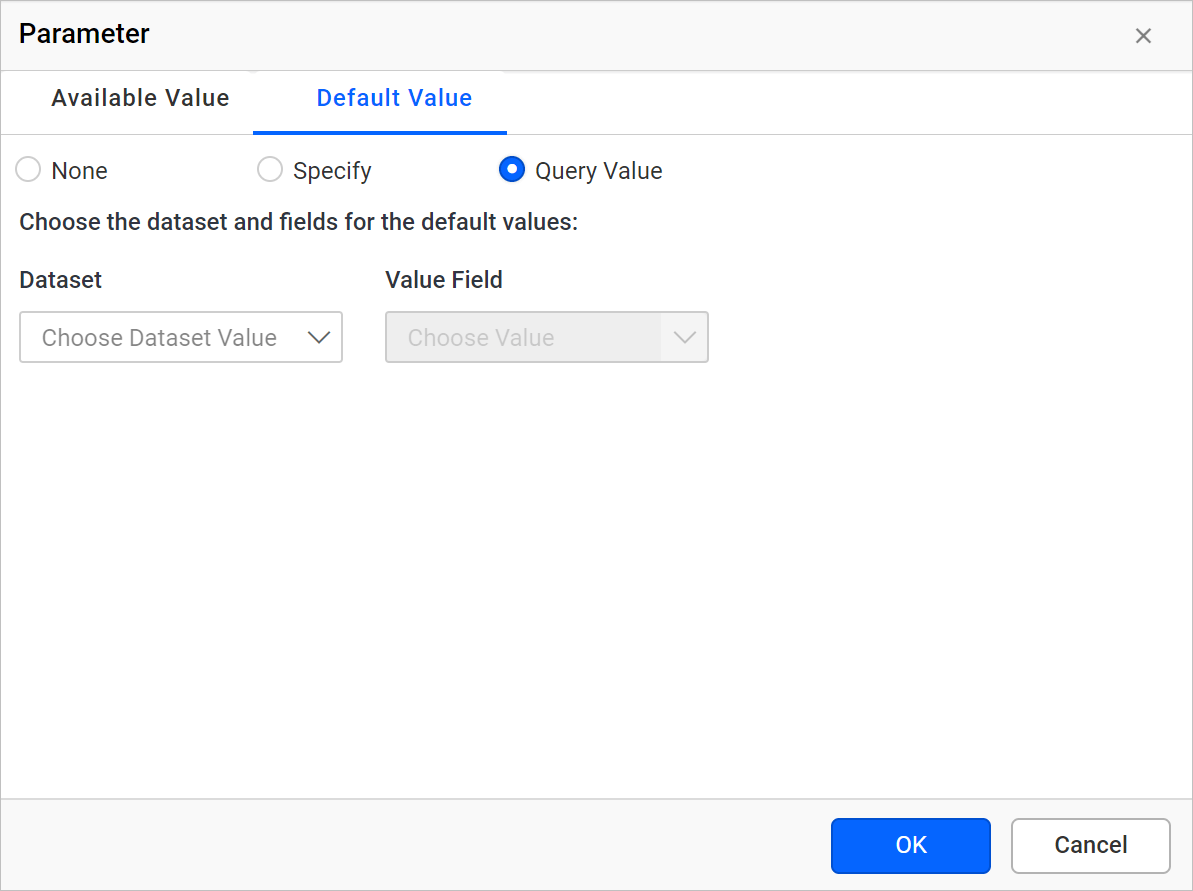
- In the Dataset drop-down, choose the name of the dataset. You can define datasets using the data view.
- In Value field, choose the name of the field that provides parameter values.
Note: These fields are retrieved from the list of column or field names in the dataset.
- Click OK.
- Save the parameter.
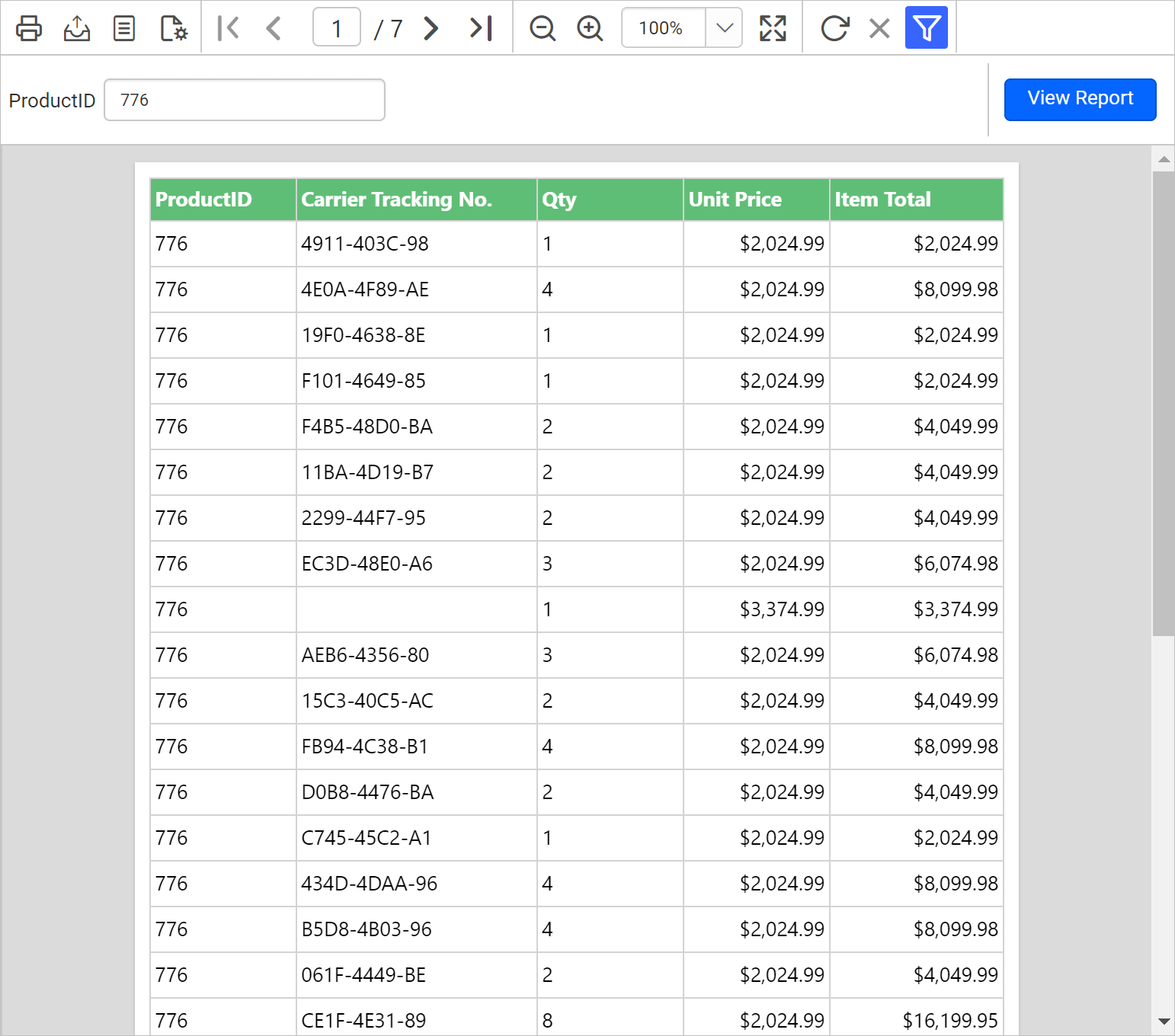
On report preview, the report runs automatically and displays the first record of the ProductID data field.
How do I remove default values?
To remove the default values from a parameter in the Web Report Designer, set the Default Values tab to None. Follow these steps:
- Read the Edit Parameter section and open the parameter properties.
- Click
Assign Value >>to open the parameter assign dialog. - Under the
Default Valuestab, choose theNoneoption.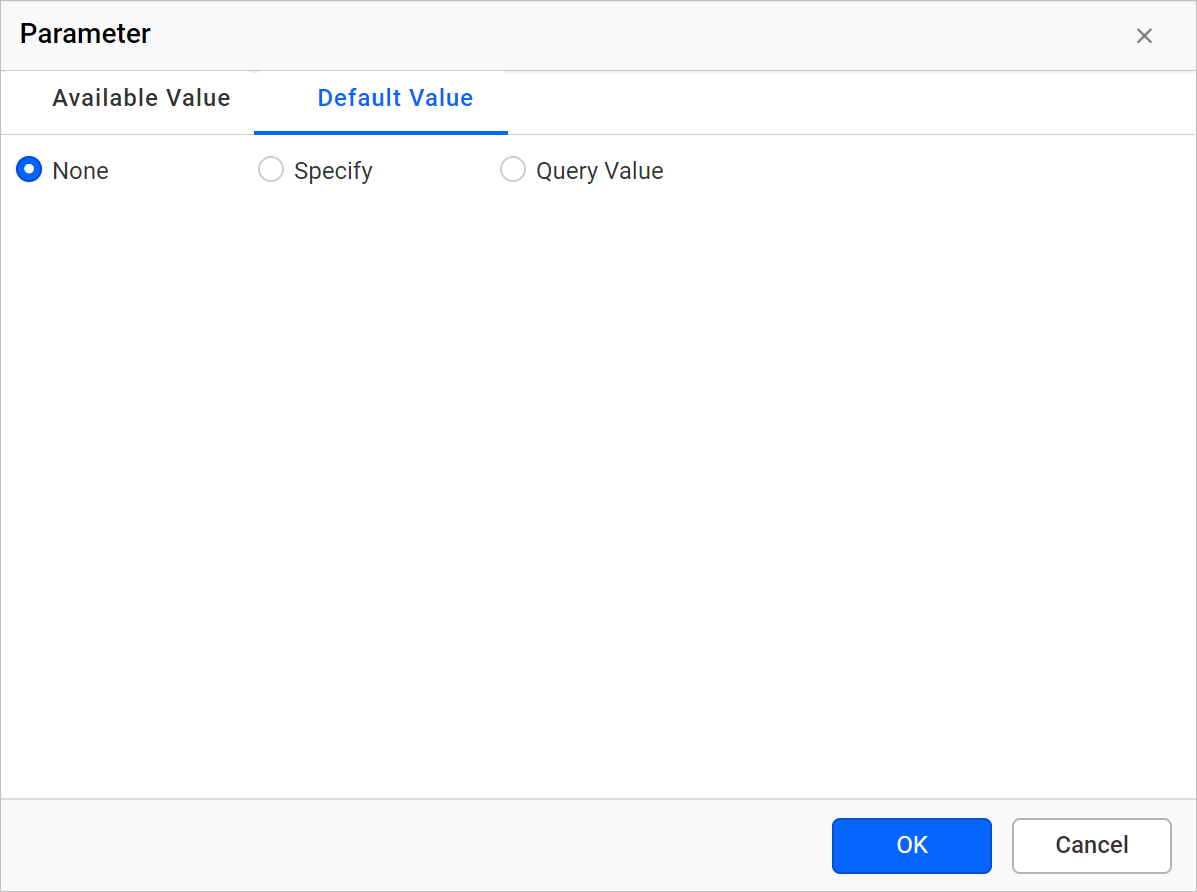
- Click
OKand save the parameter.
Frequently asked questions
Why does my report run automatically on preview?
If the parameters in the report have default values, the Web Report Designer runs the report automatically when you preview it.
Which value does a query default value use?
With the Query Value option, the report runs on preview and displays the first record of the chosen data field.