Modify shared datasource
This section guides you to modify an shared data source connection in Bold Report Designer. You can edit a shared data source through the following steps:
-
Select a data source in the
DATASOURCEpanel that you want to edit.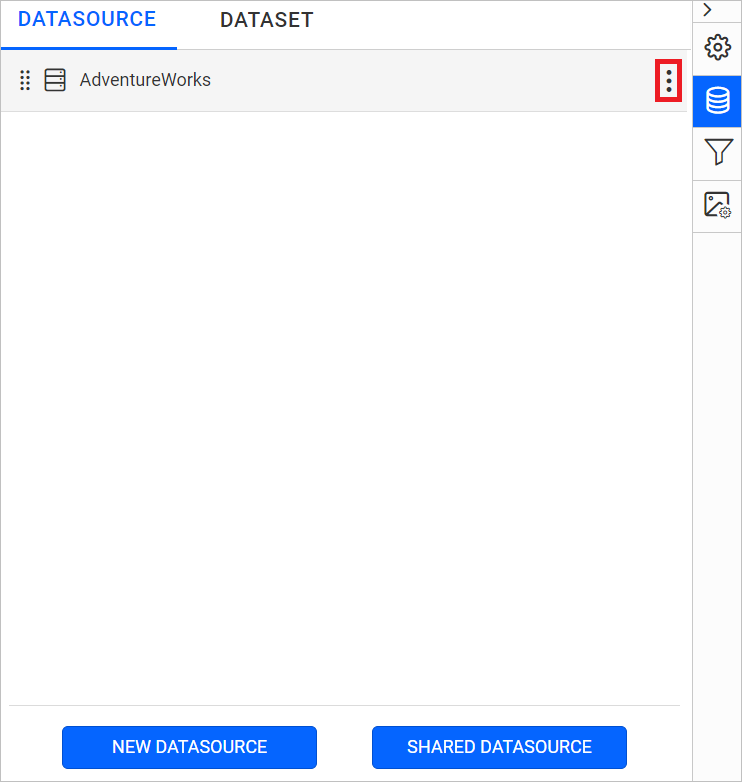
-
Click on the above highlighted icon to open the
Editcontext menu of the selected data source.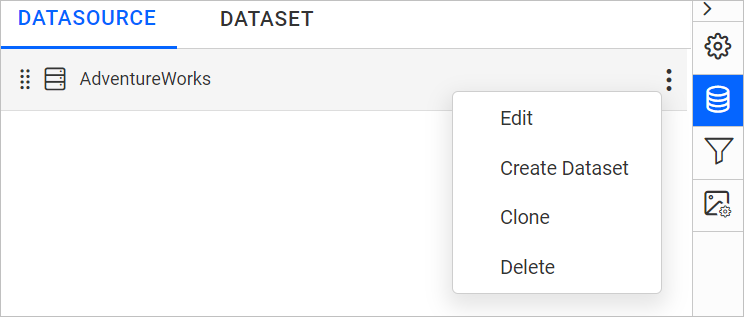
-
Choose
Editoption from the context menu, to openEdit Connectionpanel.
-
After modifying the fields, click on
Savebutton.