Link a shared dataset
You can create a shared dataset in the report server and it can be linked with the reports in Report Designer. This section guides you to create a shared dataset in Bold Report Designer.
-
Click the
Dataicon in the configuration panel to launch aDataconfiguration.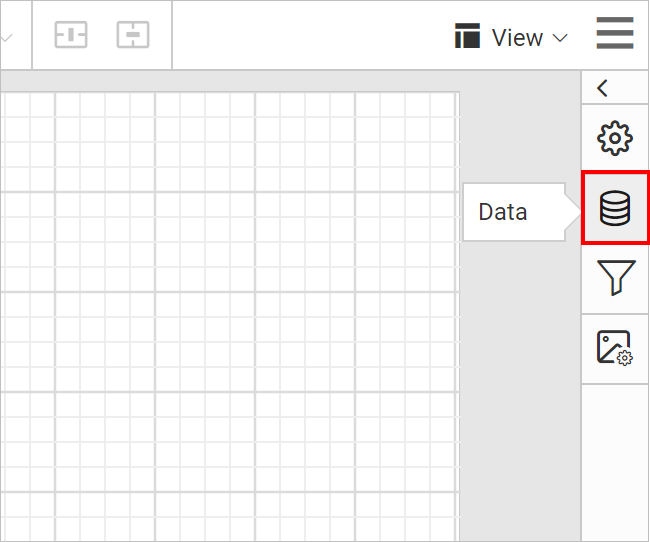
-
Click on
SHARED DATAbutton inDatapanel.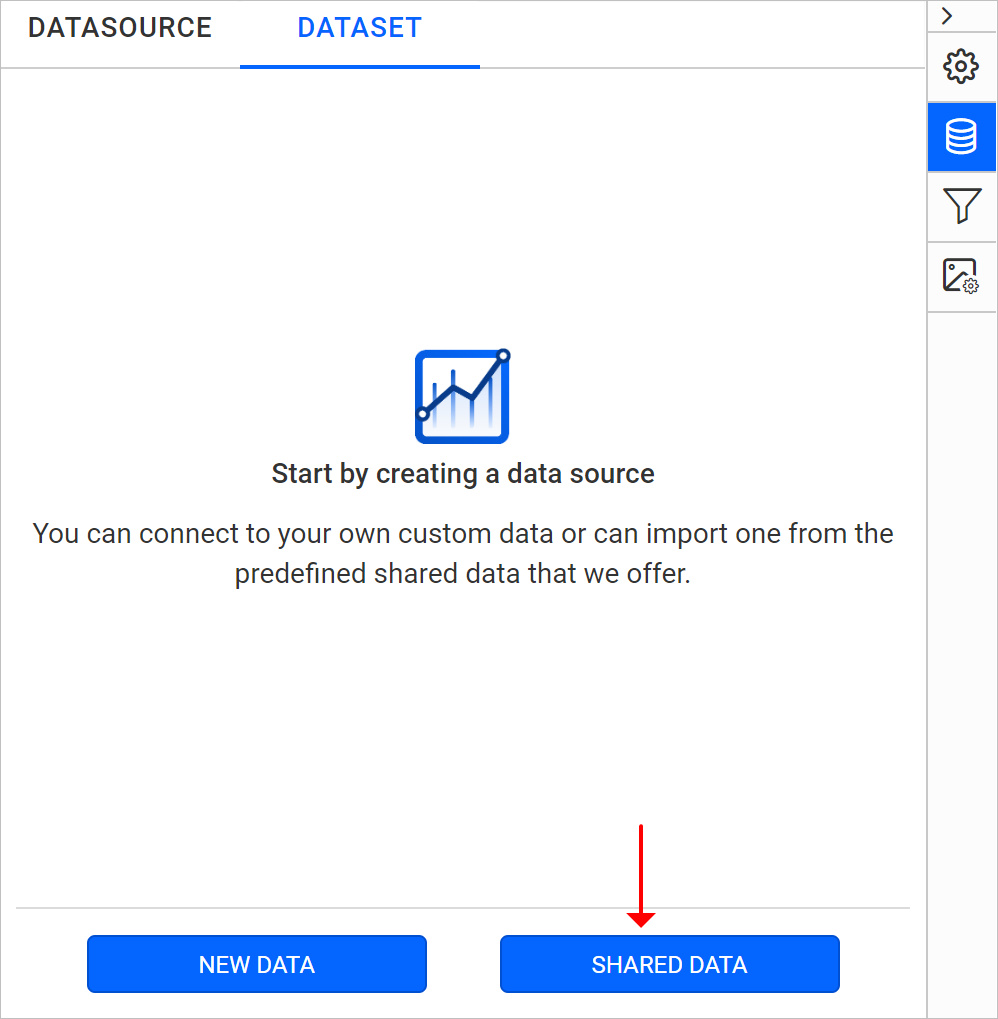
-
After clicking on the
SHARED DATA, the new dataset wizard will be shown as below: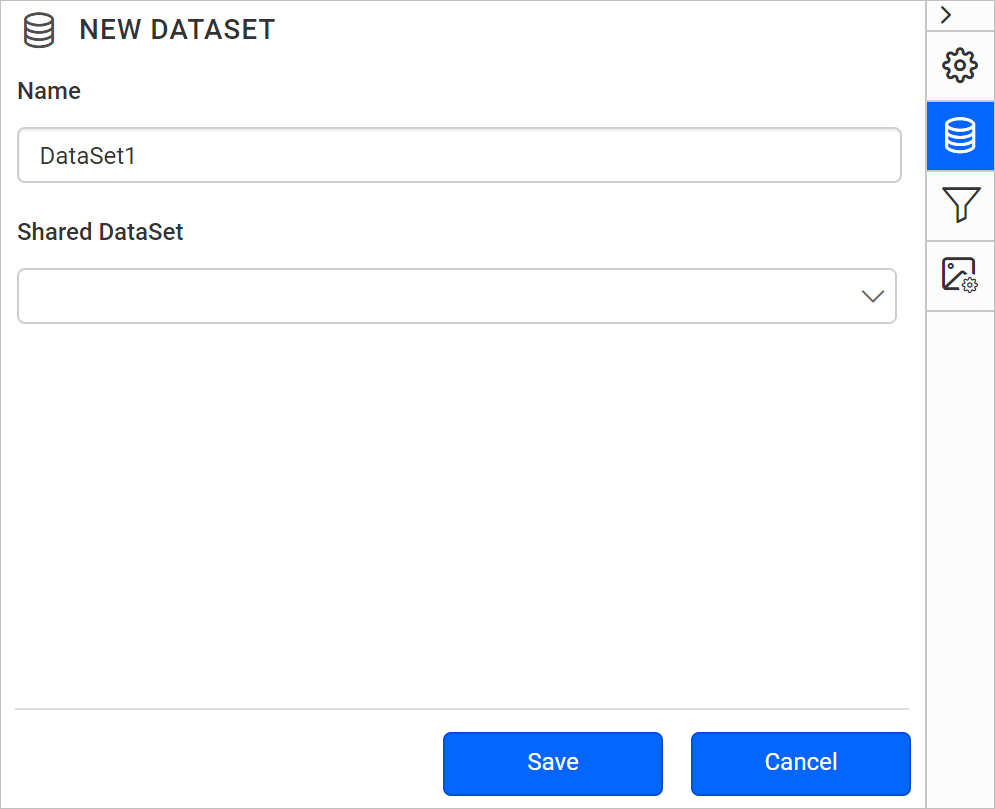
-
In Name field, specify the dataset name without special characters.
-
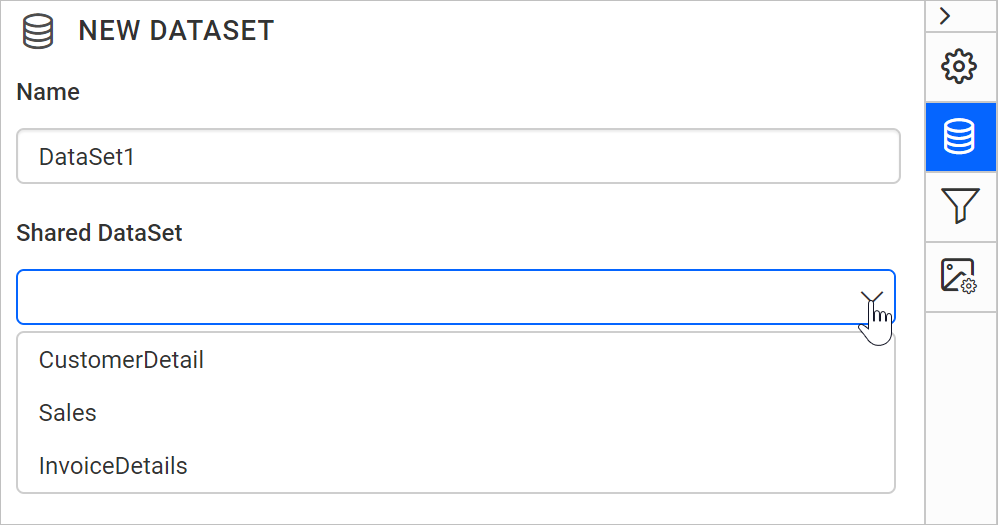
In Shared DataSet field, you can select existing shared datasets in the server from the drop-down list.
-
Click on the
Savebutton. Now, a new shared dataset will be added in the report like below.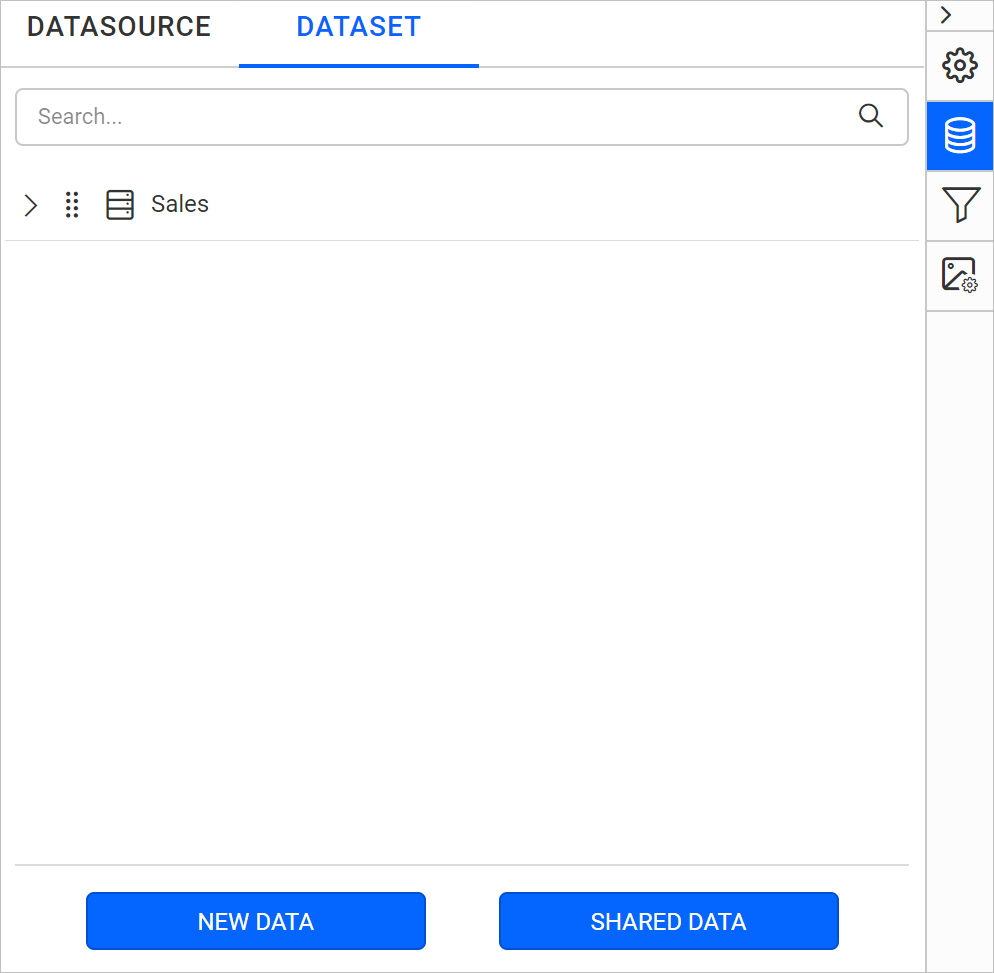
Note: You can link multiple shared dataset into the report.