Uninstallation of Reporting Tools
You can uninstall the Embedded Reporting Tools from the control panel through the following steps.
-
On the Start menu, click Control Panel.
-
In the Control Panel, click Programs and Features.
-
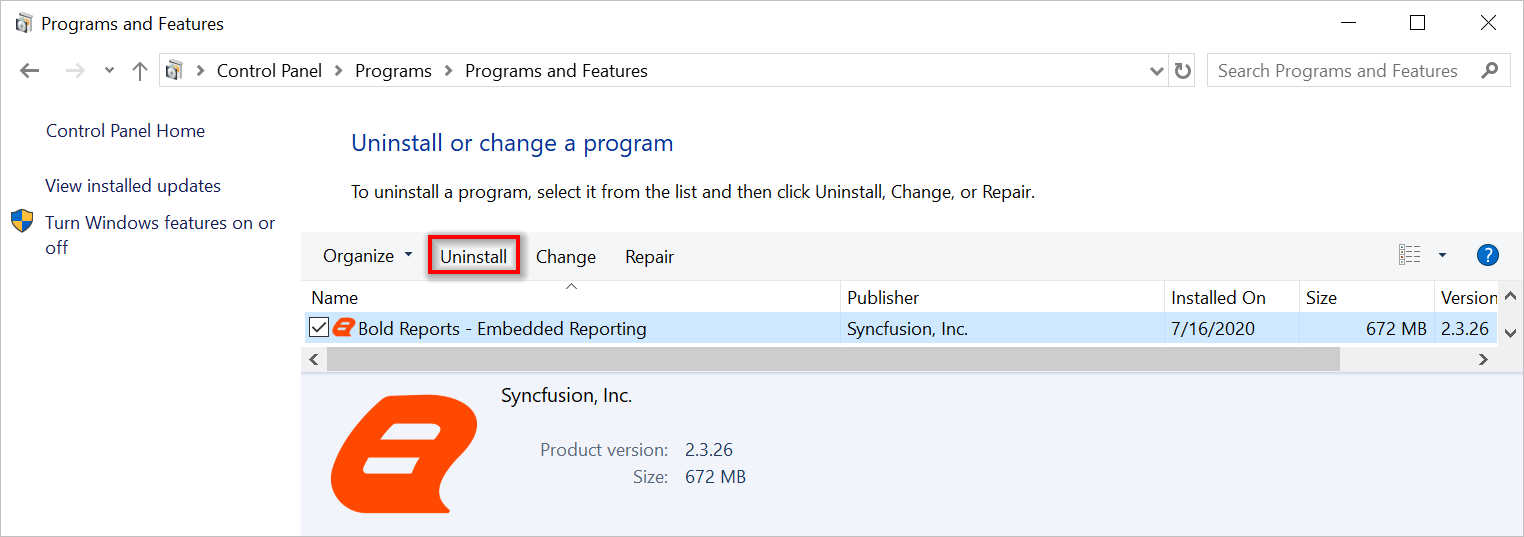
Search Bold Reporting Tools in the Name list and click it.
-
Click Uninstall.
-
Click Yes to confirm the uninstallation of Reporting Tools.
-
The Embedded Reporting Tools setup will be uninstalled and re-direct to the Embedded Reporting Tools Uninstallation page.