How to resolve the image not rendered issue in .NET 6.0 on Linux Environment
After the release of .NET 6, the Bold Reports® Report Viewer component stopped rendering images on non-Windows platforms due to a breaking change that restricted the use of the System.Drawing.Common library to Windows only. This causes issues for developers using the component on Linux and other non-Windows platforms. This article explores an alternative solution that enables the Report Viewer to render images on Linux and other non-Windows platforms.
The breaking change in .NET 6 means any applications using the System.Drawing.Common library will not work on Linux, Mac, and other non-Windows platforms. This causes the Report Viewer component to stop rendering images on Linux and other non-Windows platforms.
However, there is a way to enable the Report Viewer to render images on Linux and other non-Windows platforms. Do this by setting the System.Drawing.EnableUnixSupport runtime configuration switch to true in the runtimeconfig.json file. To enable this flag, follow these steps:
-
Add the
runtimeconfig.template.jsonfile to your application. -
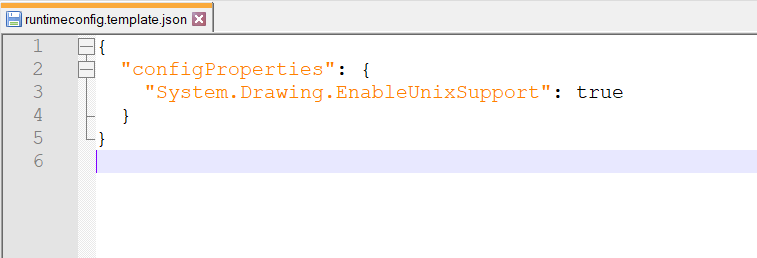
Add the following configuration properties to the
runtimeconfig.template.jsonfile.
{

  "configProperties": {

    "System.Drawing.EnableUnixSupport": true

  }

}
By enabling the System.Drawing.EnableUnixSupport flag, and the Report Viewer will start rendering images on non-Windows platforms like Linux, Mac, and Kubernetes.