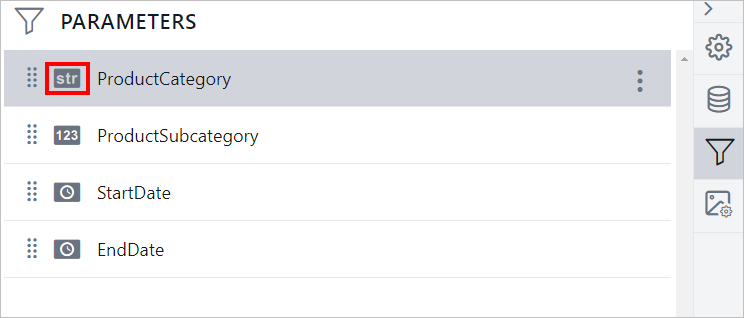
How to change the parameter data type
This section explains the steps to change the datatype of an existing Report parameter in Bold Reports® Designer.
-
Open the report in Bold Reports® Designer.
-
In the configuration panel, click on the
Parametersicon to open thePARAMETERSpanel.
-
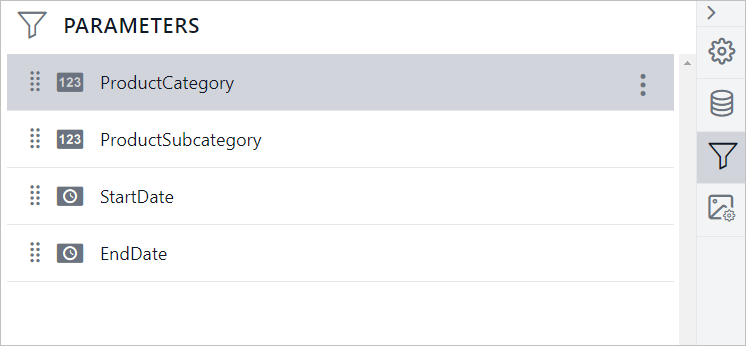
Hover the cursor on the parameter which you want to edit from the list of parameters.
-
Click the
menuicon in the right corner, to open the context menu.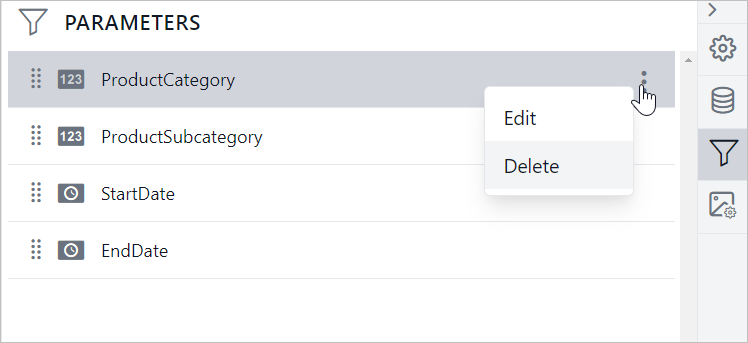
-
Choose
Editfrom the context menu, it will launch theEDIT PARAMETERpanel.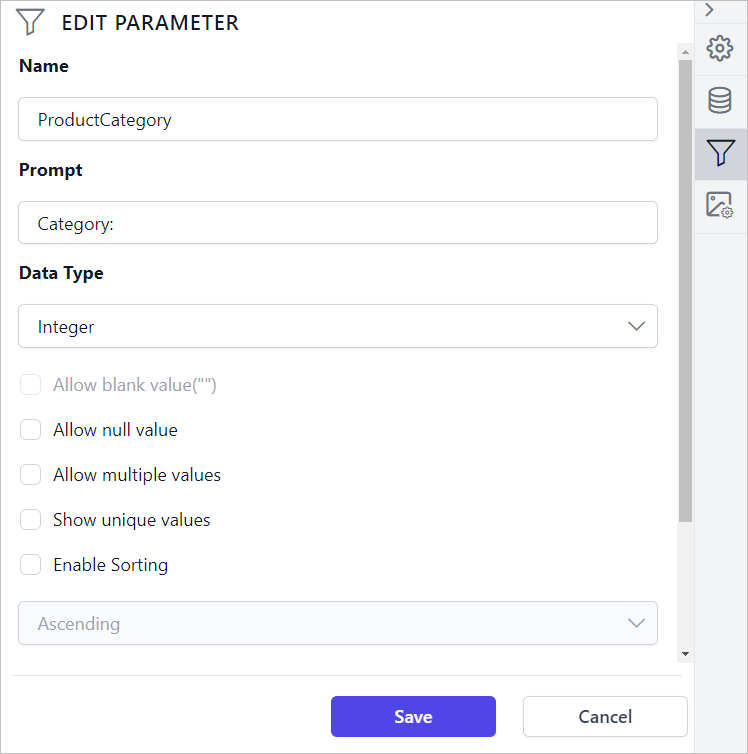
-
Change the value under
Data Typedropdown.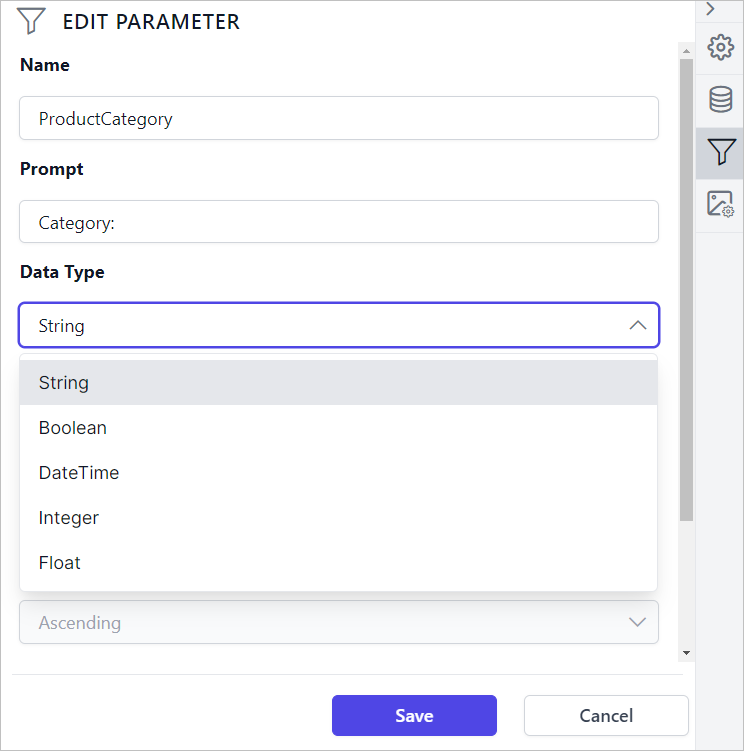
-
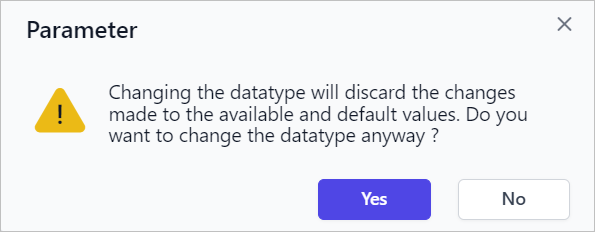
If the parameter has available and default values, the below confirmation dialog will appear.
-
Clicking
Yeswill discard the available and default values defined for the respective parameter and lets the datatype change. Then clickSave. Now the parameter type will be changed.