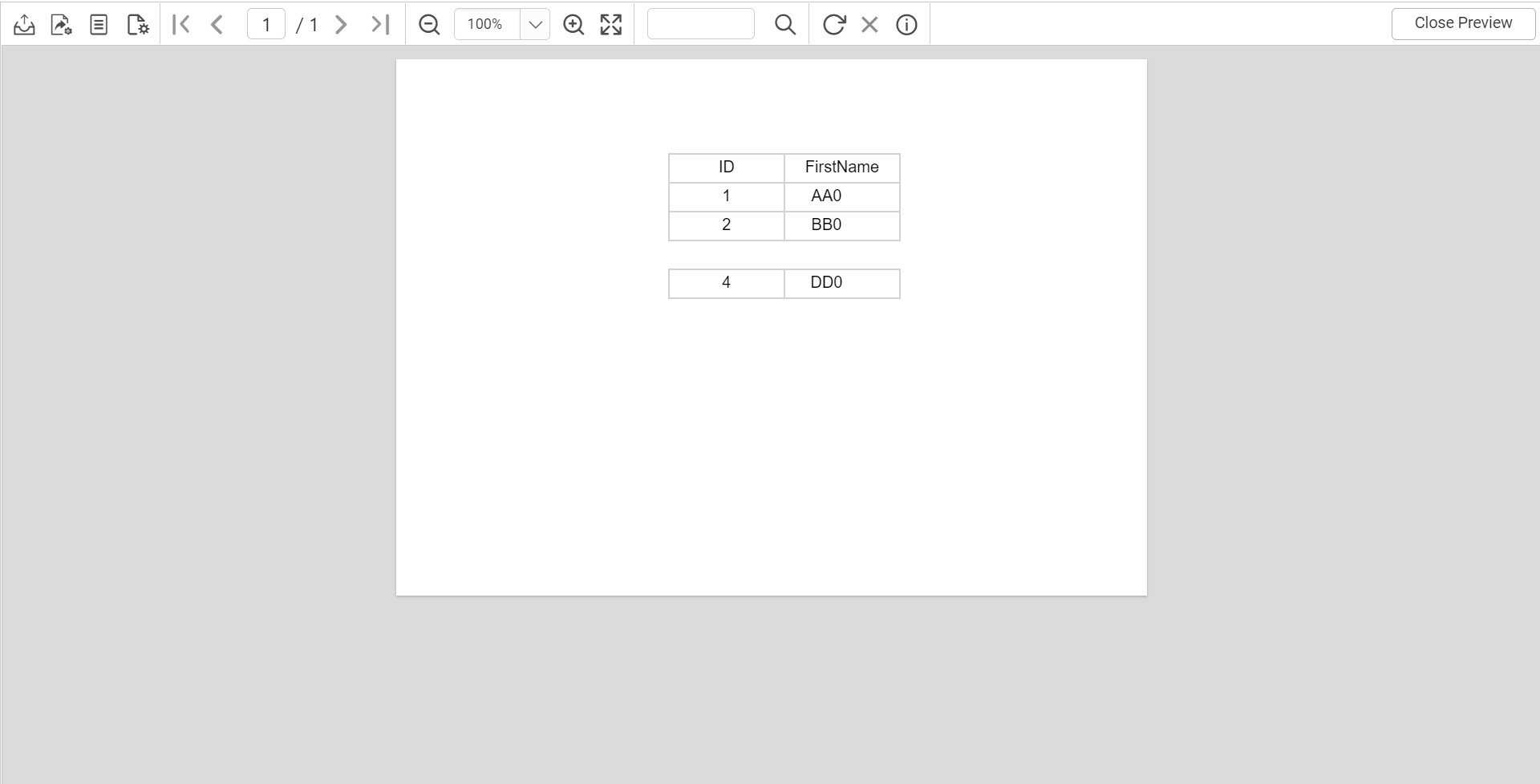
How to hide the table column or row when the field value is empty
This section explains how to hide a table column or row when the field value is empty using expression.
How to hide the table column when the field value is empty
- Drag and drop the table, then select the dataset and assign the field values to the table.
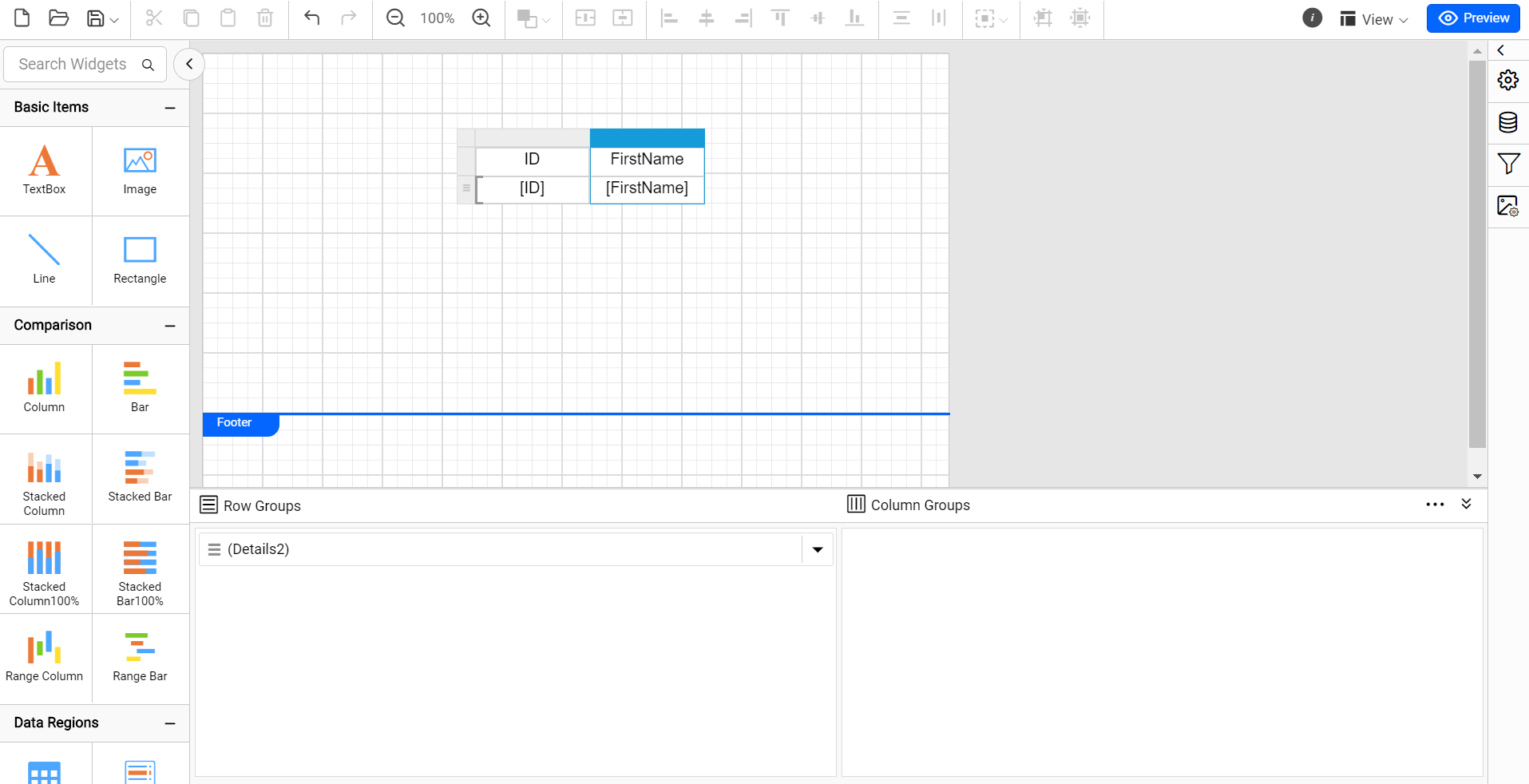 2. Select the column and click
 visibility in the properties panel.
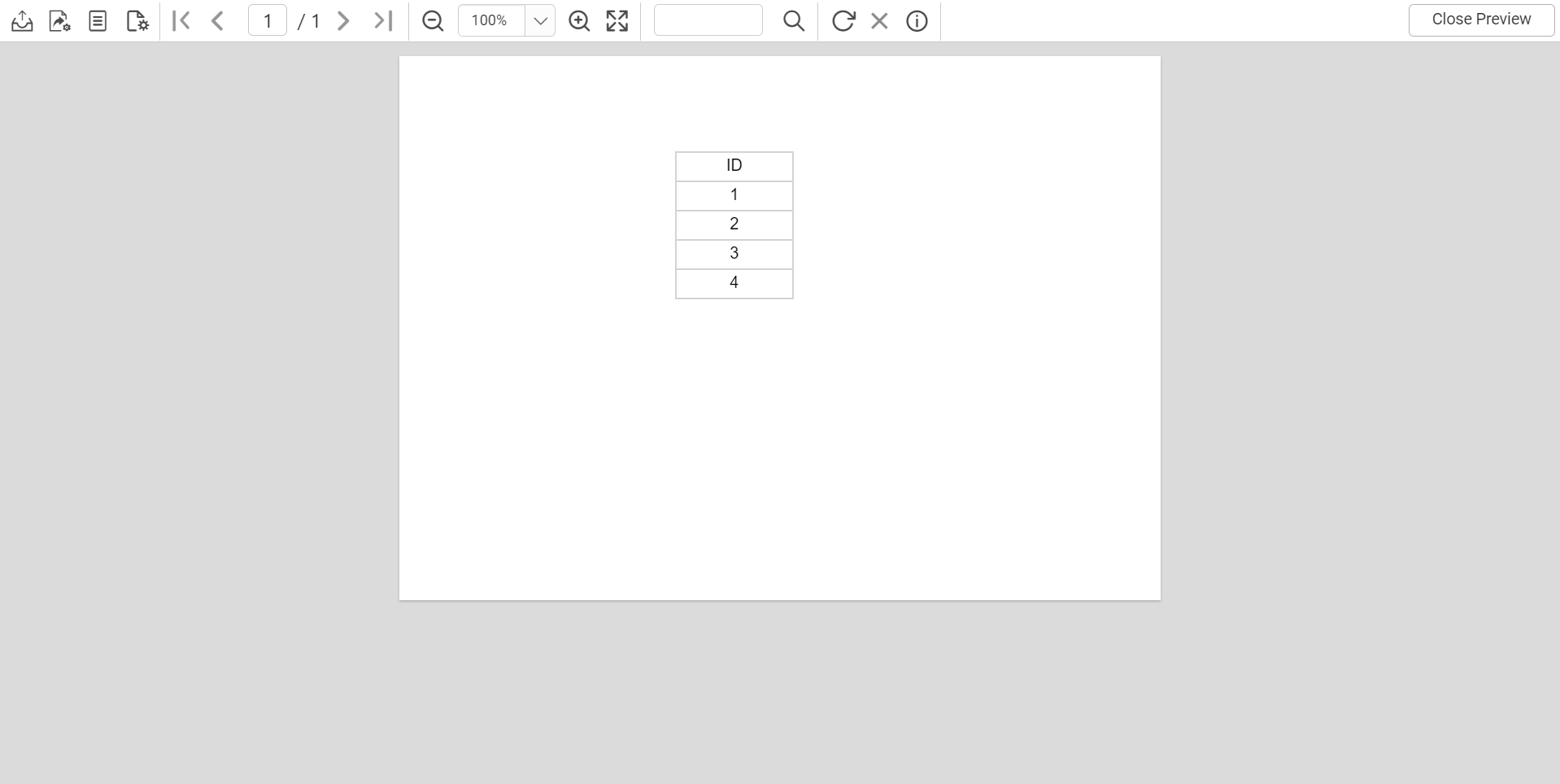
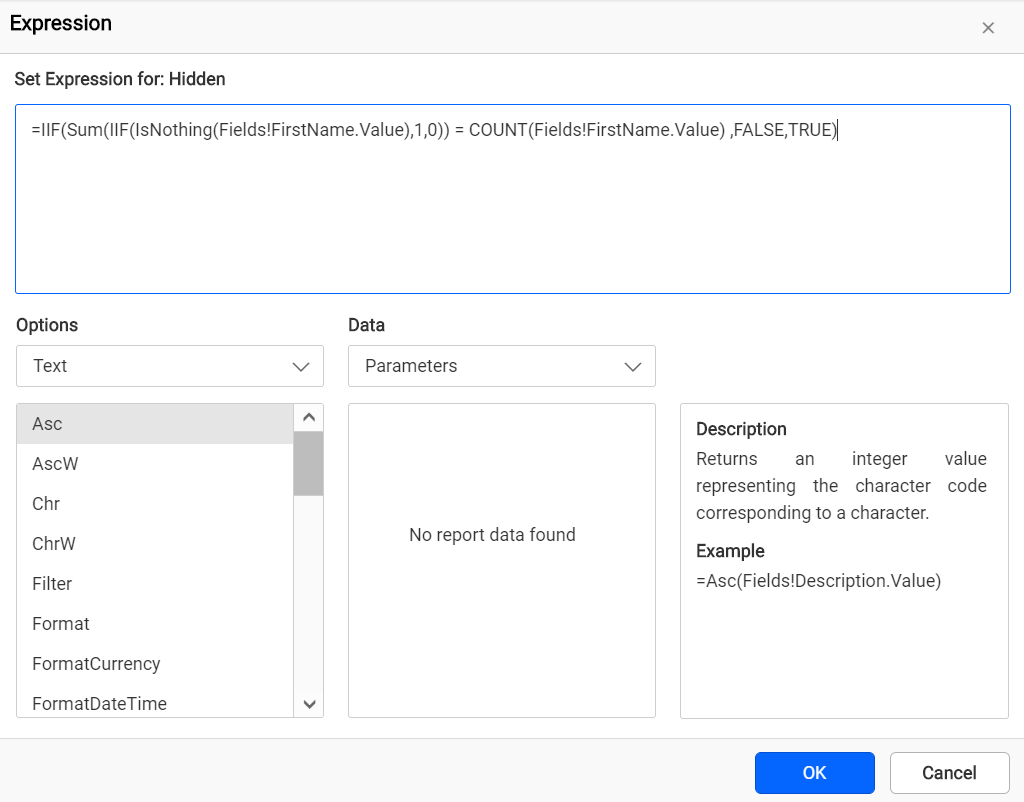 3. You can hide the empty column in the table based on the column visibility expression as follows.
=IIF(Sum(IIF(IsNothing(Fields!FirstName.Value), 1, 0)) = COUNT(Fields!FirstName.Value), FALSE, TRUE)- Click
Previewat the top-right corner of the Report Designer toolbar to see the output result.
How to hide the table row when the field value is empty
- Drag and drop the table, then select the dataset and assign the filed values.
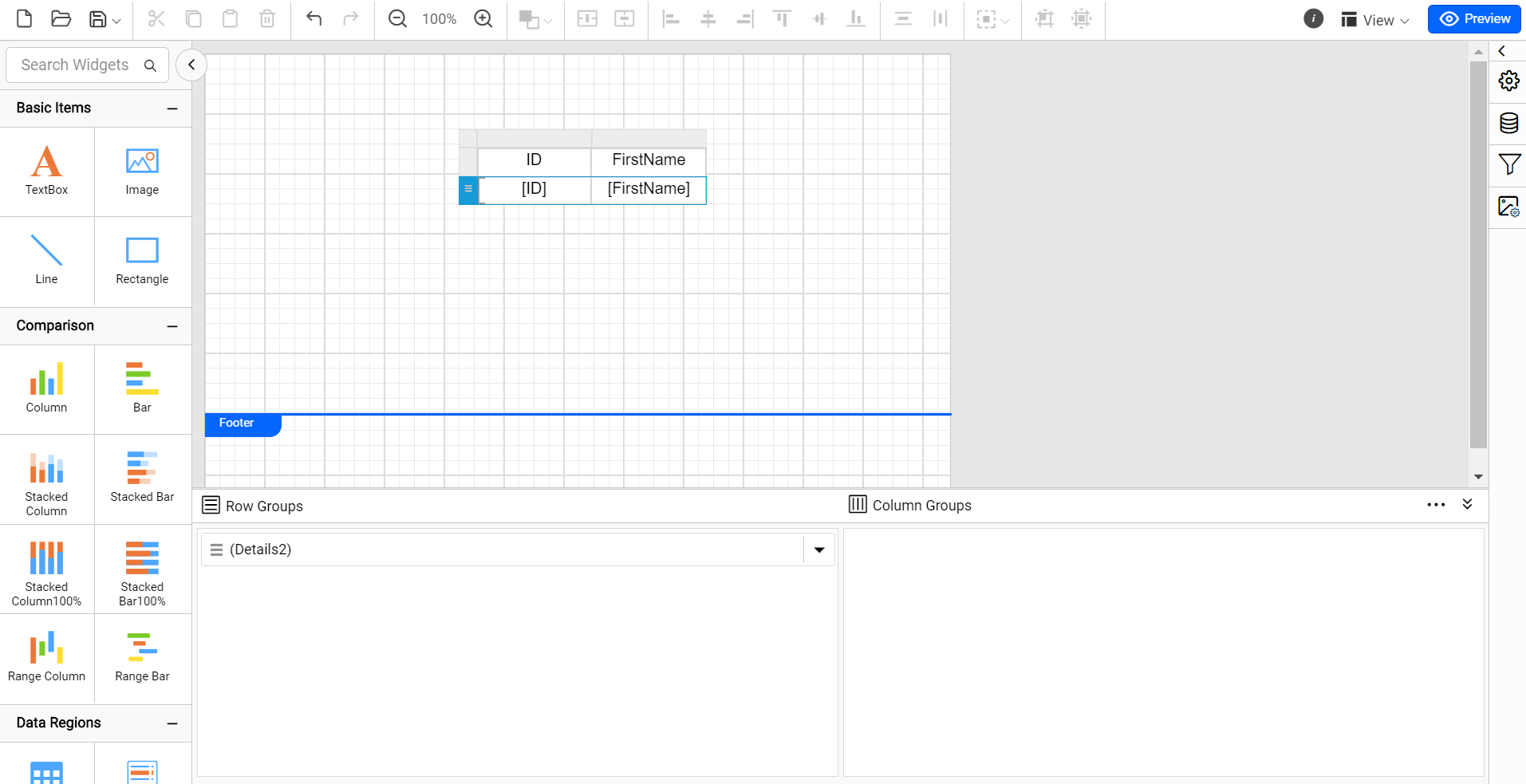 2. Select the row and click
 visibility under the properties panel.
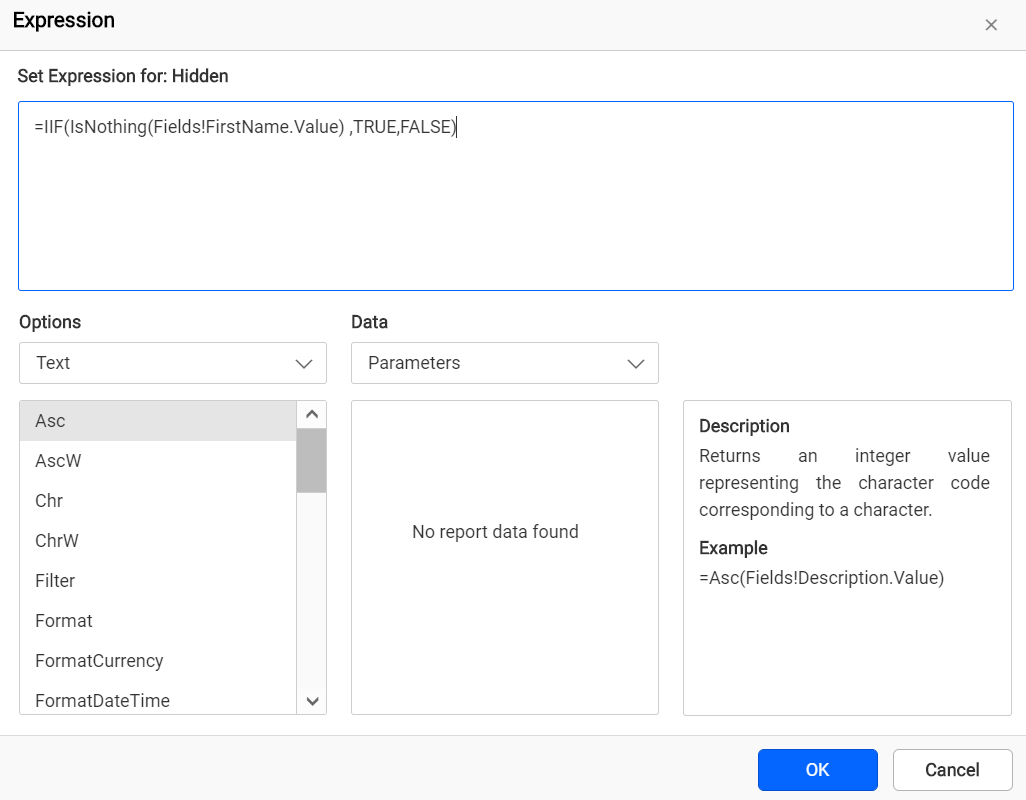 3. You can hide the empty column in the table based on the column visibility expression as follows.
=IIF(IsNothing(Fields!FirstName.Value) ,TRUE, FALSE)- Click
Previewat the top-right corner of the Report Designer toolbar to see the output result.