Open report
This section explains how to open an existing reports in the Bold Reports® Designer. Click on the Open icon in the designer toolbar.
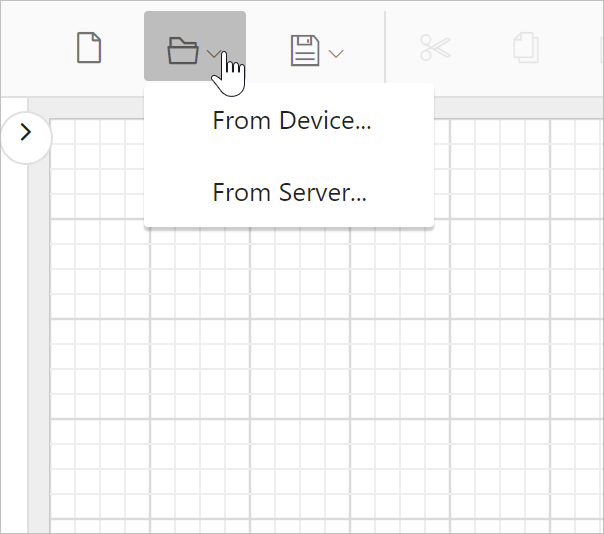
From Device
- To open the report from local computer, click on
From Deviceoption in the context menu.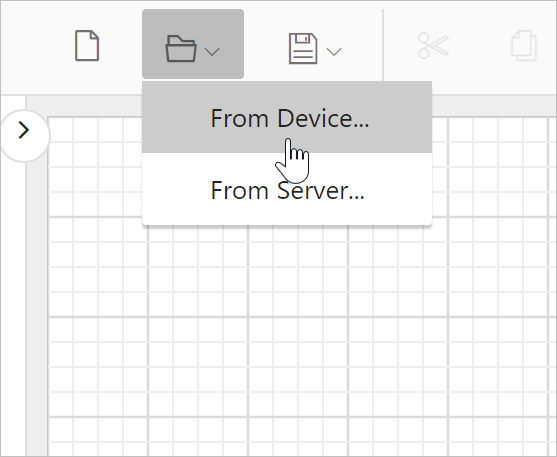
- Now, the client browse dialog will be launched.
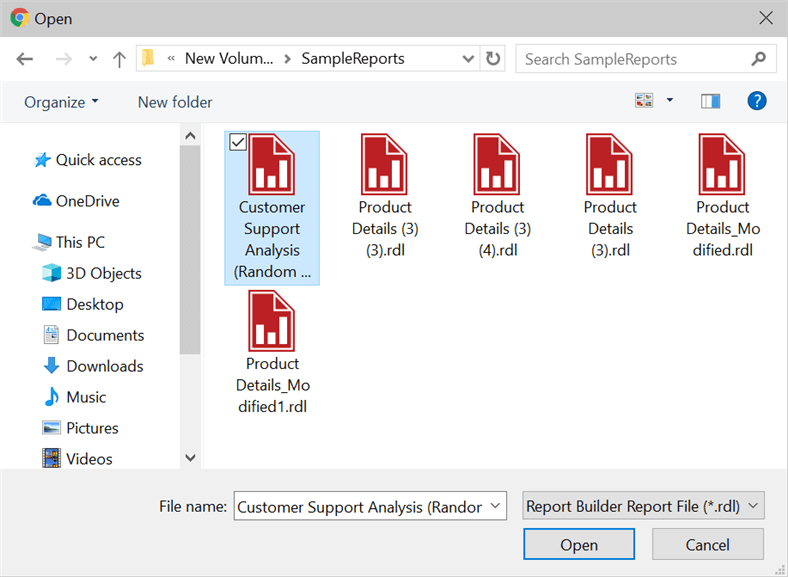
- Select the report and click on Open button.
From Server
- To open the report from server, click on
From Serveroption in the context menu.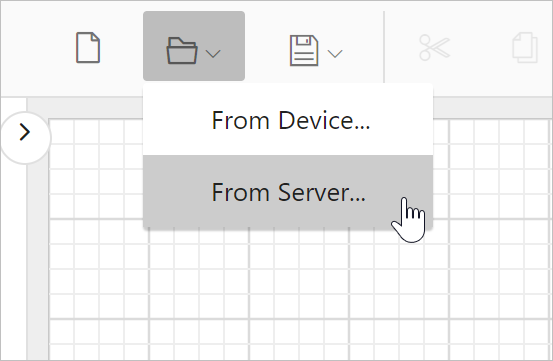
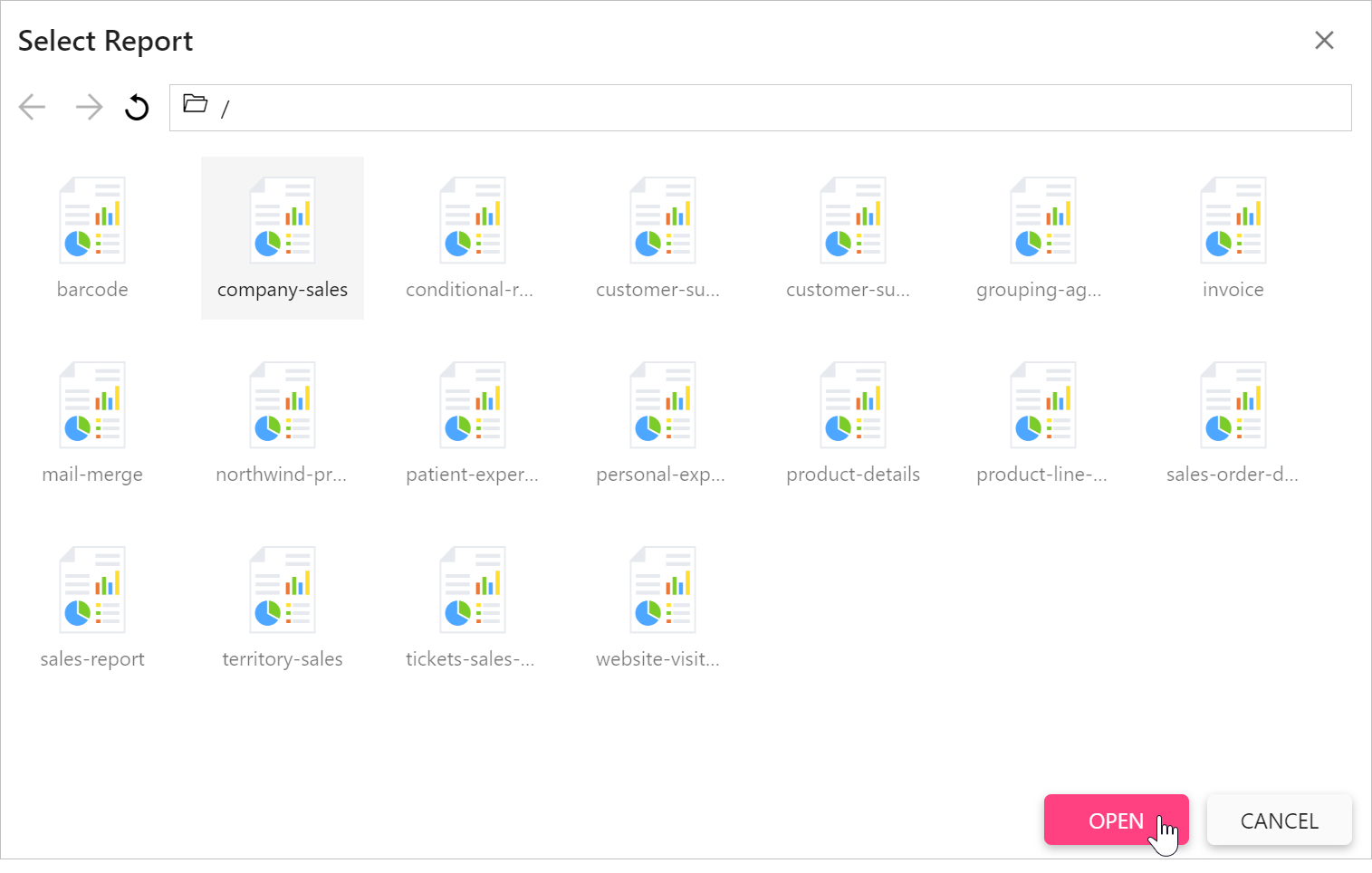
- Now, the server browse dialog will be launched. Browse to the report server reports folder location.
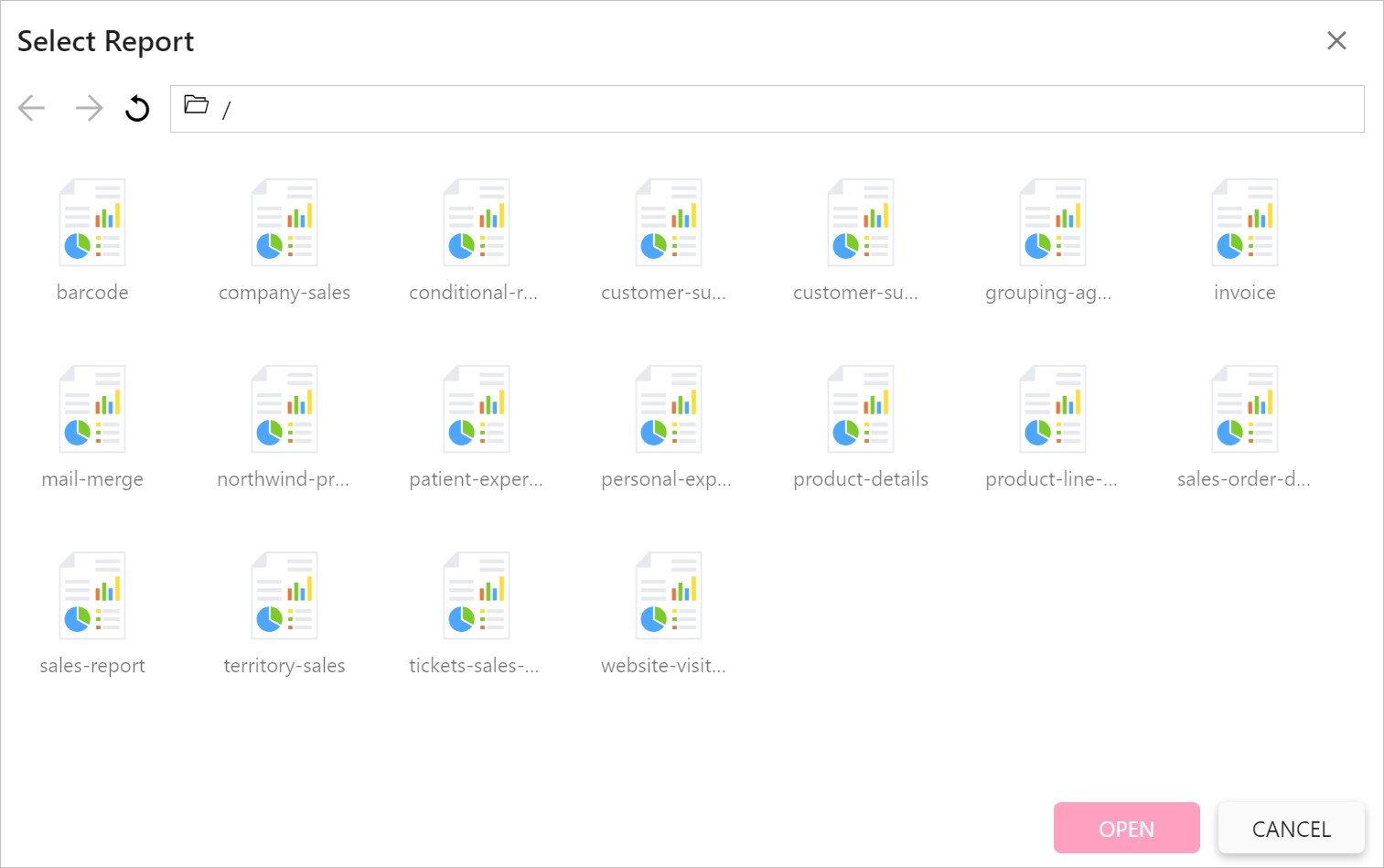
- Select the report and click on Open button.
You can browse reports from server only when you configure external server in your application.