Toolbar custom properties
This topic explains the list of toolbar custom properties that are supported to render in the ASP.NET Core Report Viewer.
Show or hide print button in toolbar
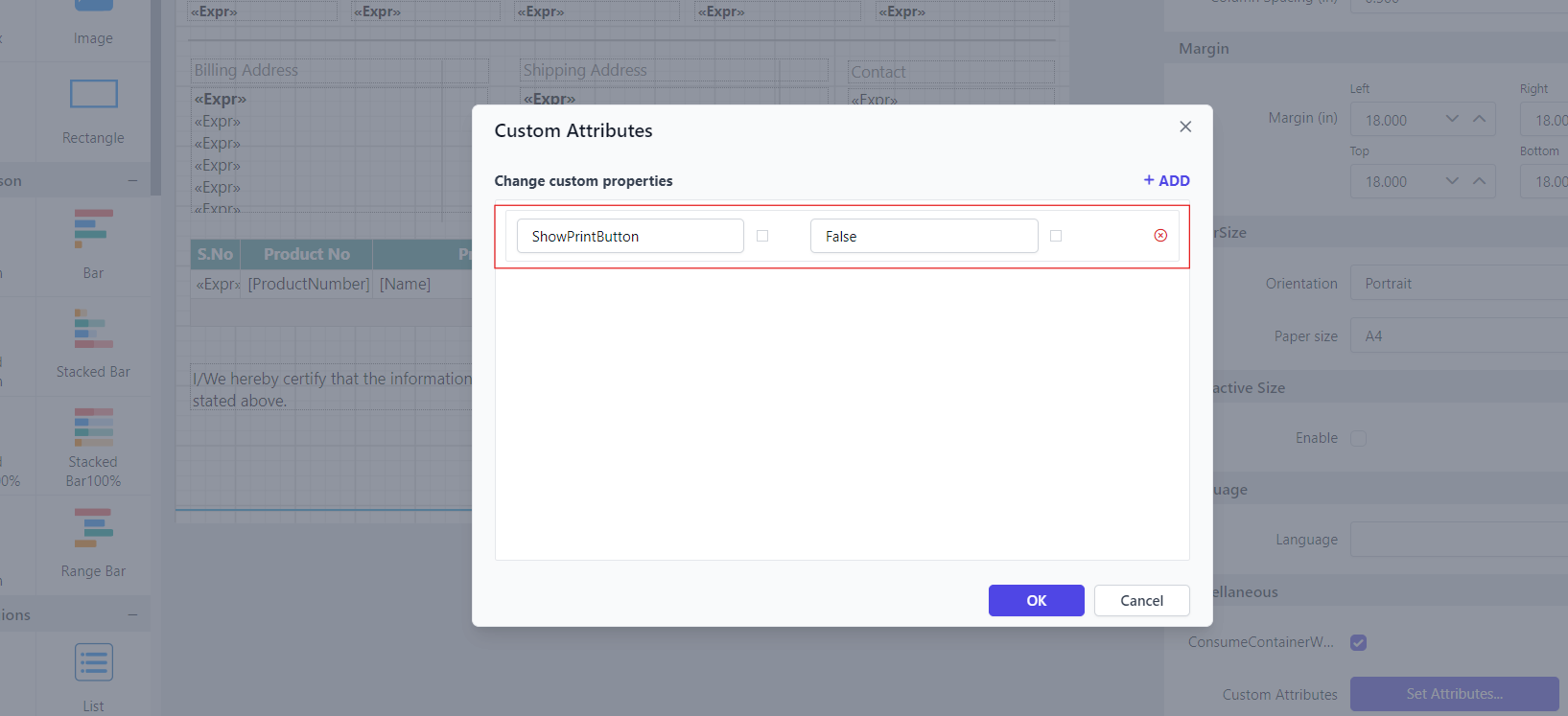
The ShowPrintButton custom property is used to show or hide the print button in the toolbar.
You can set the ShowPrintButton property value, as shown below.
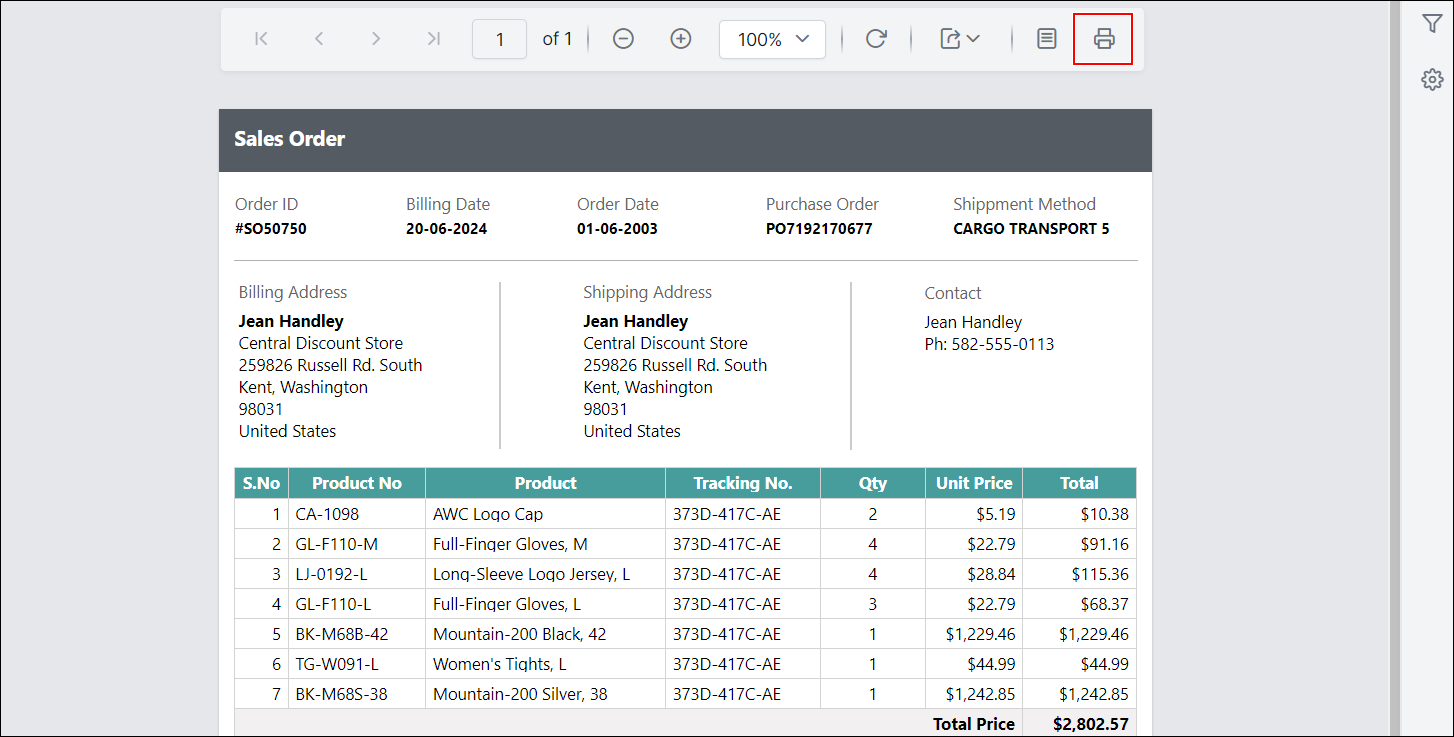
Before setting the ShowPrintButton property, the print button will be displayed in the toolbar as shown below.
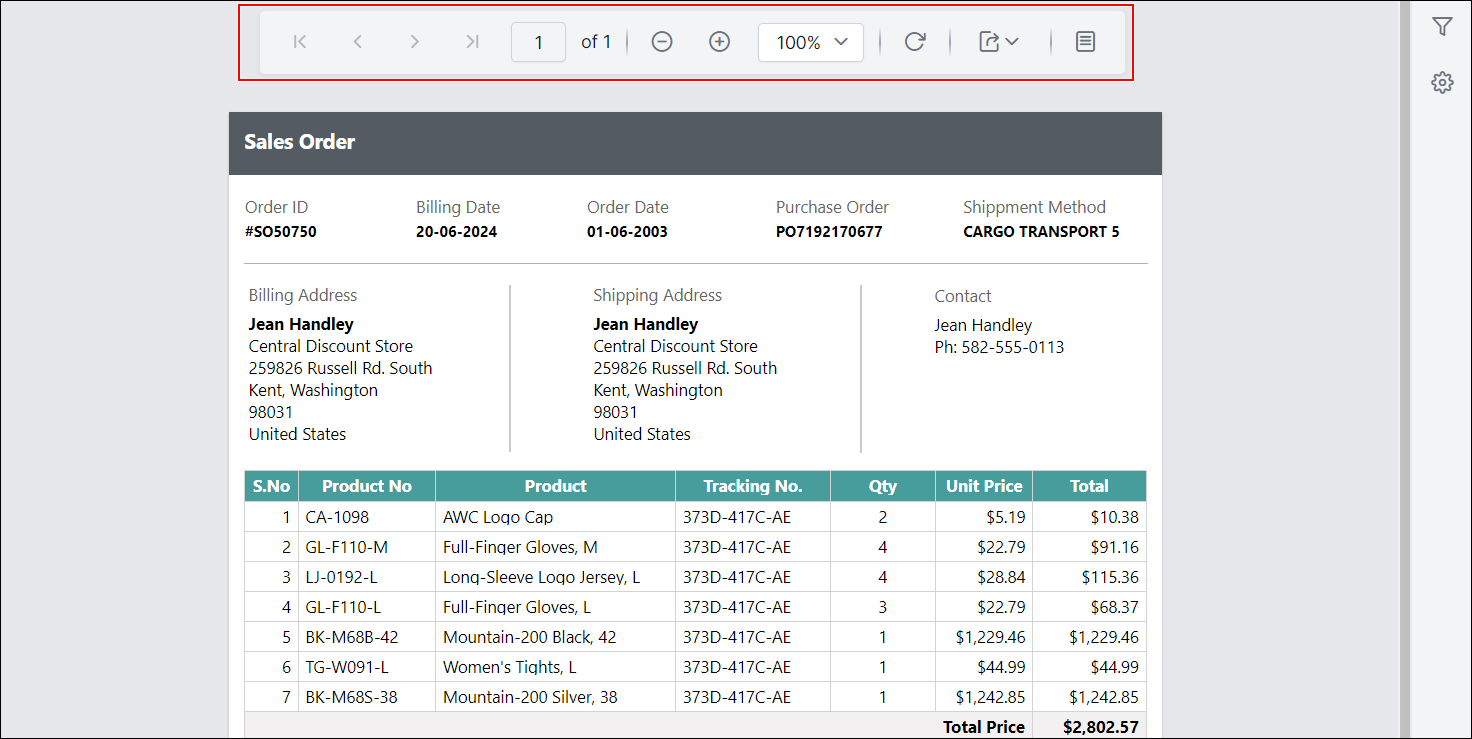
Preview the report and see that the print button is hidden in the toolbar.
Show or hide refresh button in toolbar
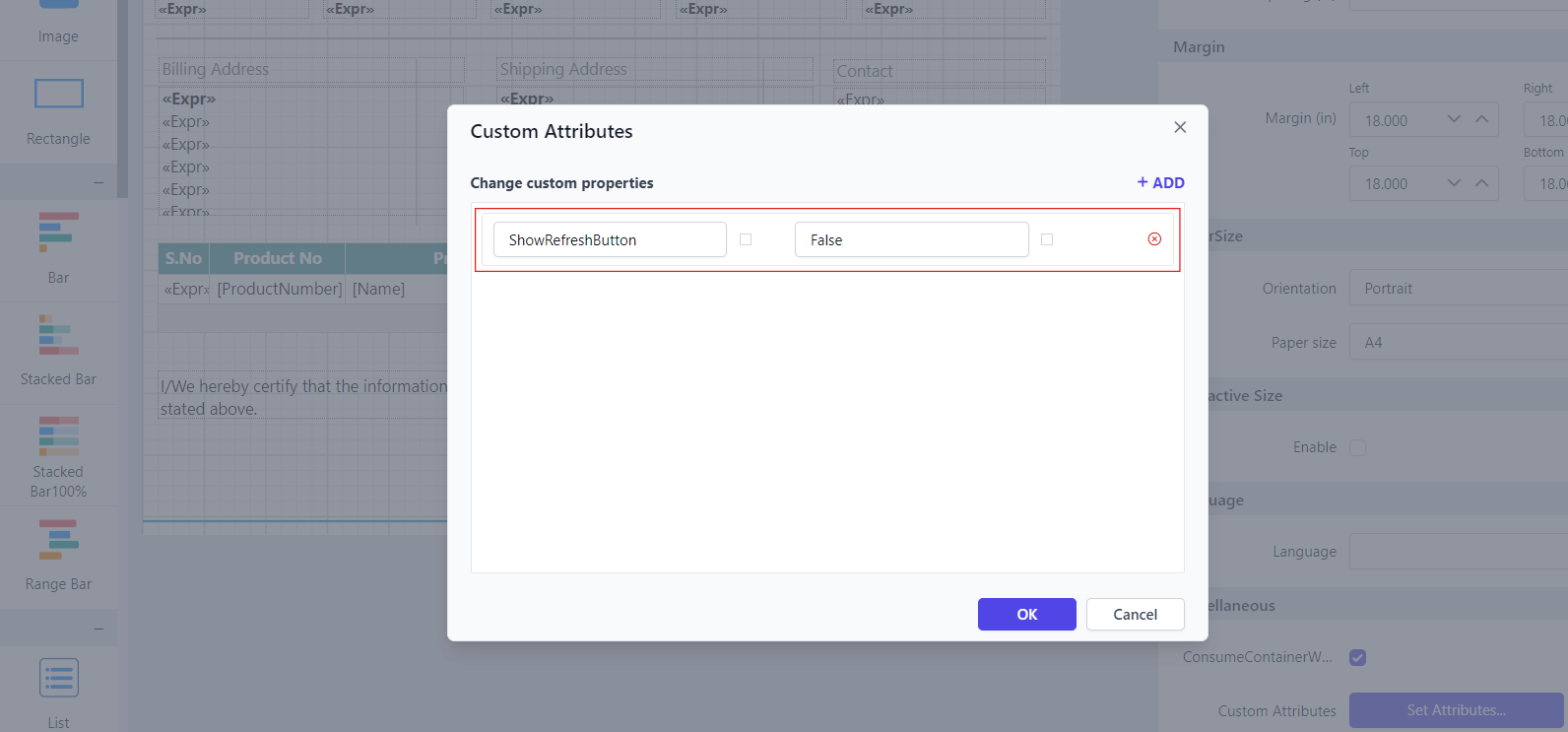
The ShowRefreshButton custom property is used to show or hide the refresh button in the toolbar.
You can set the ShowRefreshButton property value, as shown below.
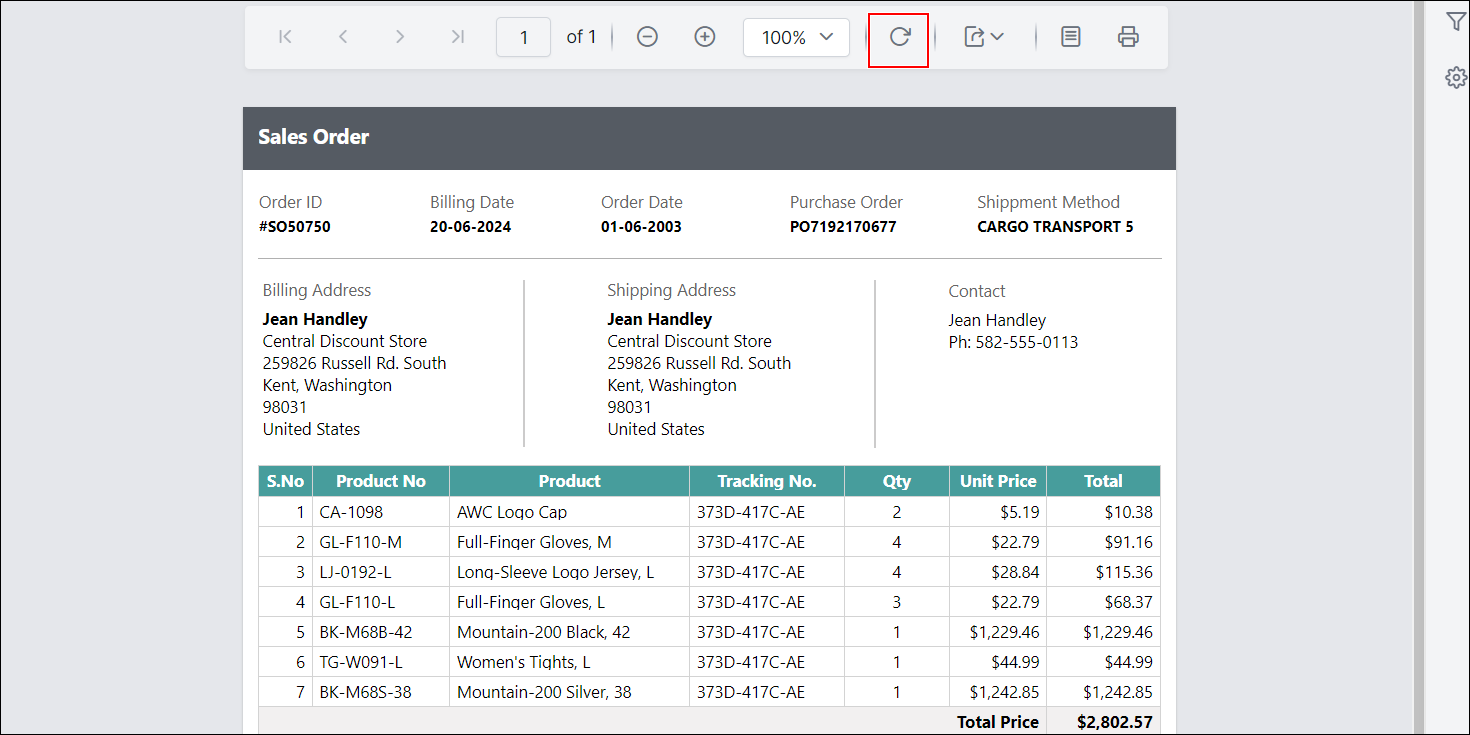
Before setting the ShowRefreshButton property, the refresh button will be displayed in the toolbar as shown below.
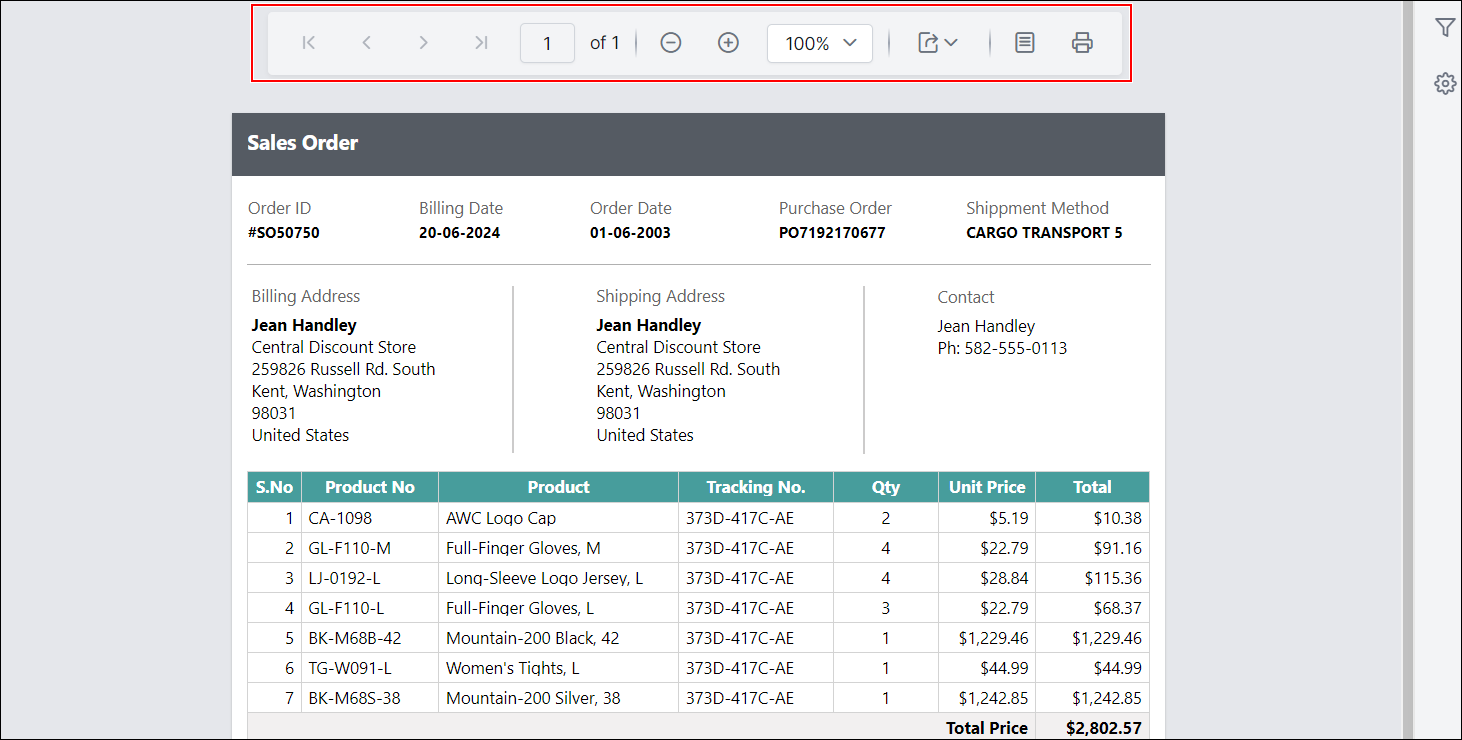
Preview the report and see that the refresh button is hidden in the toolbar.
Show or hide find button in toolbar
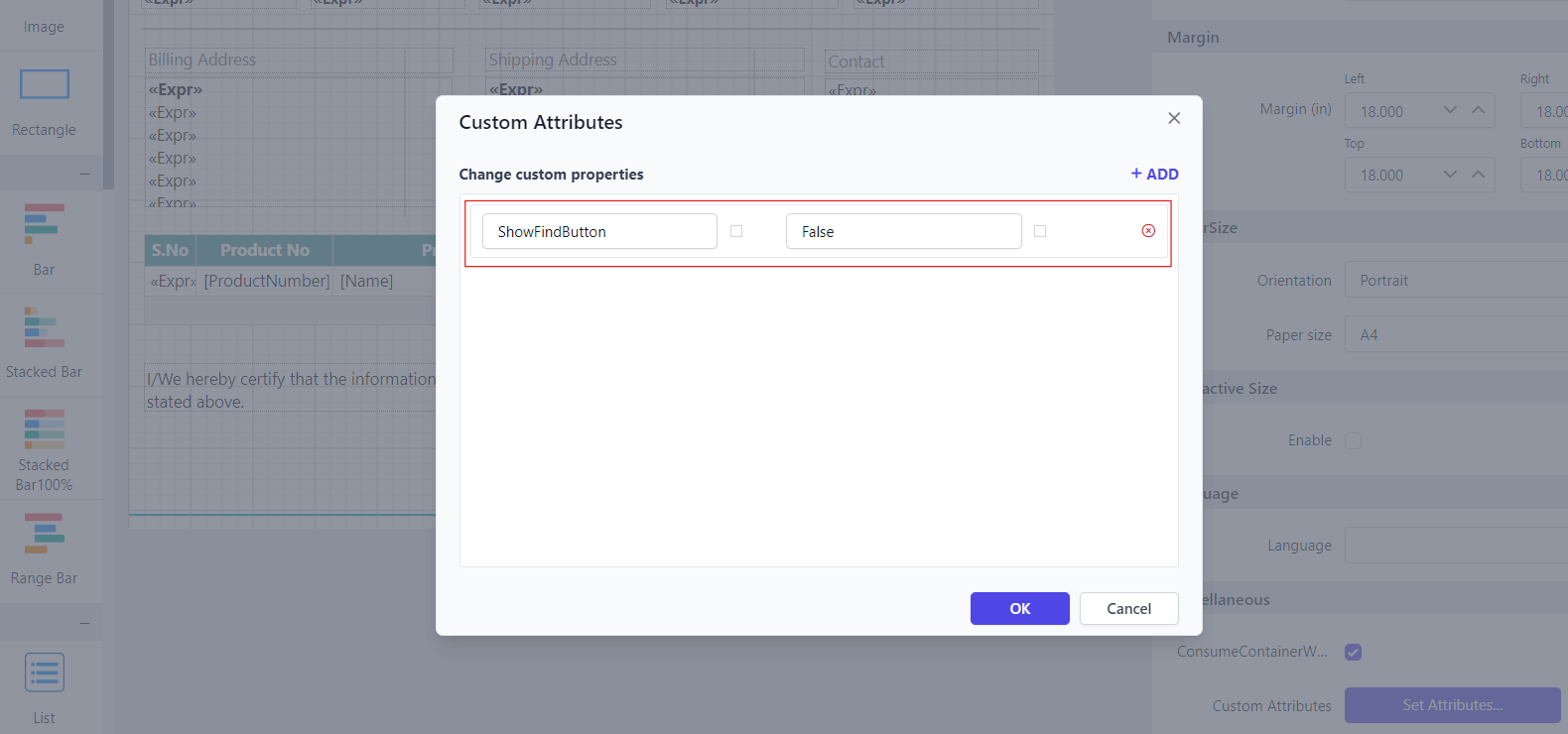
The ShowFindButton custom property is used to show or hide the find button in the toolbar.
You can set the ShowFindButton property value, as shown below.
Before setting the ShowFindButton property, the find button will be displayed in the toolbar as shown below.
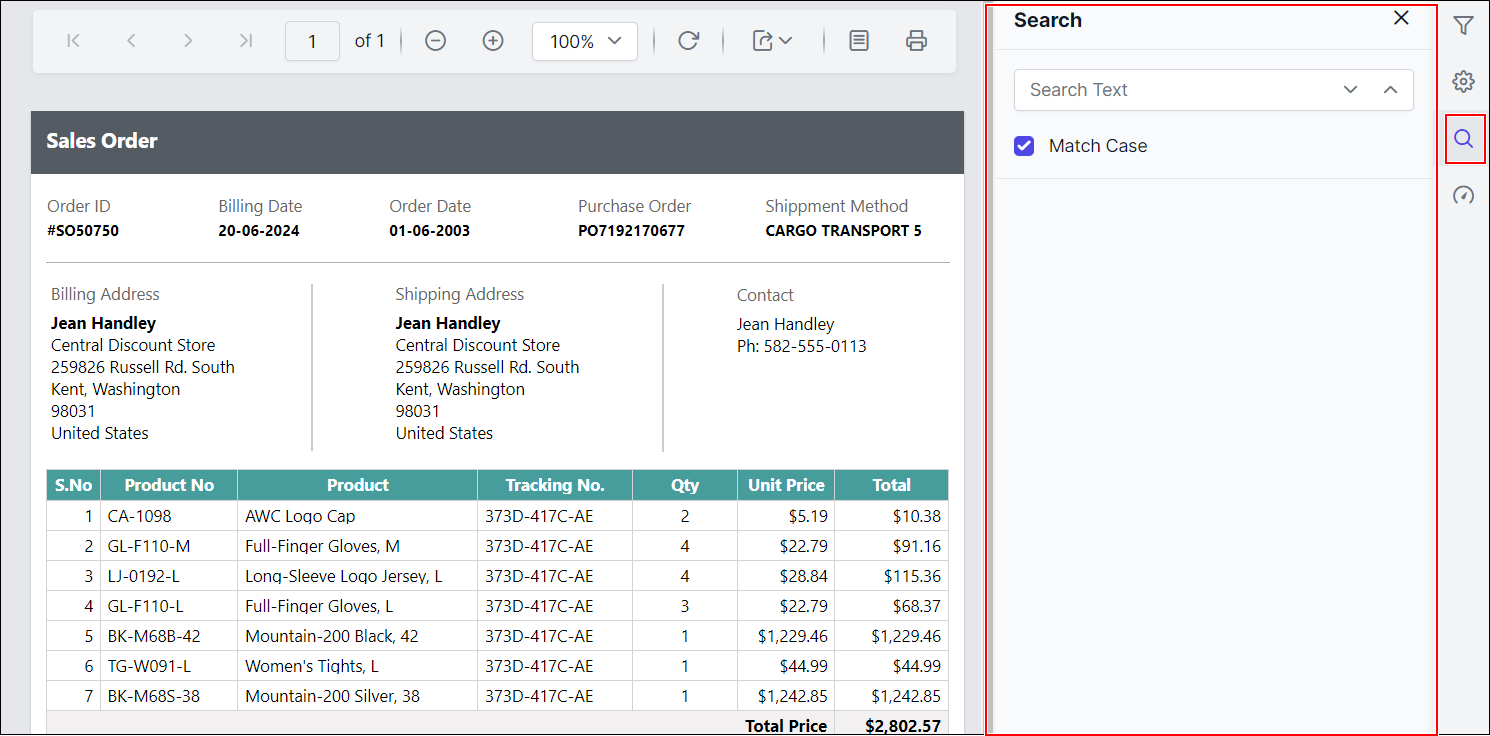
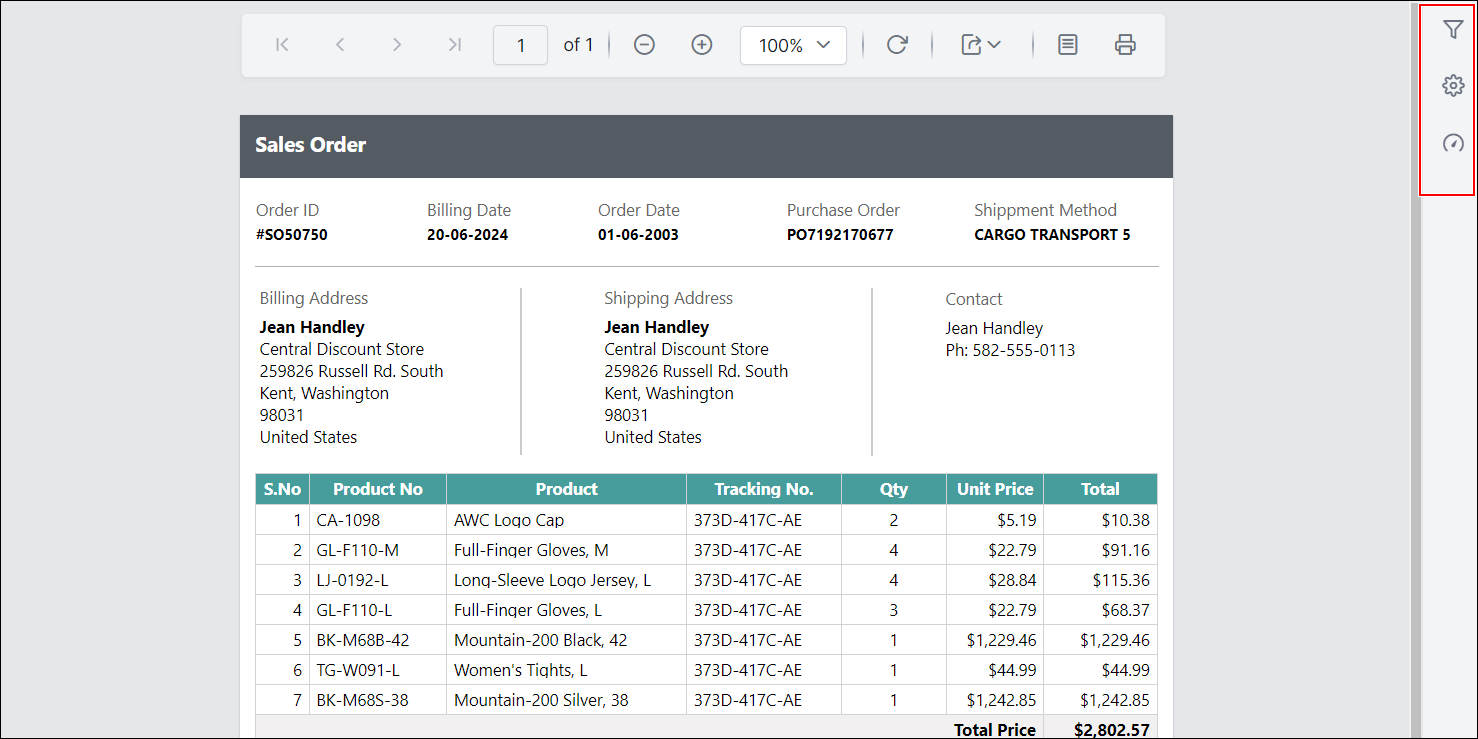
Preview the report and see that the find button is hidden in the toolbar.
Show or hide zoom controls in toolbar
The ShowZoomControl custom property is used to show or hide the zoom controls in the toolbar.
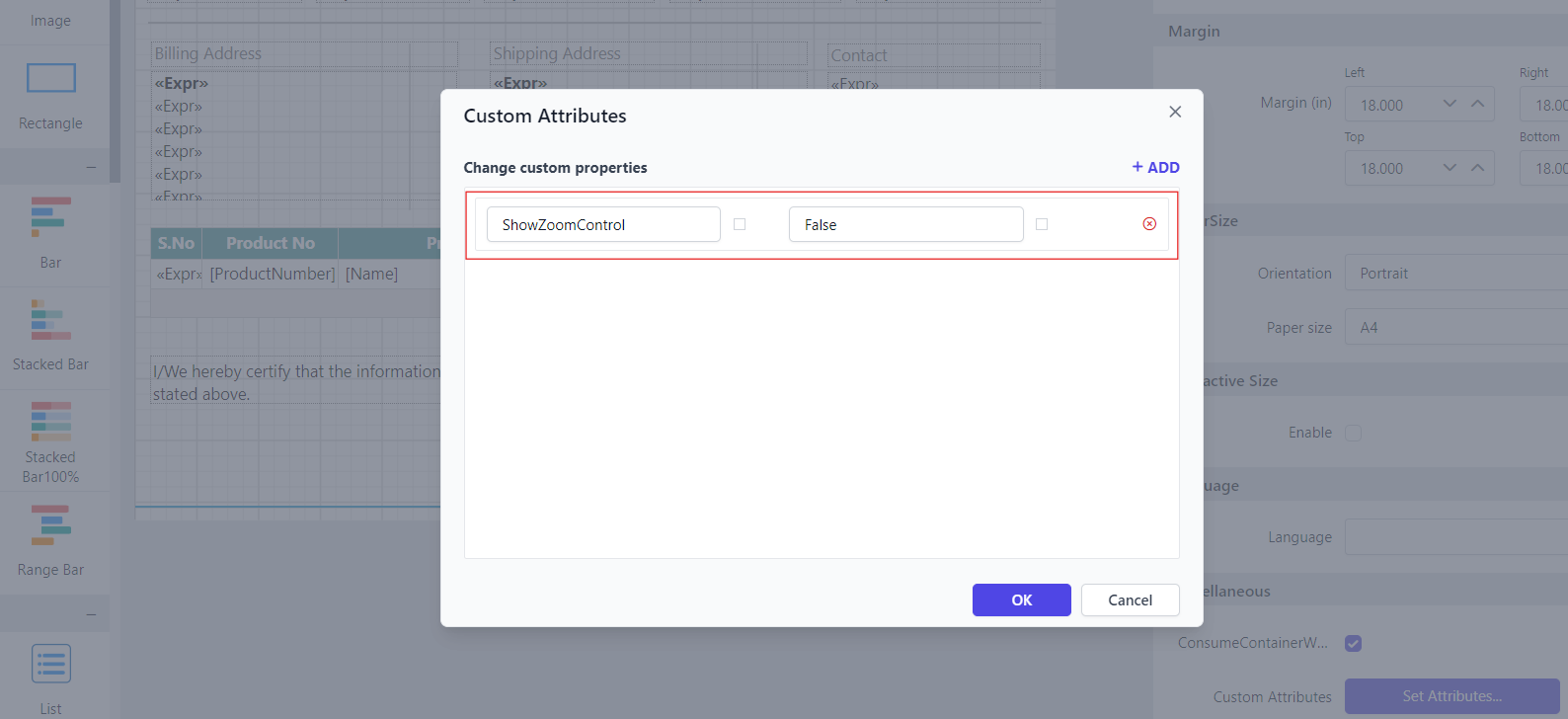
You can set the ShowZoomControl property value, as shown below.
Before setting the ShowZoomControl property, the zoom control will be displayed in the toolbar as shown below.
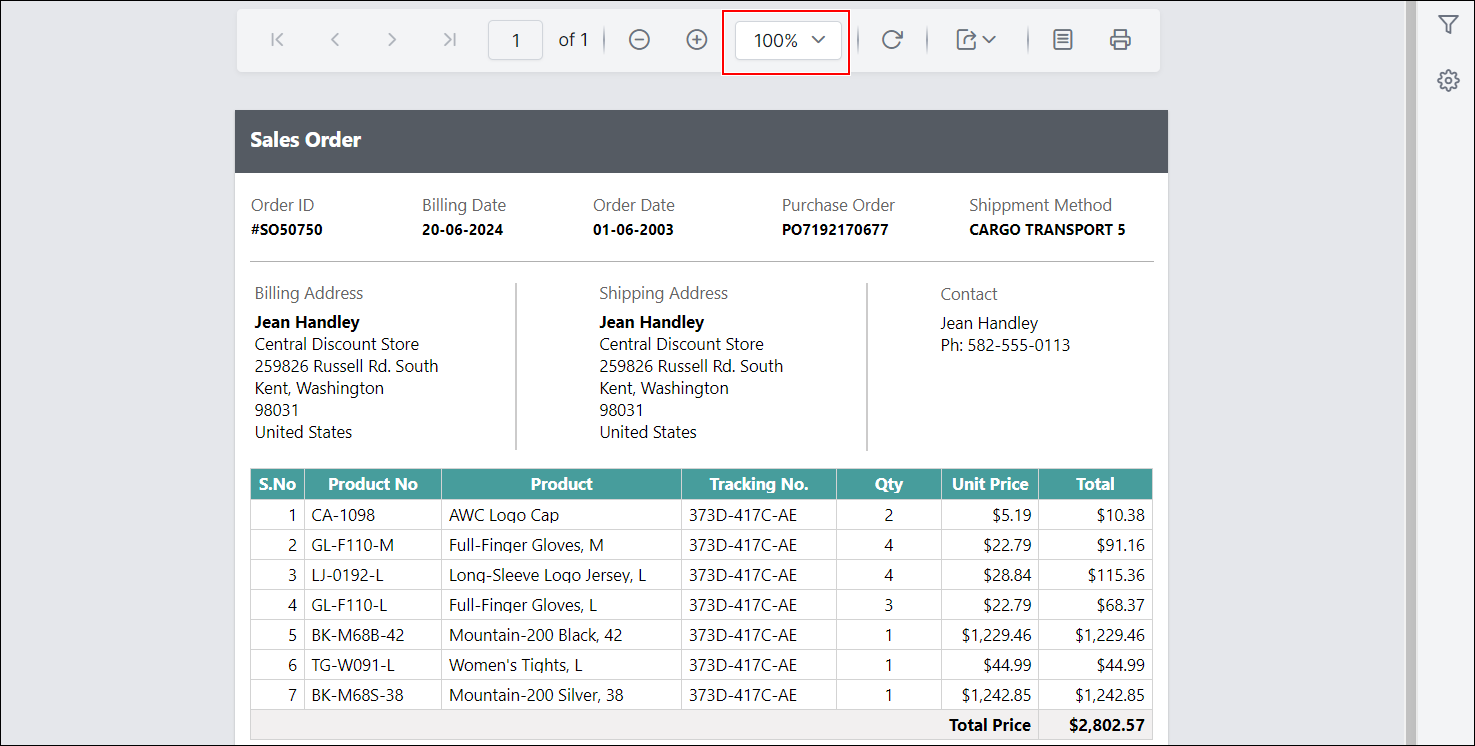
Preview the report and see that the zoom control is hidden in the toolbar.
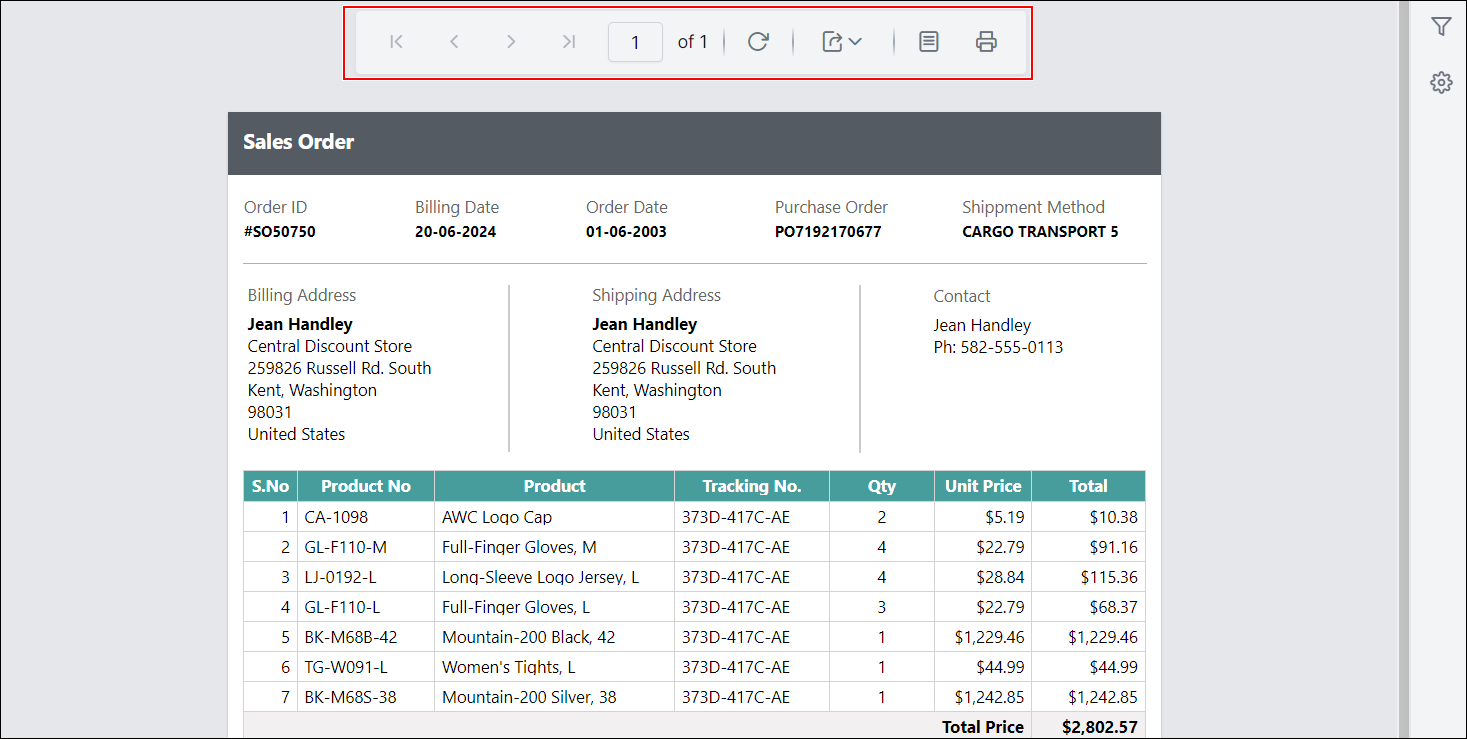
Show or hide export controls in toolbar
The ShowExportControls custom property is used to show or hide the export controls (such as PDF, Excel, Word, etc.) in the toolbar.
You can set the ShowExportControls property value, as shown below.
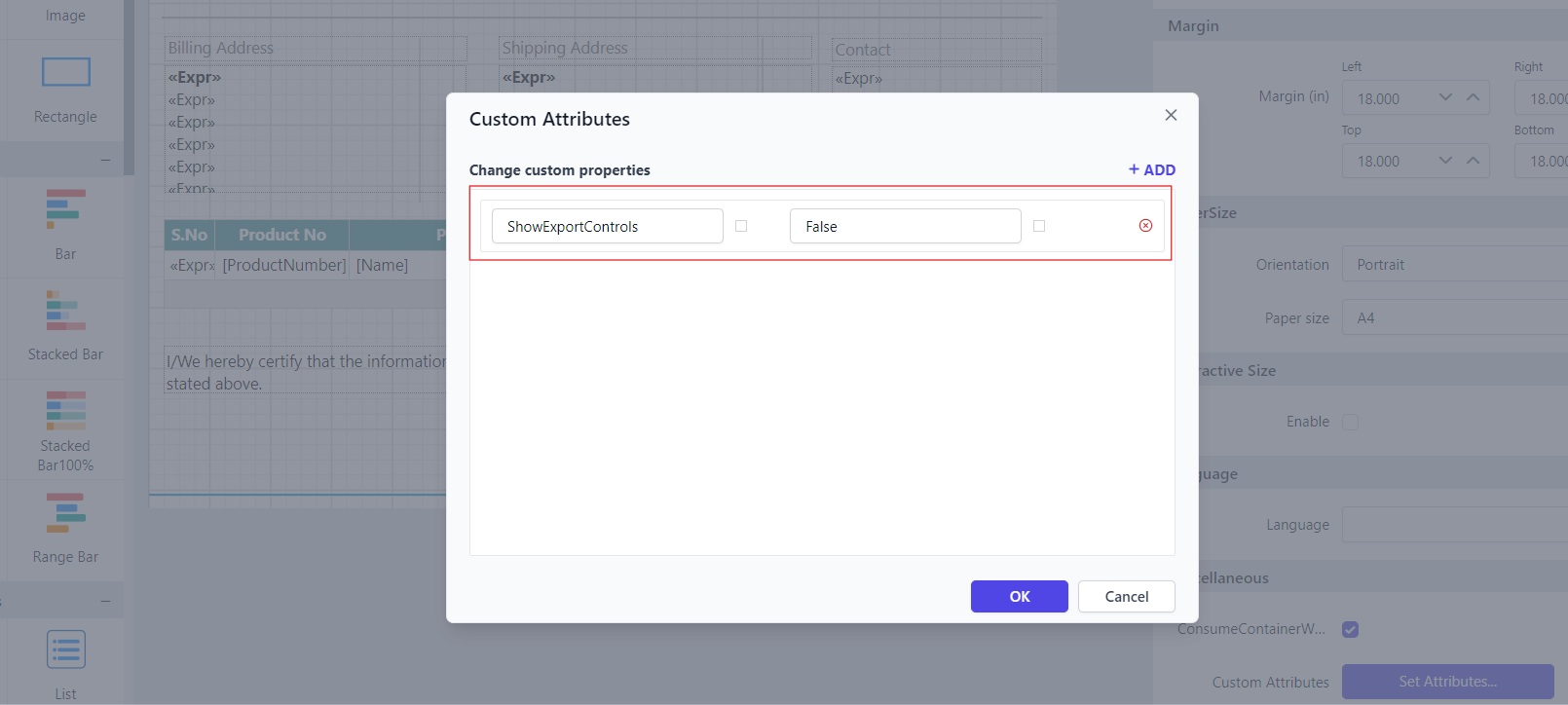
Before setting the ShowExportControls property, the export controls will be displayed in the toolbar as shown below.
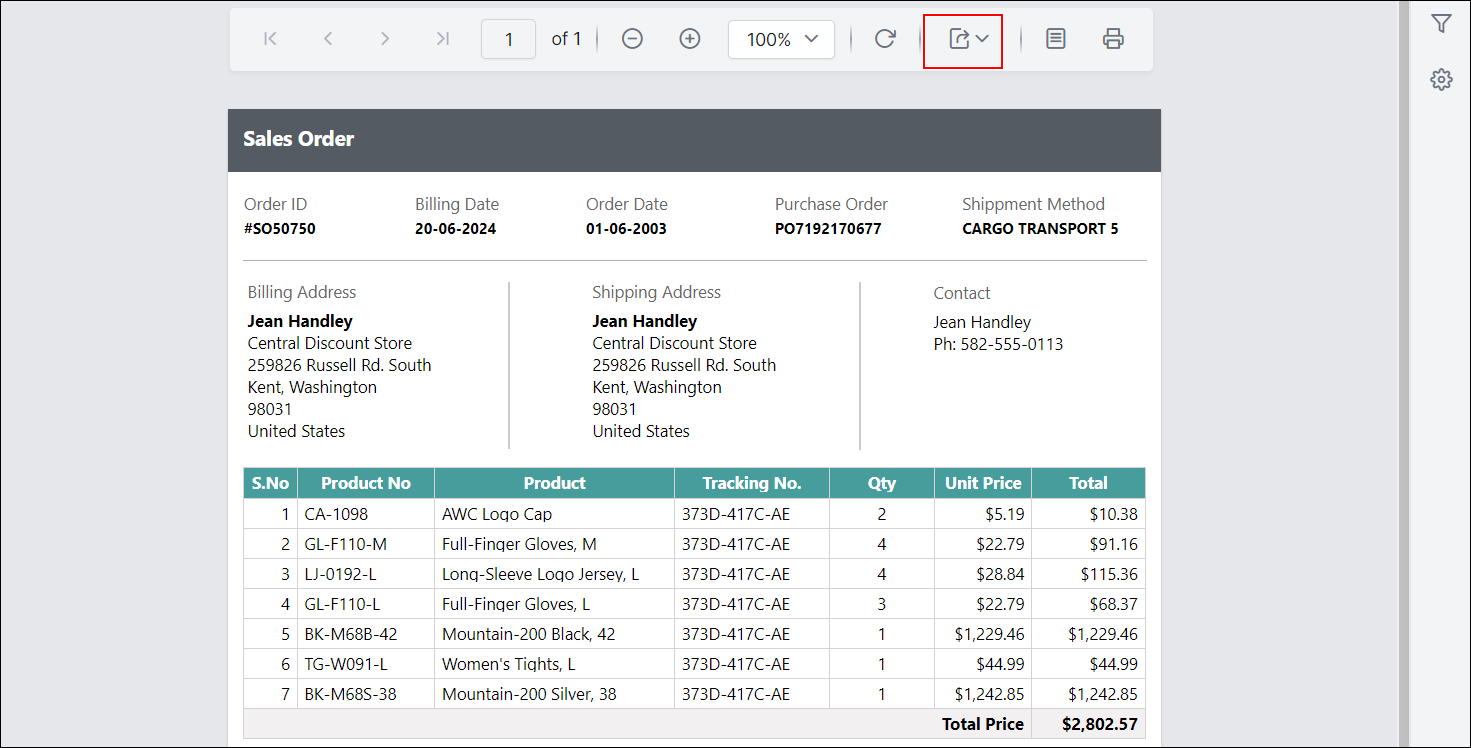
Preview the report and see that the export controls are hidden in the toolbar.
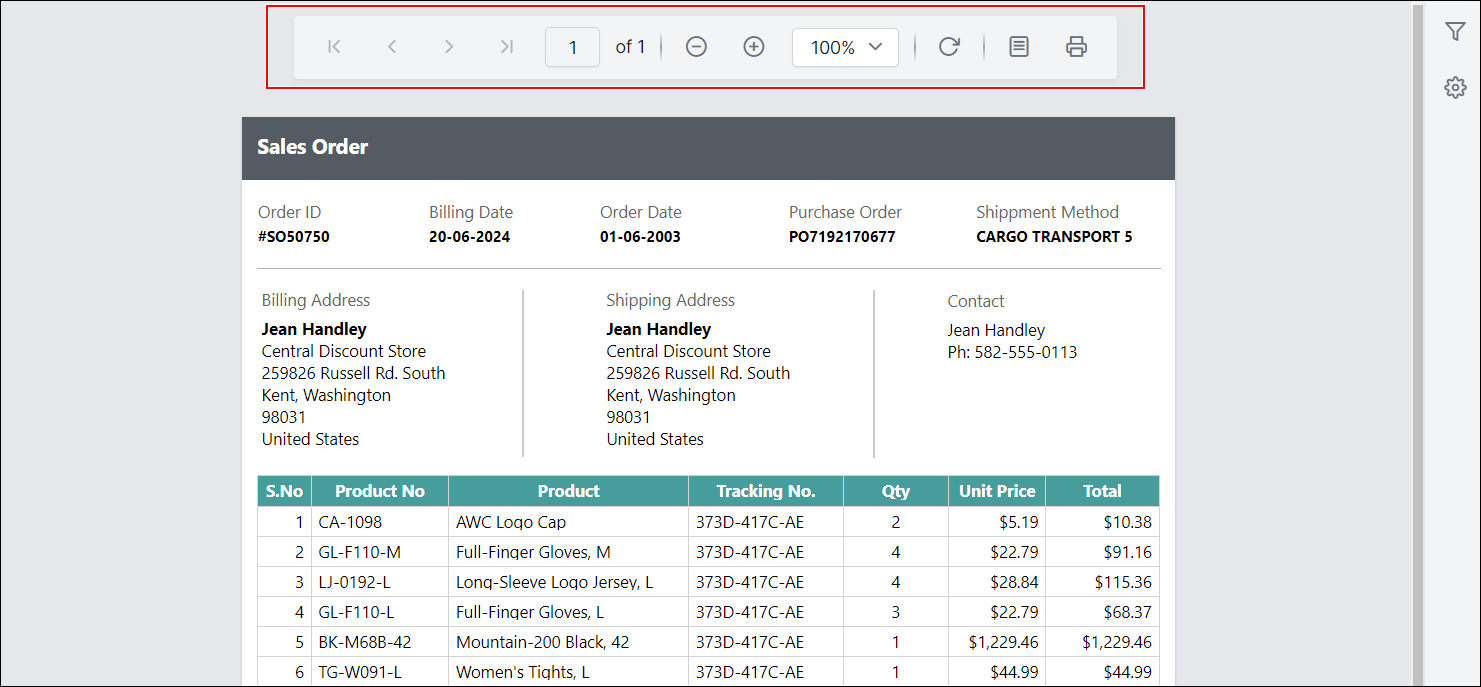
Show or hide print page setup in toolbar
The ShowPrintPageSetupButton custom property controls the visibility of the print page setup button in the toolbar in Classic View.
You can configure the ShowPrintPageSetupButton property as shown below.
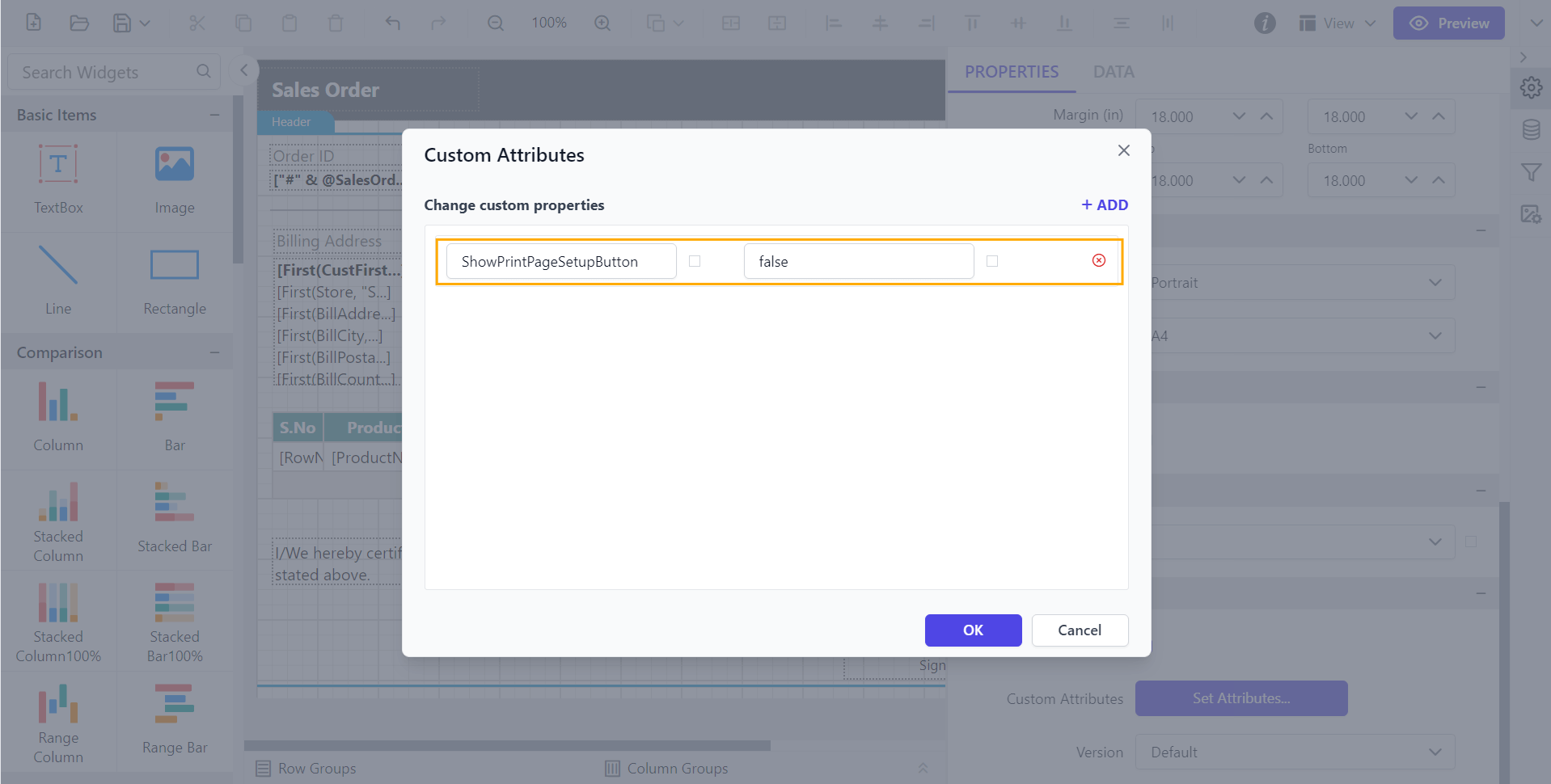
Before setting the ShowPrintPageSetupButton property, the print page setup will be displayed in the toolbar as shown below.
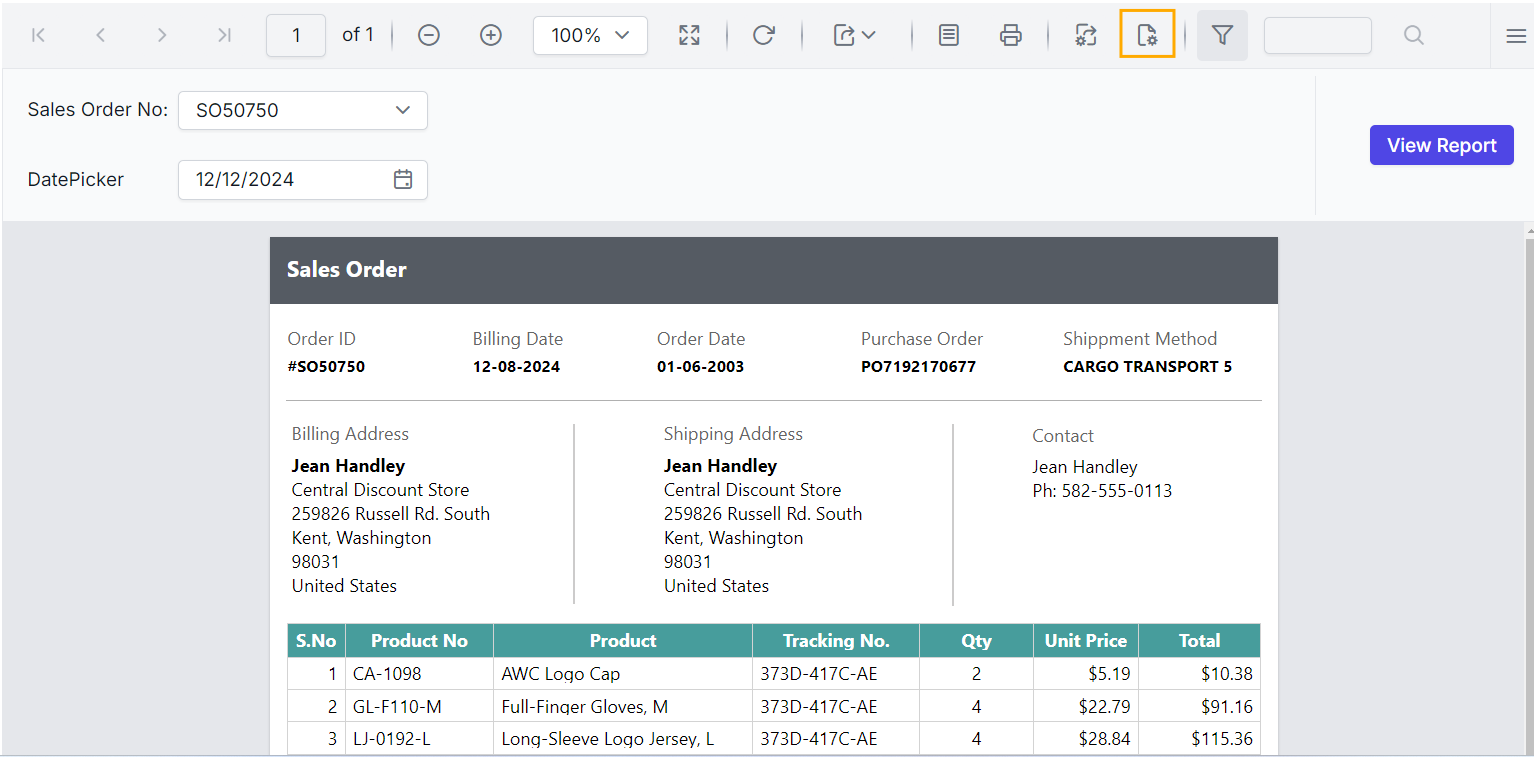
Preview the report and see that the print page setup is hidden in the toolbar.
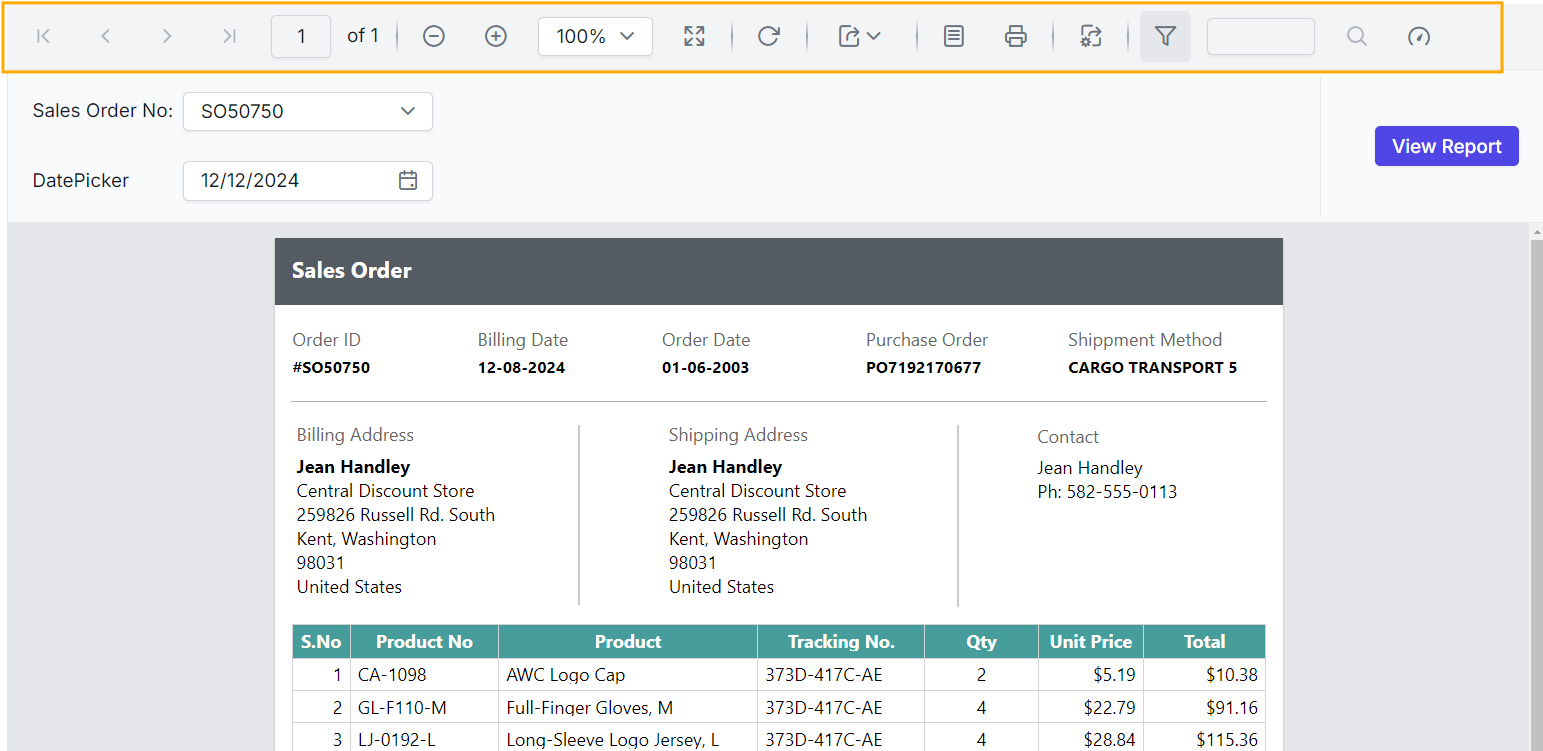
Show or hide performance metrics button
The ShowPerformanceMetricsButton custom property controls the visibility of the performance metrics button.
You can configure the ShowPerformanceMetricsButton property as shown below.
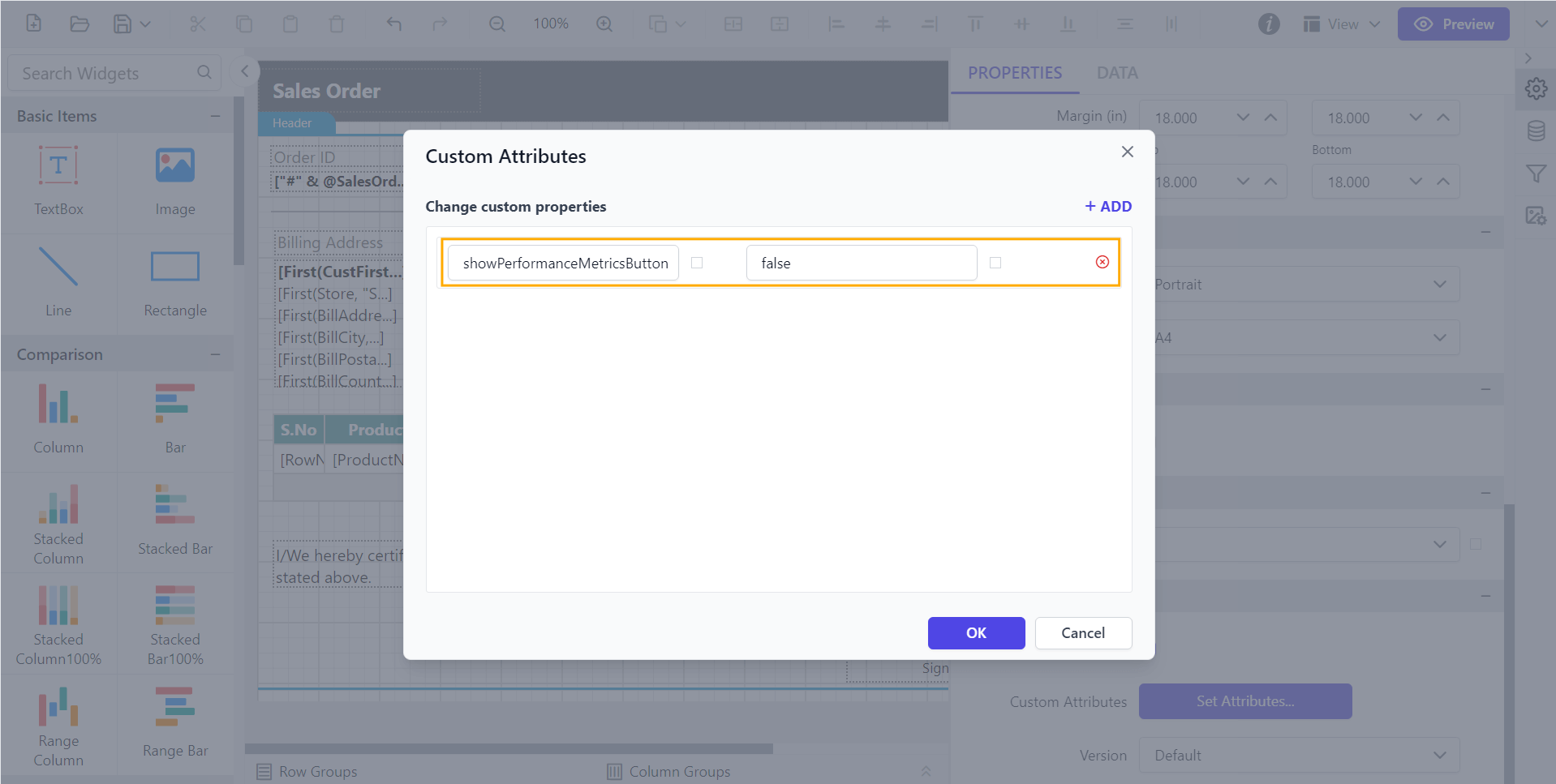
Before setting the ShowPerformanceMetricsButton property, the performance metrics button will be displayed as shown below.
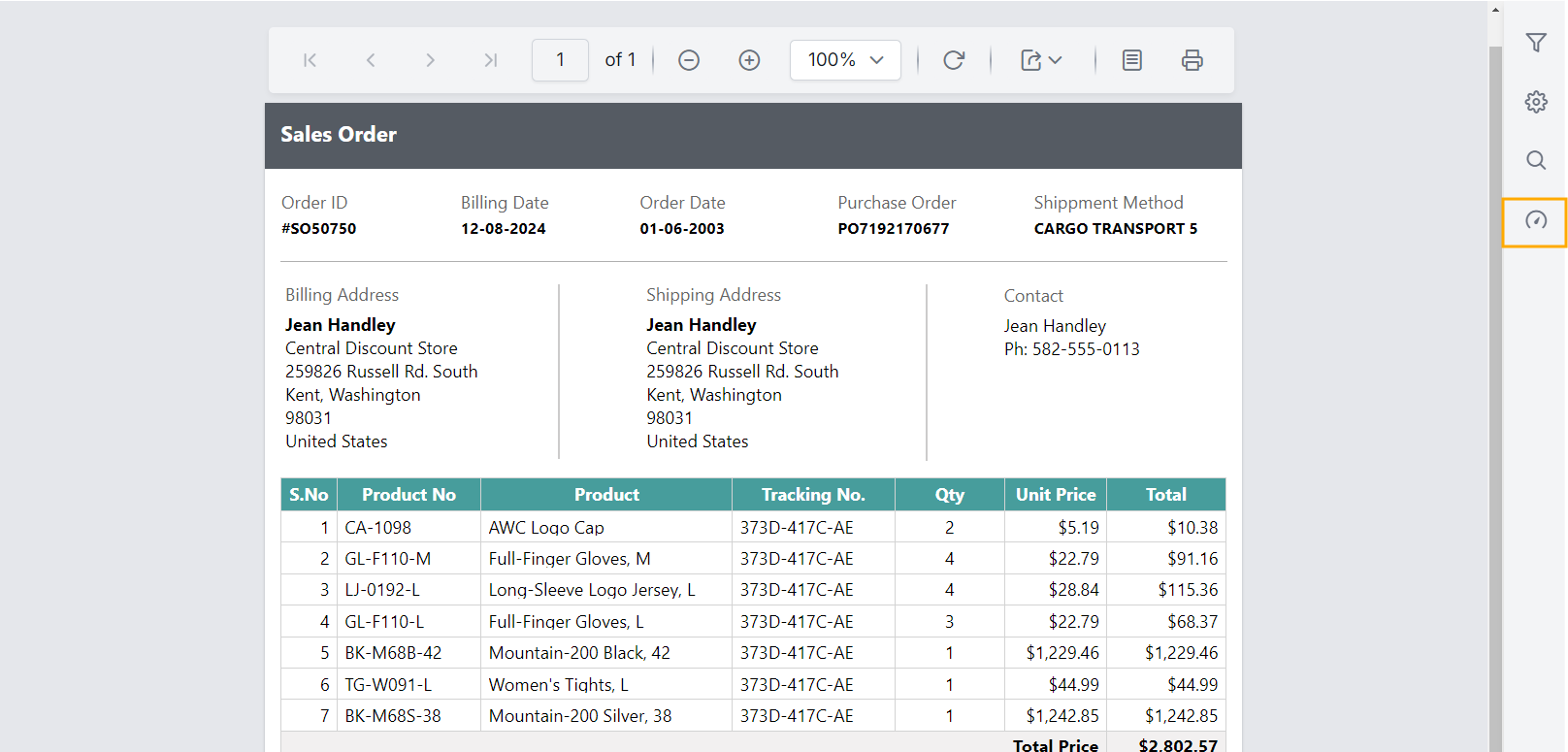
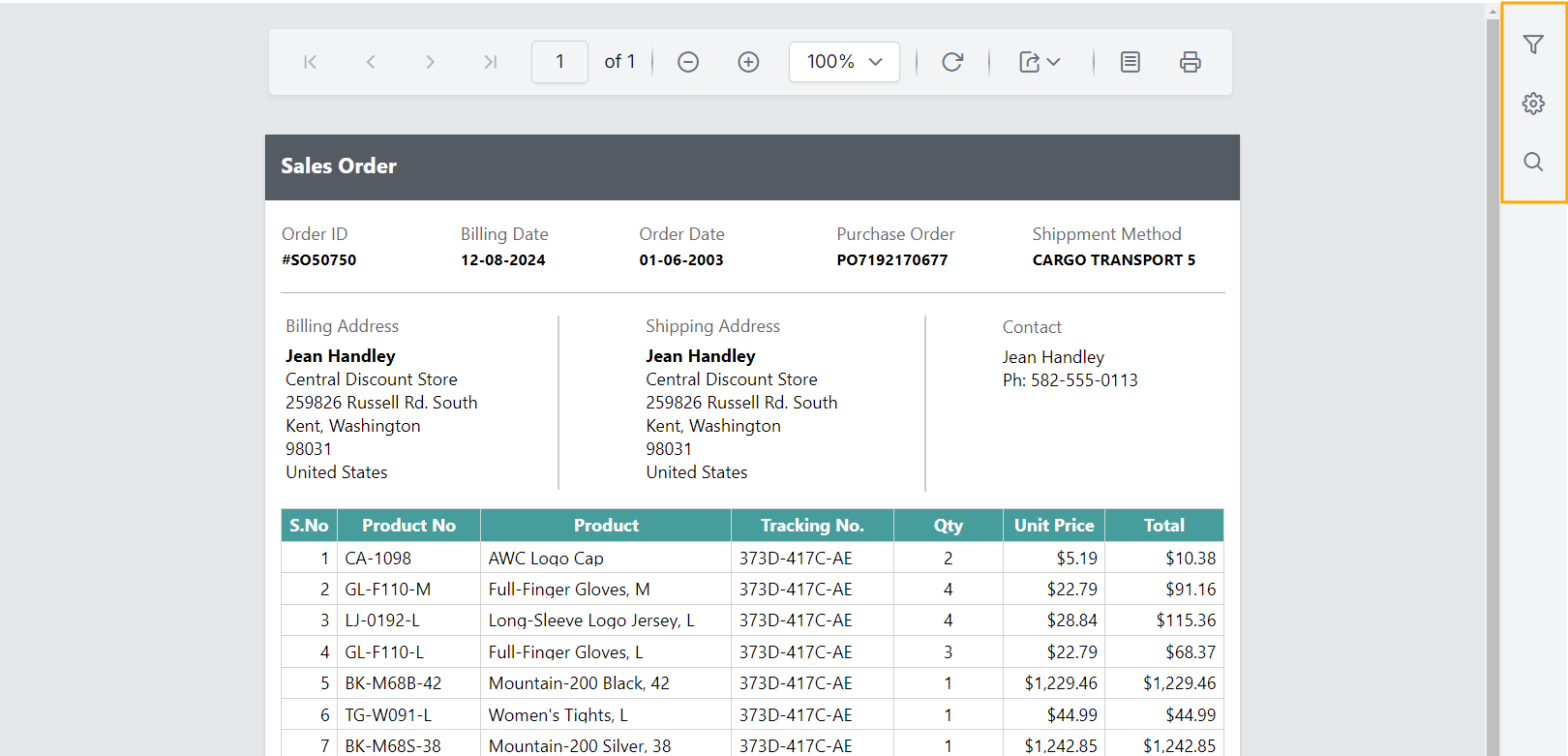
Preview the report and see that the performance metrics button is hidden.
Show or hide navigation controls
The ShowPageNavigationControls custom property allows you to show or hide the navigation controls.
You can set the ShowPageNavigationControls property value, as shown below.
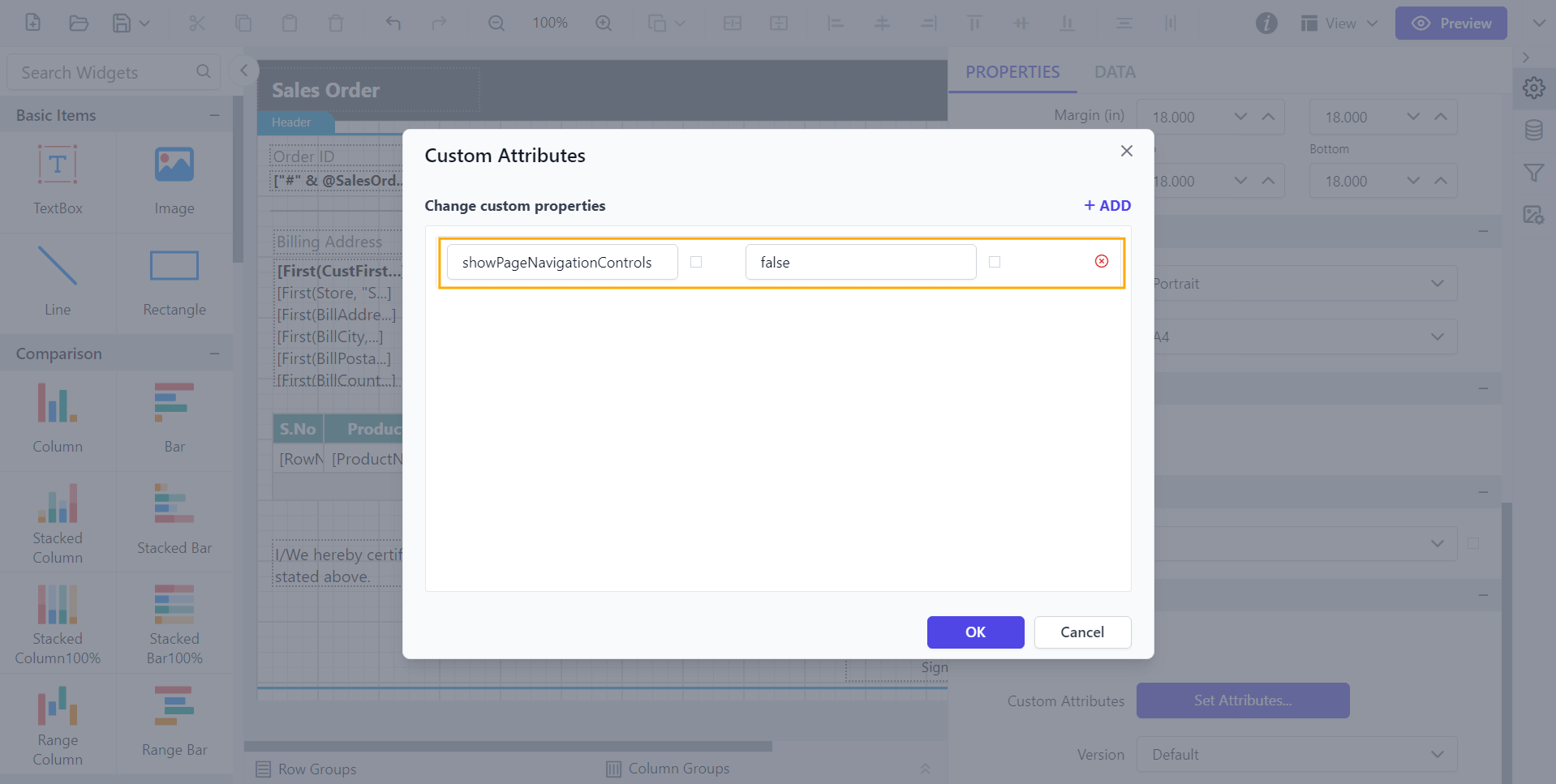
Before setting the ShowPageNavigationControls property, the navigation controls will be displayed as shown below.
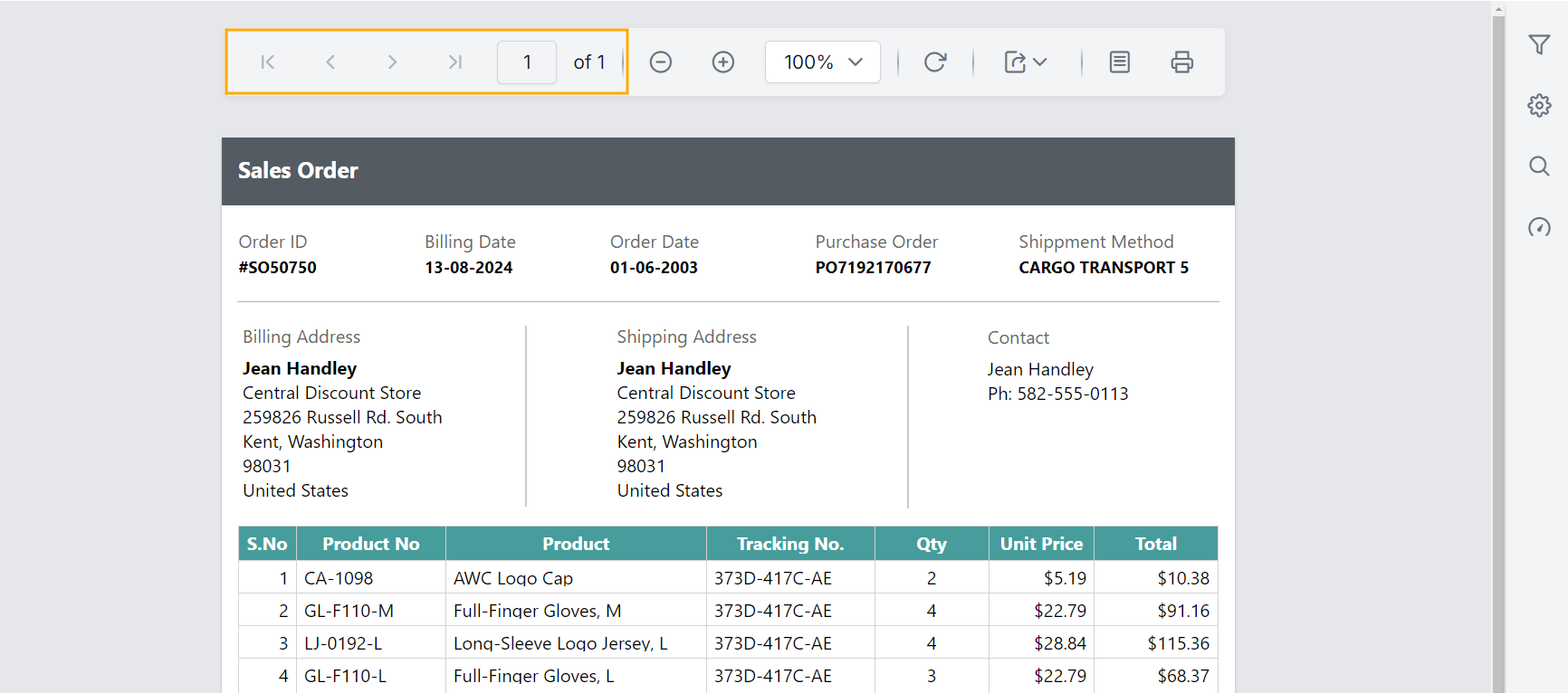
Preview the report to see that the navigation controls are hidden.
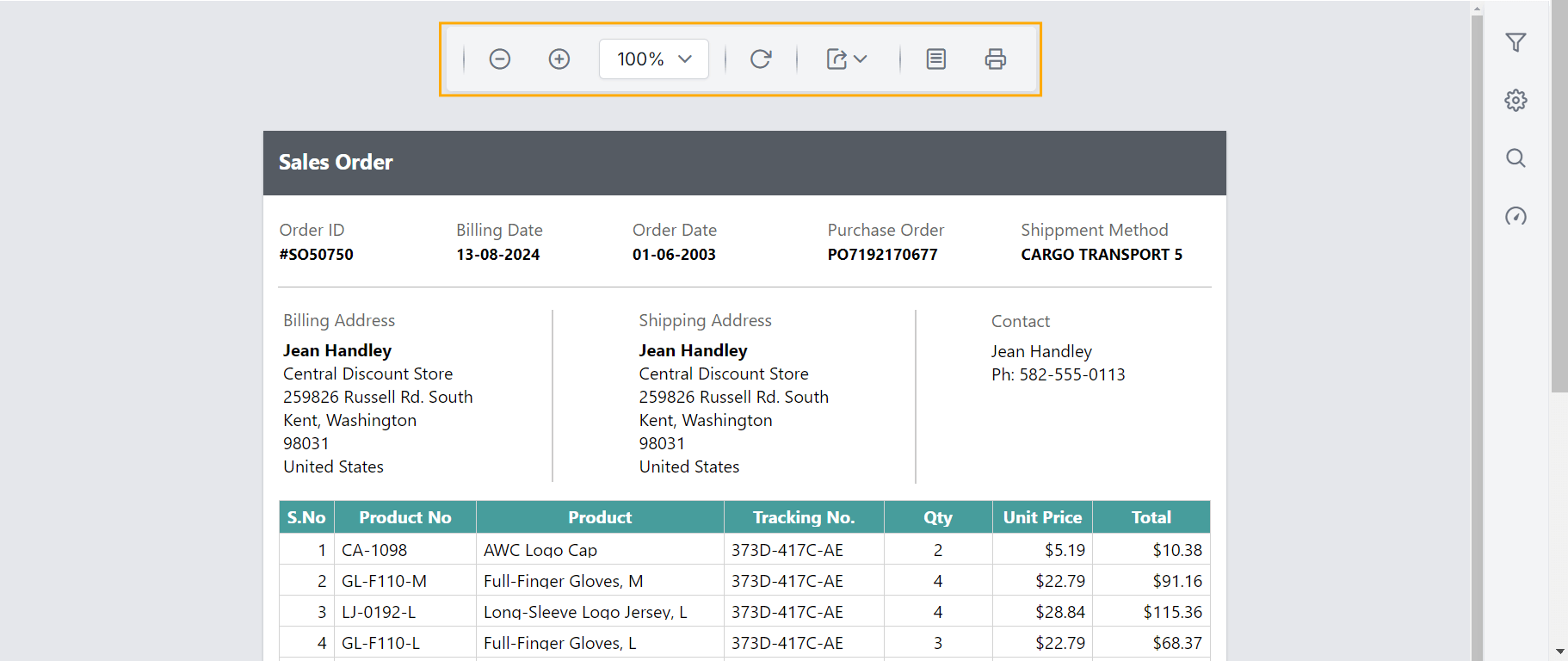
Show or hide print layout button
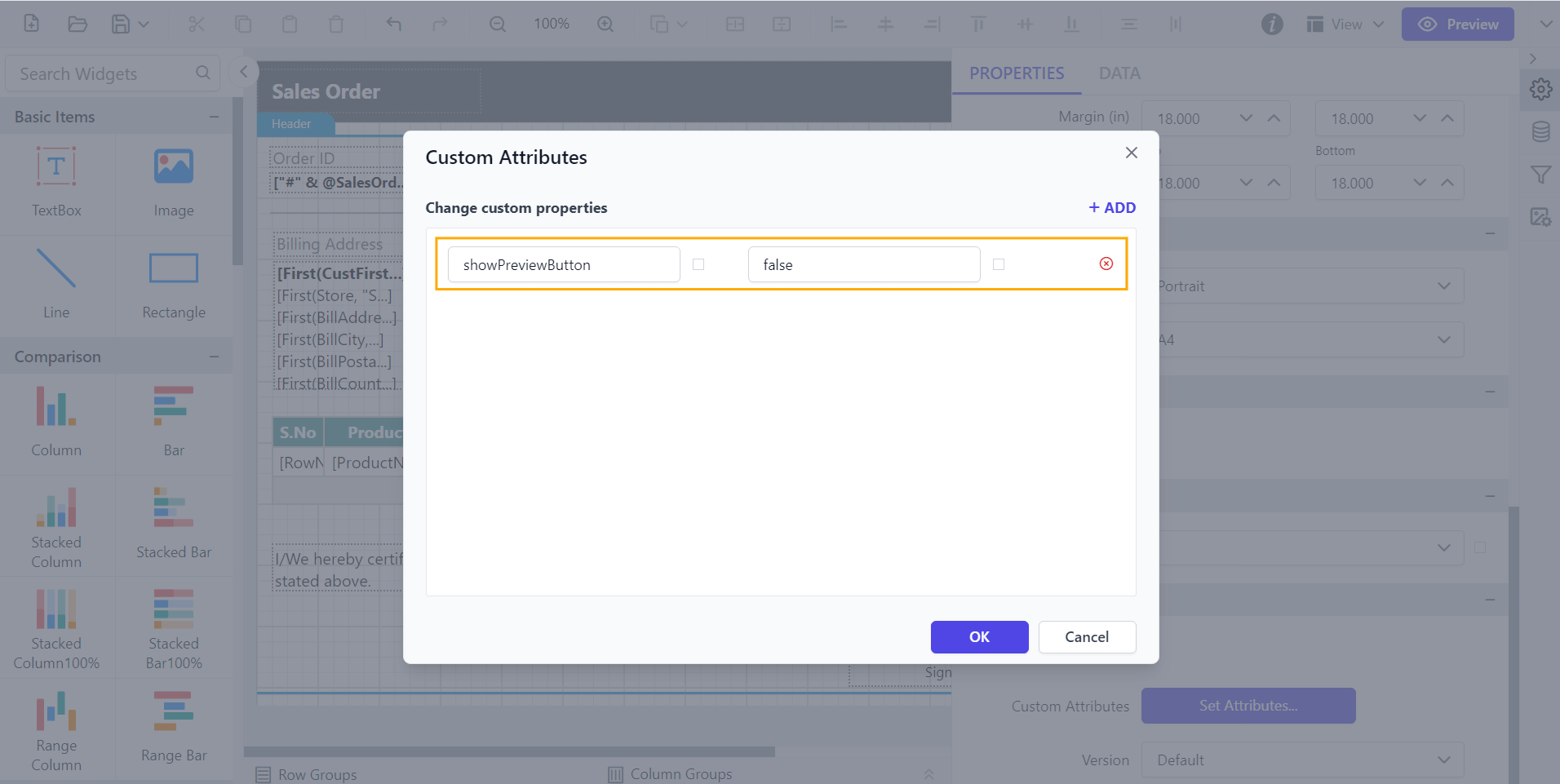
The ShowPreviewButton custom property allows you to show or hide the print layout button.
You can set the ShowPreviewButton property value, as shown below.
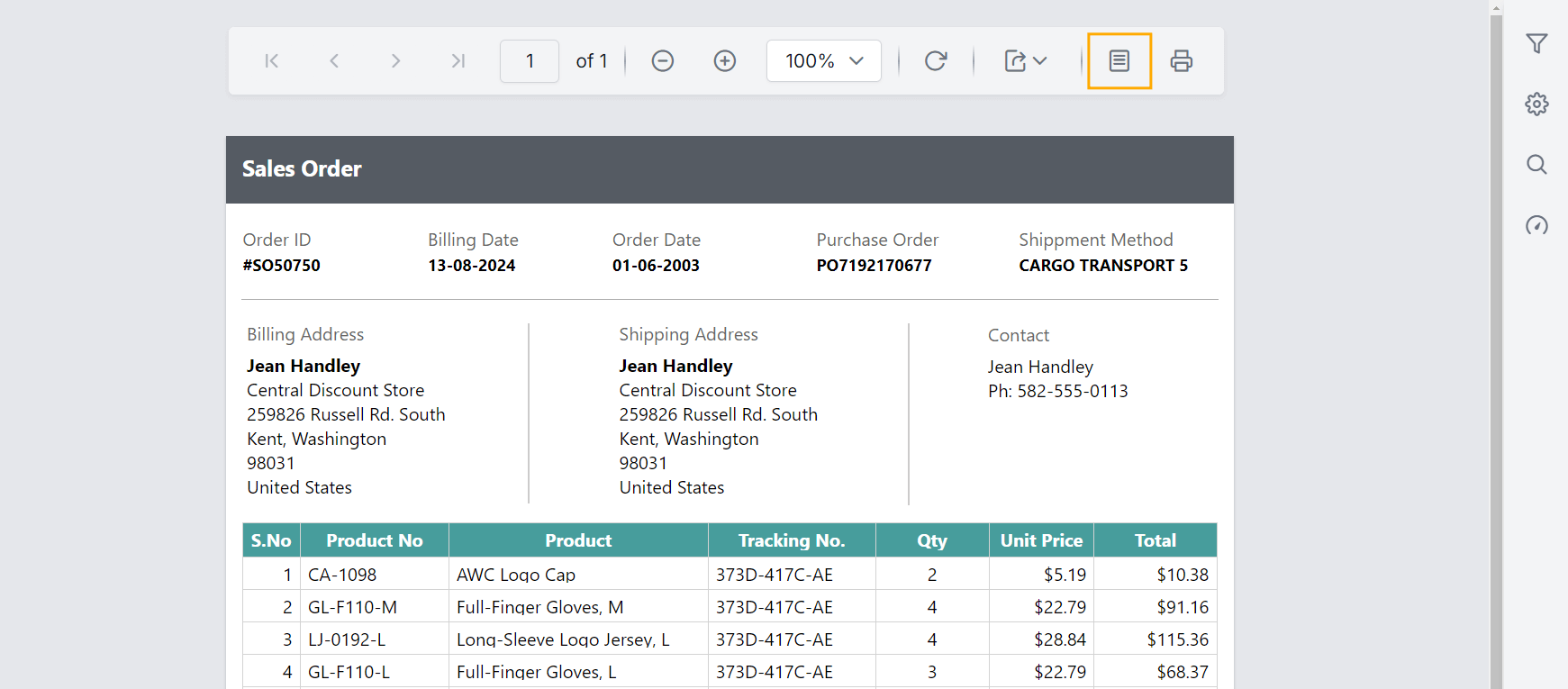
Before setting the ShowPreviewButton property, the print layout button is displayed as shown below.
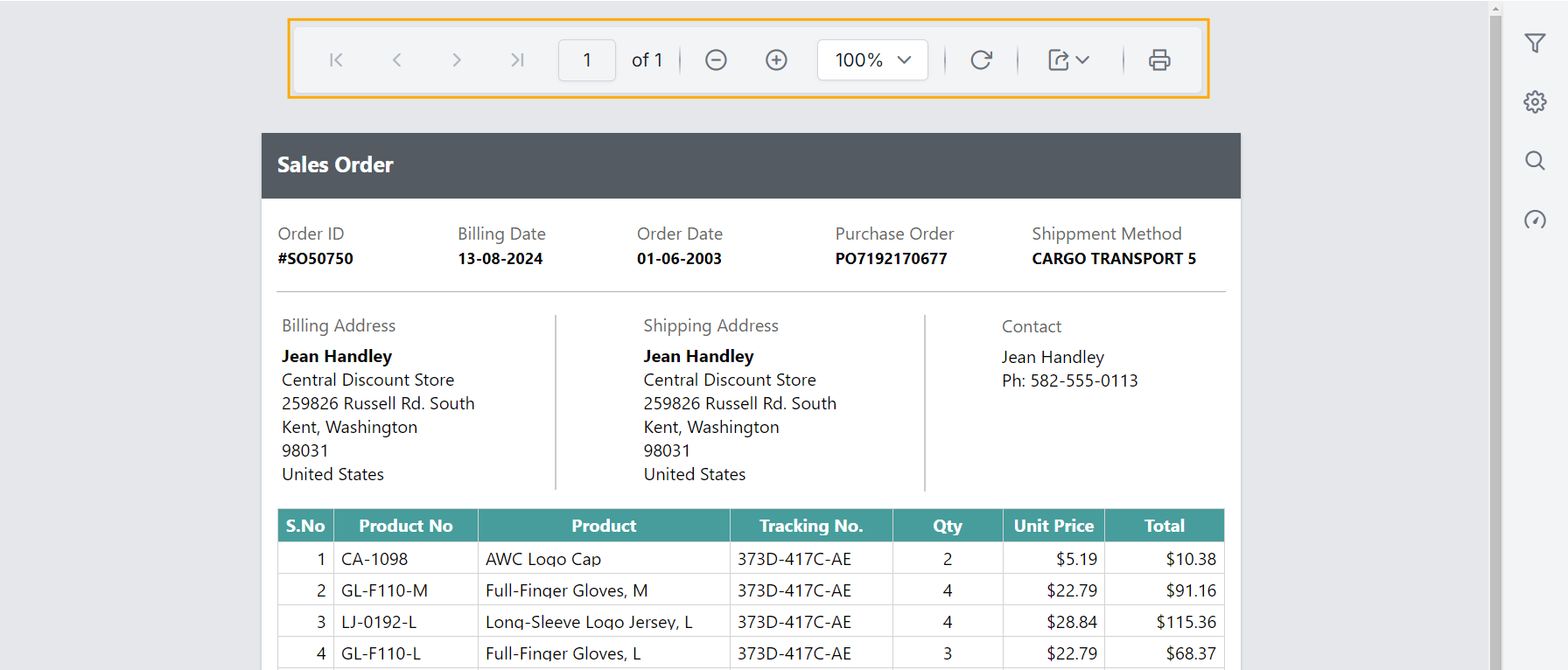
Preview the report to see that the print layout button is hidden.
Show or hide document map button
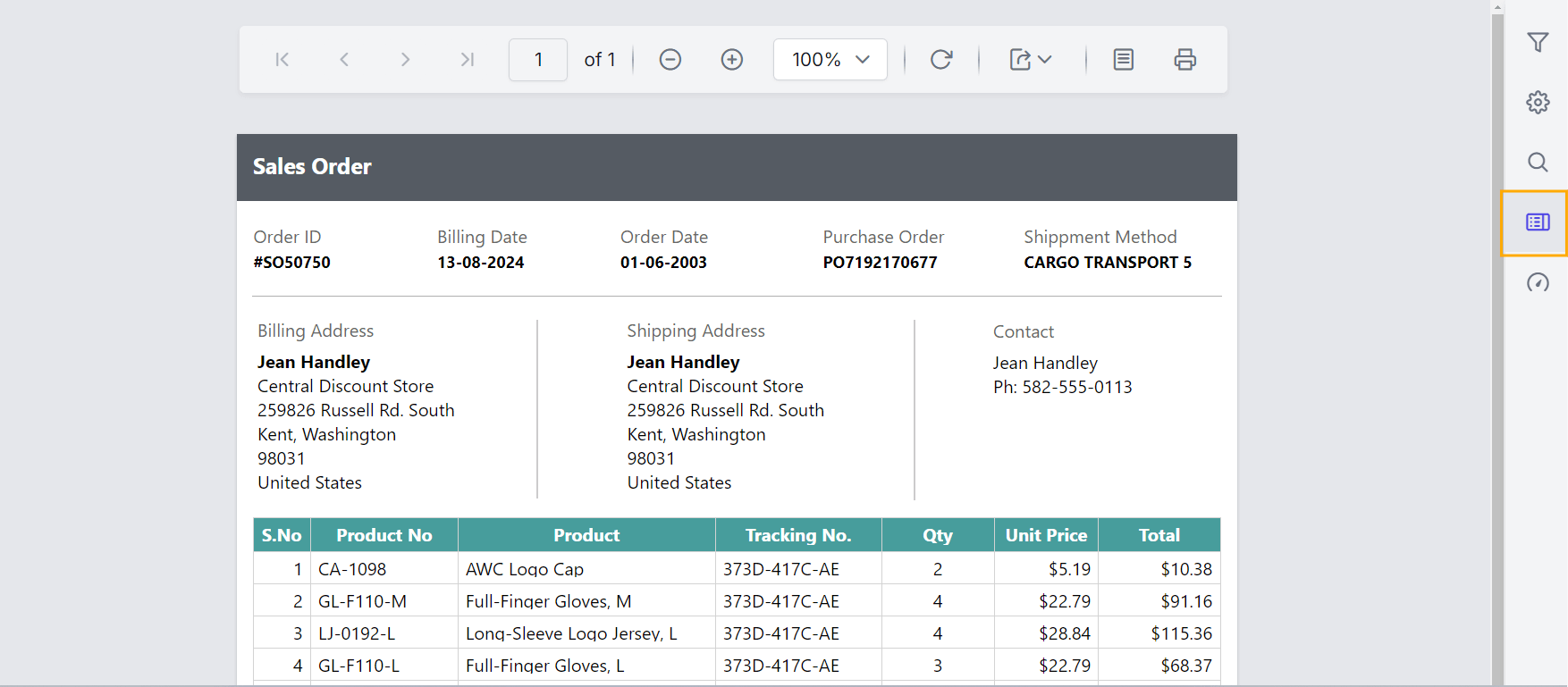
The ShowDocumentMap custom property allows you to show or hide the document map button.
You can set the ShowDocumentMap property value, as shown below.
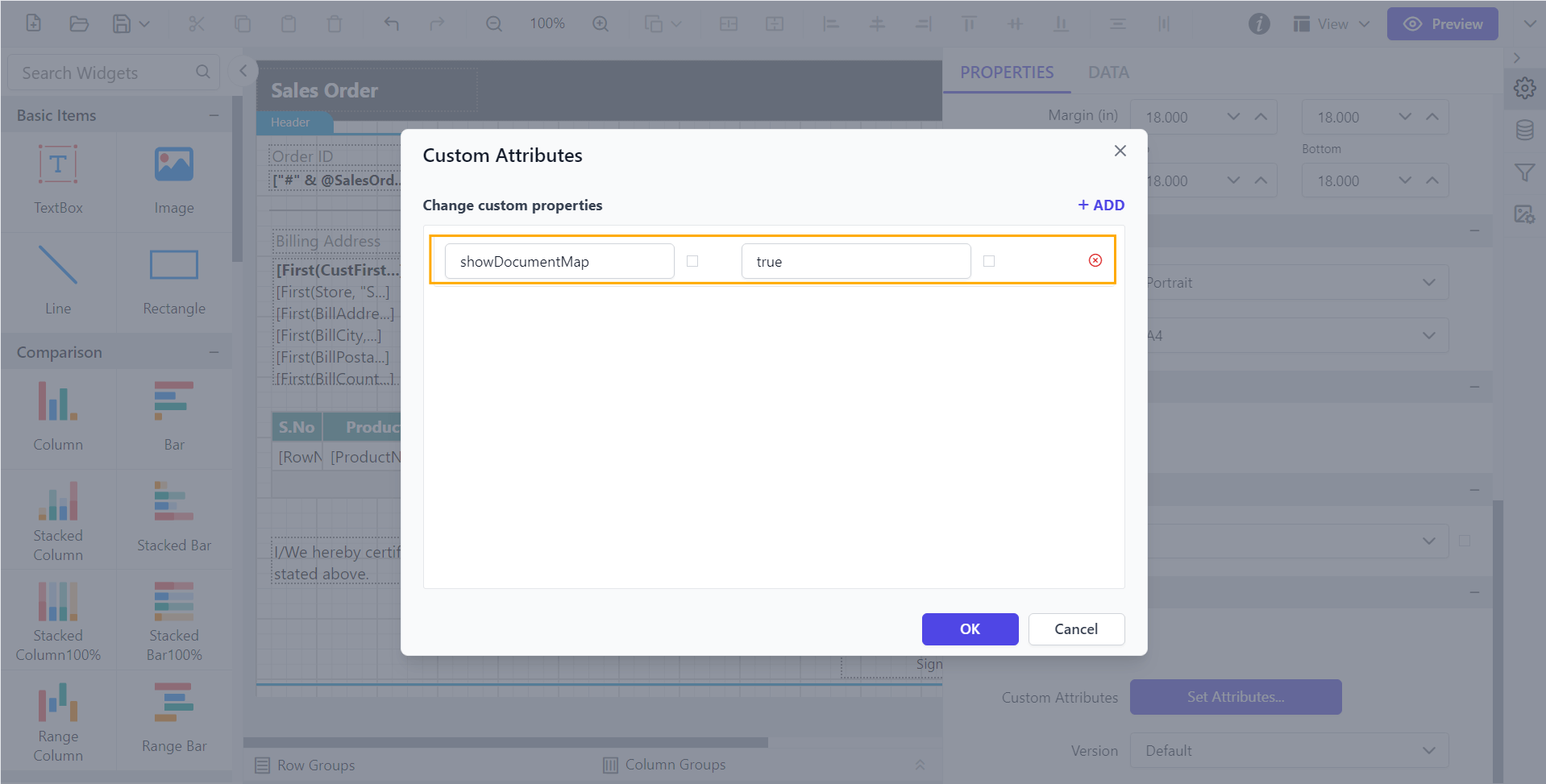
Before setting the ShowDocumentMap property, the document map button will not be displayed as shown below.
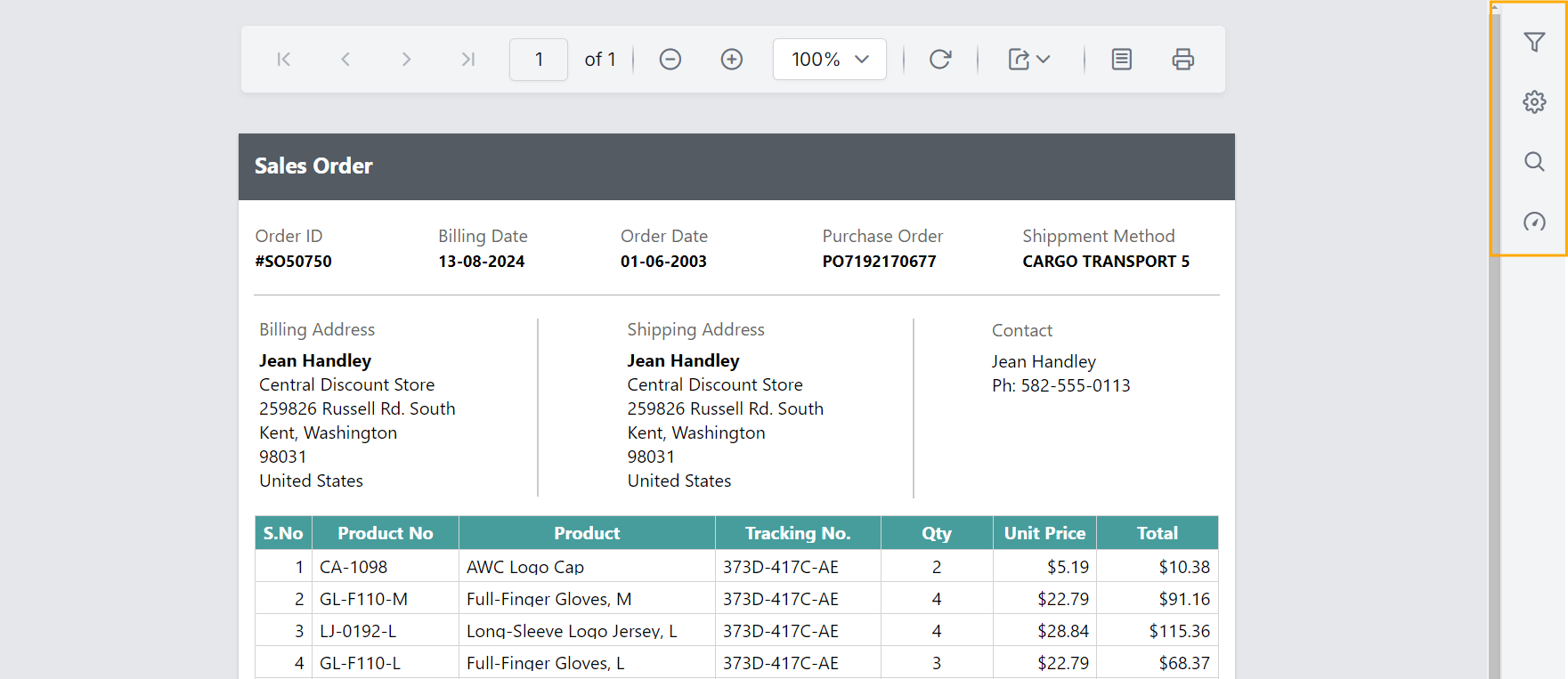
Preview the report and see that the document map button is displayed.
Hide paper sizes with comma separated values
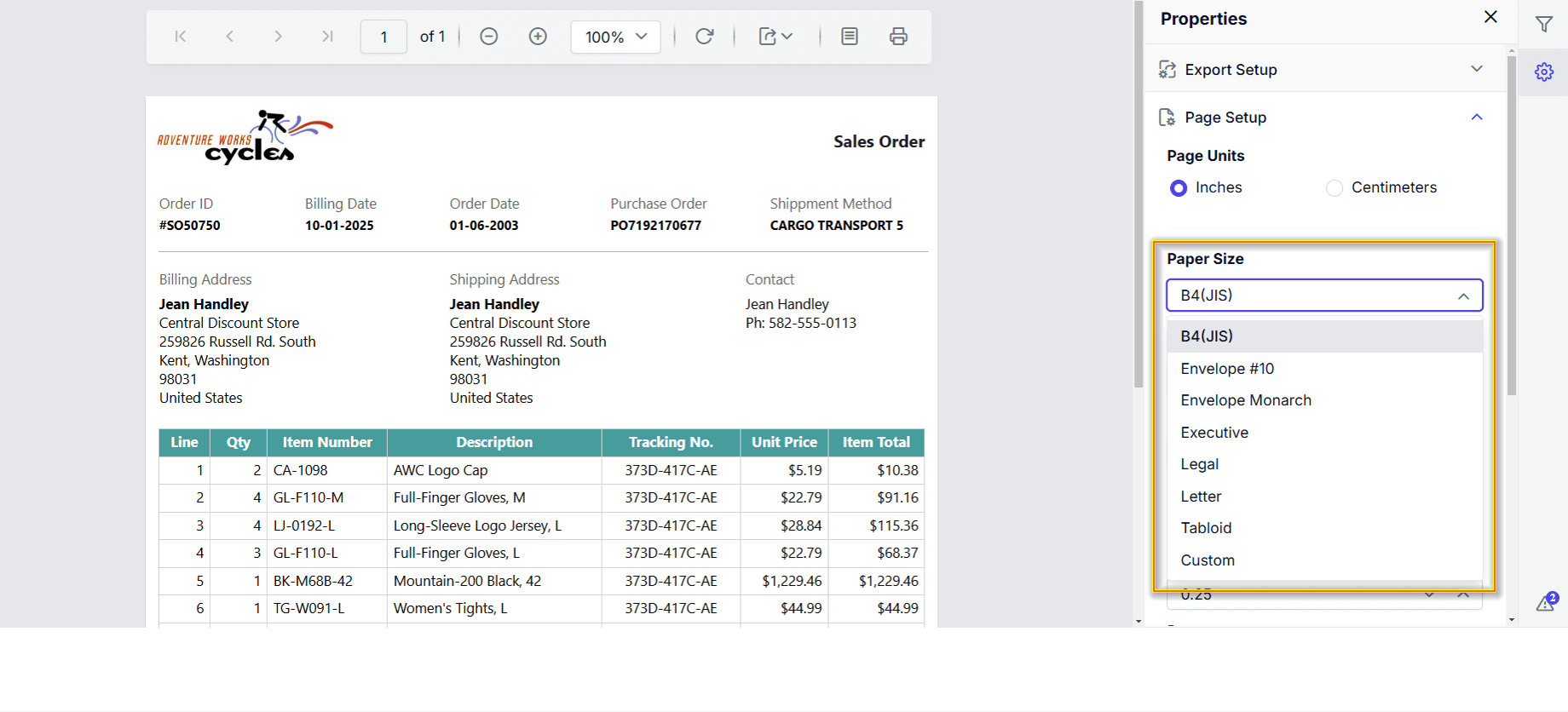
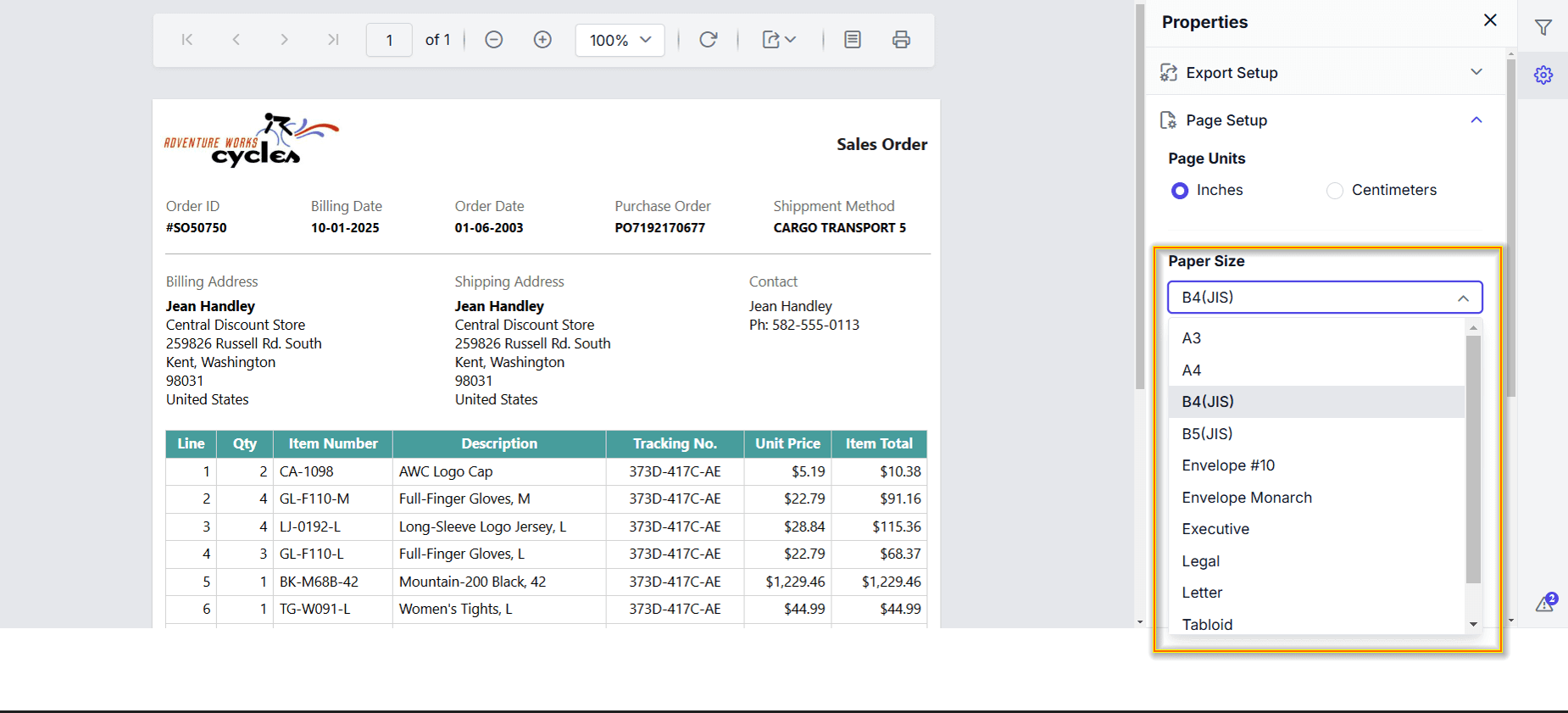
The HidePagePaperSizes custom property allows you to hide one (or) more Paper Sizes in the Page Settings.
You can set the HidePagePaperSizes property value, as shown below.
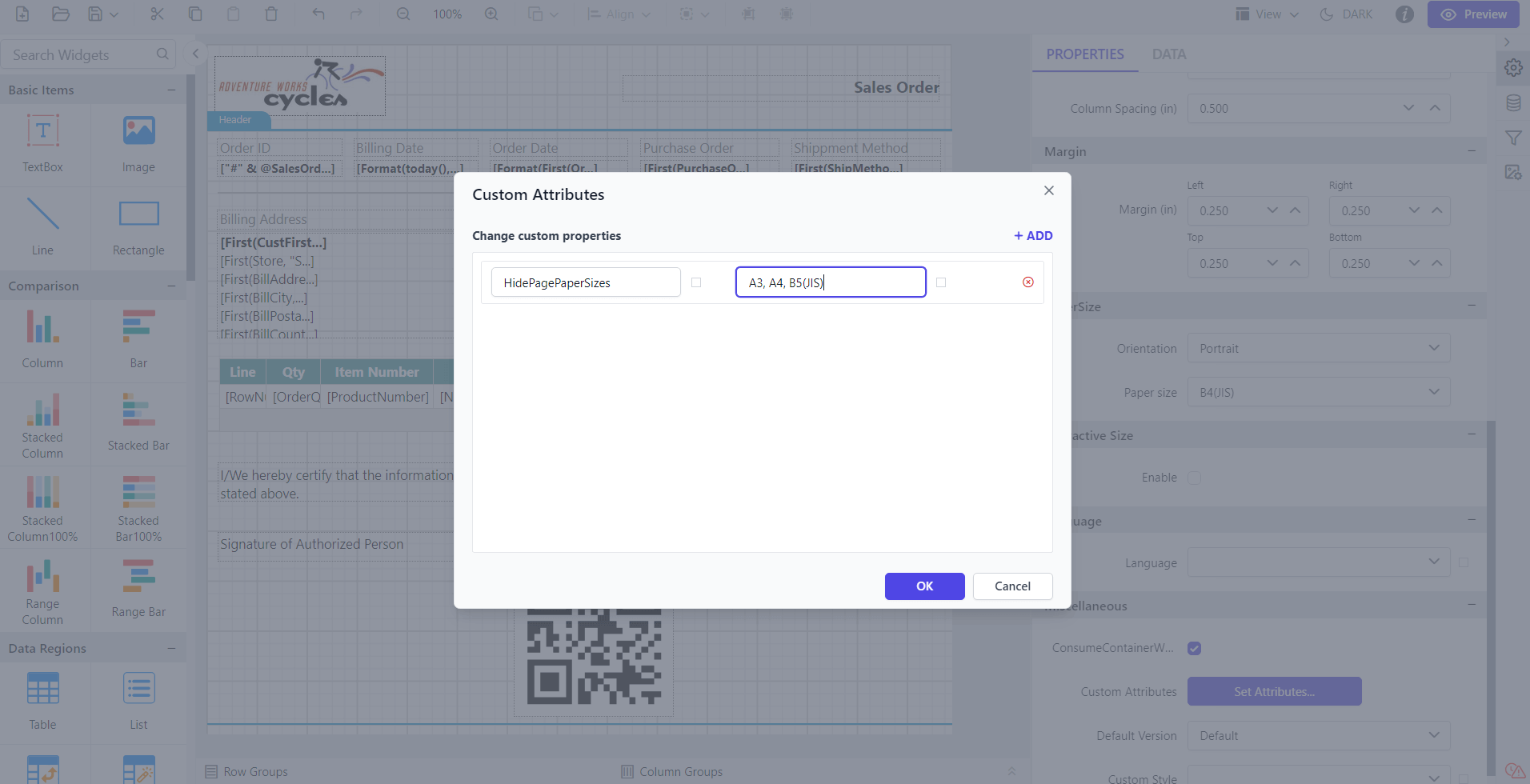
Before setting the HidePagePaperSizes property, the paper sizes in page settings is displayed as shown below.
Preview the report to see that the Paper sizes in page settings is hidden.