Sort data in a chart data region
You can control the order in which data appears in a chart data region by representing sort expressions. You can sort the data either in ascending or descending order.
Set sort expression on a chart category group
- Select chart data region in the design area.

- Switch to
DATAtab,
- In the
DATAassign panel, under the column section click on theSettingsicon.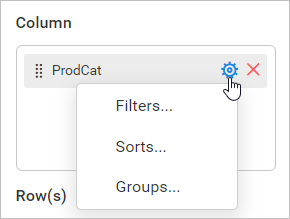
- Now, click on the
Sorts...option in the menu. Now, the sort dialog will be opened like below.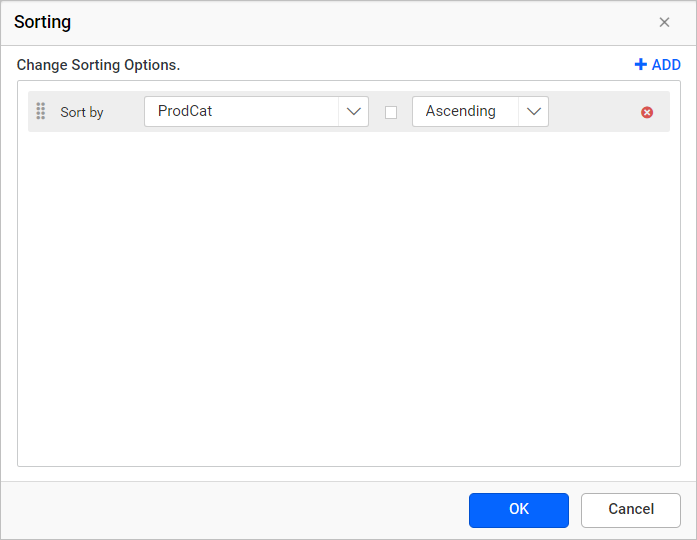
- Refer Sort Data section to and create required sort expression in the sort dialog and click on the
OKbutton.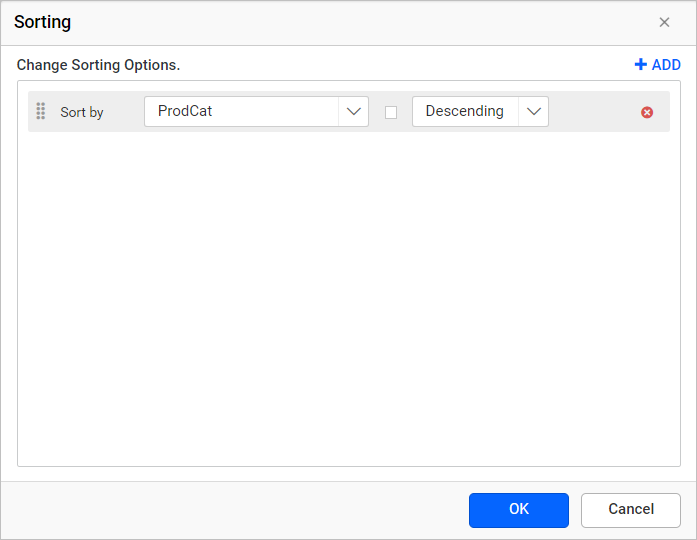
A sort expression is created to sort ProductCategory fields in descending order (i.e Z-A ). On report preview, the ProductCategory field values will be sorted in Z-A alphabetical order.
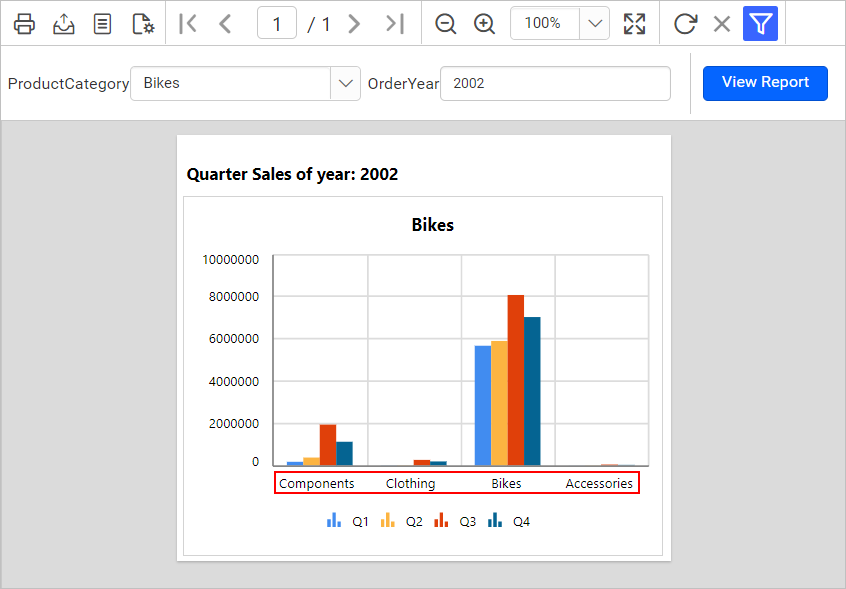
Similarly, you can set sort expression on a chart series group.
Download the above report design from the link