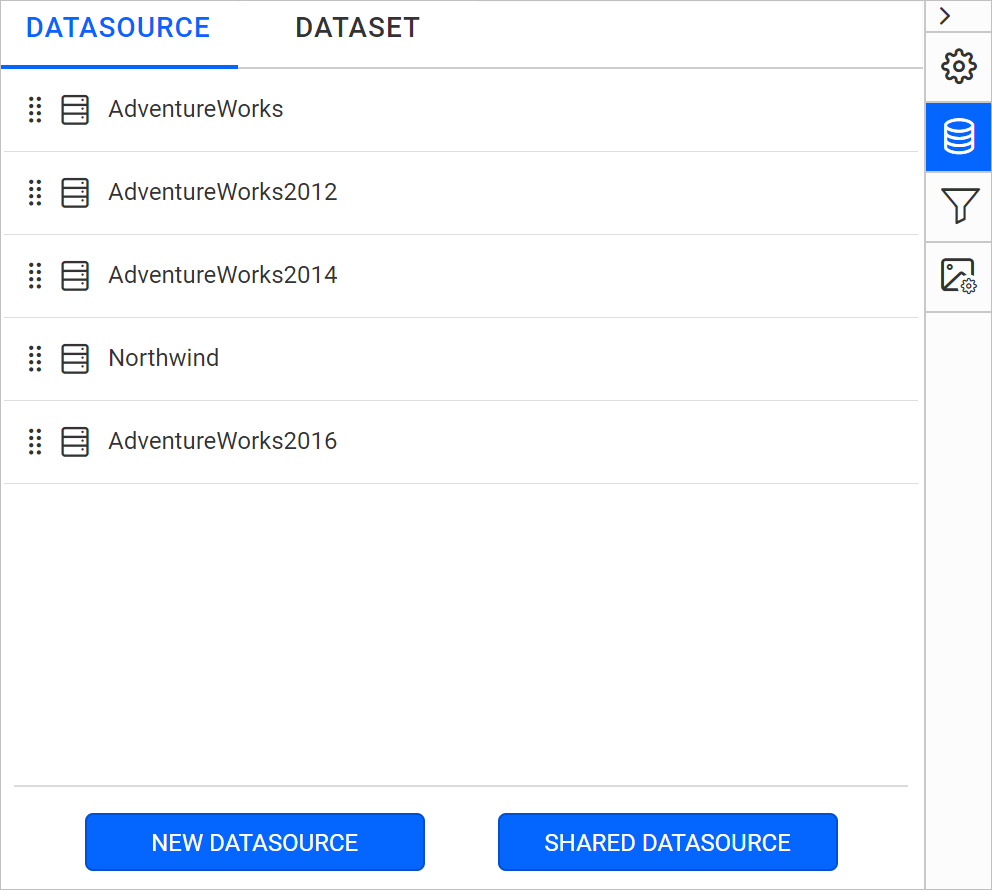
Reordering Data Sources
You reorder data sources in the Bold Reports® Web Report Designer by dragging a data source item to a new position in the DATASOURCE panel.
How do I reorder data sources?
You reorder data sources in the DATASOURCE panel of the Bold Reports® Web Report Designer with the following steps:
- Open the
DATASOURCEpanel. The panel lists the data sources in the report. - Click and hold the drag indicator icon of the data source item that you want to reorder.
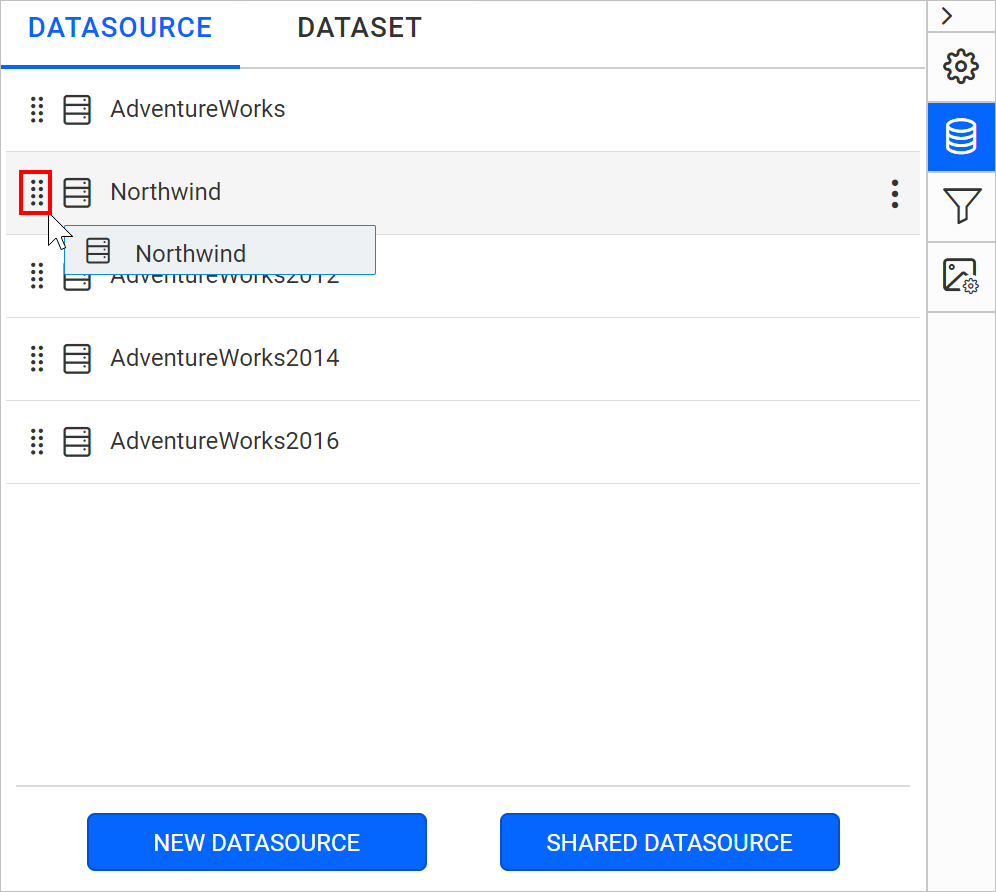
- Drag the selected data source item and drop it at the required position in the data sources list.
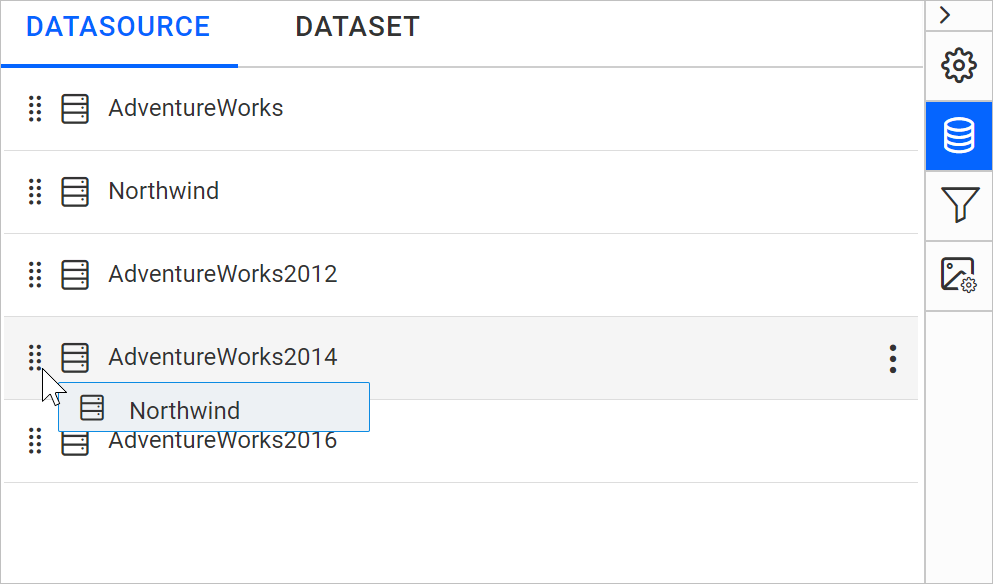
- Check the list. The data source item is rearranged to the dropped position.