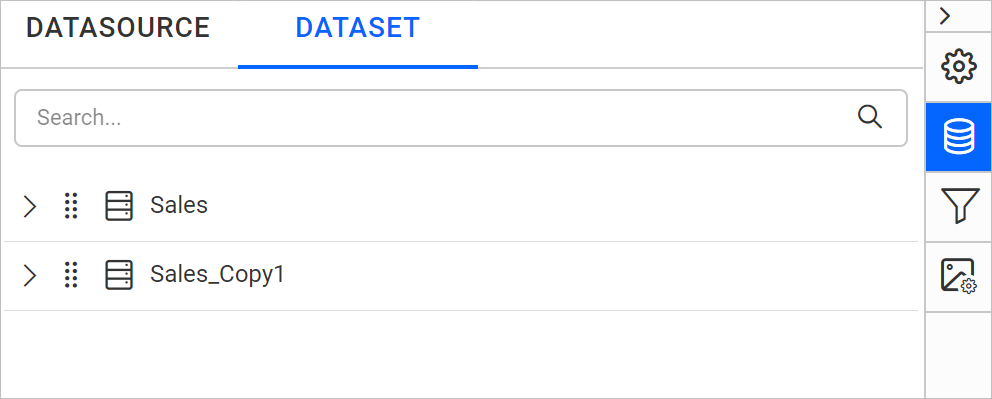
Duplicate a dataset
You duplicate a dataset in the Bold Reports® Web Report Designer by choosing Clone from the dataset context menu in the DATA panel. A duplicate is useful when report items need data-level restrictions.
How do I duplicate a dataset?
You duplicate a dataset from the DATA panel of the Bold Reports® Web Report Designer with the following steps:
- Select the dataset that you need to duplicate in the
DATApanel.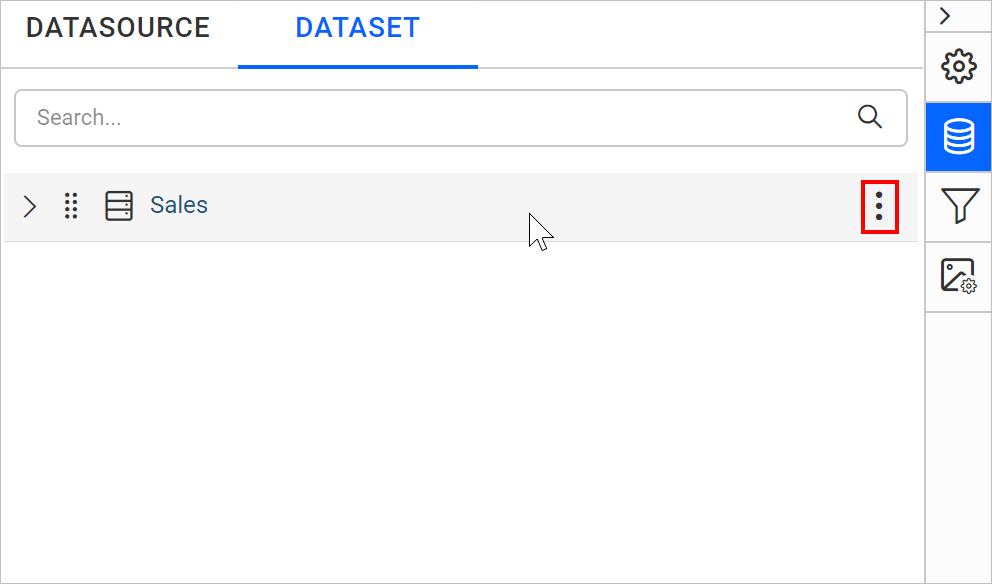
- Click the highlighted icon shown in the previous image to open the context menu.
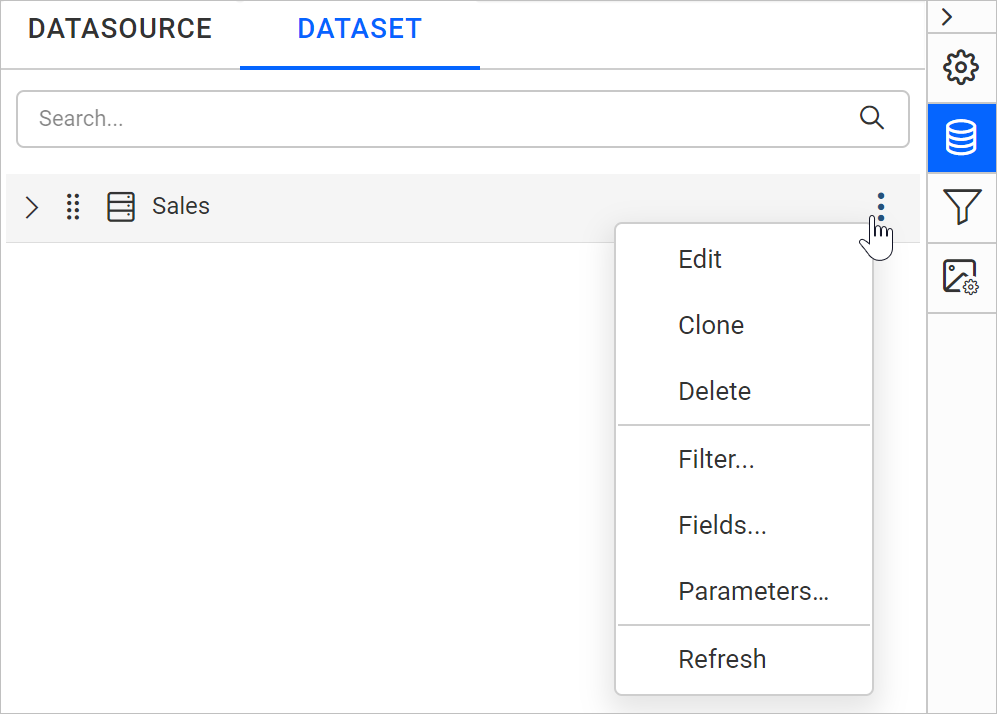
- Choose the
Cloneoption from the context menu to duplicate the selected dataset.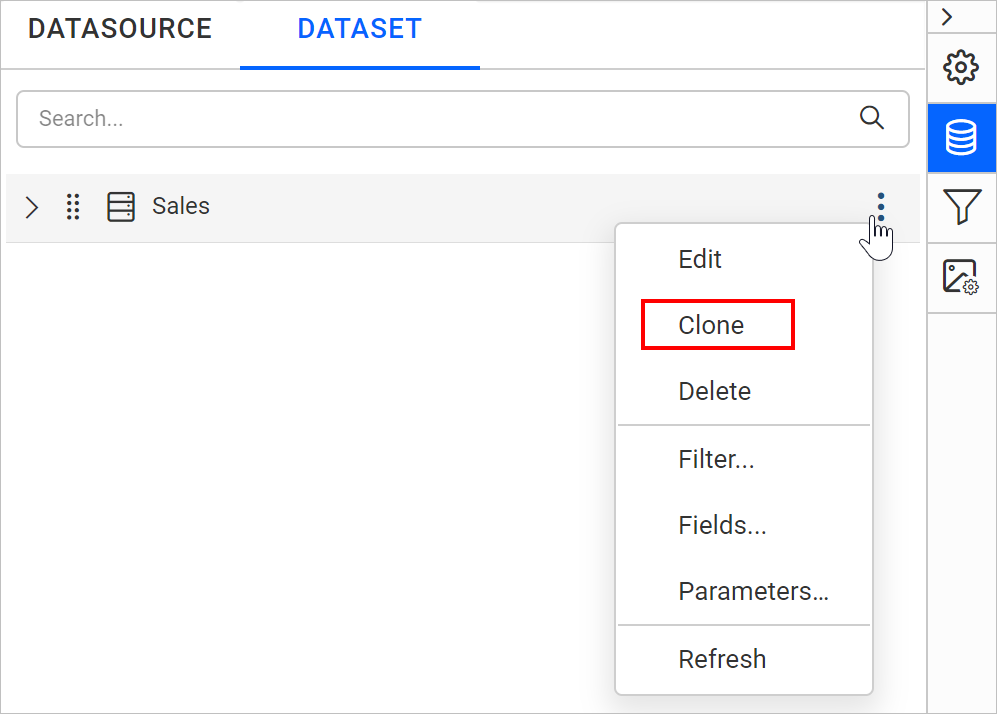
- Check the
DATApanel. A duplicated dataset is created, as shown below.