Connect to Google Cloud SQL data source
To visualize and analyze Google Cloud SQL data in Bold Reports®, create a Google Cloud SQL data source from the Data configuration panel in the Web Report Designer. Bold Reports® supports the MySQL and PostgreSQL database engines for Google Cloud SQL.
How do I create a Google Cloud SQL data source?
To create a Google Cloud SQL data source in the Bold Reports® Web Report Designer, open the Data configuration panel and choose the Google Cloud SQL connection type.
- Click the Data icon in the configuration panel.
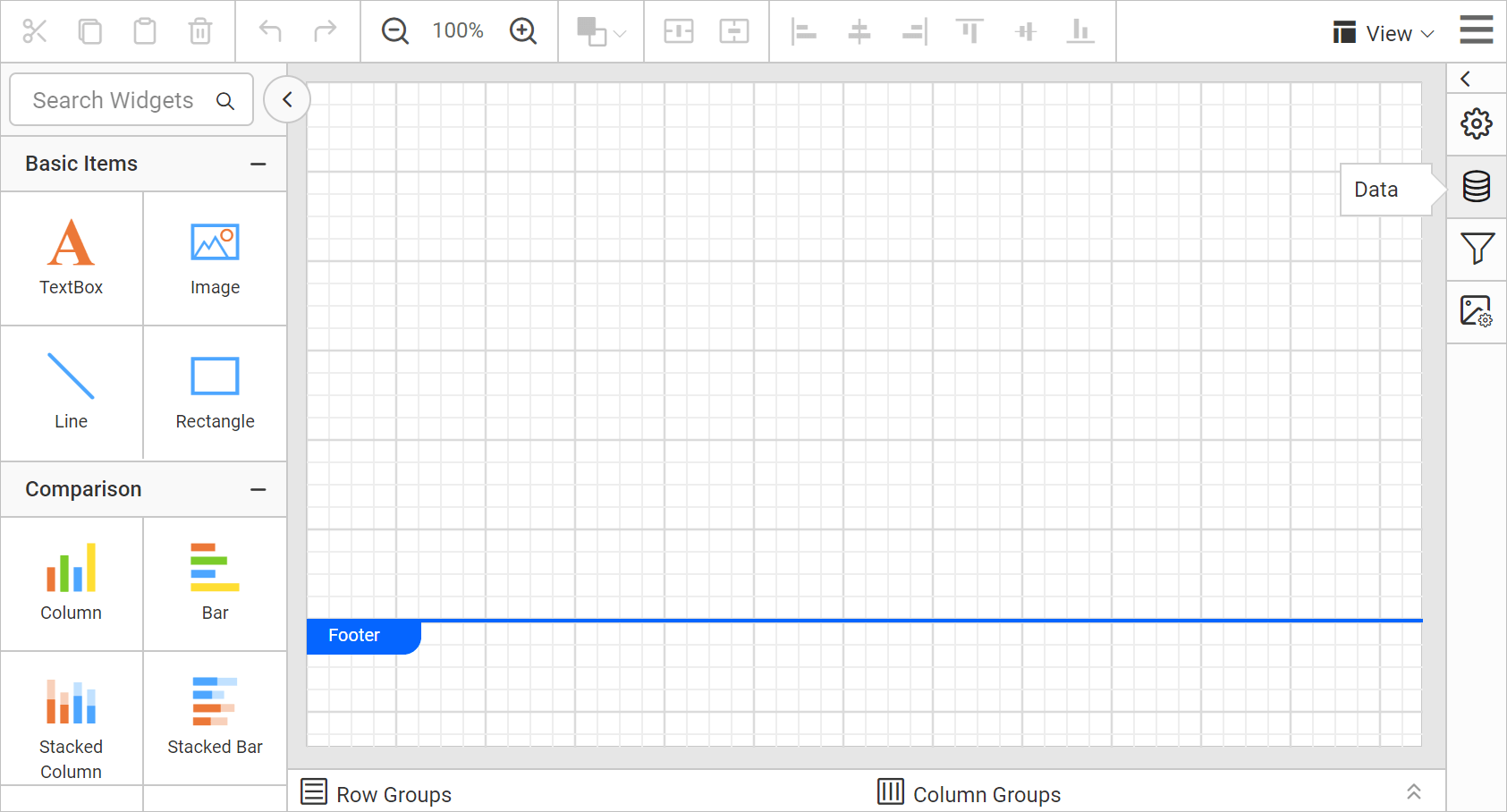
- In the
DATAconfiguration panel, click theNEW DATAbutton.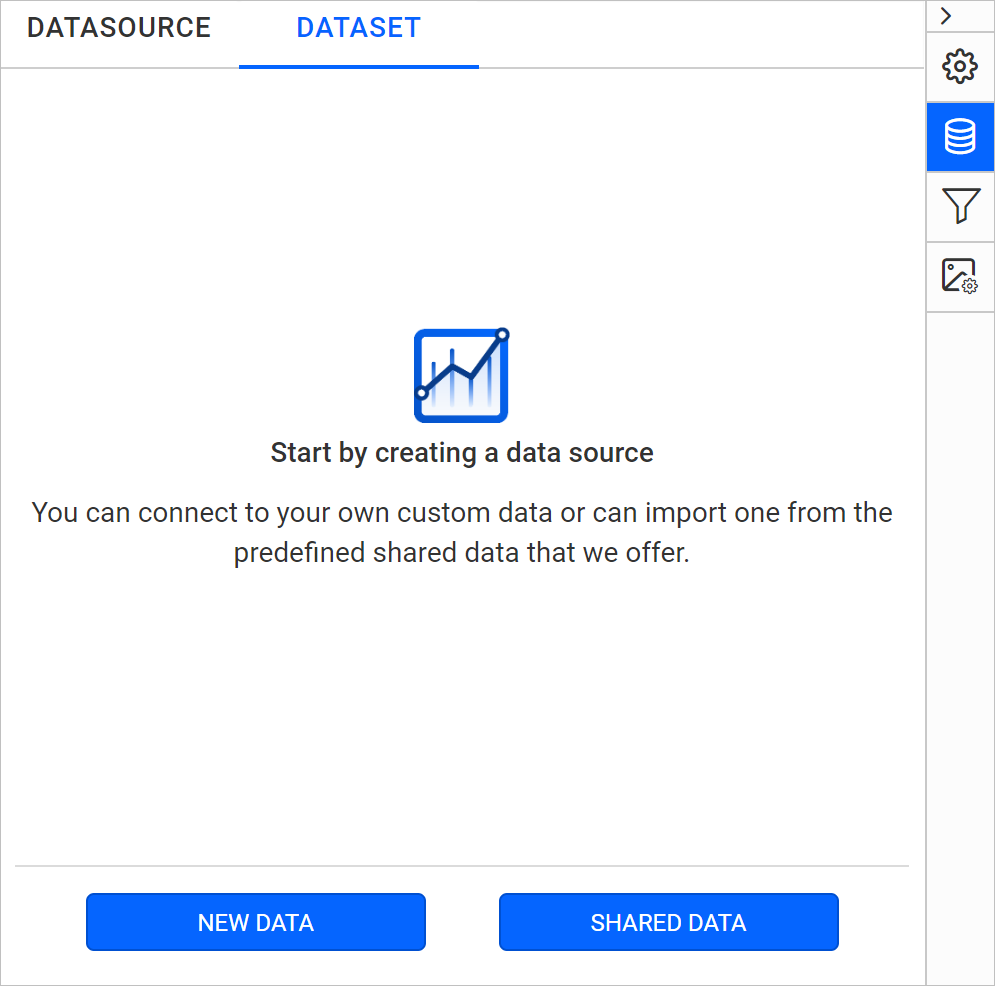
- In the connection type panel, choose the
Google Cloud SQLdata source type.
How do I configure the basic options?
When you create a new data source in the Web Report Designer, the NEW DATASOURCE panel shows the basic options.
-
Specify the data source name without special characters in the Name field.
-
Select a database engine you want to use with the given Google Cloud SQL Server from the Database Engine drop-down.
-
Enter a valid Google Cloud SQL server or host name in the Server Name field.
-
Enter a valid Google Cloud SQL username in the UserName text box.
-
Enter a valid Google Cloud SQL password in the Password text box.
-
Select a database that you want to query in the listed database associated with the given Google Cloud SQL server in the database drop-down.

-
Click
Connectto open the query design pane. -
Enter the required query and execute it. The corresponding values appear in a grid for preview.

-
Click
Finishto save the data source with a relevant name and continue designing the report.

Google Cloud SQL supported database engine in Bold Reports®
Bold Reports® supports the following Google Cloud SQL database engines:
- MySQL
- PostgreSQL
The following image shows the Database Engine drop-down.

Frequently asked questions
Which database engines does Google Cloud SQL support in Bold Reports®?
Bold Reports® supports the MySQL and PostgreSQL database engines for Google Cloud SQL.
How do I preview Google Cloud SQL data?
Click Connect, enter the required query, and execute it. The corresponding values appear in a grid for preview.