Delete an embedded image in Bold Reports® Web Report Designer
You delete an embedded image in Bold Reports® Web Report Designer from the IMAGE MANAGER pane. A confirmation dialog appears before the image is removed from the report.
How do I delete an embedded image?
You delete an embedded image in Web Report Designer by hovering over it in the IMAGE MANAGER pane and clicking its Delete icon.
- Hover the mouse over the image you want to delete in the
IMAGE MANAGERpane.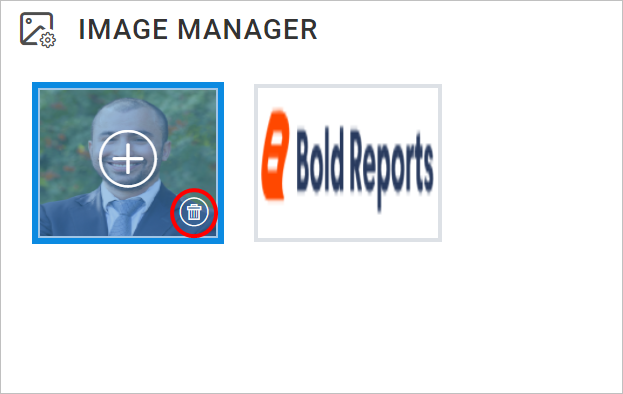
- Click the highlighted
Deleteicon. A confirmation dialog opens, as shown below.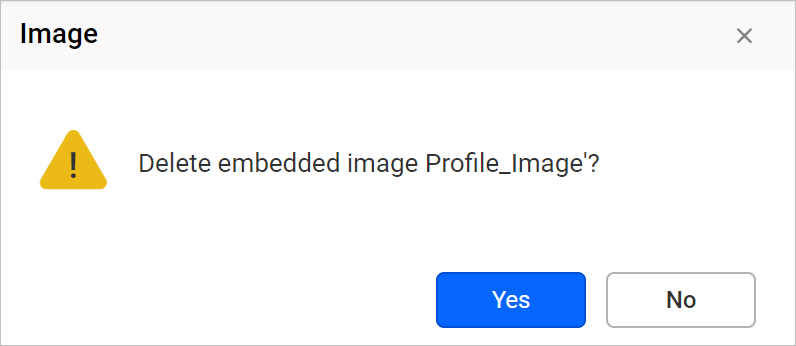
- Click the
Yesbutton to remove the image from the report.