How to resolve misused header name error
To resolve the misused header name error in a REST API data source in Bold Reports®, remove the Content-Type and Content-Length reserved headers from the Header(s) list.
When does the error occur?
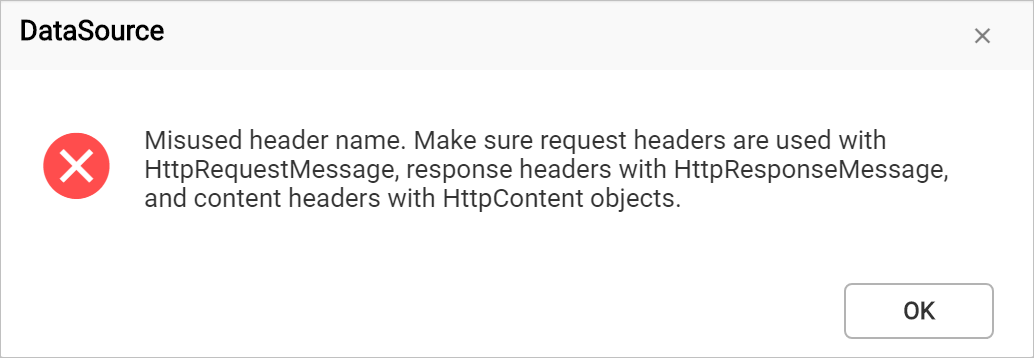
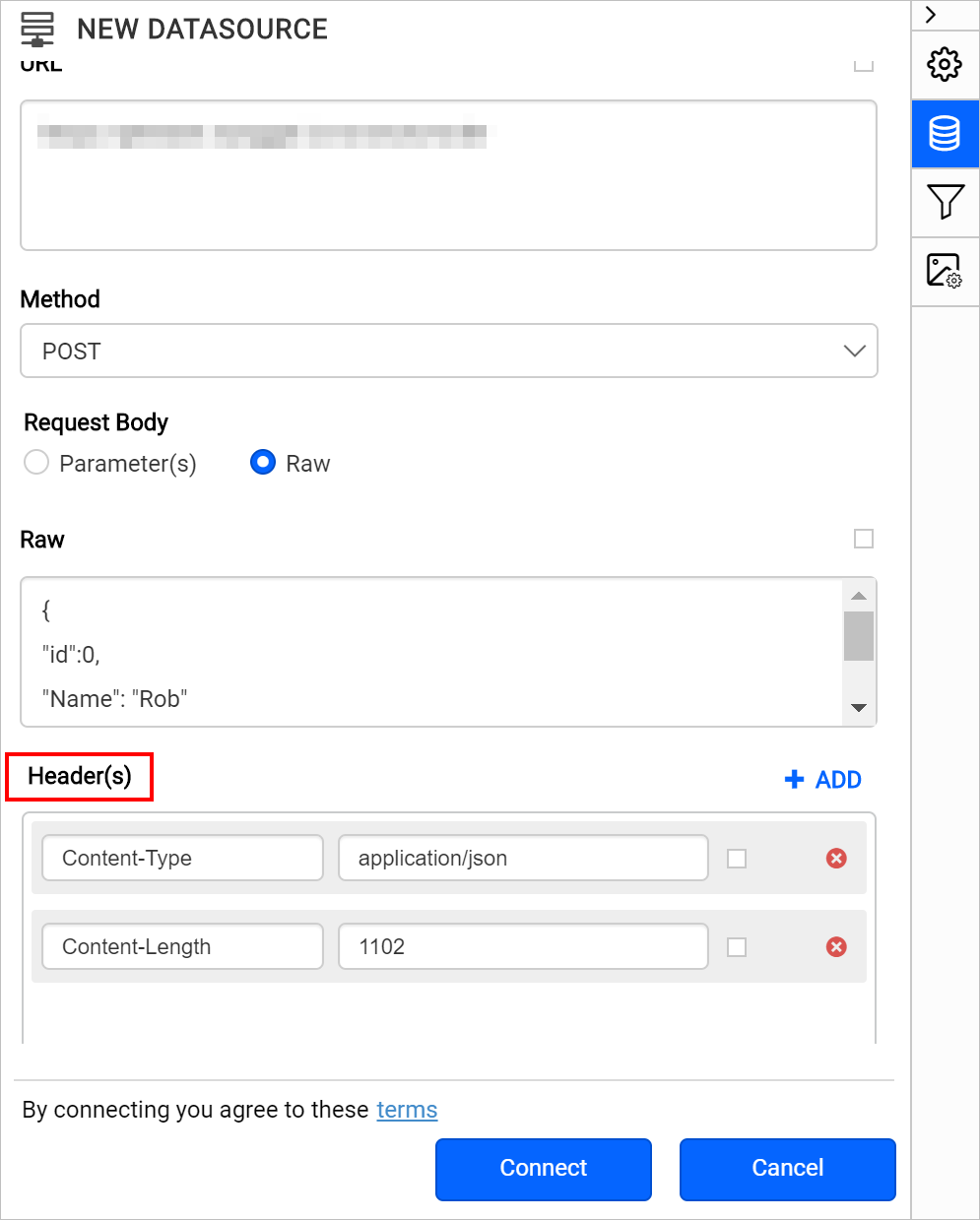
The misused header name error in the Bold Reports® REST API data source occurs when you explicitly pass the Content-Type or Content-Length reserved headers in the Header(s) list.
Why does the error occur?
The Bold Reports® REST API data source connector already handles the Content-Type and Content-Length request headers based on the Data Format field value. Passing the same values explicitly in the Headers list causes the Misused header name error.
How do I fix the error?
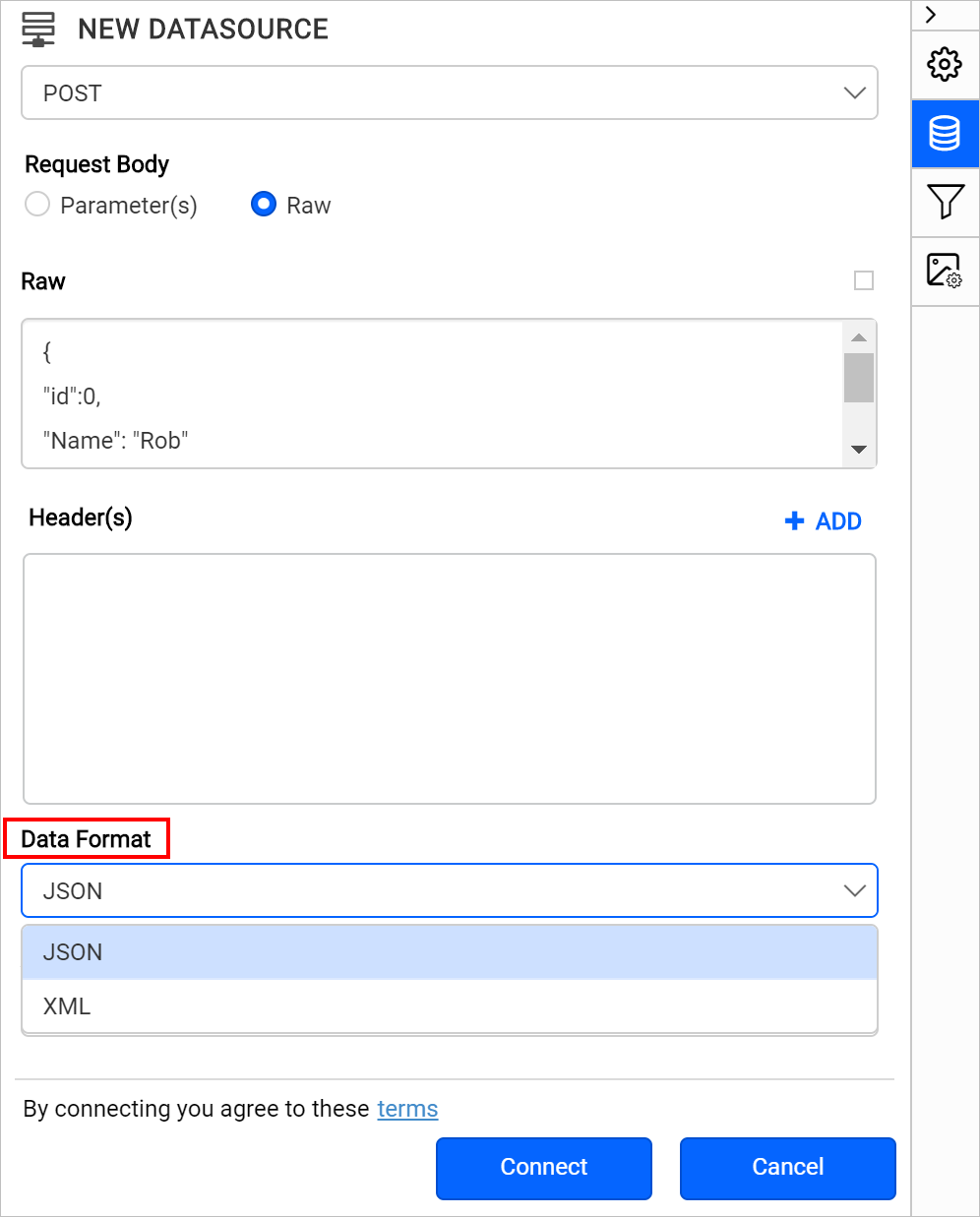
You fix the error in the Bold Reports® REST API data source by removing the reserved headers and choosing the content type in Data Format.
-
Remove the
Content-TypeandContent-Lengthreserved headers from theHeader(s)list. -
Choose the content type in the
Data Formatfield.