How to create a master detail report using the table in Web Report Designer
Bold Reports® Web Report Designer lets you show master-detail data in a single report with the table report item. Use this when your data source contains a master-detail relationship. This format works well for organizing items that have many details.
How do I build a master-detail report with a table?
The Bold Reports® blog post “Create Impressive Master-Detail Reports using the table report item” gives step-by-step instructions and tips for getting the most from the customizable templates.
Read the blog post on master-detail reports using the table report item for step-by-step instructions.
Design
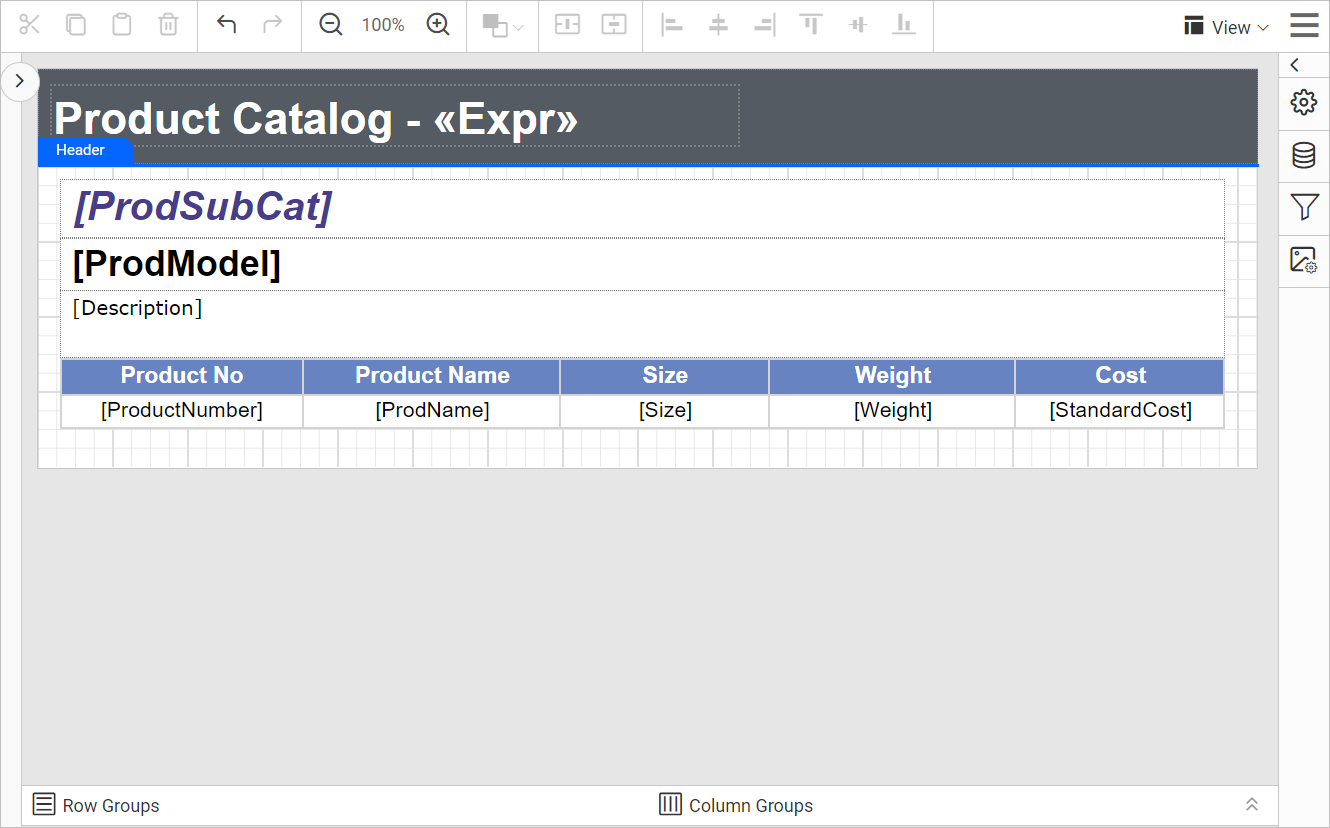
The following image shows the master-detail report design using a table in Web Report Designer.
Preview
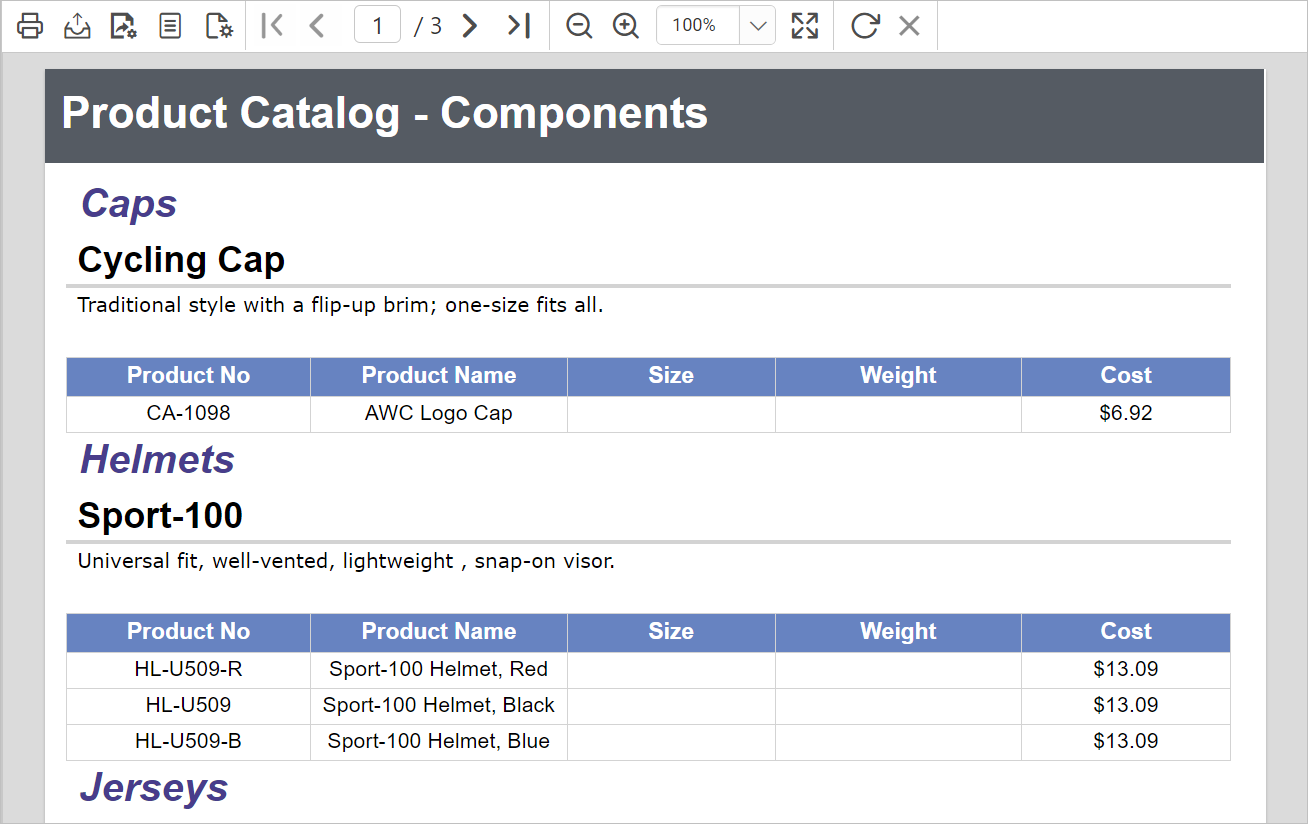
The following image shows the preview of the master-detail report using a table.