Switch report units in Bold Reports® Web Report Designer
The unit switcher in Bold Reports® Web Report Designer converts the report’s unit type from one unit type to another.
Supported Unit Types
Web Report Designer supports the following unit types:
- Inches
- Centimeters
- Pixels
- Points
- Millimeters
- Picas
How do I switch the unit type?
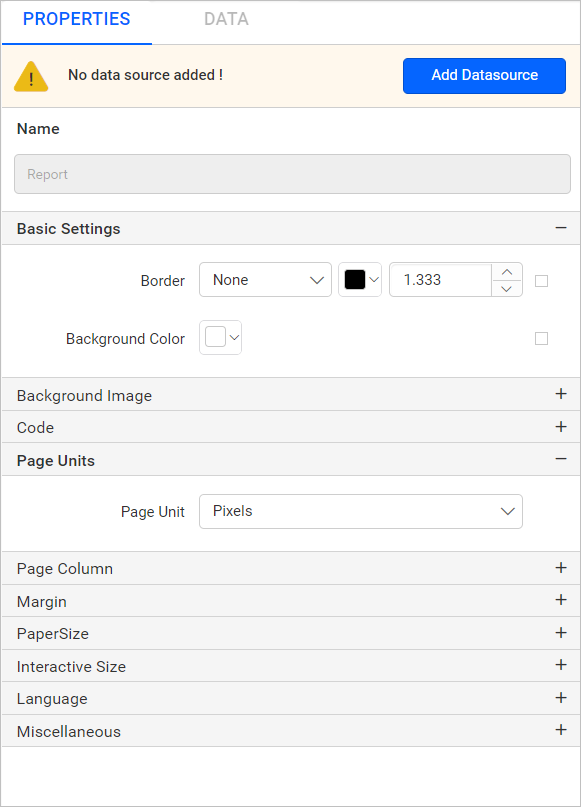
You switch the unit type in Web Report Designer from the Page Units category in Report Properties.
-
Click the Properties icon to open Report Properties.
-
Under the Page Units category, select the Page Unit dropdown to switch the report unit type.

-
The selected unit type is applied to the report.
