Show or hide the report header and footer in Bold Reports® Web Report Designer
Bold Reports® Web Report Designer lets you show or hide the report header and footer to match your report design requirements. You toggle both from the View menu in the toolbar.
Show or hide report header
The report header in Web Report Designer is hidden by default when you create a new report. To show or hide the report header:
- Open the
Viewmenu in the toolbar. - Click the
Headeroption in the menu.
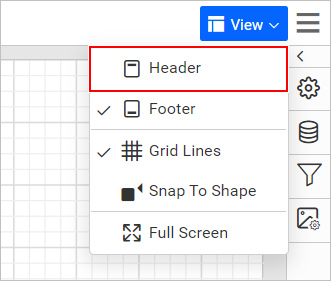
The Header section is now shown in the report.
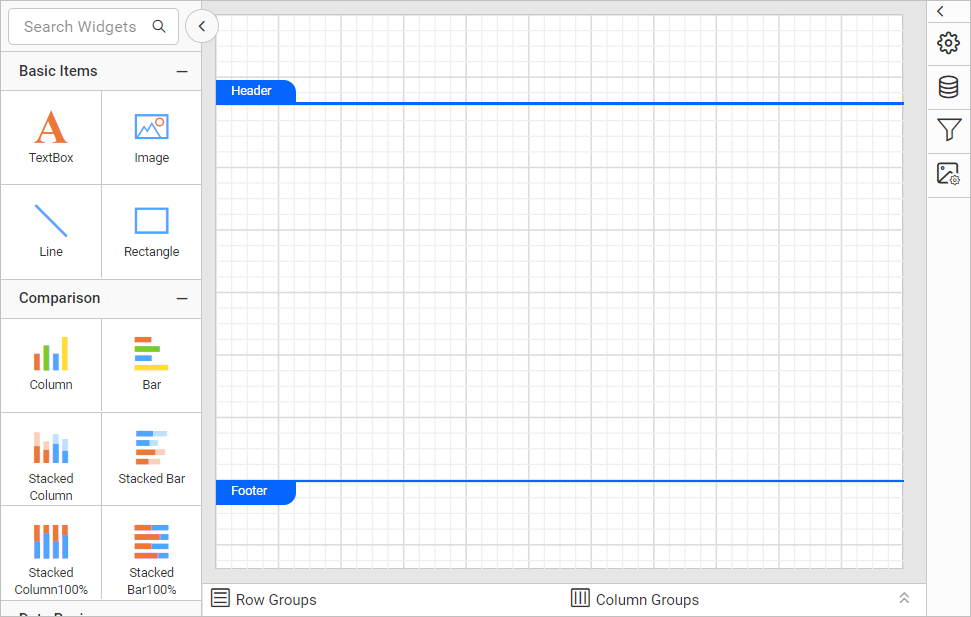
To hide the report header, click the Header option in the menu again.
Show or hide report footer
The report footer in Web Report Designer is shown by default when you create a new report. To show or hide the report footer:
- Open the
Viewmenu in the toolbar. - Click the
Footeroption in the menu.
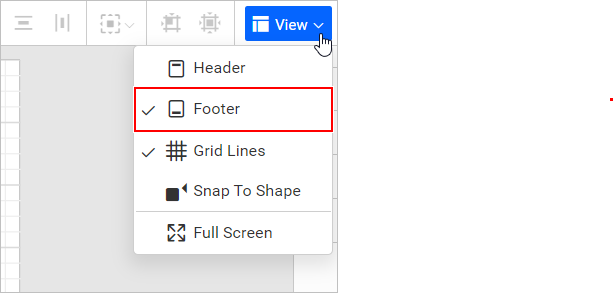
The Footer section is now hidden in the report.
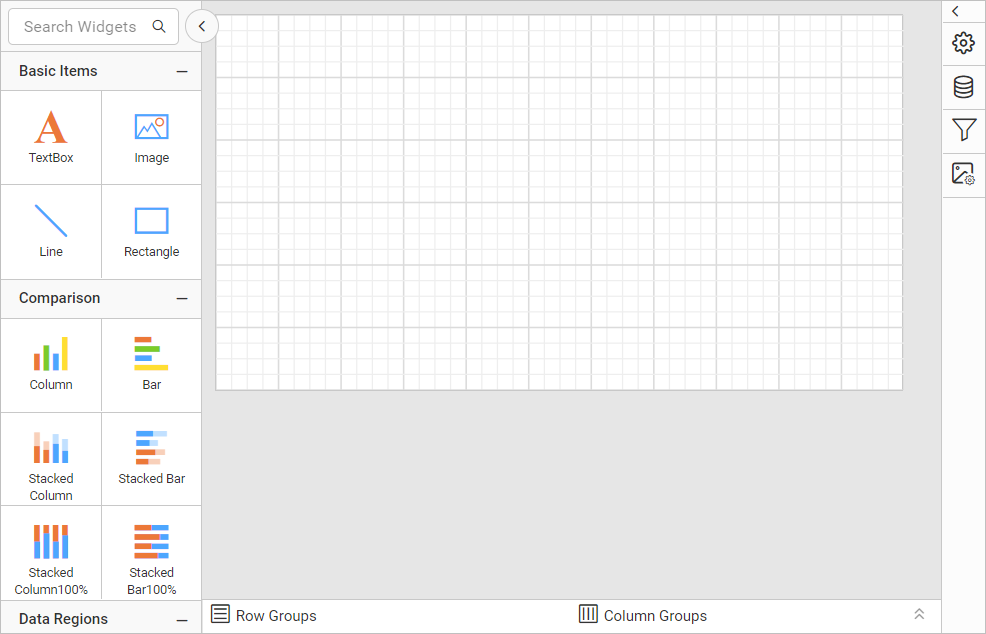
To show the report footer, click the Footer option in the menu again.
Frequently asked questions
Is the header shown in a new report?
No. The report header is hidden by default when you create a new report. The report footer is shown by default.
Where do I toggle the header and footer?
Use the Header and Footer options in the View menu of the toolbar.