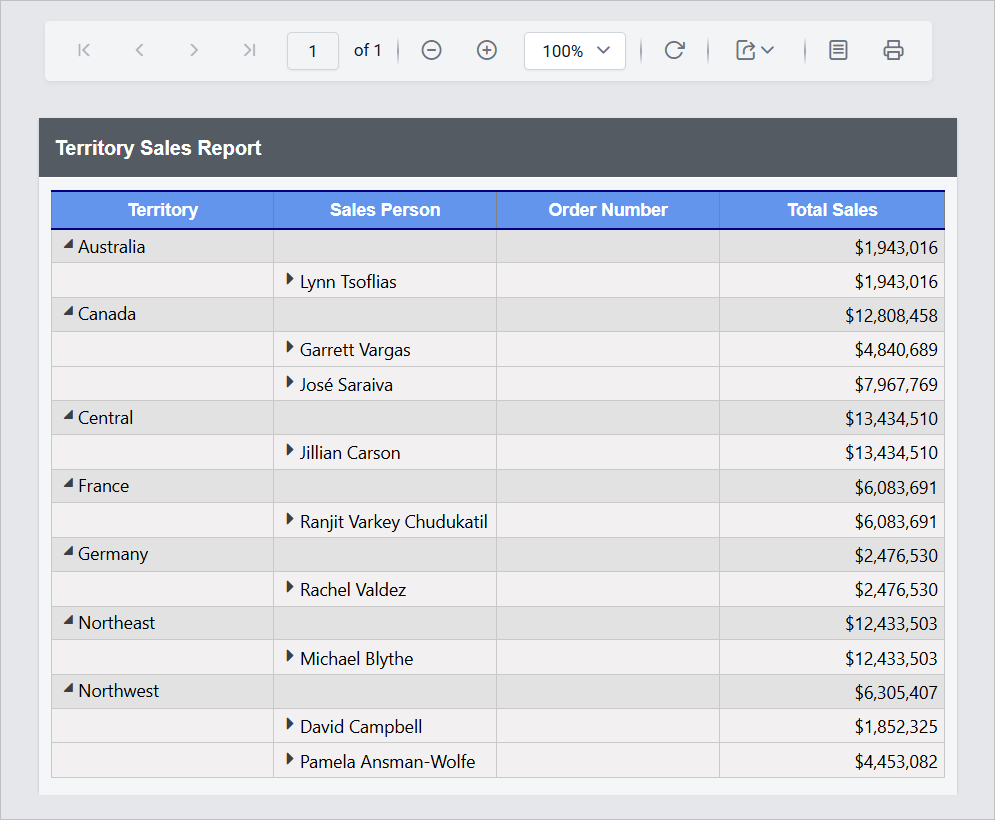
How to configure custom styles into report items
On an cloud reporting, users can apply their own formatting preferences to report items using the report designer. These styles will be applied in both the report preview and export outputs.
Create and Register custom styles in server
You can create and register custom styles in report server using File Upload. For configuration steps, refer to the Register Custom Styles section.
Choose the custom style in designer
-
The Report Designer will render as shown below:
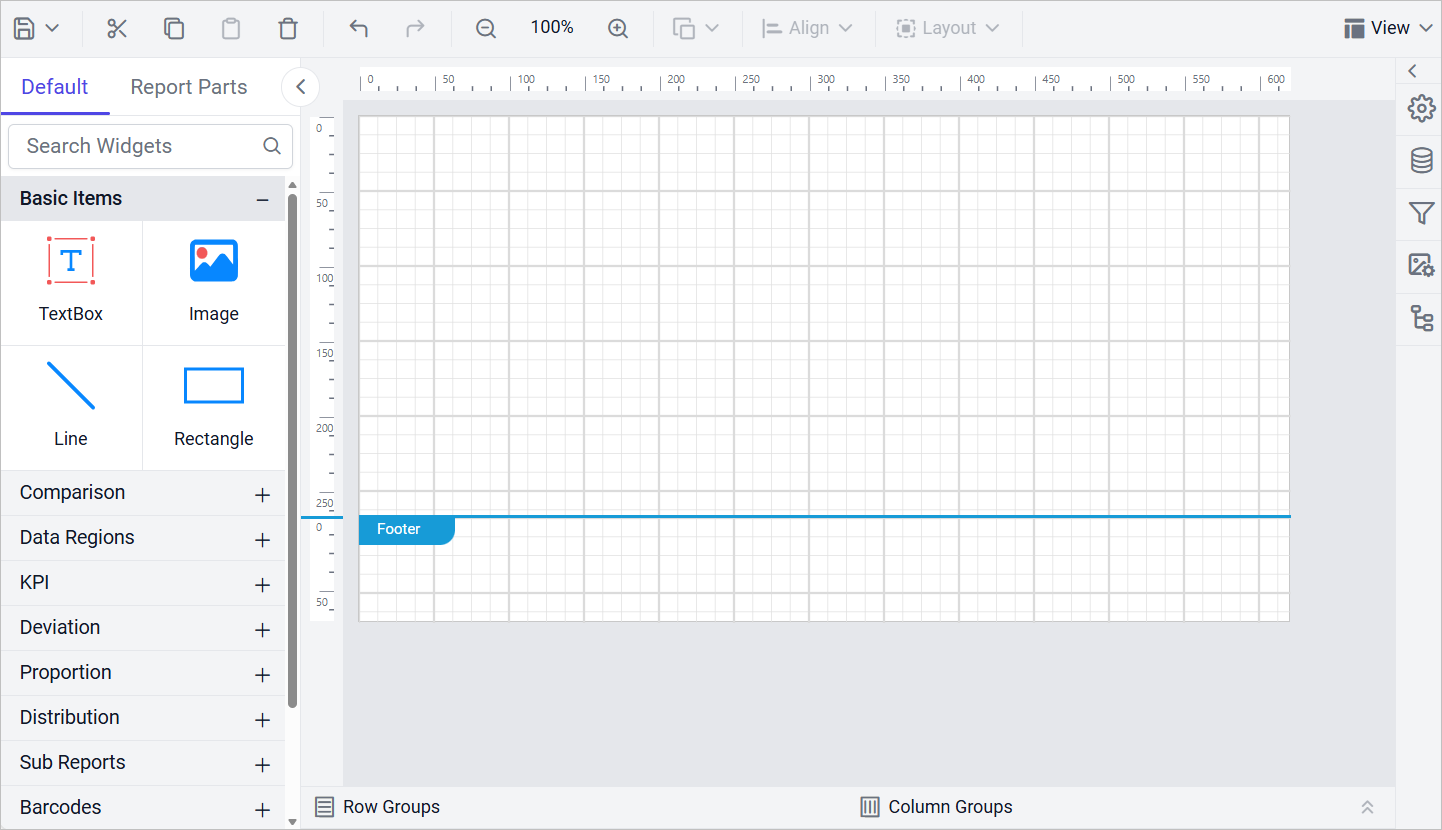
-
Navigate to the Properties panel. In the Report Properties section under
Miscellaneous, theCustom Styledropdown displays the style keys from the uploaded file. Select the appropriate style key.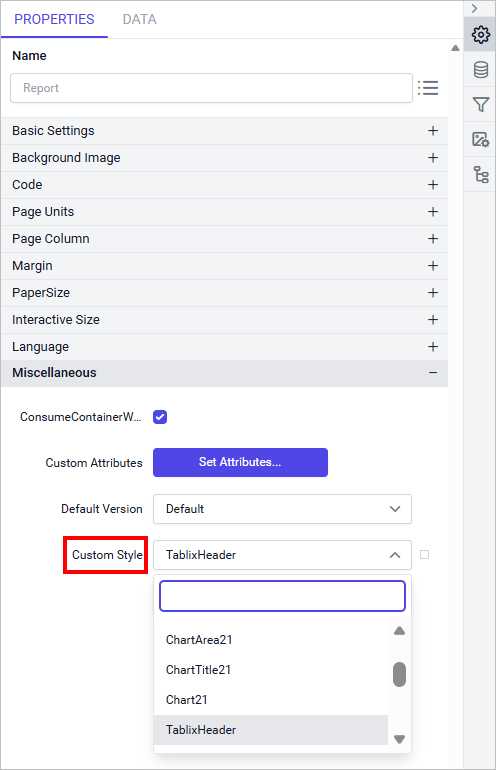
-
In the previous step, the custom style was applied at the report level. You can also apply custom styles to specific report sections (header, body, report items and footer) as needed.
View the custom style in preview
The styles defined in the selected Style Key from the previous step will be applied to all parts of the report, ensuring consistent and customized styling in both the preview and exported outputs.