Connectors settings
This section explains how to enable/disable connectors from the settings page. When creating a data source, only the enabled connectors will be displayed.
Configure connectors
-
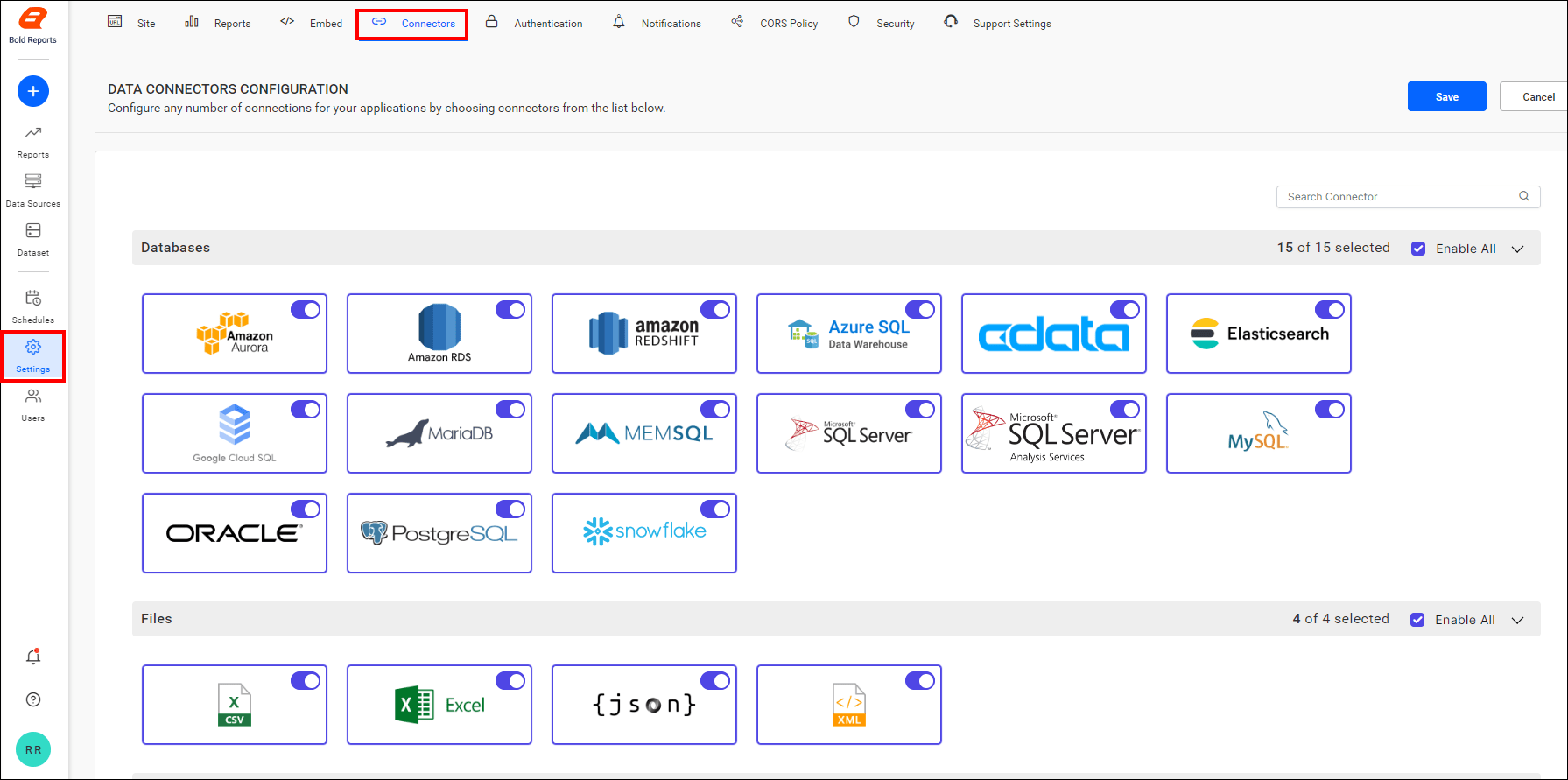
To configure the connectors settings, click the Settings option in the left-side panel of the Report Server.
-
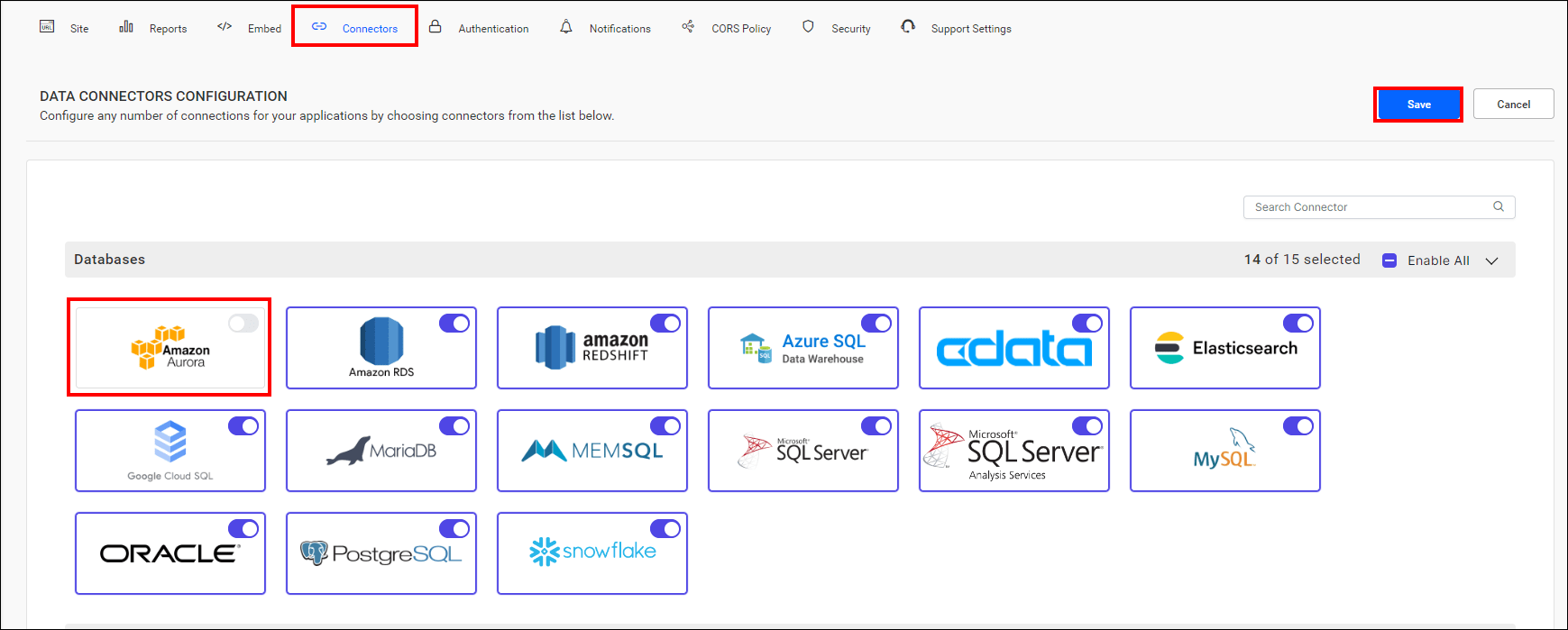
You can enable and disable a specific connector from the selected category.
-
When you want to enable or disable all connectors from a particular category, click the checkbox in the category’s right corner.

-
Click Save button to save the connectors details.
