Download Multiple reports using Multi-Select Option from Report Server
This guide explains how to use the multi-select feature in Bold Reports® On-Premise to download multiple reports
-
Select the reports you wish to download by checking the multi-select options.
Note: The multi-select options are provided as checkbox next to each report and near the
Alloption at the top of the report list, enabling you to easily select multiple reports. -
Click the
Downloadbutton, located nearAll, to start downloading the selected reports.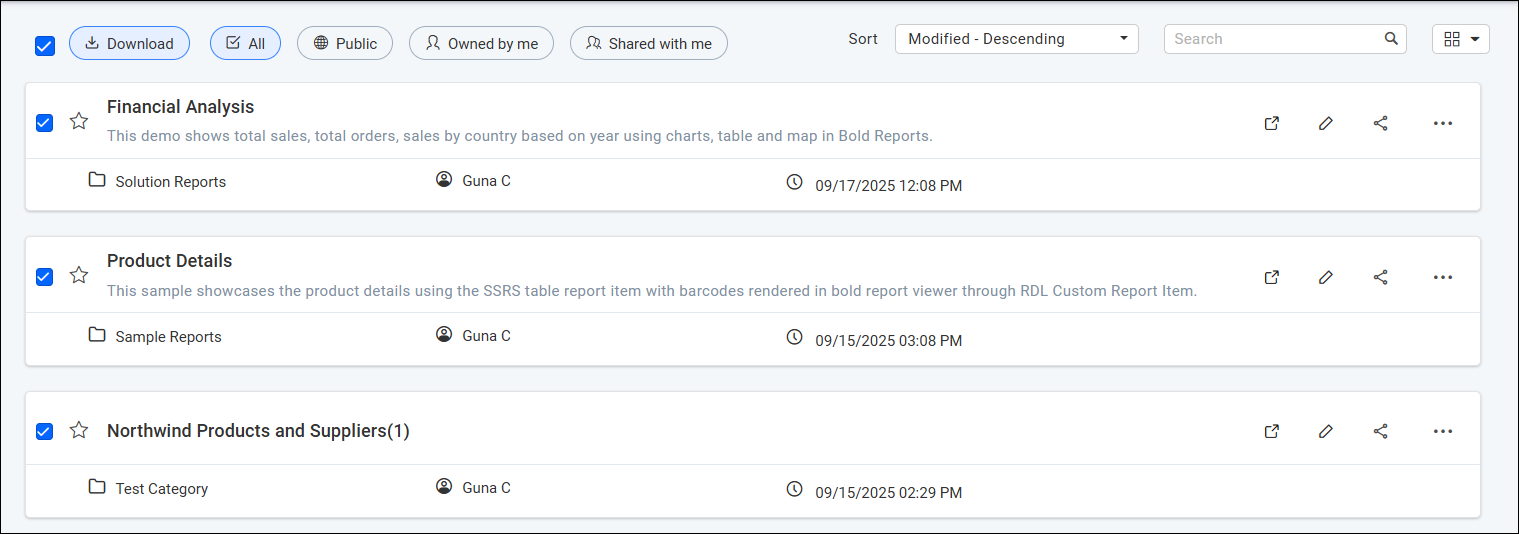
This option is available on Bold Reports® On-Premise Edition from version
11.1.10onwards.