Get started with Bold Reports® On-Premises Edition
Bold Reports® On-Premises Edition is an end-to-end solution for creating, managing, and sharing interactive business reports. It includes a report server application for easily composing, managing, and sharing reports. Check the system requirements below, then register and download the build.
Prerequisites for Windows
Bold Reports® On-Premises Edition on Windows needs Windows Client 10+ or Windows Server 2022+, a 4-core CPU, 16 GB of RAM, a supported database and IIS 10.0.
Hardware Requirements
Bold Reports® On-Premises Edition needs the following hardware to run on Windows:
- Operating System: Windows Client 10+ | Windows Server 2022+.
- CPU: 4-Core, 2.4 GHz or faster, 32-bit or 64-bit processor.
- RAM: 16 GB for 32-bit or 64-bit.
- Disk Space for Installation Files: 10 GB.
Software Requirements
Bold Reports® On-Premises Edition needs the following software to run on Windows:
- Installer Framework : .NET Framework 4.5 and above.
- Database : PostgreSQL 13.0+ | Microsoft SQL Server 2016+ | MySQL 8.0+ | Oracle Database 19c+.
- Web Server : Internet Information Services (IIS) 10.0
- Web Browser : Microsoft Edge | Mozilla Firefox | Chrome | Apple Safari.
Prerequisites for Linux
Bold Reports® On-Premises Edition on Linux needs a verified Linux distribution, a 4-core CPU, 16 GB of RAM, a supported database and an Nginx or Apache web server.
Hardware requirements
Bold Reports® On-Premises Edition needs the following hardware to run on Linux:
- Operating System: Bold Reports® for Linux can run on various Linux distributions and has been verified on the following operating systems:
- Ubuntu 20.04+
- Cent OS Stream 9+
- Oracle Linux 9.2+
- Red Hat Enterprise Linux 9.3+
- Alma Linux OS 9.5
- Debian 12
- Rocky Linux 8+
- CPU: 4-Core.
- RAM: 16 GB.
- Disk Space for Installation Files: 10 GB.
Software requirements
Bold Reports® On-Premises Edition needs the following software to run on Linux:
- Database: PostgreSQL 13.0+ | Microsoft SQL Server 2016+ | MySQL 8.0+ | Oracle Database 19c+.
- Web Server: Nginx | Apache
- Web Browser: Microsoft Edge | Mozilla Firefox | Chrome.
Registration and Download
You register and download the Bold Reports® Enterprise Reporting build from the Bold Reports® website. Follow these steps to get the build:
-
Visit the Bold Reports® website to register and download the Bold Reports® Enterprise Reporting build.
-
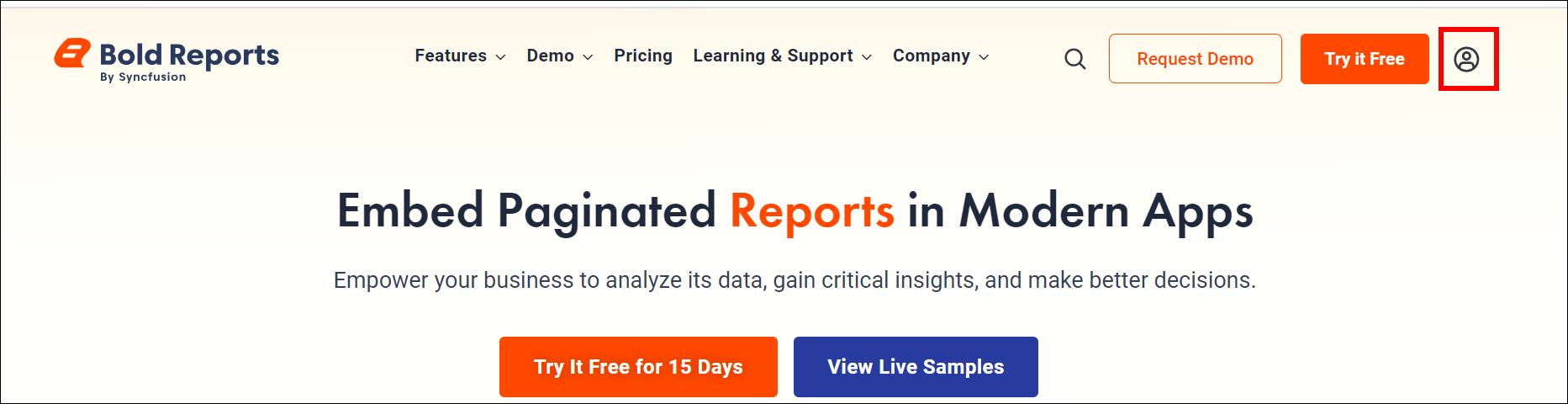
Click the Log In button to continue.
-
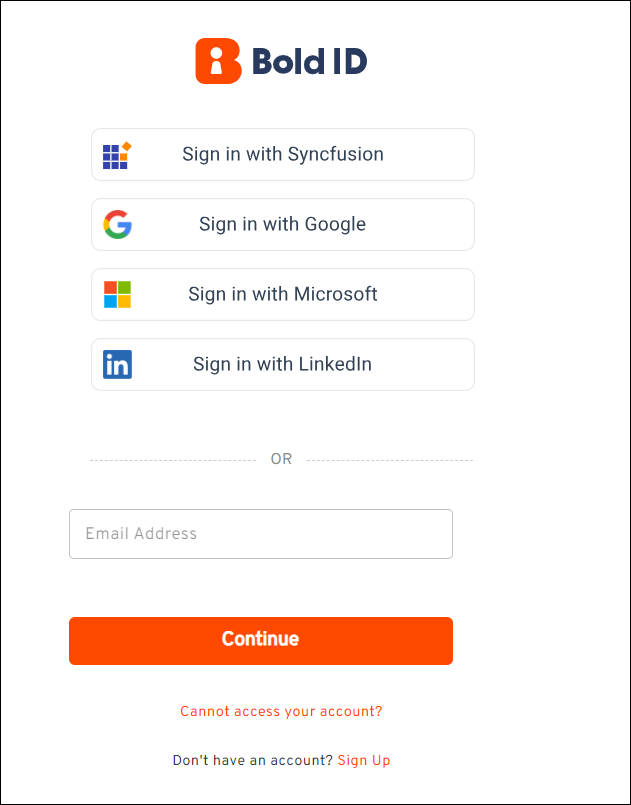
If you already have an account, sign in using one of the available options.
-
To create a new account, click the Sign Up option shown in the image above.
-
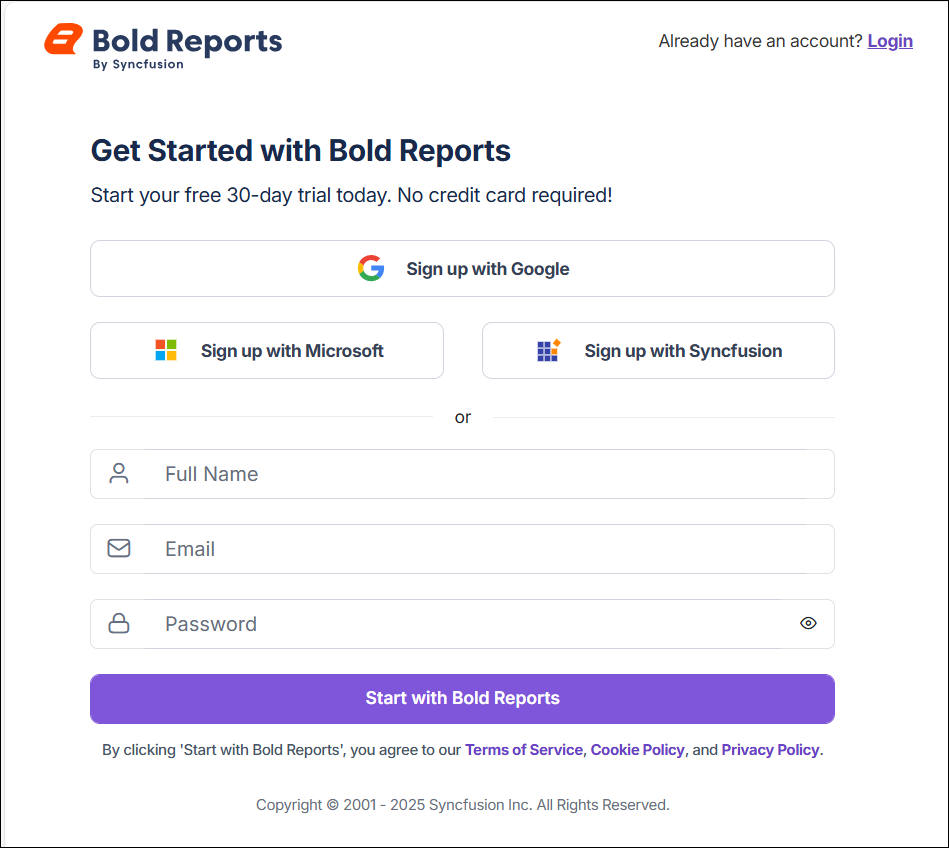
The Sign Up option takes you to the page shown below, where you can register using your Google, Microsoft, or Syncfusion® account.
-
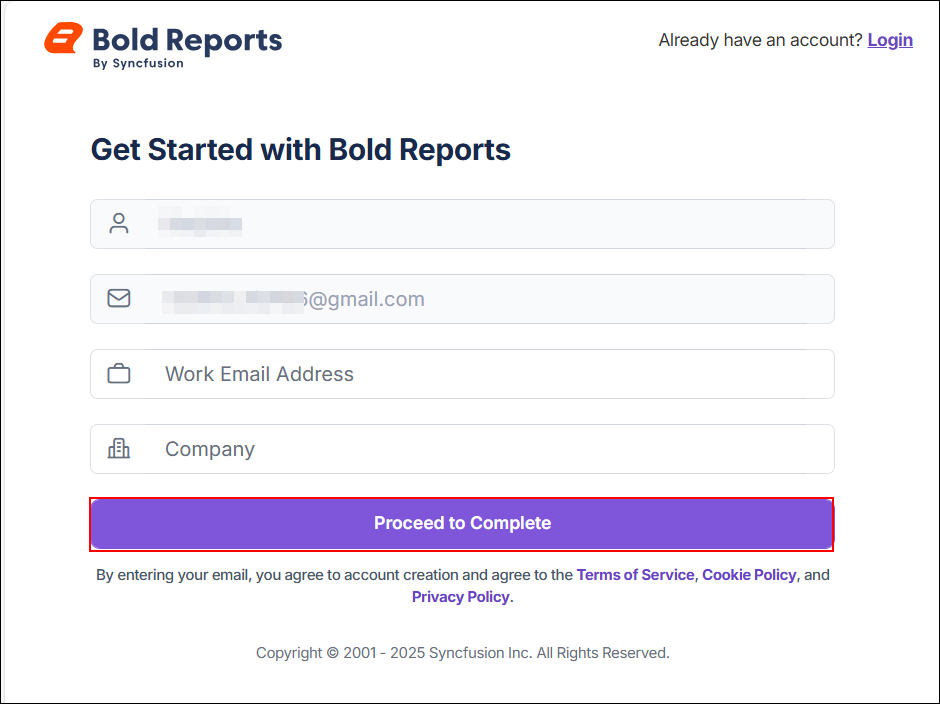
After you enter your credentials, you are redirected to the page shown below. Click Proceed to Complete to finish the registration process.
-
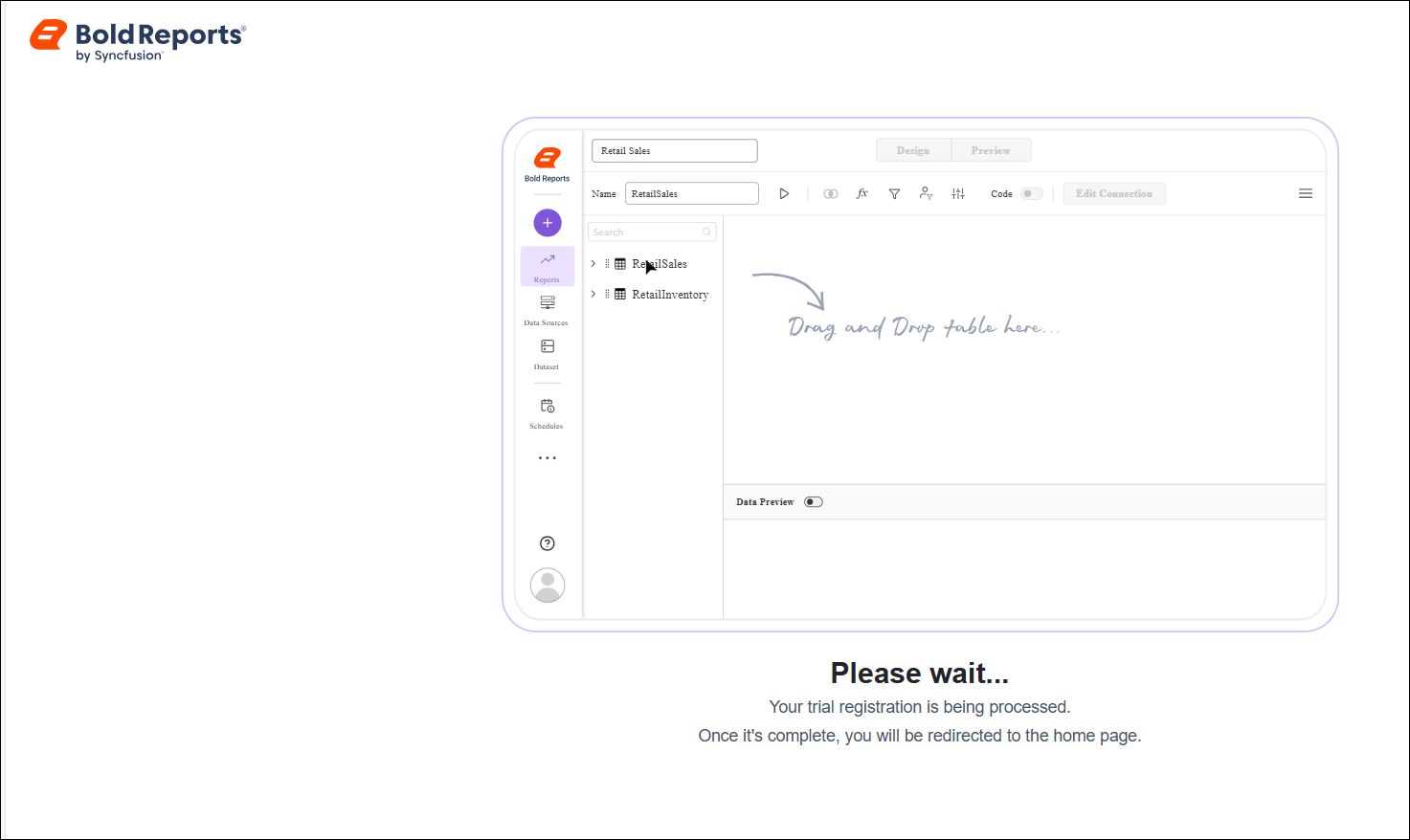
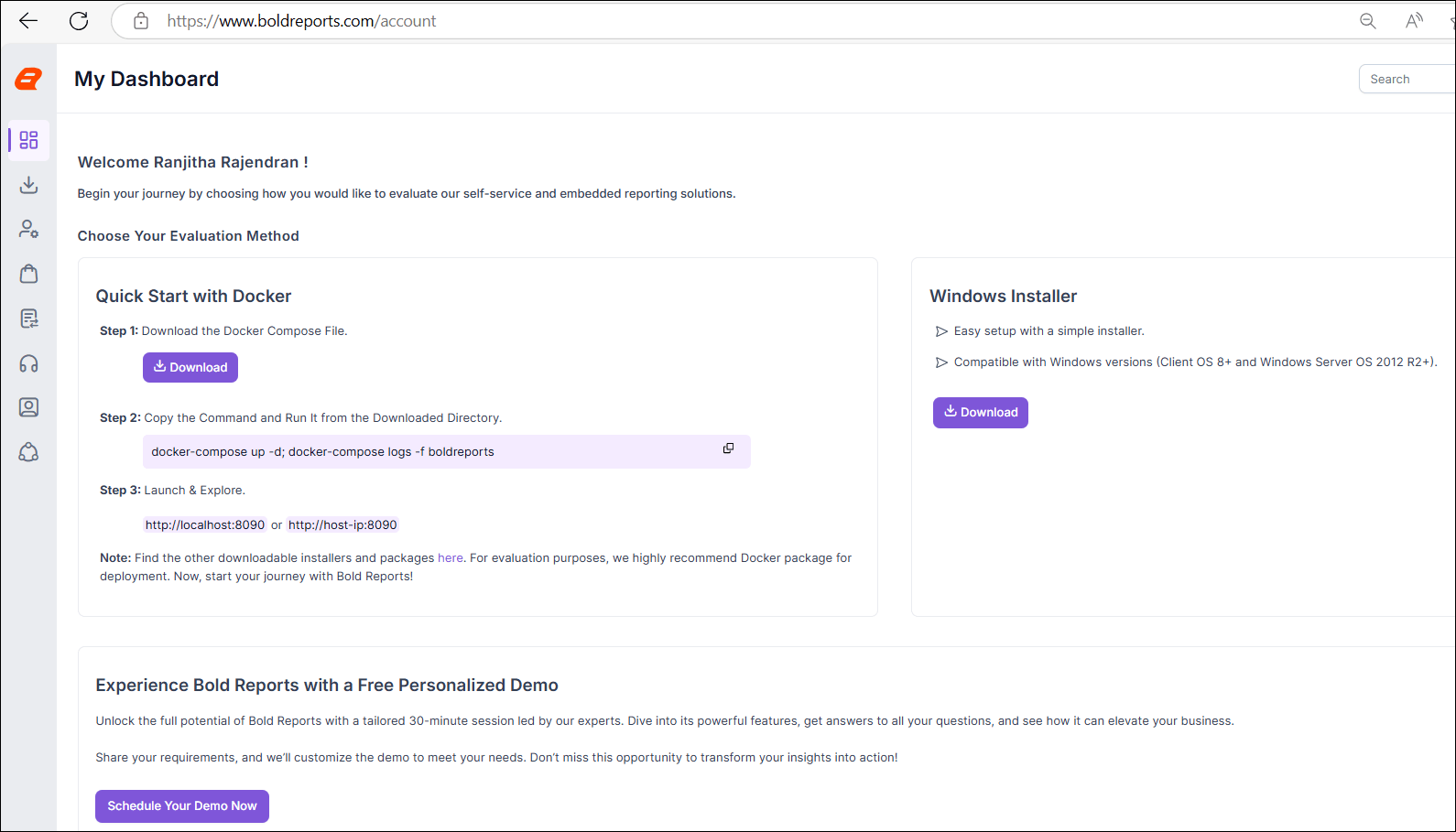
After you click Proceed to Complete, you are redirected to the trial registration page. When registration is complete, you are taken to your Bold Reports® account page. Select your preferred setup option and click the corresponding download button.
Can I try Bold Reports® for free?
Yes. You can create a free account with a 30-day trial of Bold Reports®. For step-by-step instructions, see the Free Tier user guide.
Frequently asked questions
Which databases does Bold Reports® On-Premises Edition support?
Bold Reports® On-Premises Edition supports PostgreSQL 13.0+, Microsoft SQL Server 2016+, MySQL 8.0+ and Oracle Database 19c+ on both Windows and Linux.
Which accounts can I use to sign up?
You can register for Bold Reports® using your Google, Microsoft, or Syncfusion® account.