System user authentication in Bold Reports®
Enable the System User option in Bold Reports® to streamline authentication and enhance accessibility. The option allows anonymous users to view reports and access REST APIs, and it generates global access tokens for secure and efficient system-wide authentication.
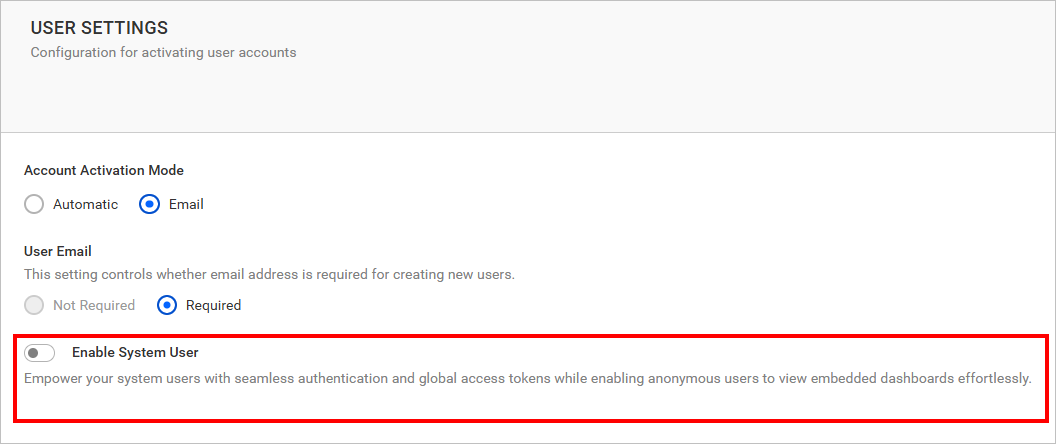
What happens when I enable the System User option?
Enabling the Bold Reports® System User option grants a dedicated user account with elevated privileges across the entire application. When the option is enabled:
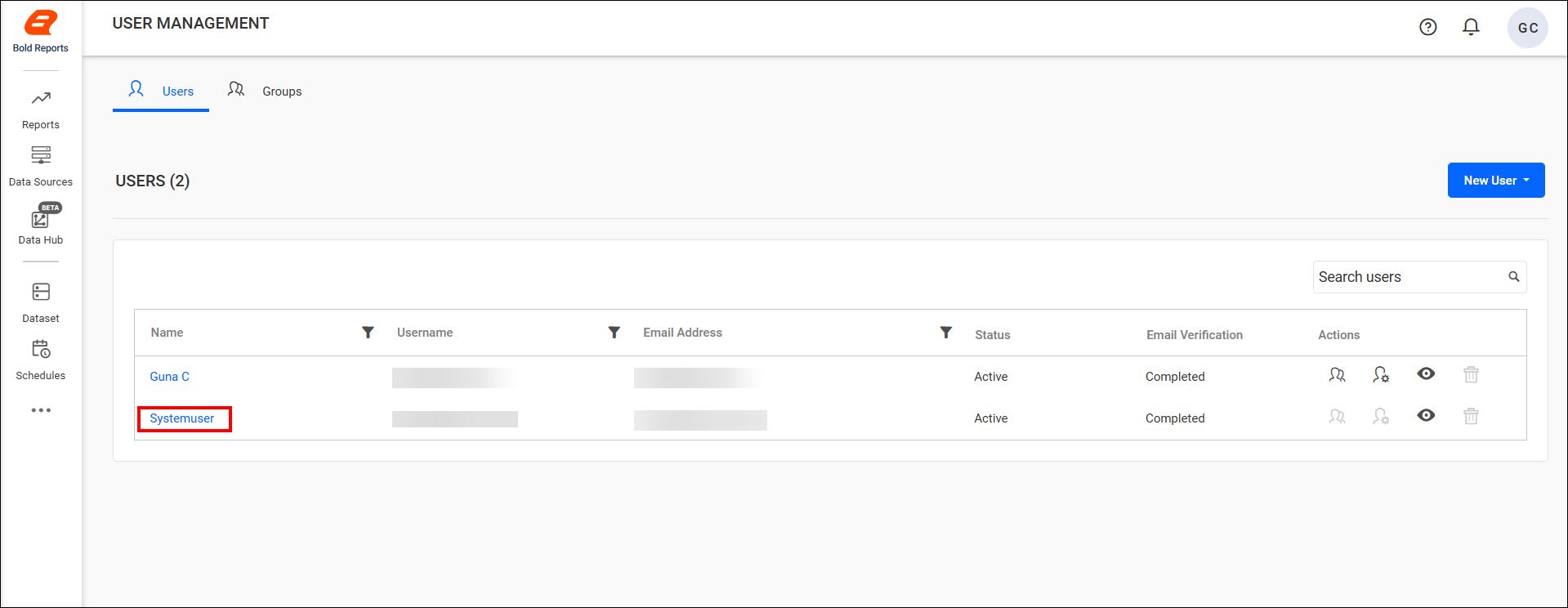
- The System User is automatically added to the Users page for each site.
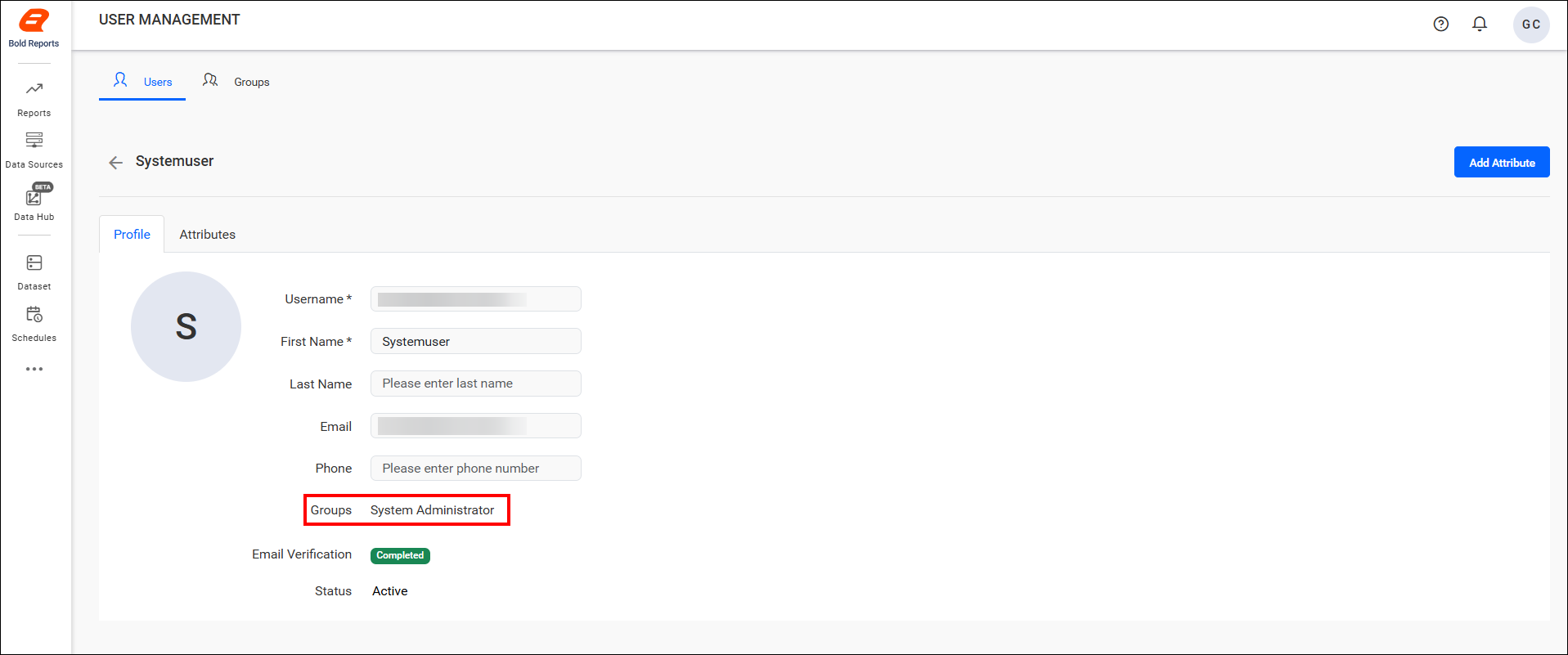
- As a member of the System Administration group, the user gains full access to all features and modules within the application.
- The feature simplifies authentication for system-level operations by allowing:
- Anonymous access for viewing reports and consuming REST APIs.
- Generation of global access tokens for secure, system-wide authentication.
When should I use the System User?
The Bold Reports® System User suits administrative tasks that need central control.
Note: Ideal for scenarios where centralized control and unrestricted access are required for administrative tasks.
Frequently asked questions
Which group does the System User belong to?
The Bold Reports® System User is a member of the System Administration group and gains full access to all features and modules within the application.
Where does the System User appear?
The System User is automatically added to the Users page for each site.