User Import from a Database
This section explains how to import users from a database into Bold Reports® On-Premise.
NOTE: To import users from the existing database, you must configure the database connection in the Database Settings within the User Directories tab.
Only users belonging to the System Administrator group can import users from the database into Bold Reports® On-Premise.
Listing Database Users
-
To add new users to Bold Reports® On-Premise, click on
New User, and then selectImport from Databasefrom the User Management page.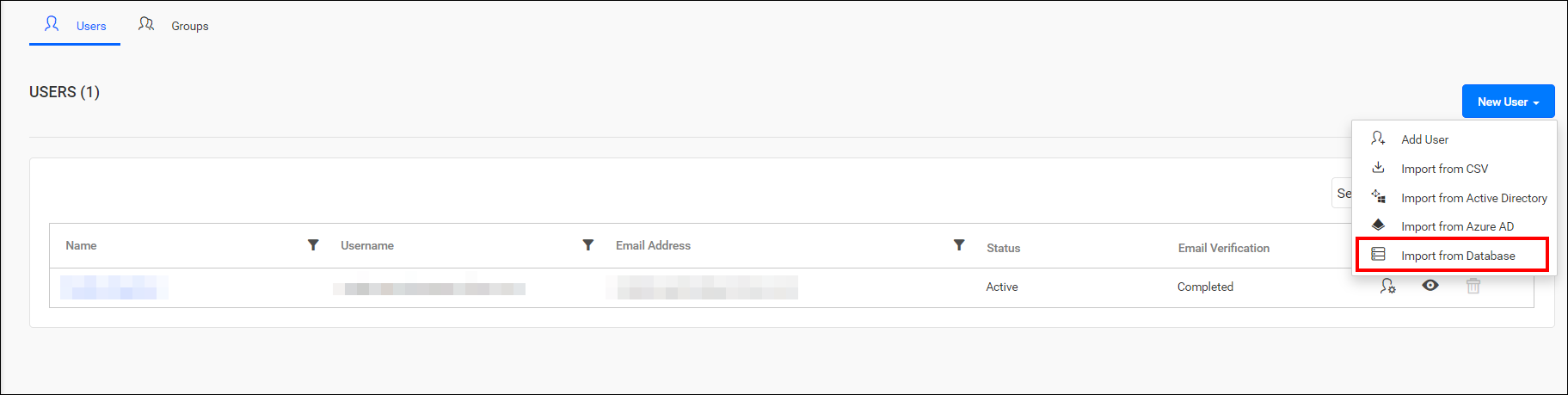
-
The link will redirect to another page that will appear as follows:
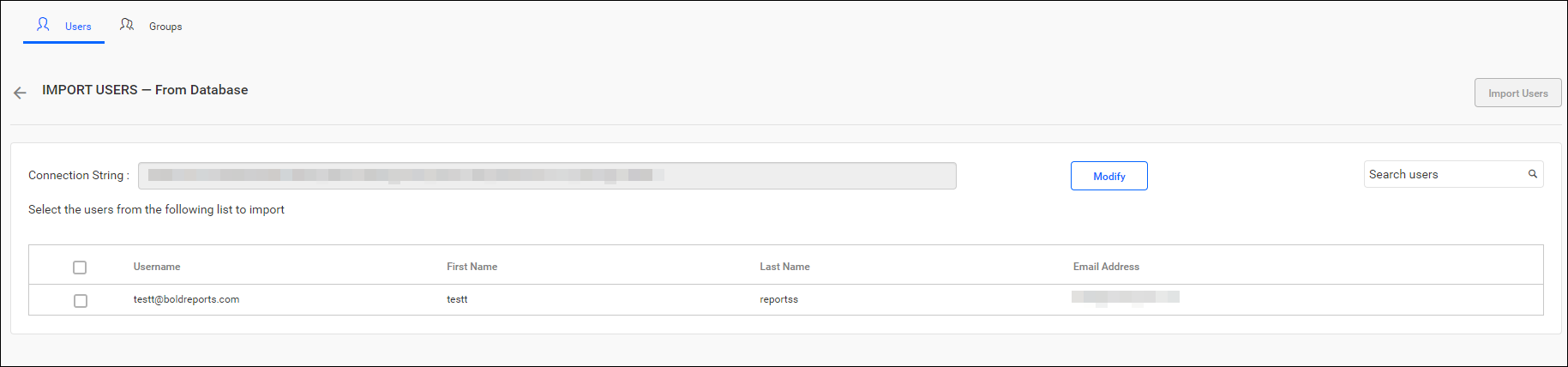
Select Users and Import
-
After selecting columns, the data retrieved from the database will be displayed in the grid. Choose the users to be imported and click on
Import Usersto proceed with the import.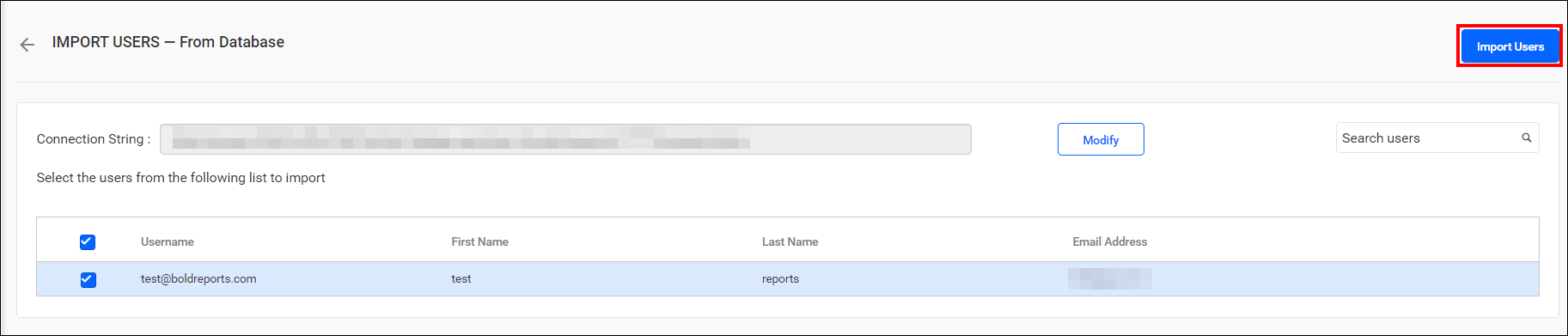
-
Bold Reports® will import the selected users, and a confirmation message will be displayed as shown in the below image.

Modify Existing Database Connection
To modify existing database configuration settings, click on the Modify button as shown below:
