Reset Two Factor Authentication
Please refer to your operating system’s documentation for resetting the Two-Factor Authentication of any user using their email address or username.
Windows
-
Open the command prompt and change the directory to the admin utility location.
cd C:\BoldServices\utilities\adminutils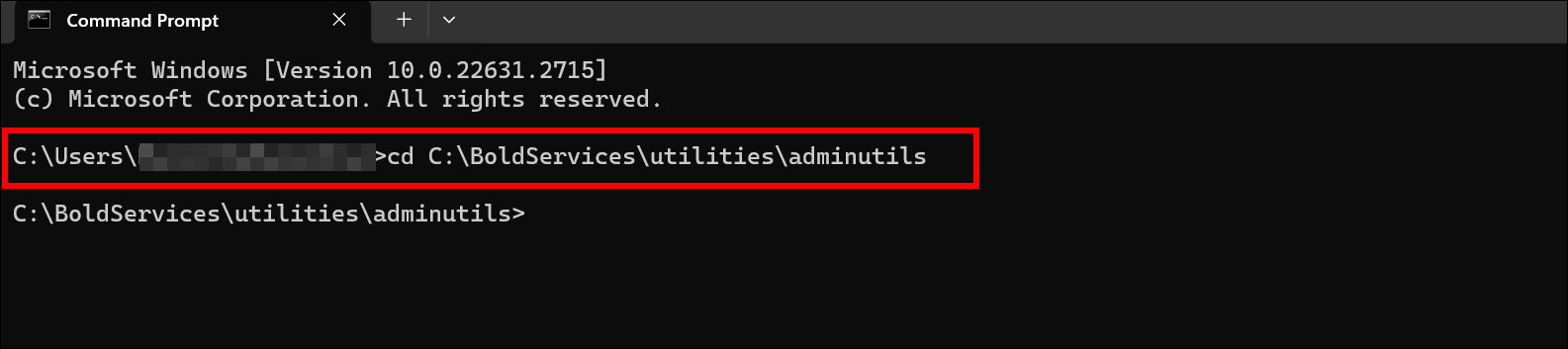
-
After changing the directory, please run the following command to reset Two-Factor Authentication.
Syncfusion.Server.Commands.Utility.exe reset2fa -u 'user email or username here'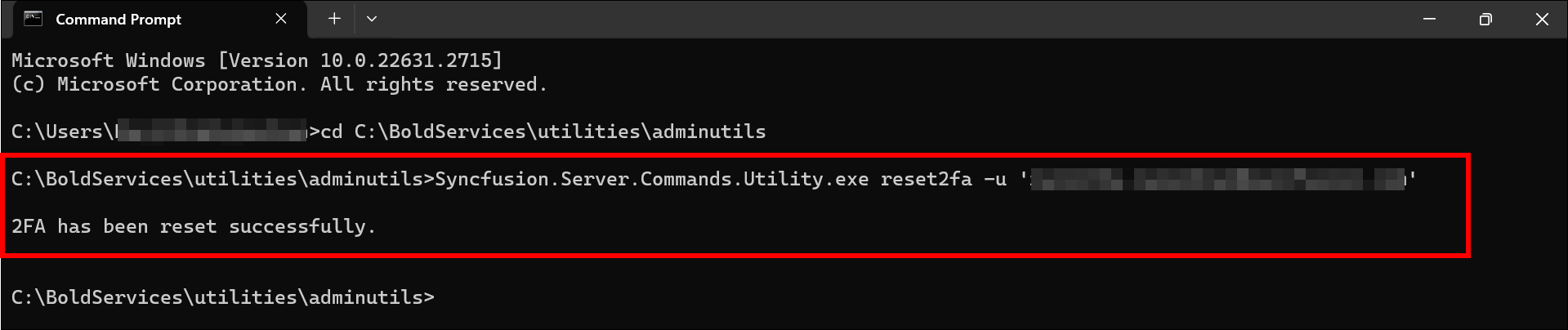
-
Once the Two-Factor Authentication has been reset successfully, the user can log in without Two Factor Authentication.
Linux
-
Change the directory to the admin utility location.
cd /var/www/bold-services/application/utilities/adminutils/
-
After changing the directory, please run the following command to reset Two-Factor Authentication.
../../../dotnet/dotnet Syncfusion.Server.Commands.Utility.dll reset2fa -u 'user email or username here'
-
Once the Two-Factor Authentication has been reset successfully, the user can log in without Two Factor Authentication.